10 Best Social Media Plugins for WordPress
Choosing the right social media plugin can make the difference between a site that feels connected and active and one that feels isolated from the platforms your audience already spends hours scrolling through every day. WordPress supports an enormous range of social tools, from simple sharing buttons to full scale auto posting systems that push your content across dozens of networks the moment you hit publish.
Rather than listing every plugin available, this guide focuses on ten genuinely useful options, each suited to a different job. Some are built for displaying live feeds, others handle automated posting, and a few focus purely on encouraging visitors to share your content. Understanding what each plugin actually does best will help you avoid installing redundant tools that slow your site down without adding real value.
1. Smash Balloon
Smash Balloon is one of the most widely used social feed solutions for WordPress, trusted across more than a million active installations. Rather than a single plugin, it operates as a family of tools, each dedicated to a specific platform, including Instagram, Facebook, Twitter, and YouTube. This modular approach means you only install the specific feed you actually need rather than a single bulky plugin trying to handle everything at once.
The Instagram feed option is particularly popular among businesses and creators, offering customizable, shoppable layouts that display recent posts, stories, and reels directly on a WordPress page. A free version covers the basics for most sites, while paid upgrades unlock advanced layout options, moderation tools, and support for multiple connected accounts.
Best suited for sites wanting a polished, single network feed embedded somewhere prominent on the homepage or a dedicated gallery page.
2. Juicer
For sites that want to aggregate content from many networks into a single unified feed rather than managing separate widgets for each platform, Juicer stands out as one of the strongest options available. It pulls in content from a wide range of sources, including Instagram, TikTok, X, Facebook, LinkedIn, and YouTube, combining everything into one moderated, customizable feed.
This approach works particularly well for event pages, community driven sites, or brands that want to showcase user generated content from a branded hashtag across multiple platforms simultaneously. A free tier supports a limited number of sources, while paid plans expand aggregation limits and add deeper customization along with moderation controls.
Best suited for sites that want a single, unified social wall rather than juggling several separate single platform feed plugins.
3. FS Poster
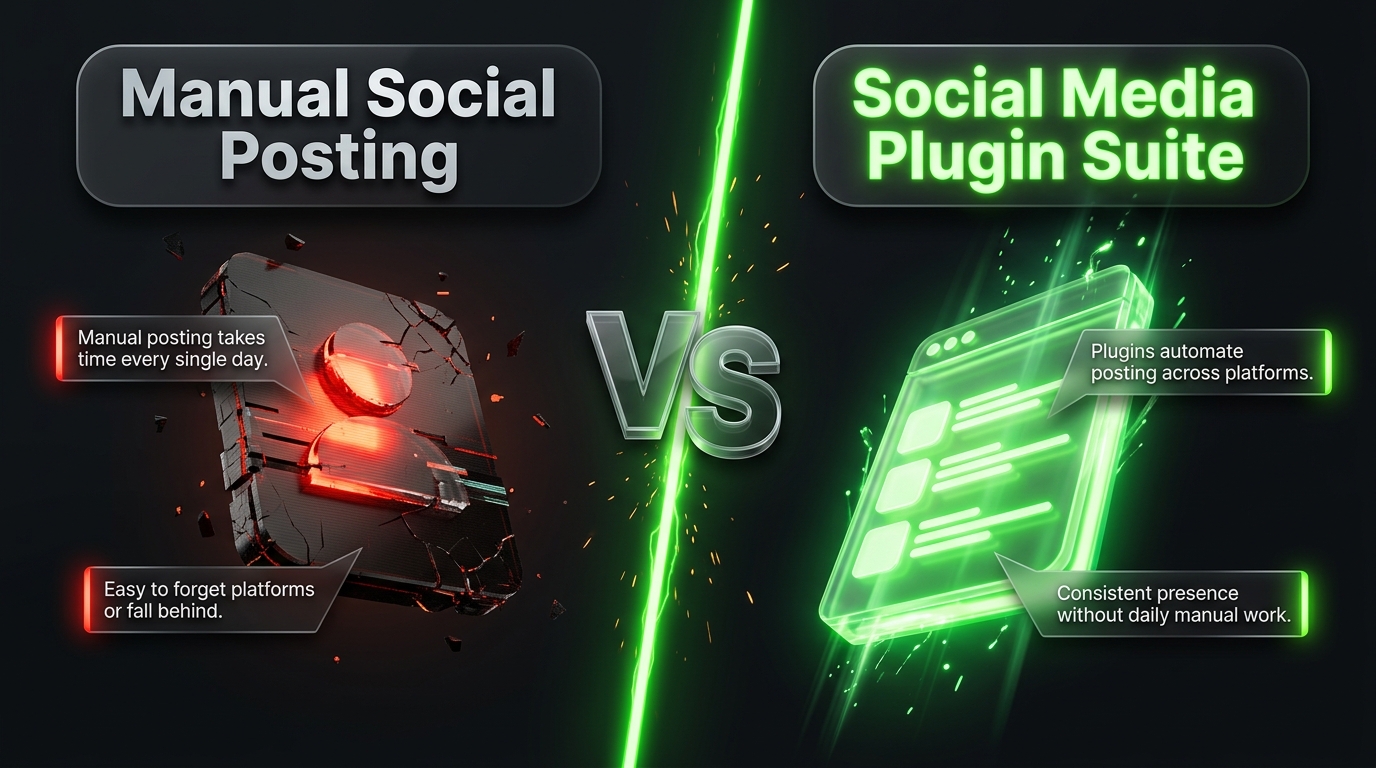
FS Poster takes a different approach entirely, focusing on automated publishing rather than displaying feeds. Once connected, it automatically pushes new WordPress posts, pages, or products out to a long list of social destinations without requiring you to manually copy links or write separate captions for each platform.
What sets FS Poster apart is sheer network coverage. It supports publishing to dozens of destinations, covering not just the major players like Facebook, Instagram, and LinkedIn, but also platforms like Pinterest, TikTok, Threads, Telegram, Reddit, Bluesky, Mastodon, and several others rarely supported by competing tools. Everything runs from within the WordPress dashboard itself, including a scheduling calendar and per platform post customization, so there is no need to rely on a separate external service.
Best suited for content heavy sites, online magazines, agencies, and course creators that publish frequently and want genuine automation without leaving WordPress.
4. Jetpack Social
Jetpack Social offers a simpler, more streamlined take on auto sharing, appealing especially to site owners who already use other Jetpack features for security, backups, or performance. Rather than a full scale social media management suite, it focuses narrowly on automatically sharing new posts to a handful of major platforms directly from the post editor.
The setup process is minimal, connecting your accounts once through a simple authorization flow, after which new content publishes automatically without any additional steps required at the time of writing each post. While it lacks the extensive network coverage or advanced scheduling calendar found in more robust automation tools, its simplicity makes it an appealing choice for smaller blogs that just want reliable, no fuss sharing.
Best suited for smaller sites already within the Jetpack ecosystem that want basic automated sharing without a steep learning curve.
5. Social Snap
Social Snap focuses on the sharing button side of the equation rather than feeds or automated posting. It is a lightweight, responsive plugin offering highly customizable icons that can be placed in multiple locations throughout a post, including floating sidebars, inline positions within the content itself, and image specific share buttons.
Beyond basic sharing functionality, Social Snap includes built in analytics showing which platforms and posts generate the most shares, along with tools like click to tweet boxes that let you highlight quotable snippets readers can share with a single click. This combination of sharing plus lightweight analytics makes it a well rounded choice for bloggers who want visibility into how their content spreads.
Best suited for content creators and bloggers who want detailed control over button placement along with built in performance tracking.
6. Monarch
Monarch, developed by Elegant Themes, is another strong contender in the sharing button category, known for its polished visual design and flexible placement options. It supports a wide range of display styles, including floating sidebars, popups triggered after a certain scroll depth, and inline buttons placed directly within blog content.
One standout feature is its detailed targeting options, allowing different sharing configurations for different post types, categories, or even individual pages. This level of customization suits sites with varied content, such as a blog that wants prominent sharing buttons on articles but a more minimal presence on standard informational pages.
Best suited for design conscious site owners who want granular control over exactly where and how sharing buttons appear across different sections of their site.
7. Social Icons Widget and Block
Sometimes the goal is not sharing existing content but simply helping visitors find and follow your social profiles. Social Icons Widget and Block fills this specific role, offering a clean, customizable row or grid of icons linking directly to your social accounts, placeable through a Gutenberg block, a classic widget, or a shortcode.
The plugin supports well over a hundred networks and platforms, extending beyond the usual major players to include destinations like Mailchimp, GitHub, and podcast directories, along with a large library of icon styles to match any site’s visual design. It remains fully compliant with privacy regulations since it collects no visitor data, and its active, frequent maintenance schedule makes it a safe long term choice.
Best suited for almost any WordPress site that simply wants a clean, reliable way to display links to its existing social profiles.
8. Custom Share Buttons
For site owners who want something simple and free without the added features found in more robust plugins, Custom Share Buttons offers an elegant, no frills solution. It provides a floating sidebar along with straightforward customization options, supporting the core major platforms most sites actually need.
While it lacks the analytics and advanced targeting found in premium alternatives, its lightweight footprint makes it an appealing option for performance conscious site owners who want basic sharing functionality without the overhead of a larger plugin loaded with unused features.
Best suited for smaller blogs or personal sites that want fast, functional sharing buttons without unnecessary complexity.
9. Spotlight
Spotlight focuses specifically on Instagram, offering a dedicated, highly polished feed display built exclusively around that single platform. For businesses and creators whose visual content lives primarily on Instagram, this narrow focus often results in a cleaner, faster, and more refined feed than broader multi platform aggregators can provide.
Layout options include grids, carousels, and highlight style displays, along with shoppable tagging for ecommerce sites wanting to connect Instagram posts directly to product pages. Because it concentrates entirely on one platform, setup and configuration tend to be faster and more intuitive compared to tools trying to manage feeds from many different networks simultaneously.
Best suited for visually driven brands, photographers, and ecommerce stores that want a single, beautifully presented Instagram feed rather than a broader multi network aggregator.
10. Revive Social
Revive Social rounds out this list by addressing a challenge many bloggers face after publishing, keeping older content circulating on social media long after its initial launch. Rather than sharing a post only once at publish time, it automatically resurfaces evergreen content on a recurring schedule, helping maintain steady traffic to posts that remain valuable long after they first went live.
This approach works particularly well for sites with a substantial archive of evergreen tutorials, guides, or resource pages that deserve ongoing visibility rather than fading into obscurity after their initial promotional push. Scheduling controls allow you to set how frequently older content gets reshared, along with rules to avoid repeating the exact same post too often within a short window.
Best suited for established sites with a large content library looking to maximize long term value from posts published months or years earlier.
How to Choose the Right Plugin for Your Site
With so many capable options available, the right choice ultimately depends on what specific job you need a plugin to do. Trying to find a single tool that handles feeds, sharing buttons, automated posting, and follow icons all equally well often results in a bloated, slower experience compared to selecting focused tools built specifically for each individual task.
Start by identifying your primary goal. If you want visitors to easily share your content, prioritize a dedicated sharing button plugin like Social Snap or Monarch. If you want to display your existing social activity directly on your site, look toward feed focused tools like Smash Balloon, Juicer, or Spotlight. If your priority is distributing new content automatically across multiple platforms without manual effort, an automation tool like FS Poster or Jetpack Social fits that need far better.
Also weigh performance carefully. Every plugin adds some amount of loading overhead, whether through additional scripts, external API calls, or extra images. Choosing actively maintained, well reviewed plugins and periodically auditing your installed tools helps keep your site fast while still benefiting from meaningful social integration.
Bringing It All Together
Social media plugins for WordPress serve a wide range of distinct purposes, and the best setup for your site rarely involves installing every popular option at once. Instead, identify the specific outcomes you want, whether that is more shares, a livelier looking homepage through embedded feeds, consistent automated distribution, or simply a clean way for visitors to find your social profiles, and choose tools built specifically for those goals.
By combining a small, focused set of well maintained plugins rather than a large collection of overlapping tools, you can build a WordPress site that feels genuinely connected to your social presence without sacrificing the speed and performance your visitors expect.
Frequently Asked Questions
Do I need more than one social media plugin on my WordPress site? Often yes, since different plugins serve different purposes. A sharing button plugin and a feed display plugin, for example, handle entirely separate functions and can coexist without conflict. The key is avoiding redundancy, such as installing two different plugins that both attempt to handle the same feature.
Are free versions of these plugins good enough for most sites? For many smaller sites and blogs, free versions cover the essential functionality needed. Paid upgrades typically add deeper analytics, support for additional accounts, or more advanced customization, which become more valuable as a site grows in traffic and complexity.
Will adding social media plugins slow down my WordPress site? It can, particularly with poorly optimized or outdated plugins. Choosing actively maintained, well reviewed options and limiting yourself to the tools you genuinely need helps minimize any negative impact on loading speed.
How often should I review which social plugins are installed on my site? A periodic review every six months or so is a reasonable habit, checking for outdated plugins, redundant tools, or features you are no longer actively using. Removing anything unnecessary keeps your site leaner and easier to maintain over time.