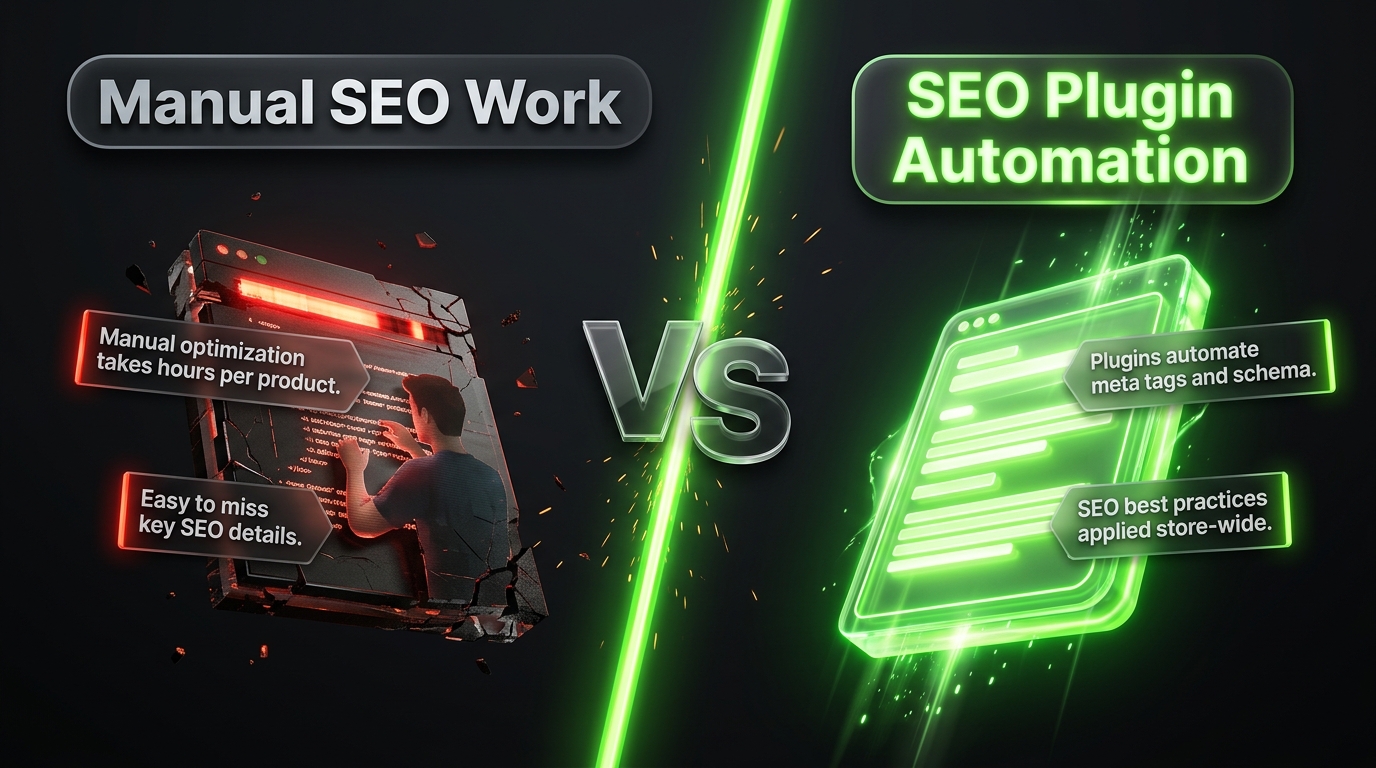
10 Best WooCommerce Plugins for SEO
If you’ve been running a WooCommerce store for a while, you’ve probably realized that getting found on Google isn’t automatic. You need the right tools helping you behind the scenes, and that’s exactly what a good SEO plugin does.
The great news is, you don’t need to be a technical expert to improve your store’s SEO. A handful of well chosen plugins can handle most of the heavy lifting for you, from optimizing titles and descriptions to speeding up your site and fixing broken links.
Let’s go through the best ones, what they actually do, and why they’re worth considering for your store.
Why You Need SEO Plugins in the First Place
Before diving into the list, let’s quickly cover why these tools matter so much.
WooCommerce, by itself, gives you the basics needed to run a store, but it doesn’t automatically optimize your content for search engines. SEO plugins fill that gap by helping with things like:
- Writing effective meta titles and descriptions
- Generating sitemaps automatically
- Adding structured data so products show up better in search results
- Checking your content for basic SEO best practices
- Fixing broken links and redirects
- Improving site speed, which indirectly affects rankings
Instead of learning and manually implementing all of this yourself, these plugins guide you through it, often with simple checklists and suggestions right inside your WordPress dashboard.
1. Yoast SEO
Yoast SEO is probably the most well known SEO plugin in the entire WordPress ecosystem, and it works great with WooCommerce too.
It gives you a simple traffic light style analysis for each product and page, showing you exactly what to improve, whether that’s your meta description length, keyword usage, or readability.
Key features:
- Real time content analysis with actionable suggestions
- Automatic XML sitemap generation
- Control over meta titles and descriptions
- Built-in redirect manager in the premium version
- WooCommerce-specific SEO settings
Good for: Beginners who want clear, guided suggestions without needing deep SEO knowledge.
2. Rank Math
Rank Math has grown massively in popularity over the past few years, largely because it packs in a ton of features, even in its free version, that used to require paid upgrades elsewhere.
It offers similar content analysis to Yoast, but with some extra tools built in, like a built-in 404 monitor and schema markup generator.
Key features:
- Multiple keyword tracking per page, even on the free version
- Built in schema markup for rich snippets
- Google Search Console integration right inside your dashboard
- Detailed SEO analysis with a scoring system
Good for: Store owners who want more advanced features without necessarily paying for a premium plan right away.
3. All in One SEO (AIOSEO)
All in One SEO is another long-standing, trusted plugin that covers all your core SEO needs, with a particular focus on being beginner-friendly.
It includes a smart setup wizard that walks you through initial configuration, making it a good pick if you’re setting up SEO for the first time and want clear guidance.
Key features:
- Easy setup wizard for beginners
- WooCommerce specific SEO settings
- Local SEO features if you have a physical store location
- Built in sitemap and schema support
Good for: People who want a guided, beginner friendly setup experience.
4. WP Rocket
While technically a caching and speed plugin rather than a traditional “SEO plugin,” WP Rocket deserves a spot on this list because site speed directly affects your search rankings.
It’s known for being one of the easiest speed plugins to set up, since many of its performance improvements are enabled automatically after installation.
Key features:
- Page caching and browser caching
- Image lazy loading
- Database optimization tools
- Minification of CSS and JavaScript files
Good for: Store owners who want a fast site without digging into complicated technical settings.
5. Redirection
Broken links hurt both user experience and your SEO, especially on ecommerce sites where products frequently get discontinued or URLs change over time.
Redirection is a free, simple plugin that lets you manage 301 redirects easily, so if a product page moves or gets removed, you can redirect visitors (and search engines) to the right place instead of showing an error page.
Key features:
- Easy 301 redirect setup
- Automatic logging of 404 errors
- Simple interface, no technical background needed
Good for: Store owners with a lot of products who need an easy way to manage changing URLs.
6. Schema Pro
Schema markup helps search engines understand exactly what your content is about, which can lead to enhanced search results, like star ratings, prices, and stock availability showing up directly in Google search.
While plugins like Yoast and Rank Math include some schema features, Schema Pro offers more detailed and customizable schema options specifically, which can be helpful for stores wanting more control over how their rich snippets appear.
Key features:
- Detailed, customizable schema templates
- Support for multiple schema types beyond just products
- Easy integration with existing WooCommerce data
Good for: Store owners who want more control over rich snippets than default plugin settings offer.
7. Smush
Smush is an image optimization plugin, and since large images are one of the biggest speed killers for ecommerce sites, this plays an important indirect role in SEO.
It automatically compresses images as you upload them, without noticeably reducing quality, helping your product pages load faster.
Key features:
- Automatic image compression on upload
- Bulk optimization for existing images
- Lazy loading feature included
- Converts images to more efficient formats
Good for: Store owners with lots of product photos who haven’t optimized images manually.
8. WP Sitemap Page
While most major SEO plugins generate XML sitemaps for search engines automatically, WP Sitemap Page creates a human readable sitemap page for actual visitors, which can help with navigation and indirectly support SEO through better site structure.
Key features:
- Creates a visible sitemap page for visitors
- Simple shortcode based setup
- Customizable to show specific content types
Good for: Larger stores wanting to improve internal navigation and structure.
9. Google Site Kit
Google Site Kit is an official plugin from Google that connects your WordPress site directly to important Google tools like Search Console, Analytics, and PageSpeed Insights, all viewable right from your WordPress dashboard.
This makes it much easier to monitor your SEO performance without constantly switching between different platforms.
Key features:
- Direct integration with Google Search Console and Analytics
- Simple, unified dashboard for key metrics
- Official plugin built and maintained by Google
Good for: Store owners who want an easy way to monitor SEO performance without extra hassle.
10. Broken Link Checker
Similar to the Redirection plugin, Broken Link Checker specifically scans your site for broken internal and external links, notifying you so you can fix them before they hurt your user experience or SEO.
Broken links, especially on high traffic product or category pages, can hurt both your rankings and how much visitors trust your store.
Key features:
- Automatic scanning for broken links
- Notifications when broken links are found
- Simple, straightforward interface
Good for: Larger stores with a lot of content and links that need regular monitoring.
How to Choose the Right Combination
You don’t need all ten of these plugins running at once. In fact, that could actually slow your site down, which would hurt your SEO rather than help it.
Here’s a simple approach:
Start with one main SEO plugin. Choose either Yoast, Rank Math, or All in One SEO as your core plugin. Don’t run more than one of these at the same time, since they can conflict with each other.
Add a caching plugin. WP Rocket or a similar caching tool is essential for speed, which indirectly supports your SEO efforts.
Add an image optimization plugin. Smush or a similar tool keeps your product images from slowing down your site.
Add a redirect manager. Either Redirection or your main SEO plugin’s built-in redirect tool, depending on what features you need.
Consider Google Site Kit for easy performance monitoring, without needing to log into multiple different platforms separately.
This combination covers your core bases without overloading your site with unnecessary plugins.
Common Mistakes to Avoid
Running multiple full SEO plugins at once. This can cause conflicts and duplicate code running unnecessarily.
Installing plugins you don’t actually use. Every inactive or unnecessary plugin is still a potential security risk and a potential slowdown.
Ignoring plugin updates. Outdated plugins can create both security vulnerabilities and compatibility issues over time.
Focusing only on plugins, not content. Plugins help implement good SEO practices, but they can’t replace genuinely useful, well-written content and unique product descriptions.
Final Thoughts
The right combination of plugins can make managing your WooCommerce store’s SEO significantly easier, especially if you’re not deeply familiar with technical SEO details.
Start simple: pick one strong core SEO plugin, add a good caching solution, optimize your images, and keep an eye on broken links. From there, you can expand your toolkit as your store grows and your specific needs become clearer.
Remember, plugins are tools that support good SEO practices, they’re not magic solutions on their own. Combine them with genuinely helpful content, solid product descriptions, and a bit of patience, and you’ll be well on your way to better visibility in search results.