10 Best WordPress Security Plugins (2026 Guide)
Let’s talk about something every WordPress site owner worries about at some point: security. Maybe you just read a scary headline about a hacked website, or maybe you got that sinking feeling when you noticed weird activity in your admin dashboard. Either way, you’re here because you want to protect your site, and that’s smart.
Here’s the truth: WordPress powers a huge chunk of the internet, and that popularity makes it a favorite target for bots and hackers. Every single hour, thousands of WordPress sites get scanned for weaknesses. Most of these attacks aren’t even personal they’re automated bots looking for easy targets like outdated plugins, weak passwords, or missing firewalls.
The good news? You don’t need to be a cybersecurity expert to protect your site. You just need the right plugin (or two) doing the heavy lifting for you. In this guide, I’ll walk you through the 10 best WordPress security plugins available right now, what makes each one special, and how to pick the one that fits your site best.
Grab a coffee, and let’s get into it.
Why Your WordPress Site Needs a Security Plugin
Before we jump into the list, let’s quickly cover why this matters so much.
WordPress itself is fairly secure. The core software gets updated regularly, and the team behind it takes vulnerabilities seriously. The problem usually isn’t WordPress core it’s everything around it. Think about:
- Outdated plugins and themes that haven’t been patched in months (or years)
- Weak passwords that are easy to guess or crack
- Brute-force login attempts where bots just keep guessing usernames and passwords
- Malicious file uploads that sneak malware onto your server
- Lack of monitoring, so you don’t even know something’s wrong until it’s too late
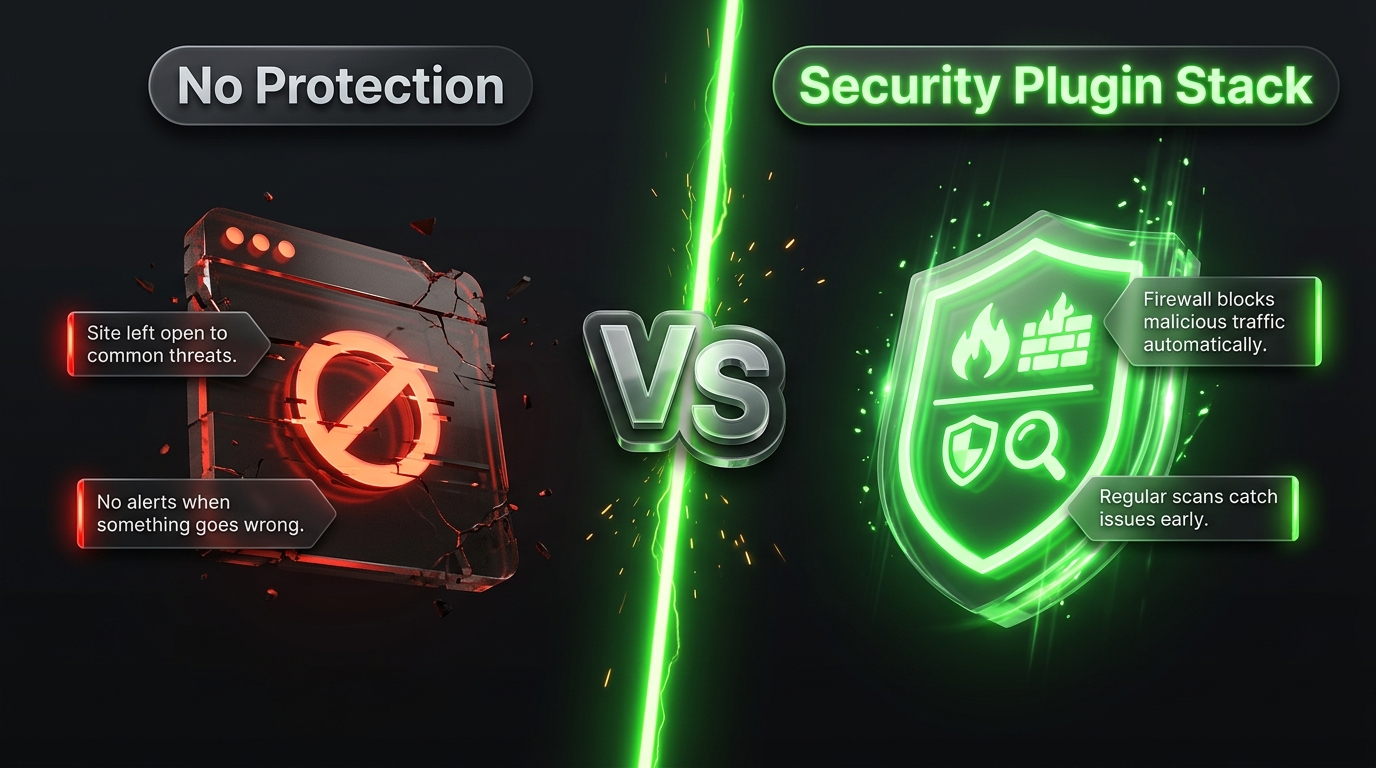
A good security plugin acts like a bouncer, a security camera, and a cleanup crew all rolled into one. It blocks the bad guys at the door (firewall), watches for suspicious activity (malware scanning and monitoring), and helps you clean up fast if something does slip through.
Now, let’s look at the plugins that do this best.
1. Wordfence
Best for: Sites that want one strong, all-in-one security plugin
Wordfence is probably the name you’ve already heard if you’ve searched for WordPress security before. It’s one of the most widely used security plugins out there, and it earns that popularity honestly.
At its core, Wordfence combines a web application firewall (WAF) with a malware scanner, both running right inside WordPress. It also gives you a live traffic view, so you can literally watch attacks happening in real time and see where they’re coming from.
What it does well:
- Blocks malicious traffic before it reaches your site
- Scans your files, themes, and plugins for malware and suspicious code changes
- Includes login protection with two factor authentication (2FA)
- Sends alerts when something looks off
The free version is genuinely useful, though the firewall rules and malware signatures are delayed by about 30 days compared to the premium version. If you want real-time protection and IP blocking, you’ll need to upgrade. Either way, Wordfence is a solid starting point for almost any WordPress site.
2. Sucuri Security
Best for: Site owners who want strong malware scanning without slowing down their server
Sucuri has built its reputation on malware cleanup they’re the company a lot of people call when their site actually does get hacked. Their free plugin brings a lot of that same expertise to everyday WordPress users.
What makes Sucuri stand out is its remote malware scanner, which checks your site from the outside instead of using your own server’s resources. That means it won’t slow your site down the way some other scanners can.
What it does well:
- Remote malware and blacklist scanning
- File integrity monitoring so you know if core files have been changed
- Security activity auditing (login attempts, file changes, and more)
- Optional firewall through their paid cloud based service
If your site has ever been hacked before, or you just want that extra peace of mind from a company known for cleanup work, Sucuri is worth serious consideration.
3. Solid Security (formerly iThemes Security)
Best for: Beginners who want strong protection without a steep learning curve
Solid Security (you might still see it called iThemes Security in older articles) is known for making WordPress hardening approachable. It doesn’t just protect your site it teaches you why each setting matters along the way.
What it does well:
- Guided security checklists that walk you through hardening your site step by step
- Passkey and two factor authentication support
- File change detection
- Built-in database backups
One thing to keep in mind: because it runs directly on your server (like Wordfence), it can add a bit of performance overhead. But for beginners who want a friendly, guided approach to security, this is one of the easiest plugins to get started with.
4. All In One Security (AIOS)
Best for: Budget conscious site owners who want a lot of features for free
If you’re looking for a plugin that gives you a genuinely complete toolkit without paying a cent, All in One Security (AIOS) is hard to beat. It’s been around for years and has built a loyal following because of how much it offers in its free version.
What it does well:
- User account security (login lockdown, strong password enforcement)
- Firewall protection
- File system security and permission scanning
- Spam prevention and comment protection
- Database security tools
AIOS doesn’t have a flashy premium upsell pushing you at every turn, which a lot of users appreciate. It’s a great choice if you want strong protection but don’t need enterprise level features.
5. MalCare
Best for: Fast malware detection and one click cleanup
MalCare has earned its spot on this list because of one thing in particular: speed. When it comes to detecting and removing malware, MalCare is known for being one of the fastest options available.
Unlike plugins that scan your server directly (which can be slow and resource heavy), MalCare uses cloud-based scanning. This means the heavy lifting happens off your server, keeping your site fast while still getting thorough protection.
What it does well:
- Cloud based malware scanning that doesn’t slow your site down
- One click malware removal (a huge time saver if you ever do get hacked)
- Firewall and bot protection
- Login protection and activity logs
The free version covers basic scanning, but the malware removal and firewall features are part of the paid plan. If you’ve ever dealt with a hacked site before and know how stressful cleanup can be, MalCare’s fast removal tools alone might be worth the investment.
6. Shield Security
Best for: Site owners who want smart, adaptive protection
Shield Security takes a slightly different approach than some of the older, more traditional plugins on this list. It focuses on adaptive security meaning it learns from behavior patterns rather than relying only on static rule lists.
What it does well:
- Automated bot detection and blocking
- Brute-force login protection
- File integrity scanning
- Security policies that adjust based on your site’s traffic and behavior patterns
It’s a great pick if you want a plugin that feels a little more “modern” in how it approaches threats, without needing you to manually configure a ton of settings.
7. Jetpack Security
Best for: Sites already using other Jetpack features
If you’re already using Jetpack for things like site stats, backups, or performance features, Jetpack Security is worth a look. It bundles security tools right alongside the other Jetpack modules you might already have installed.
What it does well:
- Real time backups (so you can restore your site to an exact point in time)
- Malware scanning with one click fixes
- Brute force attack protection
- Downtime monitoring
Jetpack Security is a paid product, but if you value having backups, security, and monitoring all under one roof (and one login), it can simplify things a lot. It’s especially popular with site owners who prefer official, WordPress.com backed tools.
8. WP Cerber Security
Best for: Site owners who want granular control over security settings
WP Cerber is a favorite among more technical users who like to fine-tune every setting rather than rely on defaults. It gives you a lot of control over how your site handles traffic, logins, and suspicious activity.
What it does well:
- Customizable firewall rules
- Anti spam protection for comments and forms
- Detailed activity logging
- Two-factor authentication and login limiting
It has a bit more of a learning curve than something like AIOS, but if you like being in the driver’s seat and adjusting settings to match your exact needs, WP Cerber gives you that flexibility.
9. Patchstack
Best for: Sites that want early warnings about plugin and theme vulnerabilities
Patchstack takes a slightly different angle than most plugins on this list. Instead of focusing mainly on firewalls or malware scanning, it specializes in vulnerability intelligence basically, it tells you when a plugin or theme you’re using has a known security flaw, often before it becomes widely exploited.
What it does well:
- Vulnerability alerts for installed plugins and themes
- Virtual patching (temporary protection while you wait for an official update)
- Detailed vulnerability database
- Great for agencies managing multiple client sites
If you manage several WordPress sites, or you’re the type who wants to know about problems before they become emergencies, Patchstack is an excellent addition to your security stack.
10. WP Ghost (Hide My WP Ghost)
Best for: Reducing your site’s visibility to attackers
WP Ghost takes an interesting approach: instead of just blocking attacks, it tries to make your site a harder target to find in the first place. It hides common WordPress paths and structures that hackers typically scan for, making automated attacks less effective.
What it does well:
- Hides your WordPress login URL and core file paths
- Blocks common vulnerability scanning attempts
- Adds a layer of “security through obscurity” on top of traditional protection
- Lightweight and doesn’t slow your site down much
It’s worth noting that hiding your site’s structure shouldn’t be your only line of defense it works best paired with a plugin like Wordfence or Sucuri that handles active threat detection too.
How to Choose the Right Plugin for Your Site
With 10 solid options on the table, how do you actually pick one? Here’s a simple way to think about it:
If you want one plugin that does almost everything: Go with Wordfence or Sucuri Security. Both offer firewalls, scanning, and monitoring in a single package.
If you’re a complete beginner: Solid Security or All in One Security will walk you through hardening your site without overwhelming you.
If you’ve been hacked before (or you’re worried about it): MalCare’s fast cleanup tools or Sucuri’s malware expertise will give you peace of mind.
If you manage multiple client sites: Patchstack’s vulnerability alerts, paired with a firewall plugin, will save you a lot of headaches down the road.
If you like fine-tuning every setting yourself: WP Cerber gives you that level of control.
One more thing worth mentioning: you generally don’t need five security plugins running at once. In fact, running multiple firewall or scanning plugins together can cause conflicts and slow your site down. Pick one solid all in one option, or pair a firewall/scanner plugin with a specialized tool like Patchstack for vulnerability alerts.
A Few Security Habits That Matter Just As Much As Plugins
Plugins are powerful, but they work best as part of a bigger security routine. A few habits to build alongside your plugin of choice:
- Keep everything updated. Core, themes, and plugins. Most hacks exploit known vulnerabilities in outdated software.
- Use strong, unique passwords. Combine this with two factor authentication whenever possible.
- Limit login attempts. Most security plugins include this, and it stops brute force bots in their tracks.
- Back up regularly. Even the best security plugin can’t guarantee 100% protection. A recent backup means a hack is an inconvenience, not a disaster.
- Remove what you don’t use. Old, unused plugins and themes are a common entry point for attackers, even if they’re just sitting there deactivated.
Wrapping It Up
Security can feel intimidating, but it really comes down to a few key moves: pick a solid plugin, keep your site updated, use strong passwords, and back things up regularly. Any of the 10 plugins on this list will give you a strong foundation, whether you’re running a small personal blog or managing a handful of client sites.
If you’re just getting started, my honest advice is this: install Wordfence or Sucuri Security today, turn on two-factor authentication, and set up automatic backups. That combination alone will put you ahead of the vast majority of WordPress sites out there.
Your site doesn’t need to be perfect. It just needs to be a harder target than the millions of other unprotected sites bots are scanning right now. With the right plugin in place, you’ve already won more than half the battle.