HOW TO CREATE PROFESSIONAL PRODUCT PHOTOS FOR YOUR WIX STORE USING AI
Introduction
High-quality product photography is an essential part of running a successful Wix online store. When customers shop online, they cannot physically touch, examine, or test products before purchasing. Instead, they rely on product images to evaluate product quality and make buying decisions.
However, hiring professional photographers, arranging studio setups, and manually editing hundreds of product images can be expensive and time-consuming.
Artificial intelligence offers a more accessible solution for online store owners.
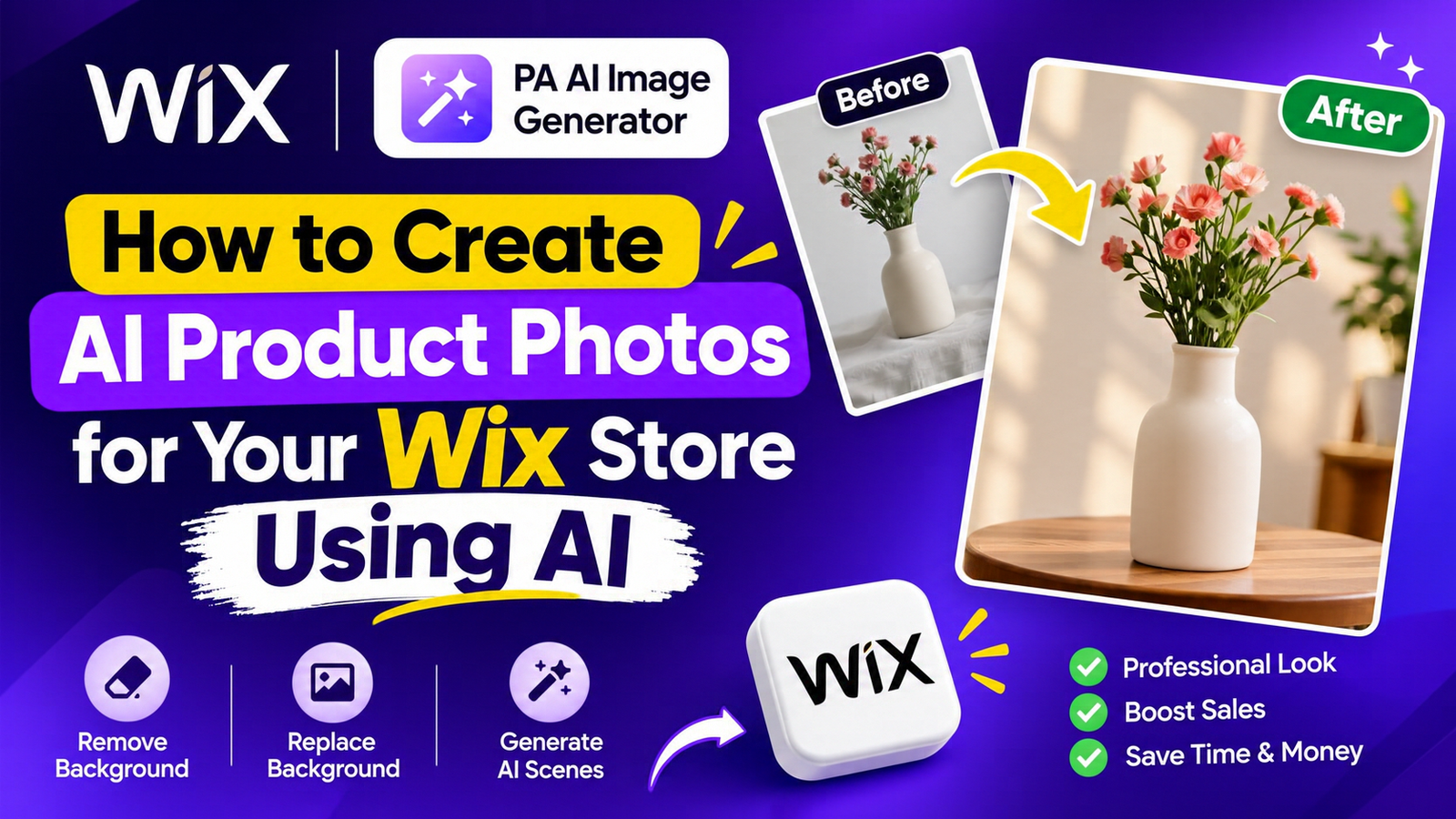
With PA AI Image Generator, you can transform ordinary product photos into professional-looking images, remove unwanted backgrounds, and generate realistic lifestyle scenes directly from your Wix dashboard.
In this guide, you will learn how to create professional product photos for your Wix store using AI, without requiring advanced photo editing skills.
Why Professional Product Photography Matters for Wix Stores
Product photography is more than a visual element. It influences how customers perceive your products and your brand.
Professional product photography can help you:
-
Create a stronger first impression.
-
Improve customer confidence.
-
Maintain consistent store branding.
-
Highlight important product details.
-
Reduce dependence on expensive photoshoots.
-
Create attractive marketing visuals.
-
Support better purchasing decisions.
Even a high-quality product can appear less appealing when presented with distracting backgrounds or inconsistent photography.
Common Product Photography Problems Wix Merchants Face
Expensive Professional Photoshoots
Small businesses often have limited budgets for photography equipment, studio rentals, photographers, and editing services.
Distracting Product Backgrounds
Unnecessary objects and messy backgrounds can take attention away from the actual product.
Inconsistent Product Images
Different background colors, lighting conditions, and photography styles can make an online store look disorganized.
Time-Consuming Manual Editing
Editing every product image manually becomes increasingly difficult as your product catalog grows.
Limited Lifestyle Photography
Creating realistic product scenes often requires decorative props, suitable locations, and additional photography equipment.
AI-powered image editing can help address these challenges.
What Is PA AI Image Generator for Wix?
PA AI Image Generator is an AI-powered product photography application available on the Wix App Market.
It helps Wix merchants transform existing product images into professional-looking ecommerce visuals through a straightforward editing interface.
Its main capabilities include:
-
One-click background removal.
-
Custom background color replacement.
-
AI-generated lifestyle scenes.
-
Ready-to-use scene prompts.
-
Custom text-based scene instructions.
-
Before-and-after image comparisons.
-
Editing existing product photographs.
The application is designed for store owners who want to improve product presentation without arranging a new photoshoot for every image.
App link: PA AI Image Generator – Wix App Market
How to Create Professional Product Photos for Your Wix Store Using AI: Step-by-Step Guide
Follow these eight simple steps to transform your existing Wix product photographs using PA AI Image Generator.
Step 1: Visit the Wix App Market
Open your web browser and search for Wix App Store on Google.
Click the official Wix App Market search result to access the marketplace.

Image 1: Search for Wix App Store on Google and open the official Wix App Market.
Alternatively, visit the Wix App Market directly.
Step 2: Search for PA AI Image Generator
Once you have opened the Wix App Market, locate the application search bar.
Type PA AI Image Generator into the search field and press Enter.
Image 2: Enter PA AI Image Generator into the Wix App Market search bar.
The marketplace will display applications related to AI image generation and product photography.
Step 3: Select PA AI Image Generator
From the search results, locate the PA AI Image Generator application.
Look for the app with the description “Turn product photos into studio-quality images.”

Image 3: Locate and select PA AI Image Generator from the Wix App Market search results.
Click the application to open its official listing page.
Step 4: Add PA AI Image Generator to Your Wix Website
On the application listing page, you can explore the app’s features and available plan information.
Click the blue Add to Site button to begin the installation process.

Image 4: Click Add to Site to install PA AI Image Generator on your Wix website.
Follow the installation instructions and select your Wix website when prompted.
You can also access the application directly using the following link:
Add PA AI Image Generator to Your Wix Store
Step 5: Open AI Product Images in Your Wix Dashboard
After installing the application, navigate to your Wix website dashboard.
Locate Apps in the left-hand navigation menu.
Click AI Product Images to open the application.

Image 5: Navigate to Apps and select AI Product Images inside your Wix dashboard.
The application displays your product catalog, allowing you to access existing product images directly.
Step 6: Select the Product You Want to Edit
Inside the AI Product Images dashboard, browse your available products.
You can also use the product search field to locate a specific item.
For this tutorial, we will select the Ceramic Flower Vase.

Image 6: Select a product from your Wix catalog to start editing its photographs.
Open the product to access its available images and photo editing tools.
Step 7: Customize Your Product Photo in the AI Photo Studio
After selecting your product, the application opens the Photo studio.
Choose the product photograph you want to edit. The main product photo is selected by default.

Image 7: Select a product photo and explore the background removal and replacement tools.
The photo studio provides three main editing options.
Remove Background
This feature removes the existing background and creates a product cutout with a transparent background.
It is useful for eliminating distracting objects and preparing product images for other designs.
Replace Background
This feature places your product against a solid background color.
You can choose from available color presets, including:
-
White
-
Light gray
-
Cream
-
Black
-
Custom colors
This option is particularly useful for maintaining consistent product photography across your Wix store.
AI Scene
The AI Scene feature generates a new environment around your existing product.
Instead of arranging a physical photoshoot, you can describe the environment in which you want your product to appear.
According to the supplied app screenshot, background removal and replacement each use one credit, while AI scene generation uses two credits. Credit requirements may change with future app updates.
Step 8: Generate a Professional AI Product Scene
Scroll down to the AI scene section.
You can select a predefined scene or enter your own custom instructions.
For our ceramic flower vase, we will use the following prompt:
The vase was placed on the decorative table in the corner of the room.
Click Create AI scene to generate the new product photograph.

Image 8: Generate a realistic lifestyle scene and compare the original product photograph with the AI-generated result.
Once the image is generated, the application displays a before-and-after comparison.
The original photograph shows the vase against a simple background, while the AI-generated version places it on a decorative wooden table in a realistic interior setting.
Review the generated image carefully to ensure the product’s shape, color, and important details remain accurate before using it in your live store.
AI Product Photography vs. Traditional Product Photography
Both AI and traditional photography have advantages. The right approach depends on your business requirements.
| Feature | AI photography | Traditional photography |
|---|---|---|
| Cost | Generally lower | Often higher |
| Production time | Usually shorter | Requires planning |
| Studio equipment | Not required for AI editing | Often required |
| Background customization | Digitally generated | Physical or digitally edited |
| Scene variations | Easy to experiment with | May require additional shoots |
| Product accuracy | Requires careful verification | Directly captures the physical product |
| Scalability | Suitable for repeated editing | More resource-intensive |
AI photography is particularly useful when merchants already have accurate product photographs and want to improve their presentation.
How AI Product Photography Can Support Wix Store Conversions
Professional-looking product images can make your store more attractive and help customers evaluate products.
Consistent photography can also improve brand recognition, reduce visual distractions, and help customers imagine products in everyday situations.
Although photography alone cannot guarantee increased conversions, it is an important part of creating a high-quality shopping experience.
Best Practices for Creating AI Product Photos
Start With a High-Quality Original Photograph
Use a clear, well-lit photograph that accurately represents your product.
Maintain Consistent Branding
Choose similar colors, backgrounds, and photography styles throughout your product catalog.
Use Realistic AI Scenes
Select environments that make sense for your product category.
Preserve Important Product Details
Always verify that AI-generated images accurately represent the product’s size, shape, color, packaging, and design.
Avoid Overediting
Excessive effects and unrealistic environments can make product photography appear artificial.
Optimize Images for Website Performance
Use appropriate image dimensions and file sizes to prevent unnecessarily large images from affecting store loading performance.
Common AI Product Photography Mistakes to Avoid
-
Using low-resolution original photographs.
-
Writing vague or unrealistic AI prompts.
-
Choosing backgrounds that distract from the product.
-
Using inconsistent photography styles.
-
Publishing AI images without reviewing product accuracy.
-
Creating misleading product representations.
-
Using unnecessarily large image files.
Avoiding these mistakes can help you create more professional and trustworthy product visuals.
Frequently Asked Questions (FAQs)
Can I create professional product photos for Wix without a photographer?
Yes. PA AI Image Generator allows you to edit existing product photographs, replace backgrounds, and create AI-powered lifestyle scenes without arranging an additional photoshoot.
Can I remove product image backgrounds in Wix using AI?
Yes. PA AI Image Generator provides a background removal feature that creates a transparent product cutout.
Can I generate lifestyle product photography using AI?
Yes. The AI Scene feature allows you to describe a custom environment or choose a predefined scene for your product.
Do I need Photoshop to create professional Wix product images?
No. PA AI Image Generator provides background editing and AI scene generation directly through its application interface.
Is PA AI Image Generator free?
The supplied Wix App Market screenshot shows that a free plan is available. Image generation and editing are credit-based, and additional credits may require payment.
Can AI product photography improve my Wix store sales?
Professional product photography can improve product presentation and customer confidence. However, sales also depend on pricing, product quality, marketing, and the overall shopping experience.
Can I compare original and AI-generated product images?
Yes. The application provides a before-and-after comparison so you can review the generated result.
Conclusion
Creating professional product photos for your Wix store doesn’t have to involve expensive photography equipment, complicated editing software, or repeated studio photoshoots.
With PA AI Image Generator, Wix merchants can remove distracting backgrounds, create consistent product photography, and generate attractive lifestyle scenes using artificial intelligence.
Whether you run a fashion brand, beauty store, jewelry business, or home decor shop, AI-powered product photography offers a practical way to improve your visual presentation.
Transform your ordinary product photographs into professional-looking ecommerce images today.




