HOW TO CREATE PROFESSIONAL ECOMMERCE PRODUCT PHOTOS ON A SMALL BUDGET
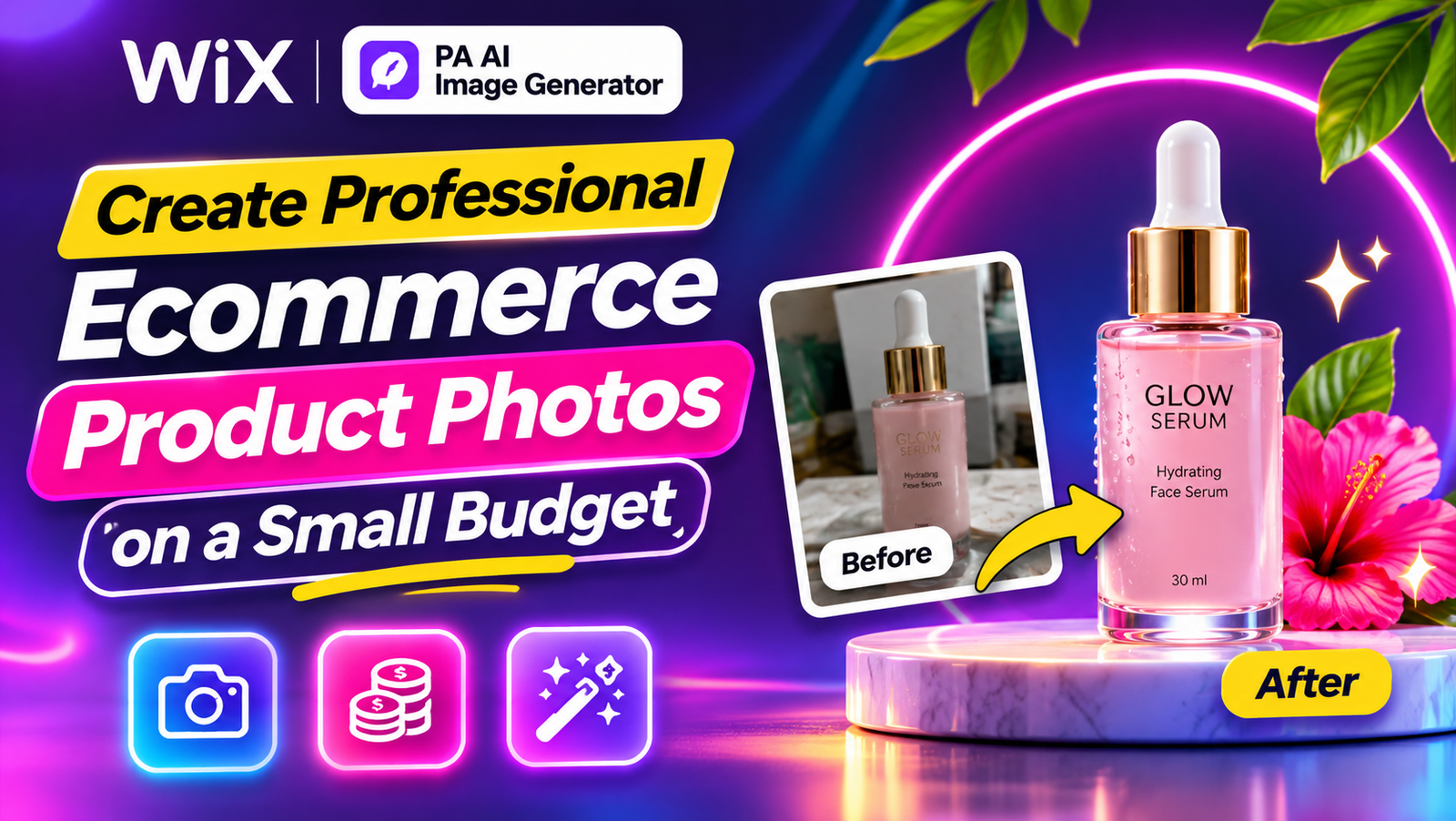
Introduction
Professional product photography is important for every ecommerce business. High-quality product images help customers understand what they are buying, evaluate product details, and feel more confident when shopping online.
However, creating professional photographs can be expensive. Hiring photographers, purchasing cameras, arranging studio lighting, and renting photography locations may not be affordable for small business owners.
This is particularly challenging for Wix merchants who need attractive product images while working with limited budgets.
Fortunately, you don’t need an expensive photography studio to improve your product photographs.
With a smartphone, basic lighting, and AI-powered editing tools such as PA AI Image Generator, you can create professional-looking ecommerce product photos without spending heavily on traditional photoshoots.
In this tutorial, you’ll learn how to create professional ecommerce product photos on a small budget, including step-by-step instructions for improving your Wix product images using AI.
Why Professional Product Photography Matters
Product photographs influence how customers perceive your ecommerce store.
Unlike physical retail shopping, online customers cannot hold or examine your products before purchasing. They depend on images and product descriptions.
Professional-looking product photography can help you:
-
Create a trustworthy online shopping experience.
-
Highlight product features and details.
-
Improve the appearance of product pages.
-
Maintain consistent visual branding.
-
Produce attractive marketing content.
-
Help customers compare products.
-
Present products in realistic lifestyle environments.
The goal is not simply to make photographs beautiful. They should accurately represent your products.
Common Photography Challenges for Small Ecommerce Businesses
1. Limited photography budgets
Hiring a professional photographer for every new product collection can become expensive.
2. Lack of professional equipment
Many merchants rely on smartphones rather than professional cameras.
3. Poor lighting conditions
Indoor photographs may contain harsh shadows, uneven brightness, or unwanted reflections.
4. Distracting backgrounds
Household objects, cluttered environments, and mismatched surfaces can make product images look unprofessional.
5. Inconsistent product photography
Different backgrounds, lighting styles, and image proportions can make a catalog appear disorganized.
6. Expensive editing software
Professional editing software may require paid subscriptions and technical experience.
How Much Does Budget Product Photography Cost?
The cost depends on the equipment and tools you already own.
Here is an illustrative starter budget for someone who already has a smartphone.
| Item | Illustrative budget |
|---|---|
| Existing smartphone | $0 additional |
| White backdrop or paper | $5–$15 |
| Reflector or white foam board | $3–$10 |
| Simple tripod | $10–$25 |
| Natural window lighting | Free |
| AI image editing | Depends on app plan |
| Estimated basic setup | $18–$50, excluding AI costs |
These are planning estimates, not verified current retail prices. You can spend less by using materials you already have.
7 Ways to Take Better Product Photos on a Small Budget
1. Use your smartphone camera
Modern smartphones can capture suitable ecommerce photographs when used with good lighting and stable positioning.
2. Take photos near a window
Natural daylight can provide soft, even illumination without purchasing studio lights.
3. Use simple backgrounds
White paper, neutral fabric, or a plain wall can help reduce visual distractions.
4. Keep your camera stable
A small tripod or stable surface can reduce unwanted camera movement.
5. Capture multiple angles
Photograph the front, back, sides, and important product details.
6. Maintain consistent composition
Use similar camera angles and spacing for products within the same collection.
7. Improve photographs using AI
AI tools can help remove unwanted backgrounds, create studio-style scenes, and develop additional product visuals.
How AI Helps Reduce Product Photography Costs
AI-powered photo editing tools can help ecommerce merchants improve existing product photographs without arranging additional photoshoots.
For example, a basic image of a ceramic vase can be transformed into a sophisticated studio-style photograph with professional lighting and a premium background.
AI can also create lifestyle images showing products in realistic environments.
This makes it possible to experiment with different visual styles while continuing to use your existing product photographs.
Introducing PA AI Image Generator for Wix
PA AI Image Generator is an AI-powered product photography application available on the Wix App Market.
The app provides tools for improving product photographs directly from your Wix dashboard.
Its features include:
-
AI background removal.
-
Custom background color replacement.
-
AI-generated product lifestyle scenes.
-
Professional studio-style image generation.
-
Custom text prompts.
-
Predefined photography scenes.
-
Before-and-after image comparisons.
-
Publishing edited photographs to Wix products.
Let’s explore how you can use the application to improve product photographs without arranging expensive photoshoots.
How to Create Professional Ecommerce Product Photos Using AI: Step-by-Step Guide
Step 1: Open the Wix App Market
Open Google and search for Wix App Store.
Click the official Wix App Market result.

Image 1: Search for the official Wix App Market.
You can also open the Wix App Market directly.
Step 2: Search for PA AI Image Generator
Inside the Wix App Market, locate the application search bar.
Type PA AI Image Generator and press Enter.

Image 2: Search for PA AI Image Generator using the Wix App Market search field.
Step 3: Find PA AI Image Generator
Locate PA AI Image Generator by TheScriptFlow in the available results.
Click the application to open its official listing page.

Image 3: Find PA AI Image Generator in the Wix App Market results.
Step 4: Install PA AI Image Generator
On the application’s listing page, click Add to Site.
Follow the instructions to install the app on your Wix website.

Image 4: Click Add to Site to install the app on your Wix website.
Direct app link: Install PA AI Image Generator
Step 5: Open the App in Your Wix Dashboard
After installation, open your Wix website dashboard.
Navigate to Apps → AI Product Images.

Image 5: Open AI Product Images from the Wix Apps section.
The application displays products available in your store.
Step 6: Select the Product You Want to Improve
Browse your product list and select the item you want to edit.
For this tutorial, we’ll use the Ceramic Flower Vase.

Image 6: Select the product whose photograph you want to improve.
Step 7: Open the Photo Studio
After selecting the product, open the Photo Studio.
Choose the original photograph you want to edit.

Image 7: Select a photograph and review the available AI editing tools.
The Photo Studio offers three main features:
-
Remove background: Isolate a product from its surroundings.
-
Replace background: Apply a solid background color.
-
AI scene: Generate a new environment using a text prompt.
For this tutorial, we’ll use AI scene generation to create premium-looking photographs.
Step 8: Enter a Professional Product Photography Prompt
Scroll to the AI scene section.
Enter a description explaining what you want the photograph to look like.
For example:
Transform my product photo into a luxurious, high-end advertisement with elegant lighting, a stunning background, and eye-catching details. Keep the product’s original shape, design, and colors unchanged.

Image 8: Enter a custom AI prompt requesting professional commercial product photography.
The screenshot also shows a previously generated purple-background image. This is the earlier result, not the output of the new prompt.
Step 9: Generate Your Professional Product Photograph
After writing the prompt, click Create AI scene.
The application starts generating the updated photograph.
During processing, the button displays Working….

Image 9: PA AI Image Generator processes the photography prompt.
The existing result may remain visible while the new image is being generated.
According to the supplied app interface, AI scene generation uses two credits per operation.
Step 10: Review the Professional Before-and-After Result
After processing finishes, compare your original product photograph with the newly generated version.

Image 10: Compare the ordinary ceramic vase photograph with the premium studio-style image featuring dramatic lighting and a dark background.
The AI-generated result uses a more sophisticated background and focused lighting to create a commercial photography appearance.
Before using the image, check that the product’s original shape, color, texture, and other important characteristics are preserved.
Step 11: Publish Your Updated Product Image
Once you’re satisfied with the photograph, click Publish to product (becomes main photo).
The generated photograph becomes the product’s main image.
According to the app interface, the original photographs remain in the product gallery.
Repeat the process with other products to maintain a consistent style across your Wix store.
Best Budget Photography Styles for Different Ecommerce Products
| Product category | Recommended style |
|---|---|
| Skincare | Soft natural lighting with white backgrounds |
| Jewelry | Close-up photography with elegant lighting |
| Home decor | Warm lifestyle environments |
| Electronics | Minimal studio photography |
| Fashion accessories | Neutral backgrounds with editorial styling |
| Handmade products | Wooden surfaces and natural materials |
| Perfumes | Dark luxury backgrounds |
| Kitchen products | Clean kitchen lifestyle scenes |
5 AI Prompts for Professional Product Photography
1. Minimalist studio
Create a professional product photograph with a clean ivory background, soft studio lighting, subtle shadows, and accurate product details.
2. Luxury advertising
Display my product in a premium commercial photography scene with dramatic lighting, a sophisticated dark background, and realistic reflections.
3. Home decor lifestyle
Place my product on an elegant wooden table inside a modern living room with natural sunlight and tasteful decorative elements.
4. Natural product photography
Create a realistic product photograph using soft daylight, neutral colors, botanical elements, and a clean composition.
5. Social media campaign
Create an eye-catching commercial product photograph with a stylish background, balanced lighting, and professional advertising composition.
AI Product Photography vs. Hiring a Photographer
| Feature | AI-assisted photography | Professional photoshoot |
|---|---|---|
| Initial equipment | Existing product image required | Camera and lighting equipment |
| Background options | AI-generated or replaced | Physical or edited backgrounds |
| Lifestyle scenes | Digitally generated | Physically photographed |
| Cost | Often lower for additional variations | Generally higher |
| Editing time | Often shorter | Depends on project |
| Product accuracy | Requires careful checking | Captures the actual product |
| Best suited for | Improving existing photos | Creating original product photos |
AI editing can reduce the expense of additional backgrounds and scenes, but it cannot eliminate the need for accurate original product photography.
How to Maintain Professional Photography on a Small Budget
Use one consistent visual style
Choose similar backgrounds, lighting styles, and product positioning across your collections.
Photograph products in natural light
Use indirect daylight whenever possible to reduce the need for additional lighting equipment.
Reuse simple props
Neutral fabric, wooden surfaces, and white boards can help create attractive product photographs without expensive equipment.
Save successful AI prompts
Reusing prompts can help create consistent photography styles.
Prioritize your bestselling products
Improve high-traffic product pages first before editing your entire catalog.
Monitor AI editing costs
Compare available credits and plans with the number of product photographs you need to edit.
Common Budget Product Photography Mistakes to Avoid
-
Taking photographs in poor lighting.
-
Using cluttered backgrounds.
-
Uploading blurry original images.
-
Mixing unrelated photography styles.
-
Using AI prompts that change important product details.
-
Publishing unrealistic product representations.
-
Spending heavily on equipment before testing simple lighting setups.
-
Assuming that premium-looking images guarantee more sales.
Frequently Asked Questions
Can I create professional ecommerce product photos without hiring a photographer?
Yes. You can use a smartphone, inexpensive background materials, natural lighting, and AI editing tools to create professional-looking product photographs.
Do I need an expensive camera?
No. A smartphone can be sufficient for many product photography tasks when used with appropriate lighting and stable positioning.
Can I create professional product images directly in Wix?
Yes. PA AI Image Generator lets merchants edit existing product photos and create AI scenes through their Wix dashboard.
Can AI replace product photography completely?
Not always. Accurate original product photographs remain important, particularly for showing product details, colors, and materials.
Can I create premium lifestyle images without arranging a photoshoot?
Yes. The AI scene feature supports generating new environments using existing product photographs and custom prompts.
How much does PA AI Image Generator cost?
The Wix listing advertises a free plan. Current paid plans and usage limits should be checked on the official listing.
Does AI-generated photography guarantee more conversions?
No. Professional images can support customer confidence and product presentation, but conversion rates depend on many factors.
Conclusion
Creating professional ecommerce product photos on a small budget is possible with the right workflow.
You don’t need expensive cameras, elaborate studio equipment, or additional photoshoots for every new product scene.
Start with clear original photographs, use simple lighting and backgrounds, and apply AI-powered editing where it adds value.
With PA AI Image Generator, Wix merchants can remove distracting backgrounds, generate professional scenes, experiment with different photography styles, and publish updated product photographs directly from their dashboard.