DO SHOPIFY APPS SLOW DOWN YOUR STORE? HOW TO CHOOSE APPS WISELY
Introduction
Shopify apps make it possible to add functionality without building everything from scratch.
You can use apps for product reviews, bundles, cart customization, email marketing, loyalty programs, and many other features.
However, adding applications without evaluating their performance impact can create problems.
Some apps introduce storefront JavaScript, third-party requests, images, stylesheets, and interactive components. These resources may influence loading speed and responsiveness.
The important question isn’t whether Shopify apps are inherently bad for performance.
It’s whether each app provides enough value to justify its performance and maintenance costs.
Can Shopify Apps Affect Store Speed?
Yes.
Shopify’s performance guidance identifies installed apps, theme code, and third-party scripts as factors that can influence storefront performance. It recommends evaluating whether installed apps deliver enough value to justify any potential performance losses. Improving your online store performance
However, not every app affects the storefront in the same way.
An app used primarily inside Shopify Admin may have a very different performance profile from a visual widget that loads on every product page.
How Shopify Store Speed Affects Customer Experience
Slow-loading pages can make shopping difficult, particularly for visitors using mobile devices or slower internet connections.
Customers should be able to view products, select variants, and interact with purchasing controls without unnecessary delays.
Understanding Shopify Core Web Vitals
Core Web Vitals measure important aspects of website performance.
Largest Contentful Paint (LCP) measures loading performance, Interaction to Next Paint (INP) evaluates responsiveness, and Cumulative Layout Shift (CLS) measures visual stability.
These metrics can help identify areas requiring improvement.
Shopify Apps vs. Custom Code: Which Is Better for Performance?
Neither approach is automatically faster.
A well-developed app can perform efficiently, while poorly written custom code can create substantial problems.
The correct approach depends on the implementation and business requirements.
How to Identify Apps Affecting Your Shopify Store Speed
Test representative storefront pages before and after enabling an application.
Compare loading behavior, network requests, and interaction responsiveness.
Use performance tools such as Google PageSpeed Insights to identify potential issues.
Why Unused Shopify Apps Should Be Reviewed Regularly
Over time, merchants may accumulate applications that no longer support their business.
Review installed apps periodically and remove unnecessary functionality carefully.
How to Balance Shopify Features With Performance
The objective is not necessarily to achieve a perfect performance score.
Instead, prioritize a responsive shopping experience while retaining features that provide measurable business value.
Common Reasons Apps Can Slow Down Shopify Stores
1. Excessive JavaScript
Scripts can increase browser processing work, especially when several apps initialize complex functionality simultaneously.
2. Large Images and Media Files
Oversized images can delay the display of important product content.
3. Too Many Interactive Widgets
Popups, animations, recommendations, countdown timers, and floating controls all add complexity.
4. Third-Party Requests
External services may require network connections that influence loading performance.
5. Unused App Code
Removing an app doesn’t always guarantee that every piece of previously added custom code disappears.
6. Poorly Optimized Theme Modifications
Custom Liquid, CSS, and JavaScript changes can introduce bugs or unnecessary processing.
How to Choose Shopify Apps Wisely
Identify the Problem Before Installing
Every application should address a specific business requirement.
If your theme already provides the functionality you need, another app may be unnecessary.
Evaluate App Functionality
Look at what the app actually does, what storefront resources it loads, and whether its features are useful for your products and customers.
Test Performance Before and After
Record a baseline using tools such as PageSpeed Insights.
Compare performance after enabling the app, testing representative product, collection, and homepage templates.
Review Core Web Vitals
Pay attention to Largest Contentful Paint (LCP), Interaction to Next Paint (INP), and Cumulative Layout Shift (CLS).
These metrics help identify loading, responsiveness, and visual stability issues.
Remove Unused Features
Disable unnecessary widgets and animations.
An application may offer many features, but you don’t need to activate all of them.
Prioritize Useful Apps Over App Count
A store with a small number of poorly optimized widgets may perform worse than one with several well-implemented applications.
The number of installed apps alone is not a reliable performance measurement.
Frequently Asked Questions
Do all Shopify apps slow down stores?
No. Performance impact varies according to what an app loads, where it operates, and how it’s implemented.
Should I remove every app that uses JavaScript?
No. Evaluate performance alongside the business value the application provides.
Can changing my theme improve speed?
Potentially, but testing is necessary because media, customizations, and third-party resources also affect performance.
Conclusion
Shopify apps are useful tools, but they should be selected thoughtfully.
Start with real merchant needs, monitor performance, and avoid unnecessary storefront complexity.
A fast shopping experience and useful functionality can coexist when changes are carefully implemented and tested.
Recommended Shopify Apps for Store Customization
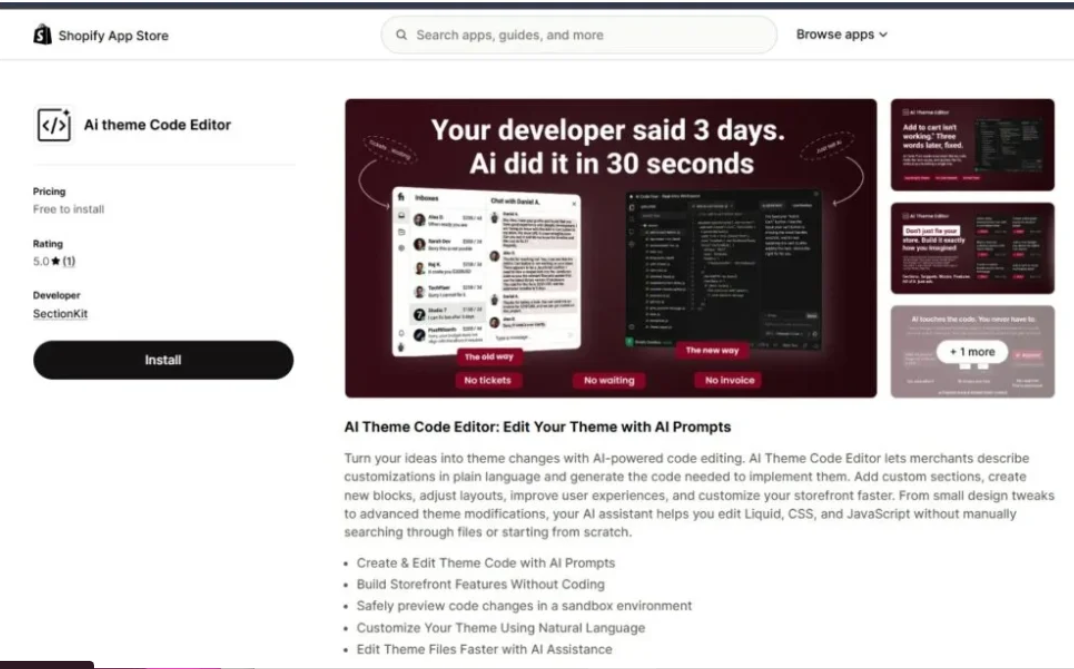
AI Theme Code Editor
Use natural-language prompts to assist with Liquid, CSS, and JavaScript customizations. Preview and review proposed changes before applying them.Explore AI Theme Code Editor

Custom Cursor
Personalize desktop cursors and branding. Keep animations restrained, then measure their actual impact on your storefront.Explore Custom Cursor
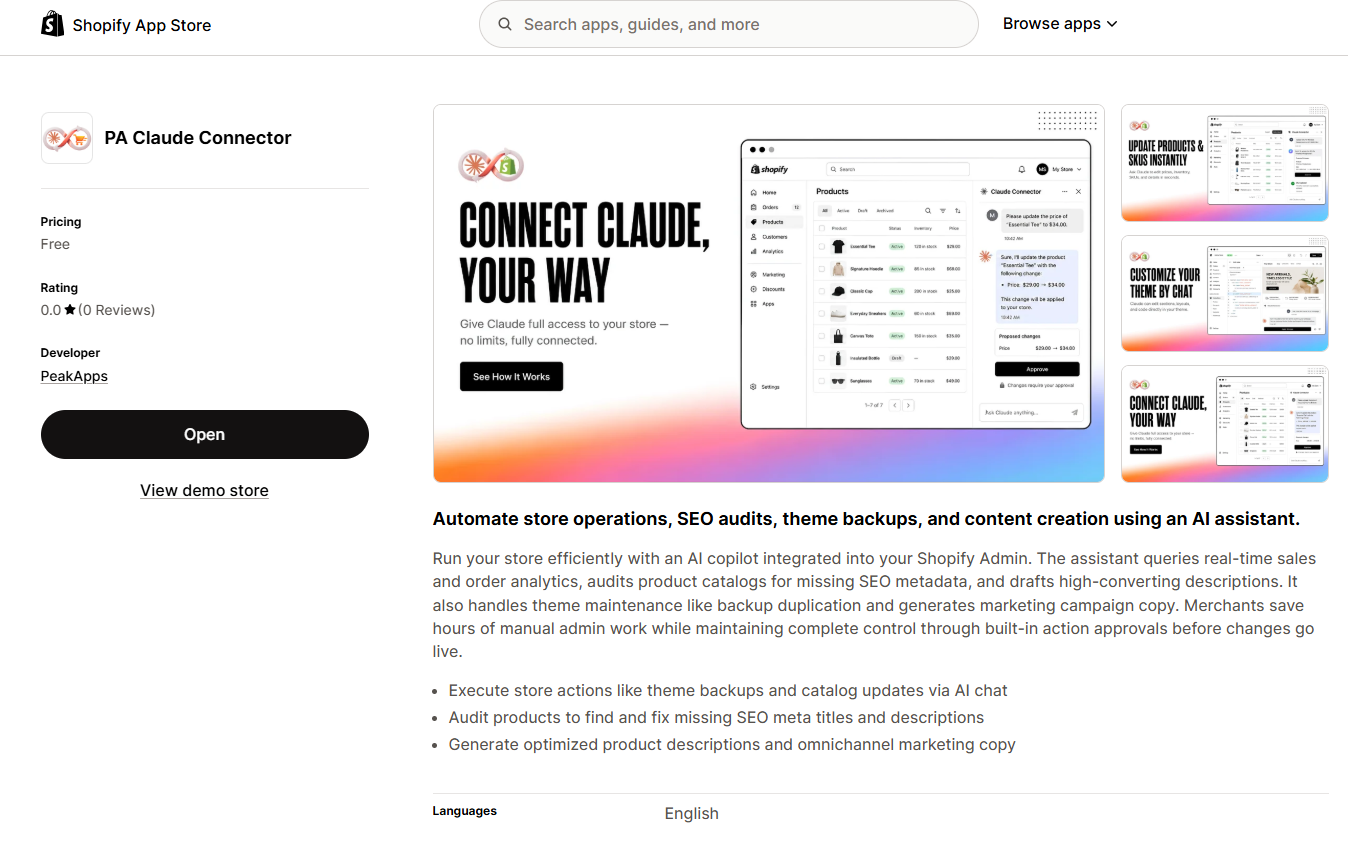
PA Claude Connector
Assist with Shopify admin tasks, SEO audits, product descriptions, and theme backup workflows without treating AI-generated recommendations as automatically safe.Explore PA Claude Connector
These applications solve different customization and store-management needs. They should still be evaluated individually rather than assumed to improve performance automatically.
Other Shopify apps in the collection:
| App | App Store |
|---|---|
| Section Kit: Theme Sections | Ready-made theme sections |
| SA Sticky Add to Cart Drawer | Cart functionality |
| SA Trust Badges | Trust messaging |
| SA Product Reviews & UGC | Customer reviews |
| Section Kit Bundles | Bundles and quantity offers |
| PA AI Image Generator | Product photography generation |
| PA Cart Icons Library | Header icon styling |
| PA Powered By Remover | Footer customization |
| AB Sales Popup | Sales notifications and counters |




