15 FREE SHOPIFY APPS EVERY NEW STORE SHOULD INSTALL

Introduction
Launching a Shopify store involves many important decisions, from choosing a theme to improving product pages and customer communication.
Fortunately, many Shopify applications provide free plans or free-to-install options that allow merchants to explore useful features without committing to an expensive monthly app stack immediately.
However, new store owners should avoid installing every app they discover.
The goal is to choose applications that solve real business problems while keeping the storefront manageable.
This guide covers 15 Shopify apps worth evaluating in 2026.
Important: “Free,” “free plan available,” and “free to install” are not identical. Some apps restrict impressions, usage, features, or credits, and paid upgrades may be needed.
Why New Shopify Stores Benefit From Free Apps
Free plans can help merchants explore functionality before making larger financial commitments.
However, not every application is necessary for every store.
Free Shopify Apps vs. Free-to-Install Apps
A free app may offer its functionality without a subscription, while a free-to-install app can still charge for usage, services, or premium features.
Always review the current pricing information before installing.
Best Free Shopify Apps for Store Design
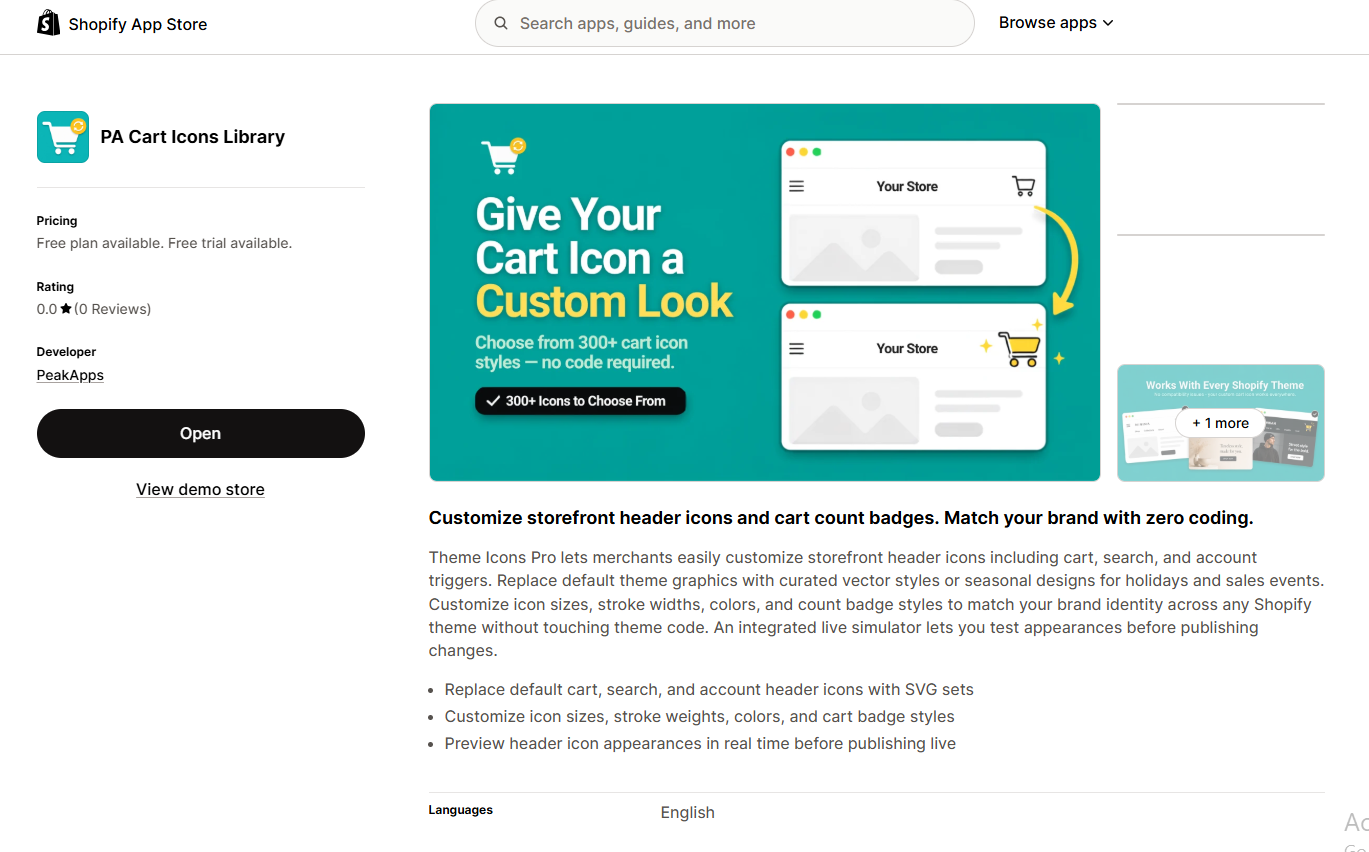
Design-focused apps may provide additional sections, customizable icons, and visual enhancements.
Choose tools that improve product understanding and navigation rather than adding unnecessary decoration.
Best Shopify Apps for Customer Trust
Customer reviews, accurate payment information, and clearly communicated policies can help shoppers evaluate a store.
Any review or trust-related tool should support genuine information.
Best Shopify Apps for Product Marketing
Product photography, bundles, customer communication, and sales-related messaging can support marketing activities.
Choose applications that match your current products and customer needs.
Best Shopify Apps for Increasing Average Order Value
Bundle builders, cart recommendation tools, and quantity discount features can support larger purchases when offers are relevant.
How Many Shopify Apps Should a New Store Install?
There’s no universal ideal number.
Begin with essential features, monitor performance, and add functionality as your business requires it.
When Should You Upgrade From Free to Paid Shopify Apps?
Consider upgrading when a paid feature addresses an established problem or when your store reaches a usage limit.
Compare the subscription cost with the expected business benefit.
Shopify App Security and Permissions Checklist
Review the permissions requested by an application and whether they are necessary for its functionality.
Also consider the developer’s support information, privacy practices, and ongoing maintenance.
Why Shopify Apps Are Useful for New Merchants
Shopify provides essential ecommerce functionality, but different businesses have different requirements.
Some merchants need more design flexibility, while others need product reviews, bundles, customer messaging, or additional inventory displays.
Apps can extend your store’s capabilities without requiring extensive custom development.
15 Shopify Apps Worth Considering
| # | Shopify app | What it helps with |
|---|---|---|
| 1 | Section Kit: Theme Sections | Customizable storefront sections |
| 2 | Section Kit Bundles | Bundles, BOGO offers, and quantity discounts |
| 3 | SA Product Reviews & UGC | Customer reviews and photo feedback |
| 4 | SA Sticky Add to Cart Drawer | Sticky purchase controls and cart recommendations |
| 5 | SA Trust Badges | Payment and trust messaging |
| 6 | AB Sales Popup | Genuine sales notifications and counters |
| 7 | PA Cart Icons Library | Cart, search, and account icon styling |
| 8 | Custom Cursor | Desktop cursor personalization |
| 9 | PA Powered By Remover | Store footer customization |
| 10 | AI Theme Code Editor | AI-assisted theme code editing |
| 11 | PA AI Image Generator | AI-assisted product photography |
| 12 | PA Claude Connector | AI-assisted store management |
| 13 | Shopify Search & Discovery | Store search, filters, and recommendations |
| 14 | Stockie by Section Kit | Lead capture and subscriber forms |
| 15 | Auto payment icons | Add Payment icons |
Shopify Search & Discovery and Shopify Forms are listed as free Shopify-developed apps. Shopify App Store+1 The other apps have differing free-plan or free-to-install arrangements, so check their current pricing and limitations before use.
How to Choose Which Apps Your Store Actually Needs
Prioritize Essential Customer Needs
Start by identifying problems with your shopping experience.
For example, a store with limited product information might benefit from additional sections, while a store with existing customers might benefit from collecting genuine reviews.
Avoid Duplicate Functionality
Some apps provide overlapping features.
If two apps offer similar cart widgets, consider which one provides the functionality you actually need.
Understand Pricing Limits
Check usage allowances, impression thresholds, free credits, and paid upgrade conditions.
An app that is free to install may not offer unlimited functionality without payment.
Consider Store Performance
Apps that add storefront widgets may introduce additional scripts or interface elements.
Evaluate their actual effect before activating several features simultaneously.
Test Before Publishing
Preview design changes, verify mobile usability, and test key purchasing functions before making substantial changes to your live store.
Frequently Asked Questions
Are free Shopify apps enough for a new store?
They can cover many initial needs, but requirements vary by business.
Can I use multiple Shopify apps together?
Yes, but compatibility and performance should be tested.
Should I install all 15 apps immediately?
No. Install only the apps that address your current requirements.
Conclusion
Shopify apps can help new merchants build more capable online stores without extensive custom development.
However, installing unnecessary applications can increase management complexity.
Choose apps according to your products, customers, budget, and business goals.
Start with the most important features and expand your setup as your store grows.
Explore Our Shopify App Collection
The following are your twelve Shopify apps, each with a distinct role in storefront design, marketing, or store management.

Section Kit: Theme Sections
Ready-made Shopify storefront sections.View App
Section Kit Bundles
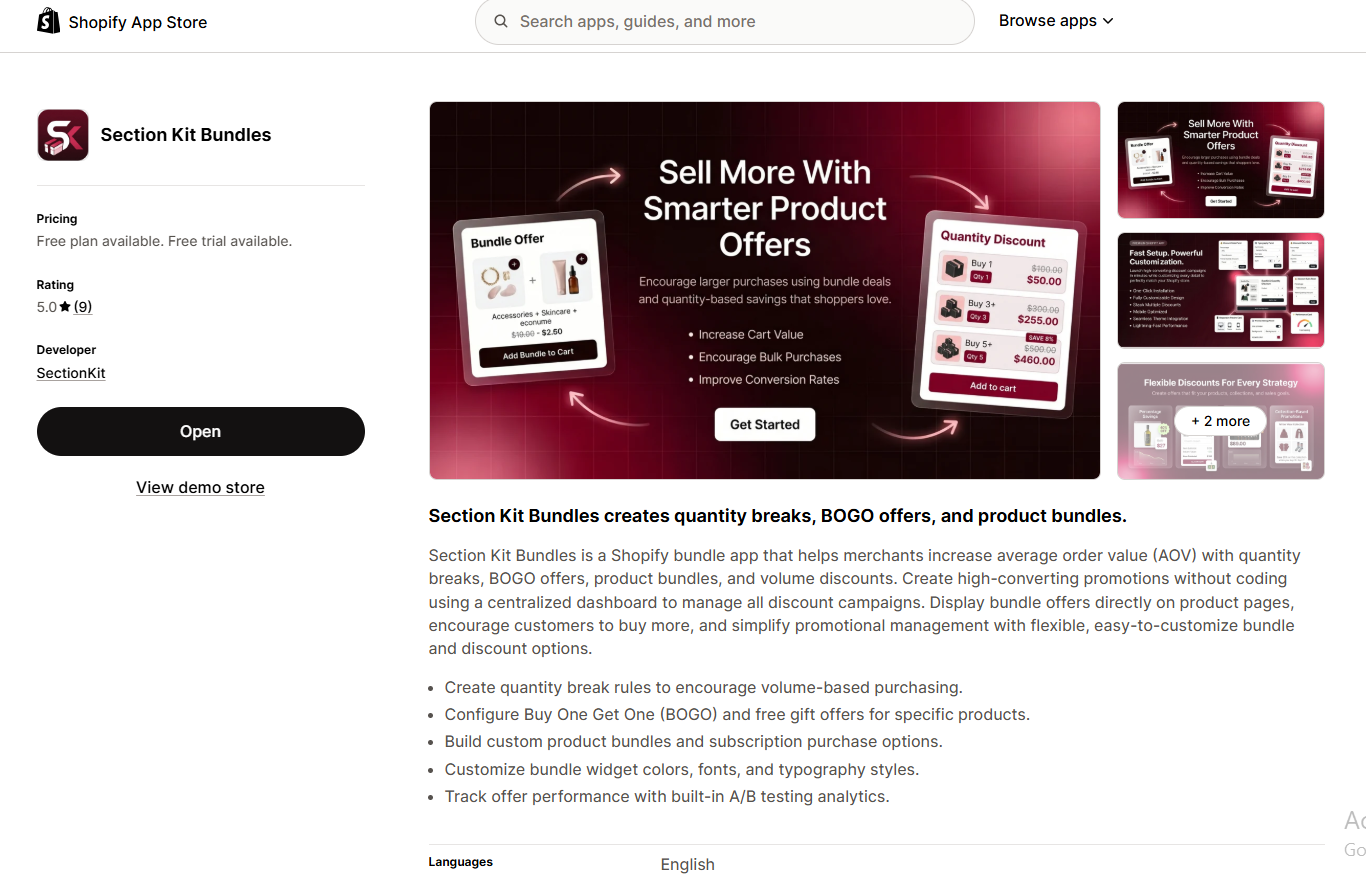
Section Kit Bundles
Quantity discounts and bundle offers.View App

SA Product Reviews & UGC
Genuine review collection and photo widgets.View App
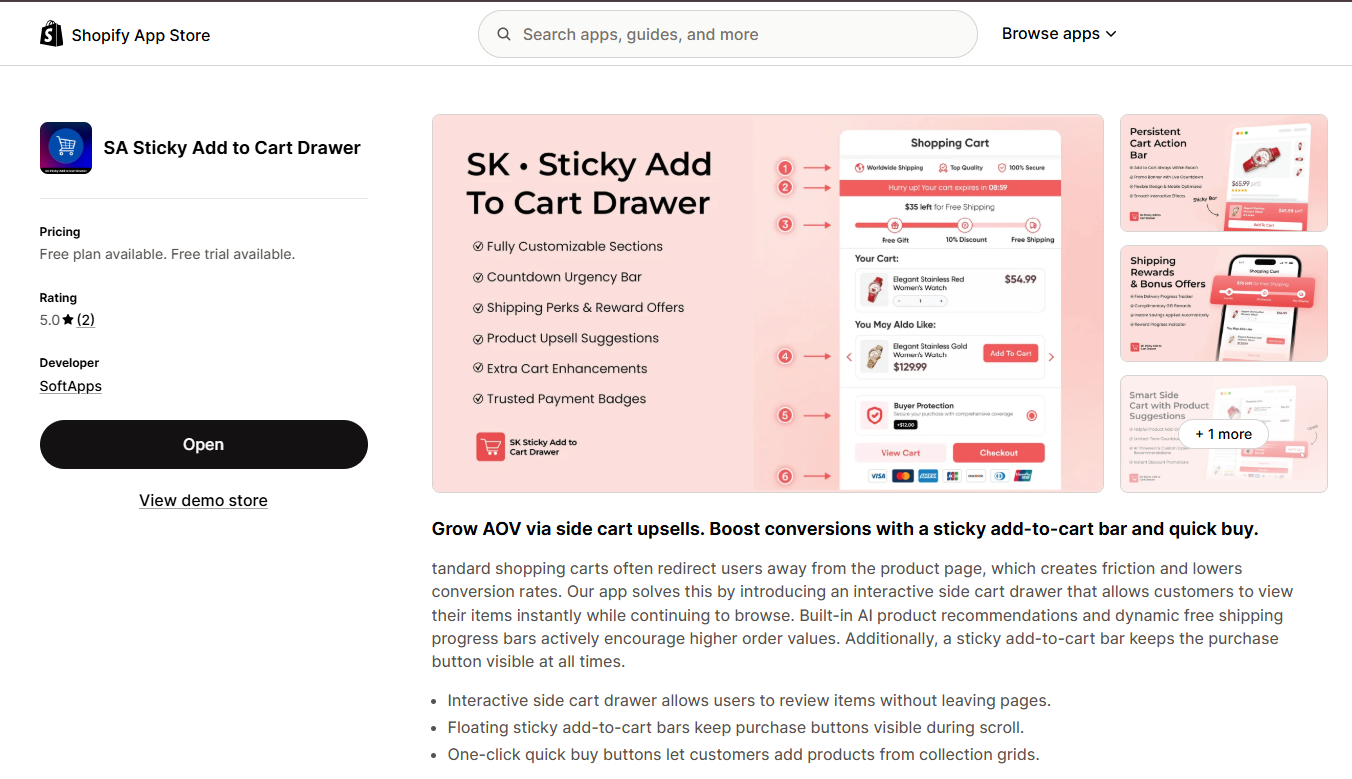
SA Sticky Add to Cart Drawer
Persistent purchase controls and a side cart.View App

SA Trust Badges
Customizable trust and payment icons.View App
AB Sales Popup
Genuine sales activity and visitor counters.View App

PA Cart Icons Library
Customize storefront header icons.View App
Custom Cursor

Custom Cursor
Personalize desktop pointer styles.View App
PA Powered By Remover
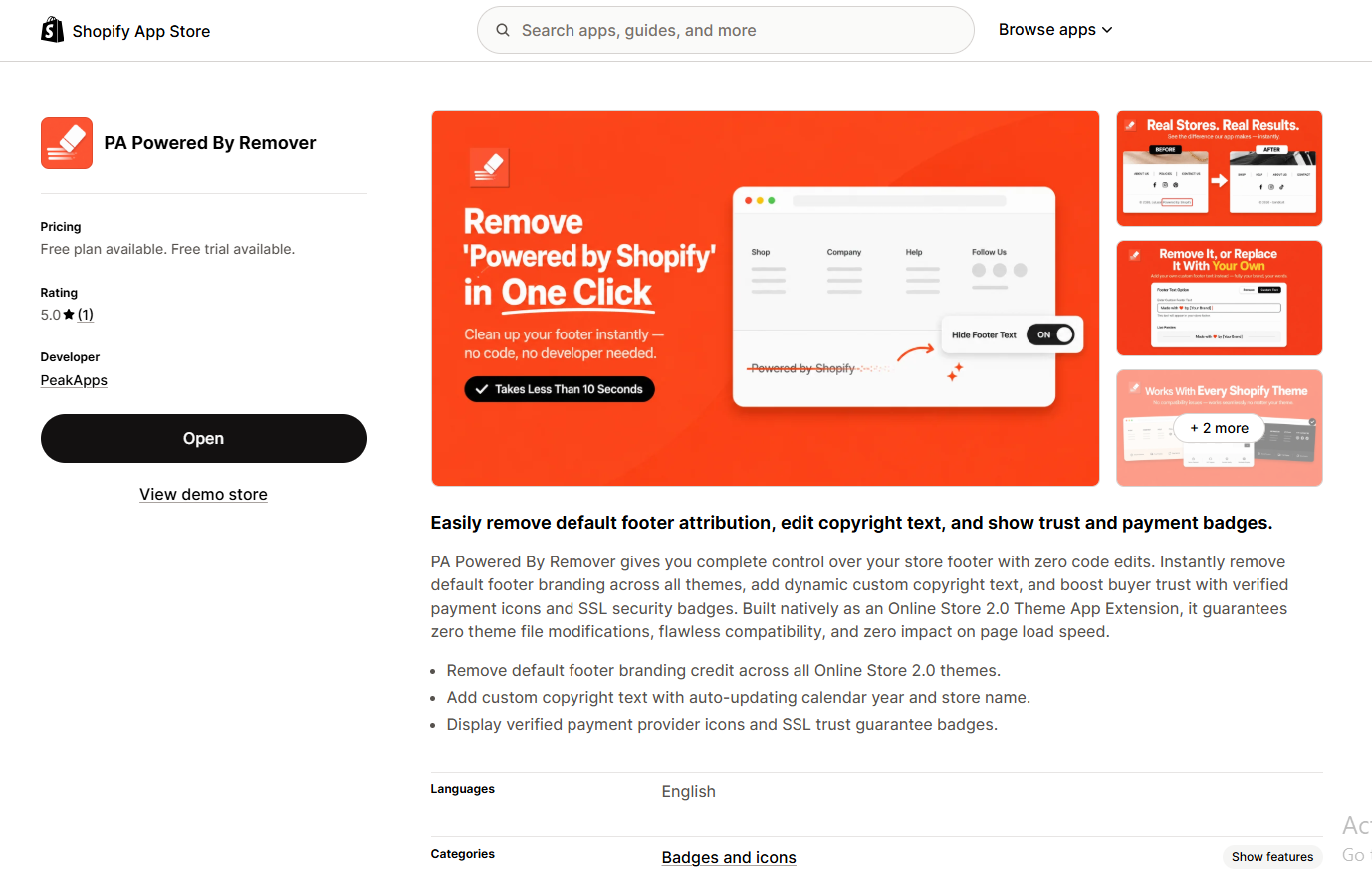
PA Powered By Remover
Customize default footer branding.View App
AI Theme Code Editor

AI Theme Code Editor
Make AI-assisted Shopify theme edits.View App
PA AI Image Generator

Generate studio-style product imagery.View App
PA Claude Connector

PA Claude Connector
Assist with SEO, content, and administrative workflows.View App




