How to A/B Test Landing Pages in WordPress
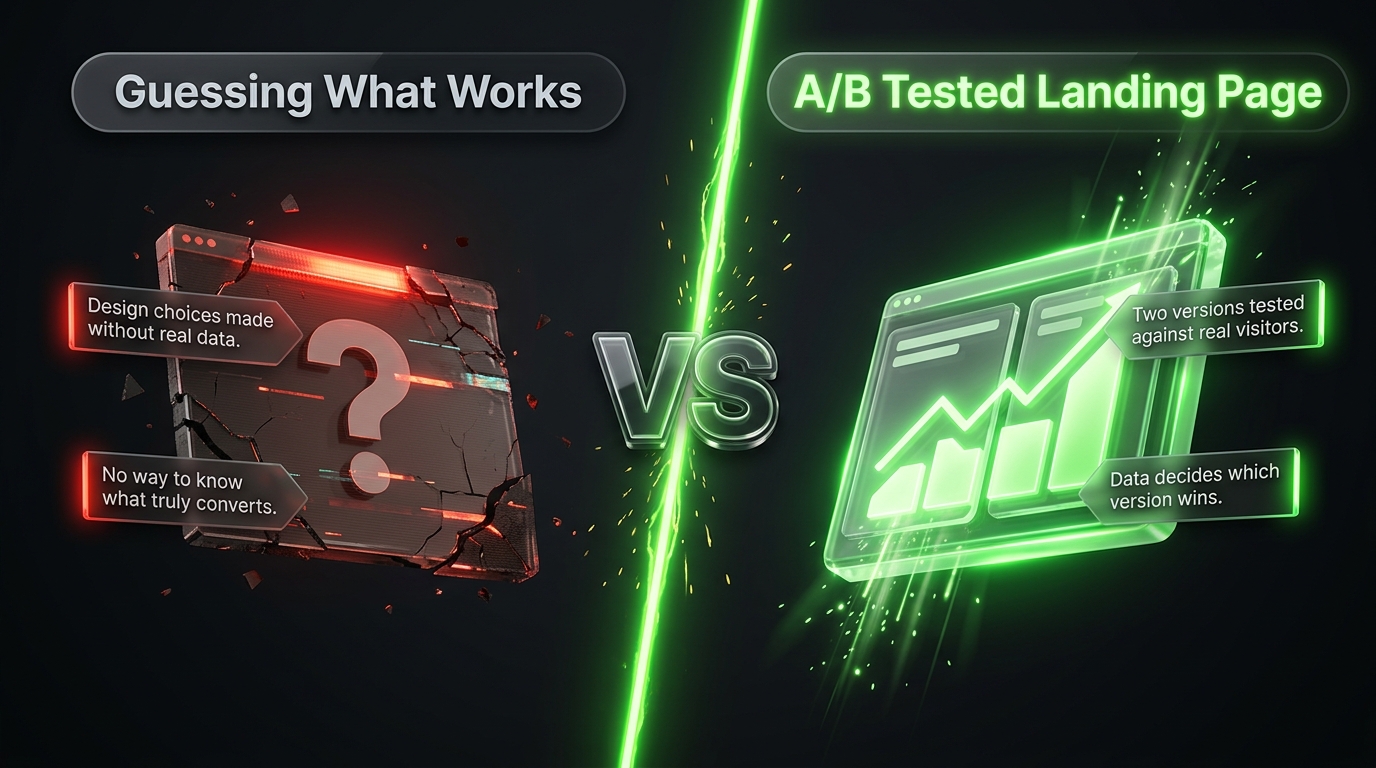
You can spend hours crafting the perfect headline, choosing the right colors, and writing persuasive copy for your landing page, and still end up guessing at what actually works. A/B testing removes that guesswork. Instead of assuming which version of your page performs better, you let real visitors decide by showing different versions to different people and measuring the results.
The idea sounds technical, but running an A/B test on a WordPress landing page is far more approachable than most people expect. In this guide we will walk through what A/B testing actually is, how to plan a test properly, which tools make it easy inside WordPress, and how to read your results once the test finishes.
What A/B Testing Actually Means
A/B testing, sometimes called split testing, involves creating two versions of the same landing page that differ in exactly one element. Version A might use a red call to action button, while Version B uses a green one. Your testing tool then splits incoming traffic between the two versions, often fifty fifty, and tracks how many visitors from each version complete your desired action.
After enough visitors have seen both versions, you compare the conversion rates. If Version B consistently outperforms Version A by a meaningful margin, you have real evidence, not a guess, about which design choice works better for your specific audience.
Why A/B Testing Matters for Landing Pages
It is tempting to trust intuition when designing a page, but intuition is often wrong, even for experienced marketers. A headline that seems obviously stronger to you might perform worse with your actual audience, and there is no way to know for certain without testing.
A/B testing also compounds over time. Each test you run teaches you something about your audience, whether that is a preference for shorter forms, a specific type of headline, or a particular button color. Applying those lessons to future pages means every new page you build starts from a stronger foundation than the last.
What You Can Test on a Landing Page
Almost any element on a landing page can become the subject of a test, though some tend to produce bigger results than others.
Headlines. Often the single highest impact element to test, since it is the first thing a visitor reads and heavily influences whether they keep scrolling.
Call to action button. Test the color, size, placement, and wording, such as comparing Get Started Free against Start My Free Trial.
Hero image or video. A product photo, a lifestyle image, or a short explainer video can each produce very different levels of engagement.
Form length. Compare a short form asking only for an email address against a longer one that also requests a name or phone number.
Page layout. Test a long, detailed page against a short, focused one to see which style resonates more with your specific offer and audience.
Social proof placement. Try moving testimonials or trust badges closer to the call to action versus placing them further down the page.
It is best to test one variable at a time. Changing several elements at once, such as the headline and the button color in the same test, makes it impossible to know which change actually caused the difference in results.
Step 1: Set a Clear Goal Before You Start
Before building anything, decide exactly what counts as a conversion for this specific test. This might be a form submission, a button click, or a completed purchase. Having a single, clearly defined goal keeps your results easy to interpret once the test finishes.
It also helps to write down your hypothesis in advance. A simple sentence like Changing the headline to focus on time savings instead of cost savings will increase form submissions gives your test a clear purpose and makes the eventual result easier to act on, regardless of which version wins.
Step 2: Choose a Testing Tool for WordPress
Several tools make split testing on a WordPress landing page straightforward, and the right choice depends on which page builder or landing page plugin you already use.
SeedProd. The premium version includes built in split testing, letting you create alternate versions of a page and automatically split traffic between them without any coding.
Divi Builder. Divi includes a native split testing feature that tracks visitors, conversions, and statistical significance directly inside your WordPress dashboard.
Thrive Architect. As part of the Thrive Suite, this tool includes Thrive Optimize, a dedicated split testing addon built specifically for landing pages created with Thrive Architect.
Google Optimize alternatives. Since Google retired its original Optimize tool, several WordPress friendly alternatives like Nelio A/B Testing and Convert have stepped in to fill that role, working independently of whichever page builder you use.
Nelio A/B Testing. This dedicated WordPress plugin supports testing full pages, individual elements like headlines and images, and even WooCommerce product pages, all from within your WordPress dashboard.
If your current landing page tool already includes split testing, starting there is usually the simplest path, since you avoid adding another plugin and potential compatibility issues.
Step 3: Build Your Two Page Versions
Once you have chosen a tool, duplicate your existing landing page to create Version B, then make your single planned change to that duplicate. Most landing page plugins include a built in duplicate or clone function, which saves you from rebuilding the page from scratch.
Double check that both versions are otherwise identical aside from the one element you are testing. Even small unintended differences, such as a slightly different image size or a typo introduced during editing, can skew your results and make the test unreliable.
Step 4: Set Your Traffic Split
Most testing tools default to an even fifty fifty split between your two versions, which works well for most situations. If you are testing a page that already generates a large volume of important traffic, some marketers prefer a smaller split, such as sending only 10 or 20 percent of visitors to the new version initially, to limit potential downside if the new version performs significantly worse.
For most landing page tests on small to medium sites, an even split is simpler to manage and produces results faster, since both versions accumulate visitors at the same rate.
Step 5: Let the Test Run Long Enough
This is the step most people rush, and rushing it is the single biggest mistake in A/B testing. Ending a test too early, after only a day or a small handful of conversions, often produces a result that looks meaningful but is actually just random variation.
As a general guideline, aim to run a test for at least one to two full weeks, and try to collect at least 100 conversions per version before drawing a conclusion, though this number can vary depending on your traffic volume and typical conversion rate. Many testing tools include a statistical significance indicator that tells you when your results are reliable enough to trust, and it is worth waiting for that signal rather than declaring a winner based on early numbers alone.
Step 6: Analyze Your Results
Once your test has run long enough, compare the conversion rate of each version rather than just the raw number of conversions, since one version may have simply received more total traffic. A version with 40 conversions from 800 visitors actually performed better than one with 45 conversions from 1,200 visitors, even though the second number looks larger at first glance.
Pay attention to whether your testing tool reports statistical significance, usually shown as a percentage confidence level. A result with 95 percent confidence or higher is generally considered reliable enough to act on, while anything lower suggests you may need more data before trusting the outcome.
Step 7: Apply What You Learn
Once you have a clear winner, update your live landing page to use the better performing version and archive the loser for reference. More importantly, write down what you learned in a simple document or spreadsheet you can refer back to for future pages.
Over time, these accumulated lessons become genuinely valuable. You might discover that your audience consistently responds better to benefit driven headlines over feature driven ones, or that shorter forms outperform longer ones across every page you have tested. Applying these patterns to new pages from the start saves you from having to rediscover the same lessons repeatedly.
How to Prioritize What to Test First
If you have a long list of possible things to test, it helps to prioritize based on potential impact rather than tackling everything randomly.
Headlines and call to action buttons tend to produce the largest swings in conversion rate, so they are usually the smartest place to start, especially if you have never run a test on a particular page before. Form length is another high impact area, particularly if your current form asks for more information than the bare minimum needed. Smaller visual details, such as font choice or minor color adjustments to secondary elements, generally produce smaller effects and are worth testing later, once the bigger levers have already been optimized.
A useful approach is to rank your test ideas by how much impact you expect versus how much effort each one takes to set up. Starting with high impact, low effort tests, like swapping a headline or button color, lets you build momentum and start learning about your audience quickly before moving on to more involved changes like a full page layout redesign.
Common Mistakes to Avoid
A handful of mistakes come up frequently enough to call out directly.
Testing too many elements in a single test is one of the most common issues, since it becomes impossible to know which specific change drove the result. Ending a test too early is nearly as common, often driven by impatience or a desire to declare a quick winner. Ignoring sample size is another frequent problem, since a small number of visitors can produce misleading results purely due to random chance. Finally, some site owners run a test, get a result, and then never actually update the live page to reflect what they learned, which wastes all the effort that went into running the test in the first place.
Frequently Asked Questions
How long should an A/B test run? Most tests need at least one to two weeks to gather enough reliable data, though high traffic pages may reach significance faster while lower traffic pages may need longer.
Can I run multiple tests on the same landing page at once? It is generally best to avoid this, since running several tests simultaneously on the same page can make it difficult to isolate which change actually caused any observed difference in results.
Do I need coding skills to A/B test a WordPress landing page? No. Every tool mentioned in this guide includes a visual interface for creating test variations and viewing results, with no code required.
What is a good sample size for a landing page test? There is no single universal number, but many marketers aim for at least 100 conversions per version before drawing firm conclusions, along with a statistical significance level of 95 percent or higher.
Is A/B testing worth it for a small website with limited traffic? It can still be valuable, though tests will simply take longer to reach a reliable sample size. For very low traffic sites, focusing on larger, more obvious changes rather than small tweaks tends to produce clearer results faster.
Final Thoughts
A/B testing turns landing page design from a guessing game into an ongoing process of measured improvement. Start with a clear hypothesis, change one element at a time, choose a tool that fits your existing landing page setup, and resist the urge to call a winner before your results are actually reliable.
Every test you run, whether it confirms your assumption or completely overturns it, teaches you something real about your audience. Over time, that accumulated knowledge becomes one of the most valuable assets in your entire marketing toolkit, far more useful than any single high converting page on its own.