How to Automate Social Media Posts from WordPress
Publishing a great blog post is only the first step. If that post never reaches your audience beyond the handful of people who happen to visit your site directly, all the effort that went into writing it goes largely to waste. Manually sharing every new post across Facebook, Twitter, LinkedIn, Instagram, and whatever other platforms your audience uses is slow, repetitive, and easy to forget during a busy week.
Automation solves this problem by connecting your WordPress site directly to your social accounts, so new content gets distributed the moment it goes live, or on a schedule you define in advance. This guide walks through the full range of methods available for automating social media posts from WordPress, from simple built in plugin options to advanced third party automation platforms and AI assisted caption writing.
Why Automating Social Sharing Is Worth the Setup Time
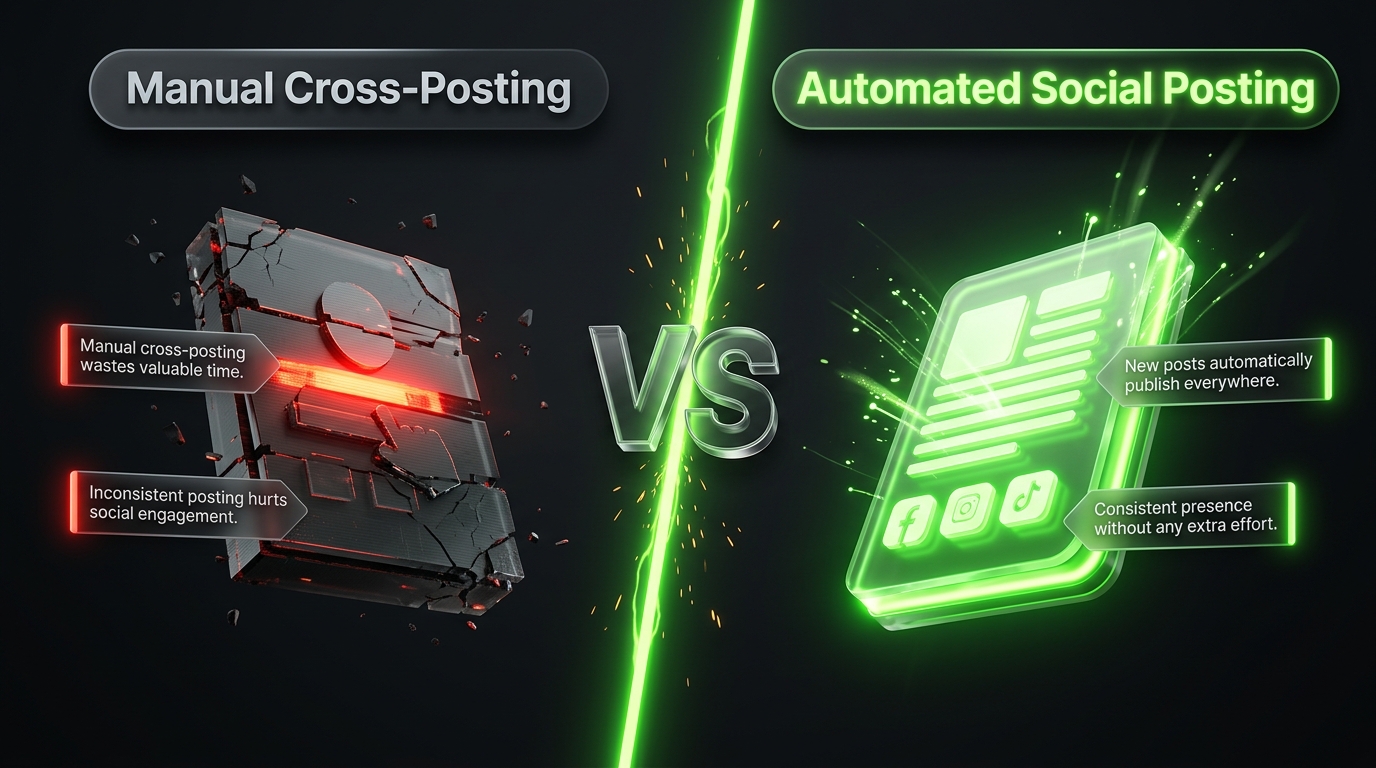
Before diving into specific tools, it helps to understand exactly what automation buys you. The most obvious benefit is time savings. Instead of manually opening five different platforms every time you publish, writing a separate caption for each one, and attaching the right image, automation handles the entire process in the background after a one time setup.
Consistency is another major advantage. Audiences respond well to brands and creators who show up reliably, and automation removes the risk of forgetting to share a post because you got busy or simply lost track of what still needed posting. This is especially valuable for teams managing multiple contributors, where relying on everyone to remember manual sharing steps often leads to inconsistent results.
Automation also opens the door to smarter timing. Rather than sharing content the instant it publishes regardless of whether your audience is actually online at that moment, many tools let you stagger posts across the day or week, targeting times when engagement tends to be highest on each specific platform.
Finally, automation supports content longevity. Evergreen posts, tutorials, and guides that remain useful long after their original publish date can be automatically resurfaced on social media periodically, extending their traffic potential far beyond the initial launch window rather than letting them fade into your archive unnoticed.
Method One: Native WordPress Scheduling as a Foundation
Before adding any social automation tool, it is worth understanding what WordPress already offers natively. The built in publishing schedule feature allows you to write a post and set it to go live at a specific future date and time, without needing a plugin at all. While this only controls when the post appears on your own site rather than automatically sharing it externally, it forms an important foundation for any broader automation workflow, since most social automation plugins trigger their sharing process based on this same publish event.
Understanding this distinction matters because some site owners assume scheduling a post automatically handles social sharing as well. In reality, native scheduling and social automation are two separate systems that need to be connected through a dedicated plugin or third party service.
Method Two: Dedicated WordPress Automation Plugins
The most straightforward and widely used approach involves installing a plugin built specifically for social media automation. These plugins connect directly to your social accounts through the WordPress dashboard and automatically share new content according to rules you configure once during setup.
Jetpack Social offers one of the simplest entry points, particularly for site owners already using other Jetpack features. After connecting your accounts, new posts share automatically to major platforms directly from the block editor, with minimal ongoing configuration required. It suits smaller blogs that want reliable, low maintenance sharing without a steep learning curve.
Blog2Social takes a more comprehensive approach, supporting a wide range of platforms including Facebook, Instagram, LinkedIn, X, TikTok, Pinterest, Threads, and Bluesky. It customizes each post for the specific platform it is being shared to, adjusting captions, hashtags, and formatting automatically rather than posting an identical message everywhere. This customization tends to produce noticeably better engagement compared to a single generic caption pushed across every network.
FS Poster focuses on depth of network coverage, supporting publishing to a long list of destinations that goes well beyond the usual major platforms, including Telegram, Reddit, Mastodon, Bluesky, and several regional networks rarely supported elsewhere. Everything runs from within the WordPress dashboard, including a full scheduling calendar and per platform message customization, making it a strong choice for content heavy sites publishing frequently across many channels.
Revive Old Posts, sometimes offered under the broader name Revive Social, addresses a different need entirely, automatically resharing older, evergreen content on a recurring schedule rather than only sharing new posts once at launch. For sites with a substantial archive of tutorials or guides that remain relevant over time, this ongoing resurfacing can meaningfully extend the traffic lifespan of older content.
Method Three: Third Party Automation Platforms
Beyond plugins installed directly on WordPress, several external automation platforms can connect your site to social media without living inside the WordPress dashboard itself. These tools typically work by monitoring your site’s RSS feed or connecting through a webhook triggered whenever a new post publishes.
Zapier and Make, both general purpose automation platforms, allow you to build custom workflows connecting WordPress to almost any social platform, along with countless other tools like email marketing services or project management apps. A typical workflow might watch your WordPress RSS feed for new posts, then automatically create a corresponding post on Twitter, Facebook, and LinkedIn, each formatted according to rules you define within the automation builder. This approach offers significant flexibility, including conditional logic, such as only sharing posts belonging to a specific category, but generally requires more setup effort compared to a dedicated WordPress plugin.
Buffer and similar scheduling tools focus specifically on social media management, offering polished interfaces for planning and analyzing posts across multiple platforms. While not built exclusively for WordPress, many of these tools support RSS based automation, automatically queuing new blog posts for review or immediate sharing according to your preferred schedule. This method works particularly well for teams who want a centralized social calendar covering both automated blog shares and manually created social content in one place.
Method Four: Using AI to Generate Platform Specific Captions
Simply sharing a bare link with a generic caption often underperforms compared to content genuinely tailored for each platform. Increasingly, site owners are combining their automation tools with AI writing assistants to generate more compelling, platform appropriate captions automatically.
Some automation plugins now include built in AI caption generation directly within the publishing workflow, drafting a suggested message based on the content of the post before it shares. For more advanced customization, many creators use a separate AI tool to extract key points from a longer blog post and reformat them into a Twitter thread, a LinkedIn style summary, or a short video script for platforms favoring that format.
This layered approach, combining automated distribution with AI assisted content tailored for each destination, tends to produce noticeably stronger engagement than a single identical caption blasted across every platform simultaneously, since audiences on different networks often respond to different tones, lengths, and formatting styles.
Method Five: Custom Development Using APIs
For developers or highly customized workflows that off the shelf plugins cannot fully accommodate, direct integration through the WordPress REST API combined with individual social platform APIs offers the deepest level of control. This approach allows for entirely custom logic, such as sharing only to specific accounts based on the post author, formatting captions according to a proprietary brand voice system, or integrating social sharing directly into a broader internal marketing stack.
This method requires genuine development resources and ongoing maintenance as platform APIs change over time, so it is generally reserved for larger organizations or agencies with the technical capacity to build and support a custom solution rather than relying on a maintained third party plugin.
Setting Up Your First Automated Workflow
Regardless of which method you choose, the general setup process follows a similar pattern. Begin by selecting a tool that matches your primary need, whether that is broad network coverage, simplicity, evergreen content resharing, or deep customization through an external automation platform.
Next, connect your social accounts through the authorization process required by your chosen tool. This typically involves logging into each platform and granting permission for the plugin or service to post on your behalf, a standard security step required by every major social network.
From there, configure your sharing rules. Decide whether every new post should share automatically, or whether you want to review and manually approve captions before they go live. Set your preferred posting times if your tool supports scheduling delays, and decide whether older, evergreen content should be included in a recurring resharing rotation.
Finally, test the workflow with a low stakes post before relying on it fully. Publish something minor, confirm that it appears correctly formatted on each connected platform, and adjust your settings based on what you observe before scaling the automation across your regular publishing schedule.
Best Practices for Sustainable Automation
Automation works best when it enhances a genuine content strategy rather than replacing thoughtful engagement entirely. A few practices help keep automated sharing effective over the long term.
Avoid posting identical captions across every platform without any customization. Even basic adjustments, such as shorter, hashtag heavy captions for Twitter versus longer, more professional framing for LinkedIn, meaningfully improve engagement compared to a single generic message copied everywhere.
Periodically review your automation settings rather than setting everything up once and forgetting about it entirely. Platforms change their algorithms and best practices over time, and what worked well a year ago may no longer produce the same results today.
Balance automated sharing with genuine, manual engagement as well. Automation handles the repetitive distribution work efficiently, but responding to comments, joining conversations, and occasionally posting content that was never published as a blog post first all contribute to a social presence that feels active and human rather than purely mechanical.
Bringing It All Together
Automating social media posts from WordPress removes one of the most tedious, repetitive tasks facing anyone who publishes content regularly, freeing up time to focus on writing and strategy rather than manual distribution. Whether you choose a simple plugin like Jetpack Social, a comprehensive tool like Blog2Social or FS Poster, a flexible external platform like Zapier, or a fully custom API driven solution, the underlying goal remains the same, getting your content in front of the audience already waiting on the platforms they use every day.
Start with a method that matches your current scale and technical comfort, test it thoroughly before relying on it completely, and revisit your setup periodically as your site and audience continue to grow.
Frequently Asked Questions
Is it better to automate every new post or review captions before they go live? This depends on your comfort level and how much customization matters to your brand voice. Fully automatic sharing saves the most time, while a review step ensures every caption feels intentional. Many site owners start with manual review and shift toward full automation once they trust the generated captions consistently meet their standards.
Can I automate sharing to Instagram from WordPress? Instagram’s platform restrictions make fully automated posting more limited compared to platforms like Facebook or Twitter, though several plugins and third party tools do support scheduled Instagram posting through approved business account connections. Coverage and reliability vary by tool, so checking current platform support before committing to a specific plugin is worthwhile.
Will automated posts hurt my engagement compared to manual sharing? Not inherently, as long as captions are reasonably tailored to each platform rather than generic and repetitive. Audiences generally respond to the quality and relevance of the content itself rather than whether a human manually clicked share versus a plugin handling the same action automatically.
How do I know if my social automation is actually working? Most dedicated plugins and third party platforms include basic analytics showing successful posts, click through rates, and engagement metrics. Reviewing this data periodically helps confirm your automation is functioning correctly and highlights which platforms and content types are generating the strongest results.