How to Build an Email List on WordPress
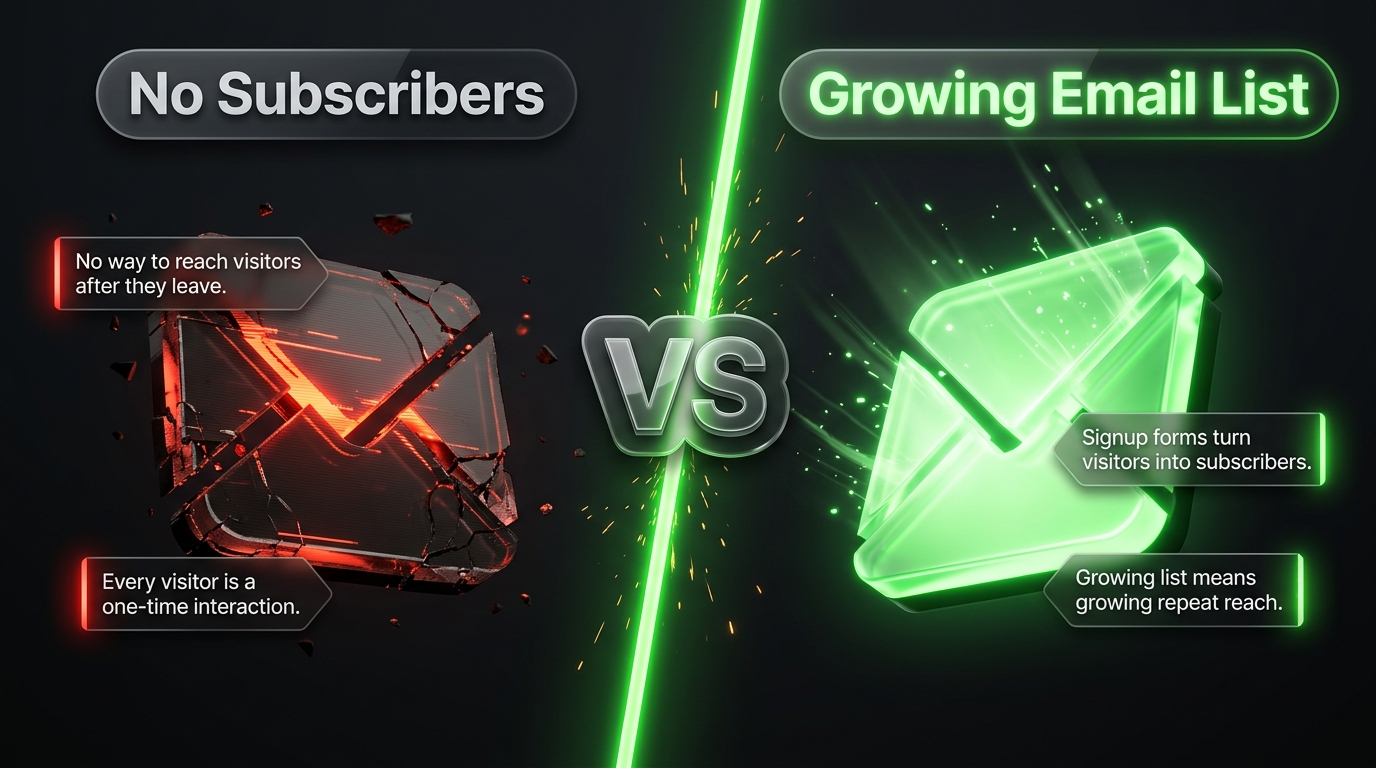
Every visitor who lands on your WordPress site and then leaves without subscribing represents a missed opportunity. Social media followers depend on algorithms you do not control, and search rankings can shift overnight, but an email list belongs entirely to you. It is the one audience channel that survives platform changes, algorithm updates, and shifting trends, which is exactly why building one deserves serious attention from any WordPress site owner.
This guide covers the complete process of building an email list on WordPress, from choosing the right tools through crafting lead magnets, designing high converting opt in forms, and promoting your list beyond your own website. Whether you are starting from zero or trying to accelerate growth on an existing list, these strategies apply.
Why an Email List Deserves Priority
Before getting into tactics, it helps to understand why email consistently outperforms other channels for building a genuine, lasting audience relationship. Unlike a social media following, which can disappear overnight if an account gets suspended or an algorithm change tanks your reach, an email list remains entirely under your control, stored and exported however you choose.
Email also supports a level of direct, personal communication that other channels struggle to match. A subscriber who opted in specifically to hear from you is fundamentally different from a passive follower who might scroll past your content in a crowded feed without a second thought. This intentional relationship translates into stronger engagement, higher trust, and ultimately better results when you eventually ask subscribers to take action, whether that means reading a new post, attending an event, or making a purchase.
Step One: Choose Your Email Marketing Platform
Before you can start collecting addresses, you need somewhere to store and manage them. WordPress plugins generally connect to an external email marketing service rather than handling large scale sending directly, since reliable bulk email delivery requires specialized infrastructure.
Popular options include Brevo, MailerLite, Omnisend, and ActiveCampaign, each offering a free tier suitable for smaller lists along with paid plans that unlock more advanced automation as your subscriber count grows. Choosing the right platform depends on your specific needs, an ecommerce store benefits from a platform with strong WooCommerce integration and behavioral automation, while a content focused blog might prioritize simplicity and ease of use over advanced segmentation features.
Step Two: Install a Form Building Plugin
With your email service selected, the next step involves choosing a WordPress plugin capable of creating opt in forms that actually capture visitor information and pass it directly into your chosen platform.
OptinMonster remains one of the most established options, offering a wide range of form types including lightbox popups, full screen welcome mats, slide in boxes, and floating bars, along with sophisticated targeting technology that can display different offers based on visitor behavior, referral source, or how far someone has scrolled down a page.
WPForms functions as a broader form builder that also supports email list integration, connecting directly to services like Brevo, Mailchimp, and ConvertKit so new subscribers flow automatically into your list without manual exporting. This makes it a practical choice for sites that also need contact forms or surveys alongside email capture.
Mail Mint offers a more integrated approach, combining lead capture forms with visual automation workflows, segmentation, and a drag and drop email builder directly within WordPress, appealing to site owners who want deeper automation control without relying entirely on an external platform’s interface.
Simpler tools like HollerBox focus purely on straightforward opt in boxes, offering flexible shape and size options along with basic targeting rules such as showing forms only to new visitors, making them a lightweight choice for sites that do not need extensive customization.
Step Three: Create a Compelling Lead Magnet
A generic subscribe button rarely convinces visitors to hand over their email address. Lead magnets, valuable pieces of content or resources offered in exchange for a subscription, dramatically increase opt in rates by giving visitors an immediate, tangible reason to join your list.
Effective lead magnets solve a specific problem for a clearly defined audience rather than offering something vague or broadly applicable. Checklists, templates, short guides, and resource lists tend to perform particularly well because they deliver quick, actionable value without requiring a significant time investment from the subscriber to consume. Webinars work well for offers involving more complexity or trust building, since they combine authority building with direct engagement over an extended session.
Whenever possible, align your lead magnet with the specific content a visitor is already reading. Someone reading a blog post about meal planning is far more likely to subscribe for a related recipe guide than for a generic newsletter signup with no clear connection to what brought them to the page in the first place.
Step Four: Design Effective Opt In Forms
Where and how you display your opt in forms significantly influences conversion rates. Different form types serve different purposes and tend to perform best in specific contexts.
Exit intent popups, which trigger just as a visitor’s cursor moves toward closing the browser tab, capture attention at a moment when the visitor might otherwise leave without ever seeing an offer. According to research from OptinMonster, exit popups can influence a meaningful portion of visitors to take action before departing, making them one of the more effective tools despite some concerns about intrusiveness.
Inline forms placed directly within blog content, often referred to as content upgrades, tend to convert well because they appear at a moment when a reader is already engaged and receptive, offering a related resource that extends the value of the article they are currently reading.
Dedicated landing pages built specifically around a single lead magnet, free from navigation menus and other distractions, often achieve significantly higher conversion rates compared to a general sidebar form competing for attention alongside every other page element. Keeping the form itself short, typically just a name and email field along with perhaps one qualifying question, tends to outperform longer forms that ask for excessive information upfront.
Step Five: Implement Double Opt In
While not universally required by law, double opt in, which requires new subscribers to confirm their email address through a verification link before officially joining your list, is widely considered a best practice. This extra step filters out fake or mistyped email addresses, reduces spam complaints, and generally results in a smaller but significantly more engaged and higher quality subscriber base compared to single opt in, where anyone can join instantly without confirmation.
Most email marketing platforms support double opt in as a built in setting, requiring only minor configuration during your initial setup rather than any custom development work.
Step Six: Promote Your List Beyond Your Own Site
Relying solely on visitors who happen to land on your website limits how quickly your list can grow. Actively promoting your lead magnet and signup opportunity across other channels accelerates growth considerably.
Guest posting on other relevant sites, with a link back to a dedicated signup landing page rather than just your homepage, introduces your list to an entirely new audience already interested in your niche. Short form video content on platforms like Instagram Reels, TikTok, and YouTube Shorts has also become an increasingly effective channel for organic list growth, promoting a lead magnet within the video itself and directing viewers to a link in the bio or pinned comment.
Referral programs, where existing subscribers earn a reward for inviting friends or colleagues to join, along with partnerships with affiliates or influencers already trusted by your target audience, can also meaningfully expand your reach beyond what organic website traffic alone would achieve.
Step Seven: Nurture New Subscribers Immediately
Capturing an email address is only the beginning. A well crafted welcome sequence, triggered automatically the moment someone subscribes, sets the tone for the entire relationship and significantly increases the likelihood that a new subscriber remains engaged rather than quietly unsubscribing after a few uneventful weeks.
This sequence typically introduces your brand or personal story, delivers on the promise of whatever lead magnet convinced them to subscribe in the first place, and gradually guides them toward your best content or offers without immediately overwhelming them with sales pitches before any trust has been established.
Step Eight: Test and Refine Continuously
Building an email list is not a one time project completed and forgotten. Regularly testing different form designs, lead magnet offers, and placement strategies through simple split tests, where two variations run simultaneously to a small portion of your traffic, provides concrete data about what actually resonates with your specific audience rather than relying on assumptions borrowed from generic best practice articles.
Pay attention not just to raw signup numbers but to subscriber quality as well. A tactic that generates a large volume of signups but results in high unsubscribe rates or low engagement further down the line may ultimately be less valuable than a smaller, more targeted approach that attracts genuinely interested subscribers.
Bringing It All Together
Building an email list on WordPress combines several interconnected pieces, choosing the right email marketing platform, installing a capable form building plugin, crafting a lead magnet genuinely worth exchanging an email address for, and designing forms that appear at the right moment without feeling intrusive. None of these steps require advanced technical expertise given the mature plugin ecosystem available, but consistent effort and ongoing refinement separate lists that grow steadily from those that stagnate after an initial launch.
Given how directly you control this channel, free from the unpredictability that affects social media reach and search rankings, the time invested in building a strong email list tends to pay dividends for years, forming a durable foundation for whatever your website ultimately aims to achieve.
Frequently Asked Questions
How long does it typically take to build a meaningful email list from scratch? Growth speed varies widely based on existing traffic, the strength of your lead magnet, and how aggressively you promote your signup opportunities across other channels. Some sites see hundreds of subscribers within the first month through strong promotion, while others grow more gradually over six months to a year through steady organic traffic alone.
Should I buy an email list instead of building one organically? No, purchased lists almost always result in poor engagement, high spam complaints, and can violate the terms of service of most reputable email marketing platforms, potentially getting your account suspended. Organic, opt in growth consistently produces better long term results despite requiring more patience.
How many opt in forms is too many on a single page? While there is no strict universal limit, cluttering a page with excessive popups and forms can hurt user experience and even increase bounce rates. A thoughtful combination, such as one inline content upgrade paired with a single exit intent popup, generally performs better than stacking numerous competing offers on the same page.
Do I need a lead magnet, or can I just ask visitors to subscribe for updates? A generic subscribe request typically converts at a much lower rate compared to an offer providing immediate, specific value. While some visitors will subscribe purely out of interest in ongoing updates, a well crafted lead magnet consistently increases conversion rates by giving hesitant visitors a clear, tangible reason to share their email address right away.
What is a reasonable goal for opt in conversion rate on a WordPress site? Conversion rates vary considerably depending on traffic source, niche, and how well targeted the offer is to the specific page it appears on. A well optimized inline content upgrade tied closely to the surrounding article often converts noticeably better than a generic sitewide popup, so it is more useful to track improvement over time on your own site than to chase an arbitrary industry average.
Should I remove old, inactive subscribers from my list? Periodically cleaning your list of subscribers who have not opened or clicked an email in a long stretch of time, often six months to a year depending on your sending frequency, generally improves deliverability and keeps your engagement metrics more accurate. Many email platforms include automated re engagement campaigns that attempt to win back inactive subscribers before removing them entirely, which is worth trying before deleting anyone outright.