How to Choose the Best Hosting for WordPress Ecommerce
Let’s talk about something that doesn’t get nearly enough attention when people start an online store: hosting.
Most people spend hours picking the perfect theme, agonizing over product photos, and tweaking colors and fonts. But hosting? They just pick whatever comes up first in a Google search, or whatever their friend recommended once. And that’s kind of a mistake, because hosting affects almost everything about how your store performs.
So let’s slow down and actually walk through this properly. By the end, you’ll know exactly what to look for, and hopefully avoid some of the common traps people fall into.
What Is Hosting, Really?
Let’s start simple, in case this part is still a bit fuzzy.
Web hosting is basically renting space on a computer (called a server) that stores all your website’s files and makes them accessible to anyone who types in your domain name. Without hosting, your website has nowhere to actually “live” online.
Think of your domain name as your store’s address, and hosting as the actual building sitting at that address. No hosting, no building, no store.
For a WordPress ecommerce site specifically, your hosting needs to handle a bit more than a simple blog would. You’ve got product pages, images, a shopping cart, checkout processes, and possibly hundreds or thousands of visitors browsing at once. So the hosting decision matters more here than it would for a basic personal website.
Why Hosting Matters So Much for Ecommerce
You might be wondering, why not just grab the cheapest hosting plan available? Here’s why that can backfire.
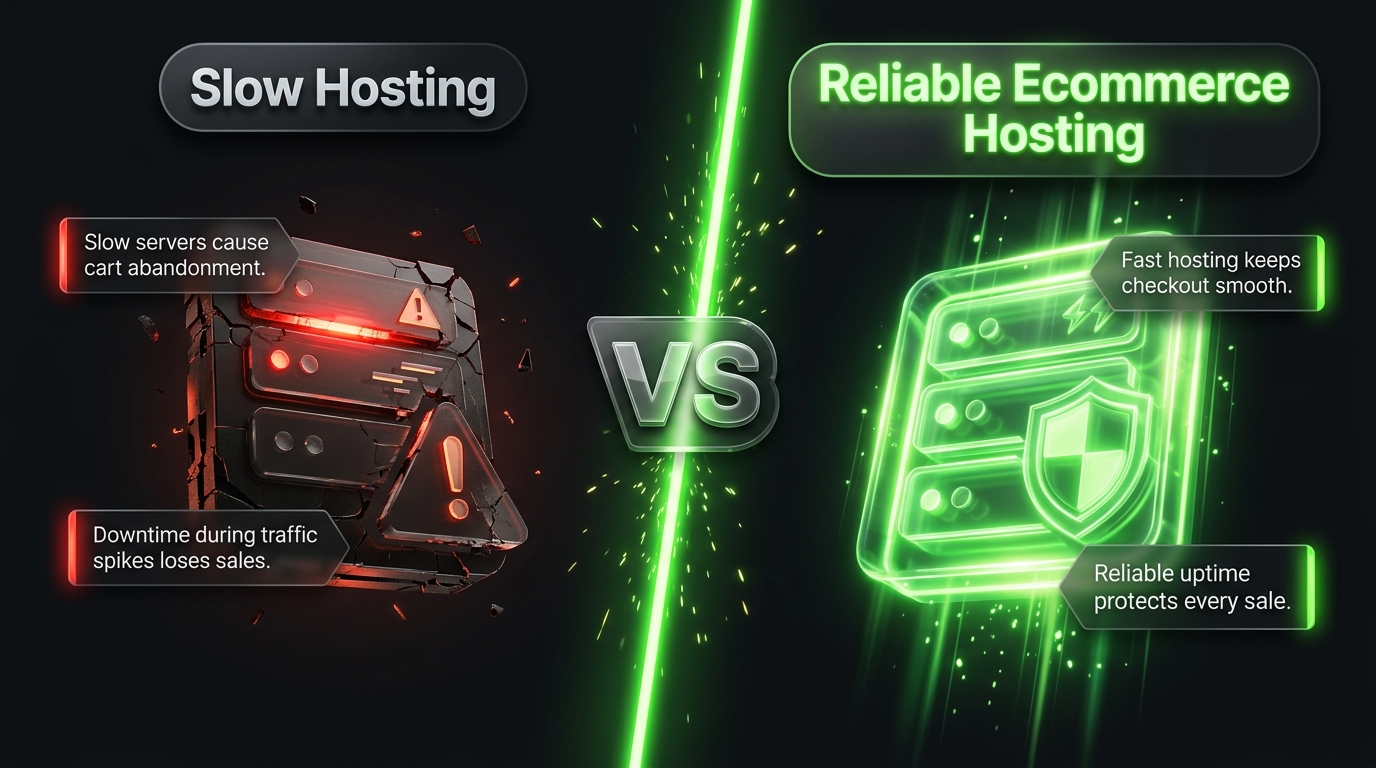
Speed affects sales. Studies consistently show that slower websites lead to higher bounce rates and lower conversions. If your product pages take too long to load, people leave before they even see what you’re selling.
Uptime affects trust. If your store randomly goes offline, especially during a big sale or promotion, you’re losing money and credibility at the same time.
Security protects your customers. Ecommerce sites handle sensitive data, like names, addresses, and payment details. Weak hosting security can put all of that at risk.
Scalability supports growth. If your store gets a sudden spike in traffic, whether from an ad campaign or a viral social post, your hosting needs to handle that surge without crashing.
Basically, hosting is the invisible foundation everything else sits on. Get it right, and you won’t even think about it much. Get it wrong, and it’ll cause problems constantly.
Types of Hosting You’ll Come Across
Before choosing a specific provider, it helps to understand the different types of hosting available. Here’s a simple breakdown.
Shared Hosting
This is the cheapest option, where your website shares server resources with many other websites. It’s fine for very small stores just starting out, but it can slow down significantly as your traffic grows, since you’re competing for resources with other sites on the same server.
VPS Hosting (Virtual Private Server)
This gives you a dedicated portion of a server, so you’re not sharing resources as directly. It’s a good middle ground for growing stores that have outgrown shared hosting but aren’t huge enough to need a dedicated server yet.
Dedicated Hosting
Here, an entire server is dedicated just to your website. This offers maximum control and performance, but it’s more expensive and usually requires more technical know-how to manage.
Managed WordPress Hosting
This is hosting specifically optimized for WordPress websites. The hosting company handles technical maintenance like updates, security, and backups, so you can focus on running your store instead of managing servers.
Cloud Hosting
Instead of relying on one single server, cloud hosting spreads your website across multiple servers. This often means better reliability and easier scalability, since resources can adjust based on your traffic needs.
For most WordPress ecommerce stores, managed WordPress hosting or cloud hosting tends to be the sweet spot between performance, ease of use, and cost.
Key Features to Look For
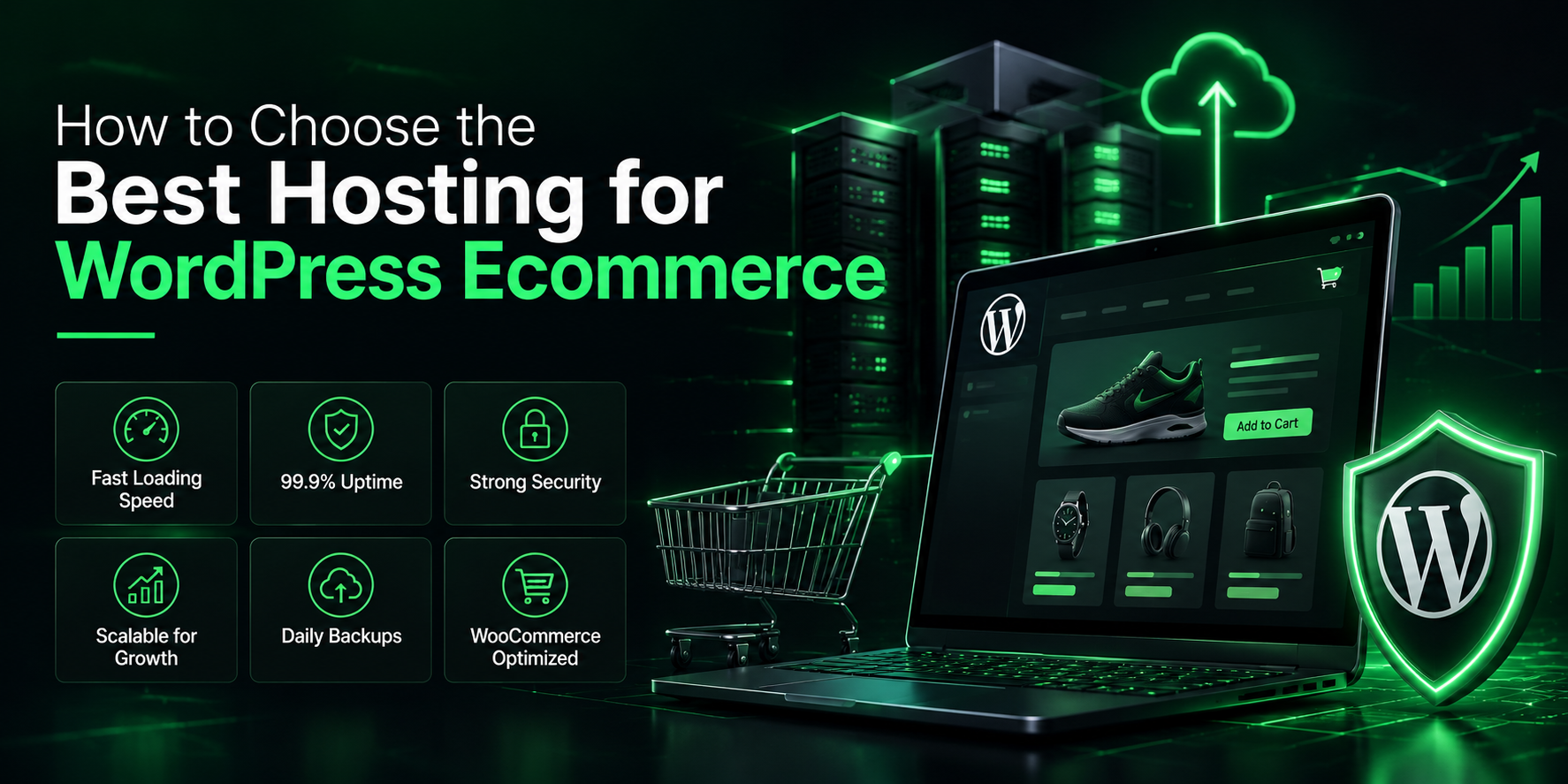
Now let’s get into the specifics. When comparing hosting providers, here’s what you should actually be checking.
1. Speed and Performance
Look for hosting that uses solid state drives (SSDs) rather than older hard drives, since SSDs are significantly faster. Also check if they offer built-in caching, content delivery networks (CDNs), and optimized server configurations for WordPress specifically.
2. Uptime Guarantee
Look for a provider offering at least 99.9% uptime. This might sound like a small detail, but even small percentage differences can mean significant downtime over a year.
3. WooCommerce Optimization
Some hosting providers specifically optimize their servers for WooCommerce stores, offering pre installed plugins, staging environments, and settings tuned for ecommerce traffic patterns.
4. Security Features
Look for free SSL certificates (that’s the padlock icon and “https” in your browser), malware scanning, firewalls, and automatic backups. Ecommerce sites are bigger targets for hackers, so this really matters.
5. Customer Support
When something goes wrong with your store, especially during business hours or a big sale, you want responsive support. Check if they offer 24/7 live chat or phone support, not just email tickets with long wait times.
6. Scalability
Your hosting plan should be able to grow with you. Check whether you can easily upgrade to a bigger plan without a painful migration process later.
7. Backup and Restore Options
Look for automatic daily backups, plus an easy way to restore your site if something breaks. This can be a lifesaver if a plugin update goes wrong or your site gets hacked.
Popular Hosting Providers for WordPress Ecommerce
Let’s go through a few well known options, so you have some solid starting points.
Bluehost
Bluehost is one of the most recommended hosting providers for WordPress beginners. It’s affordable, officially recommended by WordPress.org, and includes decent WooCommerce support.
SiteGround
SiteGround is known for excellent customer support and solid performance, especially for small to medium-sized stores. It also offers good security features built in.
WP Engine
WP Engine specializes in managed WordPress hosting, offering strong performance, security, and support. It’s a bit pricier, but well suited for growing or higher traffic stores.
Hostinger
Hostinger is a budget-friendly option that still delivers decent speed and reliability, making it popular among beginners and small store owners.
Cloudways
Cloudways offers cloud hosting with a lot of flexibility, letting you choose from providers like DigitalOcean, AWS, or Google Cloud. It’s a great option if you want scalability without managing servers manually.
Kinsta
Kinsta is another premium managed WordPress host known for speed and strong security, built on Google Cloud infrastructure. It’s a solid choice for stores expecting serious growth.
There’s no single “best” option here, since it really depends on your budget, technical comfort, and how big your store is expected to get.
Questions to Ask Before You Commit
Before signing up with any hosting provider, it helps to run through a quick checklist:
- Does this plan support WooCommerce specifically, or is it just general WordPress hosting?
- What happens if my traffic suddenly spikes? Can I upgrade easily?
- Are backups automatic, and how far back can I restore?
- Is there a free trial or money back guarantee if I’m not satisfied?
- What kind of customer support is available, and when?
- Are there any hidden renewal price increases after the first year?
That last point catches a lot of people off guard. Many hosting companies offer attractive introductory prices that jump significantly upon renewal, so always check the long-term pricing, not just the first year deal.
Common Mistakes to Avoid
Choosing the cheapest option without research. Saving a few dollars a month isn’t worth it if your store crashes during a big sale.
Ignoring scalability. If your hosting can’t grow with your business, you’ll end up dealing with a stressful migration later.
Skipping security features. Ecommerce sites handle sensitive customer information, so weak security can lead to serious problems down the line.
Not testing customer support beforehand. Try reaching out with a question before committing, just to see how responsive they actually are.
Forgetting about backups. Always confirm that automatic backups are included, or set them up yourself through a plugin if not.
How Much Should You Expect to Pay?
Pricing varies quite a bit depending on the type of hosting and provider you choose.
- Shared hosting usually starts around $3 to $10 per month, good for very small stores just starting out.
- Managed WordPress hosting typically ranges from $20 to $50 per month, offering better performance and support.
- Cloud hosting can vary widely based on usage, often starting around $10 to $30 per month and scaling with your traffic.
- VPS or dedicated hosting tends to start higher, often $40 and up per month, suited for larger or high traffic stores.
As a general rule, it’s smart to start with a plan that fits your current store size, then upgrade as your traffic and sales grow. There’s no need to overpay for resources you don’t need yet.
Final Thoughts
Choosing the right hosting for your WordPress ecommerce store isn’t the most exciting part of building an online business, but it’s one of the most important decisions you’ll make early on.
Focus on speed, reliability, security, and good customer support rather than just picking the cheapest option available. Think about where your store might be in a year or two, not just where it is today, and choose hosting that can grow alongside you.
Get this foundation right, and you’ll spend far less time worrying about technical issues, and a lot more time actually growing your business.