How to Choose the Right Apps for Your Shopify Store
If you have spent even ten minutes browsing the Shopify App Store, you already know the problem. There are over 13,000 apps promising to fix your conversion rate, recover your abandoned carts, boost your average order value, and basically run your business for you while you sleep. Some of them genuinely deliver. Most of them just sit in your admin panel, slow down your site, and quietly drain your bank account every month.
The truth is, choosing apps for your Shopify store is not about finding the “best” app in any category. It is about finding the right app for where your store is right now, what your customers actually need, and what your team can realistically manage. A five person operation in Lahore selling handmade leather goods does not need the same tech stack as a fifty person DTC brand shipping internationally. Yet so many merchants copy the exact same “top 10 must have apps” list without ever asking whether those apps solve a problem they actually have.
Let’s walk through how to actually think about this, step by step, so you stop guessing and start building a stack that earns its keep.
Start With The Problem, Not The App
The single biggest mistake merchants make is browsing the app store first and their own store data second. You end up shopping for solutions before you have even defined the problem. This is backwards, and it is exactly how stores end up with fifteen apps that overlap in function and none of them being used properly.
Before you install anything, sit down and actually look at your numbers. Where are people dropping off in your funnel? Is it at the product page because your reviews section looks empty? Is it at checkout because shipping costs surprise people too late? Is it after the first purchase because nobody ever hears from you again? Your Shopify analytics, plus a tool like Google Analytics 4, will usually point you straight at the weak spot. Once you know the actual leak in your bucket, you can go looking for the specific app that patches it, instead of installing a general “growth” app and hoping something sticks.
A useful mental exercise here is writing down your top three business problems in plain language before you even open the app store. Something like “customers aren’t trusting us enough to buy” or “people buy once and never come back.” Once the problem is written down in human words, the right category of app becomes obvious, and you stop getting distracted by shiny features you don’t need.
Understand The Core App Categories You’re Choosing From
Most Shopify apps fall into a handful of functional buckets, and it helps to know them so you are not duplicating effort. There is social proof and reviews, which covers apps that collect and display customer feedback, photos, and star ratings. There is email and SMS marketing, which handles abandoned cart flows, welcome series, and post purchase nurture. There is conversion and upsell, covering popups, bundles, and one click upsells at checkout. There is loyalty and retention, covering points programs and referral systems. And then there is the operational layer: shipping, inventory, customer support, and analytics.
Klaviyo has become something close to the default choice for email and SMS marketing among serious Shopify merchants, largely because it treats every subscriber as a full customer profile rather than just an email address, which makes segmentation and automation genuinely powerful. On the reviews side, Judge.me tends to be the app most merchants land on first because it offers a strong free plan with unlimited reviews including photos and videos, while Loox is often preferred by fashion, beauty, and home decor brands specifically because its visual, photo heavy review galleries tend to perform better for those categories. For loyalty, Smile.io remains one of the most widely used options, letting you build points, referral, and VIP tier programs without custom development.
None of this means you need all of these apps. It means when you decide you have a reviews problem, you already know where to start looking instead of testing ten different tools one after another.
Check Compatibility Before You Fall In Love With Features
An app can have every feature you want and still be wrong for your store if it does not play well with your theme or your existing setup. Before installing anything, confirm it is built for Online Store 2.0, which is the current Shopify theme architecture. Older apps built for legacy themes can cause layout glitches, broken sections, or slow page loads that hurt both your conversion rate and your SEO.
It is also worth checking how the app integrates with tools you already depend on. If you are running Klaviyo for email, does the new loyalty app you are considering actually sync customer data back to Klaviyo, or will you end up managing two disconnected customer databases? If you already use a specific fulfillment or POS system, does the app you are eyeing have a native integration, or will you need a third party connector like Zapier just to make them talk to each other? Every extra connection point is another thing that can break, so fewer, better integrated apps almost always beat more, disconnected ones.
Read Reviews Like A Skeptic, Not A Shopper
Star ratings on the Shopify App Store are useful, but only if you read past the number. A 4.8 rating built on 40,000 reviews tells you something very different from a 4.9 rating built on 60 reviews. Volume matters almost as much as the score itself.
More importantly, read the recent reviews, not just the top ones. Apps get acquired, rebrand, or change their pricing structure fairly often, and a wave of one-star reviews from the last few months is usually a signal that something changed for the worse, even if the overall rating still looks decent because of older, happier reviews. Pay close attention to how the app’s support team responds to complaints in the reviews section. A company that engages thoughtfully with criticism is generally more trustworthy long-term than one that ignores it or responds defensively.
Test The Free Trial Like It’s Already Live On Your Store
Almost every serious Shopify app offers a free trial, and the smart move is to treat that trial period exactly like the app is already running live on your store, not as a quick five minute demo. Install it during a normal week of traffic, not during a slow holiday lull where you won’t get a real read on how it performs.
Watch your page load speed before and after installation using a tool like Google PageSpeed Insights or the analysis built into your Shopify admin. A shopping cart app or upsell widget that shaves half a second off your load time might sound trivial, but page speed has a direct, measurable relationship with conversion rate. If an app tanks your Core Web Vitals scores, that is a real cost even if the app’s own feature set looks impressive.
Also pay attention to how much manual setup and ongoing maintenance the app demands. Some apps are genuinely plug and play. Others require you to configure flows, write copy, design templates, and babysit settings every time you run a promotion. If your team is small, that hidden labor cost matters just as much as the monthly subscription fee.
Think About Pricing As A Percentage Of Revenue, Not A Flat Fee
A twenty nine dollar a month app might feel cheap when your store is doing fifty thousand dollars a month in revenue, and completely unreasonable when you’re just starting out and doing two thousand. The right way to evaluate app pricing is against your current revenue and margins, not against some fixed idea of what’s “affordable.”
Many apps also charge based on order volume, contact list size, or a small percentage of revenue generated through the app, on top of the base subscription. Read the pricing page carefully, because the sticker price is often just the starting tier. A subscription app charging fifteen dollars a month at launch can jump to two hundred dollars a month once you cross a certain order threshold, and that jump can catch merchants off guard if they haven’t modeled it out in advance. Whenever possible, calculate the actual cost per order or per customer the app will add, and compare that to the measurable lift it is delivering. If you cannot measure the lift, you cannot justify the cost, no matter how good the app sounds in its marketing copy.
Avoid App Bloat: Less Is Almost Always More
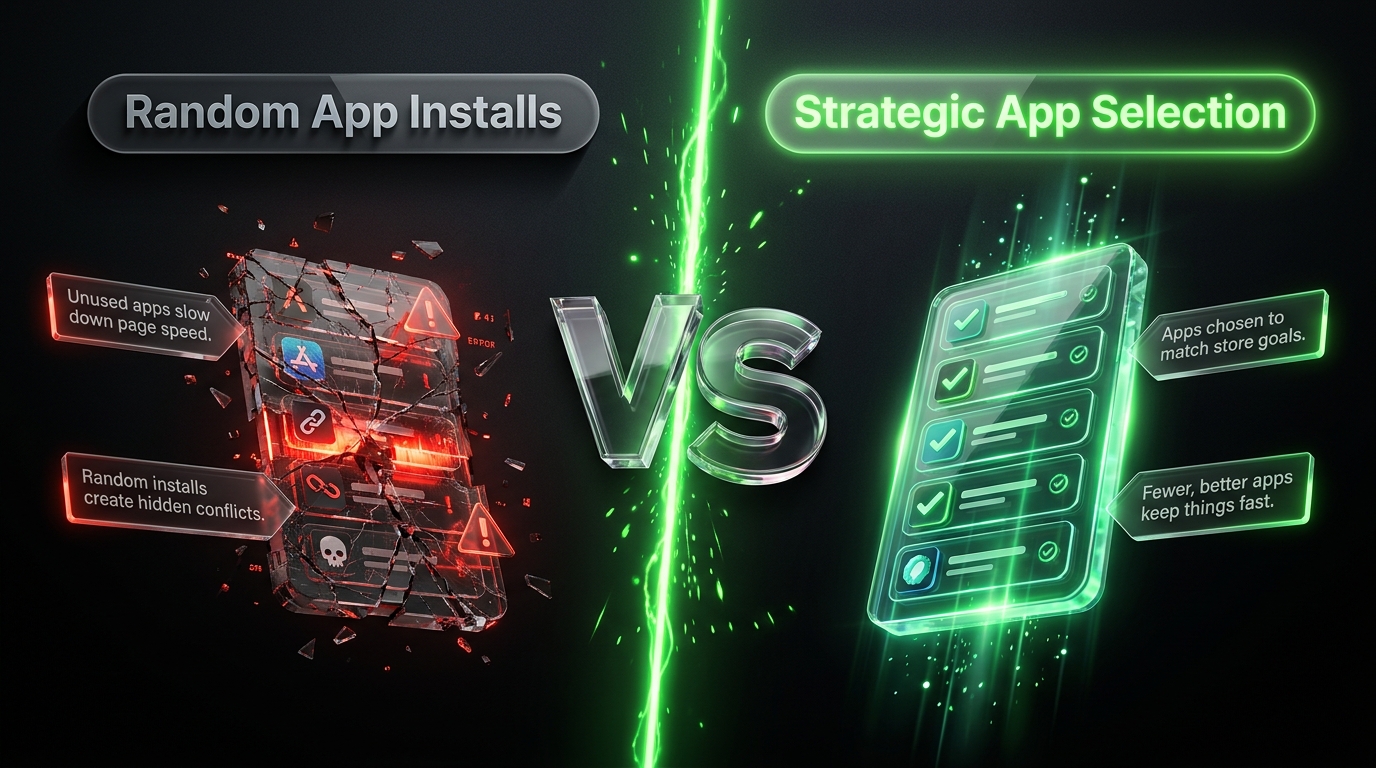
There is a real temptation to install an app for every possible feature, especially early on when everything feels urgent. But every app you add is another script loading on your storefront, another subscription on your books, and another tool your team has to learn and maintain. Stores that install six or seven apps in their first month often end up using only two or three of them consistently within a few months.
A better approach is running a quarterly app audit. Every three months, go through your installed apps and honestly ask whether each one is still being used, whether it’s still delivering measurable value, and whether its features now overlap with something else in your stack. Uninstall anything that fails that test. This single habit alone will keep your store faster, your costs lower, and your admin panel far less overwhelming to work in.
Choosing Apps For The Pakistani Market
If you’re running a Shopify store selling to customers in Pakistan, your app priorities shift in a few important ways compared to a purely international store. Cash on delivery remains the dominant payment preference for a large share of Pakistani shoppers, so any checkout or payment app you choose needs to handle COD smoothly, including order confirmation workflows that reduce fake or unverified COD orders, which are a real problem for local merchants. Apps that offer automated WhatsApp order confirmation before dispatch have become genuinely useful here, since a quick WhatsApp confirmation message can cut down on returned COD parcels significantly.
On the payments side, if you’re also accepting digital payments, make sure whatever gateway or checkout app you use plays well with JazzCash and Easypaisa alongside standard card processing, since a meaningful portion of your customers will expect at least one of these local wallets as an option. For fulfillment, your app stack should integrate cleanly with the couriers Pakistani merchants actually rely on, including Leopards Courier, TCS, and M&P, either through native integrations or through connector apps, so your order status updates automatically instead of requiring manual entry for every shipment.
WhatsApp commerce is also worth building into your stack directly. A large share of Pakistani shoppers still prefer confirming orders, asking product questions, or resolving issues over WhatsApp rather than email or live chat, so a Shopify app that centralizes WhatsApp conversations alongside your order data can meaningfully reduce response time and cart abandonment. The overall principle stays the same as everywhere else: pick apps that solve a real, observed problem for your specific customer base, rather than installing whatever’s trending internationally without checking if it fits local buying behavior.
Bringing It All Together
Choosing the right apps for your Shopify store isn’t about finding a magic list that works for everyone. It’s a discipline: start from a real problem, understand the category you’re shopping in, verify technical compatibility, read reviews critically, test properly during the free trial, evaluate pricing against your actual revenue, and prune ruthlessly on a regular schedule. Do this consistently, and your app stack becomes a set of tools that genuinely move your business forward, rather than a graveyard of half-used subscriptions quietly eating into your margins every month.