How to Create a Landing Page in WordPress
A landing page is one of the most useful tools you can add to a WordPress site. Unlike a regular blog post or homepage, a landing page has a single purpose, guiding a visitor toward one specific action, whether that is signing up for a newsletter, downloading a guide, registering for a webinar, or buying a product. No distractions, no extra navigation menu pulling attention away, just one clear goal.
The good news is that you do not need to hire a developer or learn to code to build one. WordPress offers several ways to create a polished, high converting landing page, from built in tools to popular page builder plugins. This guide walks through every method step by step, so you can pick whichever fits your comfort level and get a page live today.
What Makes a Landing Page Different from a Regular Page
Before building one, it helps to understand what separates a landing page from a normal WordPress page or post.
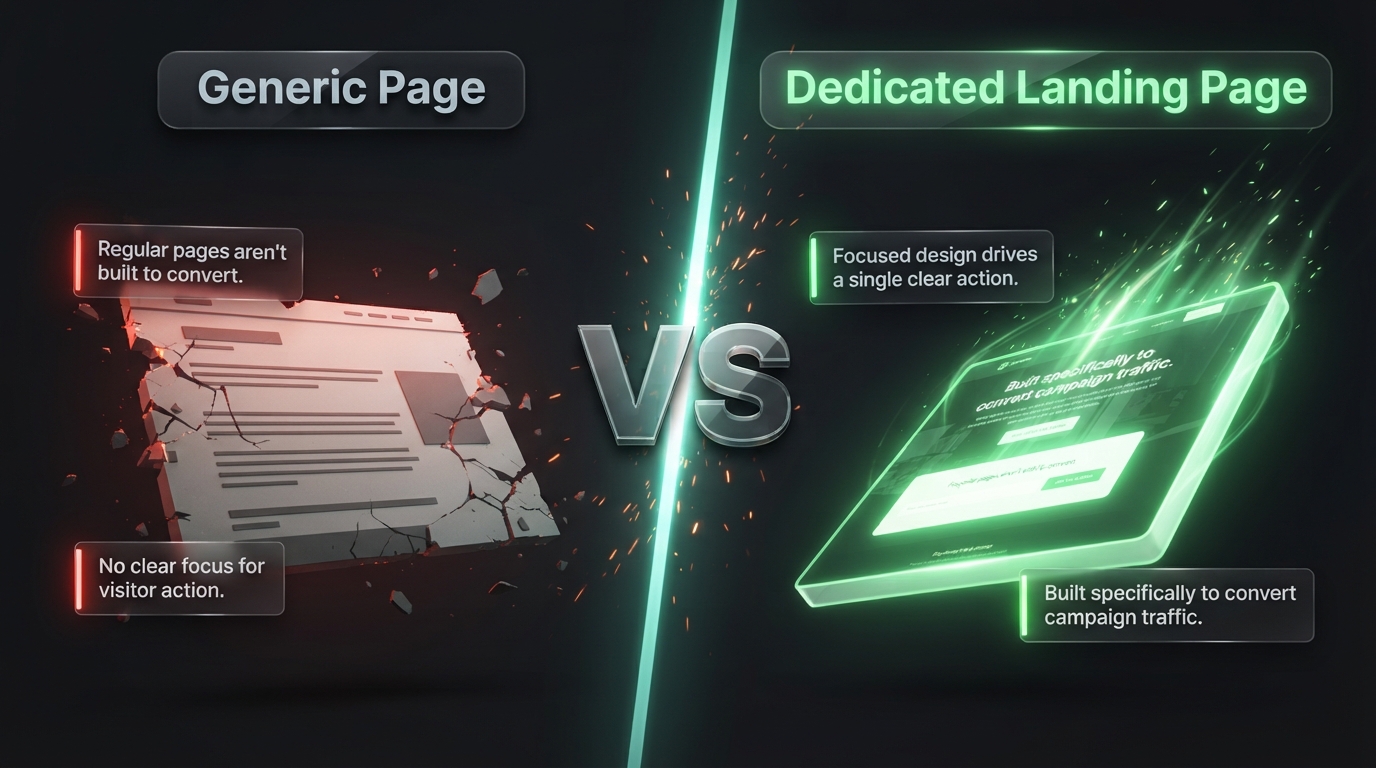
A typical WordPress page usually includes your site header, main navigation menu, sidebar, and footer, all of which give visitors plenty of places to click away. A landing page strips most of that away. There is no navigation menu tempting someone to browse elsewhere, no sidebar full of unrelated links, and no footer packed with distracting information. Everything on the page points toward a single call to action.
This focused design is exactly why landing pages convert so much better than regular pages when the goal is capturing an email address, generating a lead, or driving a sale. Every element earns its place because there is nowhere else for the visitor’s attention to go.
Method 1: Building a Landing Page with a Page Builder Plugin
For most WordPress users, a page builder plugin is the easiest and most flexible way to create a landing page. These tools let you design visually, dragging elements into place and seeing exactly how the page will look as you build it.
Step 1: Choose and Install a Page Builder
Popular options include Elementor, Divi, Beaver Builder, and SeedProd, all of which include dedicated landing page features. Elementor and SeedProd both offer strong free versions that are more than capable of building a solid landing page, so you do not need to spend money right away.
From your WordPress dashboard, go to Plugins, then Add New, search for your chosen builder, click Install, and then Activate.
Step 2: Start a New Landing Page
Most builders include a landing page mode that automatically removes your theme header, footer, and sidebar, giving you a blank canvas instead of a normal page layout. In SeedProd, for example, you will find a dedicated Landing Pages section in the dashboard. In Elementor, you typically create a new page, assign it a canvas or blank template, and then launch the builder.
Step 3: Pick a Template or Start from Scratch
Nearly every page builder includes a library of pre designed templates built for common goals like lead generation, webinar signups, or product launches. Starting from a template saves significant time, since the layout, spacing, and structure are already handled, leaving you to swap in your own text, images, and colors.
If none of the templates fit what you have in mind, starting from a blank canvas gives you full control, though it does take longer to design from nothing.
Step 4: Add Your Core Elements
A strong landing page usually includes a handful of key sections, and most builders let you drag these into place one at a time.
A clear headline. This should immediately tell the visitor what they are getting and why it matters.
A supporting subheadline. A sentence or two that adds context or highlights the biggest benefit.
A hero image or short video. Something visual that reinforces your message and builds trust.
Benefit focused bullet points. A short list explaining what the visitor gains, rather than just listing features.
A single, obvious call to action. A button or form that stands out clearly from everything else on the page, using action focused text like Get My Free Guide rather than a generic word like Submit.
Social proof. Testimonials, review scores, or trust badges that reassure a visitor they are making a safe decision.
Step 5: Connect Your Form to an Email Service
If your landing page goal involves collecting email addresses, connect your form to your email marketing platform, such as Mailchimp, ConvertKit, or ActiveCampaign. Most page builders include native integrations under the form settings, where you simply select your provider and paste in an API key. This ensures every submission flows automatically into your subscriber list rather than sitting unused inside WordPress.
Step 6: Preview and Publish
Before making the page live, preview it on both desktop and mobile views, since a large share of visitors will likely arrive on a phone. Check that your headline is easy to read, your call to action button is easy to tap, and nothing overlaps awkwardly on a smaller screen. Once everything looks right, publish the page.
Method 2: Using a Dedicated Landing Page Plugin
If you want something purpose built specifically for landing pages rather than a general page builder, plugins like SeedProd or Thrive Architect are worth a look.
These tools are designed from the ground up around conversion focused layouts. SeedProd in particular includes a large template library sorted by goal, such as coming soon pages, sales pages, and webinar registration pages, along with built in countdown timers and dedicated blocks for email list connections. This can be a faster route if you know exactly what type of page you need and would rather start closer to a finished product.
Method 3: Using Your WordPress Theme’s Built In Page Templates
Many modern WordPress themes, especially those built for businesses or online stores, include a blank or full width page template designed with landing pages in mind.
To check, create a new page in WordPress, then look in the Page Attributes panel on the right side of the editor for a Template dropdown. If your theme offers a blank or landing page option, select it. This removes the standard header, footer, and sidebar, leaving you with a clean layout you can fill in using the WordPress block editor.
This method works well if you prefer to avoid installing an extra plugin, though it generally offers less design flexibility than a dedicated page builder.
Tips for Writing Landing Page Copy That Converts
Design gets a page noticed, but the words on it are what actually convince someone to act. A few principles apply across almost every high performing landing page.
Lead with the benefit, not the feature. Instead of describing what something is, describe what the visitor gets out of it. A guide about budgeting is less compelling than a guide that helps someone save 300 dollars a month.
Keep your message focused. A landing page built around one offer and one action consistently outperforms a page trying to accomplish several goals at once.
Address hesitation directly. If cost, time, or trust might hold someone back, tackle those concerns head on with a guarantee, a free trial, or a testimonial from someone who had the same doubt.
Make your call to action impossible to miss. Use a button color that contrasts with the rest of the page, and repeat the same action more than once if the page is long, so a visitor never has to scroll back up to convert.
Common Mistakes to Avoid
A handful of mistakes show up again and again on landing pages that underperform.
Including your full site navigation menu is one of the biggest offenders, since it gives visitors an easy exit before they even consider your offer. Asking for too much information in a form is another common issue, since every extra field reduces the number of people willing to finish filling it out. A slow loading page is a silent killer as well, since visitors tend to leave within seconds if images or scripts take too long to appear. Finally, a vague headline that does not clearly state what the visitor is getting will quietly kill conversions no matter how nice the rest of the design looks.
How to Test and Improve Your Landing Page Over Time
A landing page is rarely perfect on the first try, and that is completely normal. Once your page is live, keep an eye on a few key numbers, particularly your conversion rate, which is the percentage of visitors who complete your desired action.
Many page builders and email platforms offer built in A/B testing, letting you create two versions of a headline, image, or button and split traffic between them to see which performs better. Small changes, like swapping a button color or shortening a headline, can sometimes produce a surprisingly large jump in results, so treat your landing page as something you revisit and refine rather than a one time project.
Choosing the Right Method for Your Situation
With three different methods covered above, it helps to match the approach to your actual situation rather than picking randomly.
If you are launching your first landing page and have no plugins installed yet, a free page builder like Elementor or SeedProd is usually the smoothest starting point. The template library alone will save hours compared to designing from a blank page, and the free versions of both tools are genuinely capable of producing a professional result.
If you already run a business site with regular sales pages, webinar registrations, or product launches, investing in a premium landing page plugin like SeedProd Pro or Thrive Architect often pays for itself quickly. These tools include features built specifically for conversion, such as countdown timers, dynamic content blocks, and deeper analytics, that a general purpose page builder may not offer out of the box.
If your theme already includes a blank template and your landing page needs are simple, such as a one time event page or a short announcement, the built in WordPress editor might be all you need. There is no reason to install another plugin if your existing tools already solve the problem.
A Simple Landing Page Checklist
Before you consider your landing page finished, run through this quick checklist.
Confirm the headline clearly states what the visitor receives. Confirm there is exactly one call to action repeated no more than a couple of times on the page. Confirm the form only asks for information you actually need. Confirm the page loads quickly on both desktop and mobile. Confirm your form is connected to your email platform and a test submission arrives correctly. Confirm the navigation menu, sidebar, and footer links have been removed or hidden. Confirm the page includes at least one piece of social proof, whether that is a testimonial, a review count, or a trust badge.
Running through this list takes only a few minutes but catches the majority of mistakes that quietly hurt conversion rates.
Frequently Asked Questions
Do I need a page builder plugin to create a landing page in WordPress? No. Many modern themes include a blank template you can use with the standard block editor, though a dedicated page builder generally gives you far more design flexibility and pre made templates to work from.
Can I create a landing page without any design experience? Yes. Starting from a professionally designed template and swapping in your own text and images is a reliable way to end up with a polished page even if you have never designed anything before.
Should a landing page have a navigation menu? Generally no. Removing the main navigation menu keeps visitors focused on your single call to action instead of giving them an easy way to leave the page before converting.
How long should a landing page be? It depends on the offer. A simple free download might only need a short page with a headline, a few bullet points, and a form, while a higher priced product or service often benefits from a longer page that addresses objections and builds more trust before asking for the sale.
Final Thoughts
Creating a landing page in WordPress is far more approachable than most people expect. Whether you choose a full featured page builder like Elementor, a purpose built tool like SeedProd, or a blank template already included in your theme, the core process stays the same: strip away distractions, focus on one clear goal, and guide the visitor toward a single action.
Start with a template, fill in your message using the tips above, connect your form to your email platform, and publish. From there, watch how the page performs and keep refining it. A landing page is never really finished, it simply gets better the more attention you give it over time.