How to Find the Best WordPress Developer for Your Project
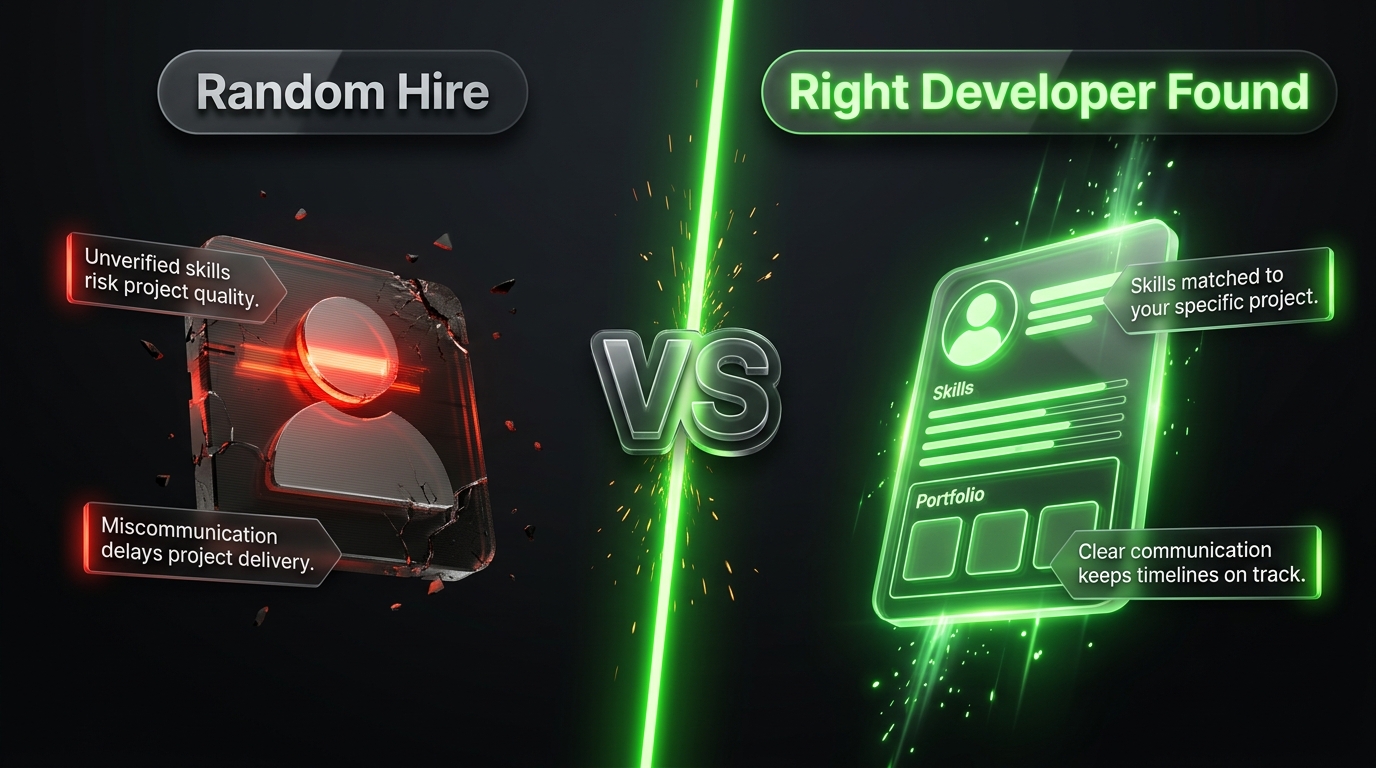
Hiring a WordPress developer sounds simple until you actually start the search. Type “WordPress developer” into any freelance platform or search engine and you’ll be met with thousands of profiles, agencies, and portfolios all claiming to be the best fit for your project. Some are genuinely skilled. Many are not. And the gap between a great WordPress developer and a mediocre one shows up later, in the form of a slow site, a security breach, or a redesign you didn’t budget for.
This guide walks through exactly how to find, evaluate, and hire the right WordPress developer whether you need a freelancer for a small project or a full agency for something more complex.
Step 1: Get Clear on What You Actually Need
Before you contact a single developer, you need clarity on your own project. This single step eliminates more bad hires than any interview question ever could, because vague requirements attract vague proposals and vague proposals turn into scope creep and missed deadlines.
Ask yourself:
- What is the core purpose of the site? A lead generation site, an online store, a membership portal, and a content heavy blog all require different skill sets.
- Are you starting from scratch or redesigning an existing site? Migrations and redesigns require a different kind of expertise than greenfield builds namely, the ability to preserve SEO rankings and existing data during the transition.
- Do you need custom functionality? If your project needs anything beyond a standard theme and a few plugins custom booking systems, membership tiers, complex integrations with a CRM or ERP you need a developer comfortable writing custom PHP, not just configuring existing tools.
- What’s your realistic budget and timeline? Knowing this upfront helps you filter out developers whose pricing or availability doesn’t match your project before you waste time on calls.
- Do you need ongoing support after launch? Some developers only build; others offer retainer based maintenance. Decide early which you need.
Write all of this down as a short project brief. You’ll reuse it in every conversation with a candidate, and it will make your search dramatically faster.
Step 2: Decide Between a Freelancer, a Small Studio, or a Full Agency
There’s no universally “right” answer here it depends on project size and complexity.
Freelancers tend to be the most cost effective option and can be a great fit for smaller projects: a business website, a simple blog, minor fixes, or a one off custom feature. The tradeoff is that you’re relying on a single person’s availability, and if they get sick, get busy with another client, or simply disappear, your project stalls.
Small studios or boutique agencies typically offer a small team (a developer, a designer, sometimes a project manager) and are well suited to mid sized projects a custom theme build, a WooCommerce store, or a small business site with several integrations. You get more redundancy than a solo freelancer, usually at a moderate price increase.
Full-service agencies make sense for larger, more complex, or higher stakes projects enterprise sites, large e commerce catalogs, multi language sites, or projects requiring ongoing development over many months. You’ll pay more, but you also get project management, quality assurance, and a team that can scale if requirements change mid project.
A useful rule of thumb: match the size of the provider to the size of the risk. A small marketing site doesn’t need an enterprise agency, and a mission-critical e-commerce platform generating significant revenue shouldn’t be trusted to a single freelancer working part-time.
Step 3: Know Where to Actually Look
Different platforms and channels tend to surface different types of talent.
- Freelance marketplaces (Upwork, Fiverr, Freelancer.com) offer huge selection and built-in review systems, but quality varies enormously, and you’ll need to do your own vetting rather than relying on star ratings alone.
- WordPress specific job boards (like WordPress.org’s own jobs board, or communities such as WPHired) tend to attract developers who specialize specifically in the platform rather than general web developers who happen to know WordPress.
- Agency directories (Clutch, The Manifest, Sortlist, GoodFirms) list agencies along with verified client reviews, past project examples, and pricing ranges, making it easier to compare multiple firms side by side.
- Referrals from other business owners or your professional network are often the highest signal source, since you’re hearing directly about someone’s real experience rather than a curated portfolio.
- Local WordPress meetups and WordCamps (WordPress’s official community conferences) can connect you with developers who are active in the ecosystem and often more invested in doing quality work, since their local reputation is on the line.
Don’t limit yourself to just one channel. Pulling two or three candidates from different sources gives you a more useful basis for comparison than five candidates from the same marketplace.
Step 4: Evaluate Their Portfolio the Right Way
A polished portfolio page is easy to fake. Here’s how to actually test it:
Visit the live sites, not just screenshots. Click through several pages. Test navigation on both desktop and mobile. A portfolio image can hide a slow, clunky, or broken site.
Check page speed. Use a free tool like Google PageSpeed Insights or GTmetrix on a few of their past projects. A developer who consistently delivers fast sites understands image optimization, caching, and clean code a developer who doesn’t will produce sites that frustrate visitors and hurt your search rankings.
Look for projects similar to yours. A developer who has built a dozen brochure sites isn’t necessarily equipped to build a complex WooCommerce store with custom shipping logic. Match past work to your actual project type.
Ask which parts they personally built. In agencies especially, portfolio pieces are often team efforts. If you’re hiring a specific person, ask what their individual contribution was on the examples they’re showing you.
Step 5: Ask the Right Questions in the Interview
A short technical conversation reveals far more than a resume. Here are questions worth asking every candidate:
- “Walk me through how you’d approach this project.” A strong developer will ask clarifying questions back and outline a rough plan. A weak one will just say “yes, I can do that” without engaging with the specifics.
- “How do you handle site security and backups?” You want to hear about specifics limiting login attempts, keeping plugins updated, using a reputable security plugin, and maintaining automated off site backups not a vague “don’t worry, it’ll be fine.”
- “What’s your process for testing before launch?” Cross browser testing, mobile responsiveness checks, and staging environments are signs of a disciplined workflow.
- “Do you build custom themes, or do you customize existing ones?” Neither answer is wrong, but it should match your project’s needs. A highly custom design usually calls for custom theme development rather than a heavily modified off the shelf theme.
- “How do you handle scope changes mid project?” You want a clear process here written change requests and updated quotes rather than an informal “we’ll figure it out” approach that often leads to disputes later.
- “Can I speak with a past client?” Any experienced developer or agency should have at least one reference willing to talk about their experience.
- “What happens after launch?” Ask specifically about ongoing maintenance, who owns the code and login credentials, and what support (if any) is included after the site goes live.
Pay attention not just to the answers, but to how clearly they’re communicated. If a developer struggles to explain their process to you now, that same communication gap will likely resurface throughout the project.
Step 6: Understand Pricing Models
WordPress developers typically price projects in one of a few ways, and it’s worth understanding the tradeoffs of each:
- Fixed price quotes are best for well defined projects with a clear scope. You know the total cost upfront, but any changes to scope typically come with additional charges.
- Hourly rates work well for ongoing work, smaller tasks, or projects where the scope may evolve. The risk is less cost predictability if the project isn’t tightly managed.
- Retainer agreements suit ongoing maintenance and support relationships rather than one time builds you pay a set monthly fee for a defined number of hours or services.
Regardless of the model, insist on a detailed written scope of work before any money changes hands. This should specify exactly what’s included (number of pages, specific features, number of revision rounds) and, just as importantly, what’s excluded.
Be cautious of quotes that are dramatically lower than everyone else’s. This usually signals one of a few things: the developer is inexperienced, they’re planning to use a low quality template rather than build anything custom, or they’ll try to recover the difference through change order fees later.
Step 7: Start Small if the Project Is Large
If you’re considering a significant investment a full agency engagement, a large e commerce build, or a long term development relationship reduce your risk by starting with a smaller paid task first. This could be:
- A single custom feature or plugin
- A homepage design and build
- A small bug fix or performance optimization task on an existing site
This gives you real, first hand evidence of their code quality, communication style, and ability to hit deadlines before you commit to the full project. It costs a bit more upfront than jumping straight into the full build, but it’s far cheaper than discovering a mismatch halfway through a much larger engagement.
Step 8: Protect Yourself With the Right Contract Terms
Whether you’re hiring a freelancer or an agency, make sure your agreement covers:
- Ownership of the final code, theme, and any custom plugins this should transfer to you upon final payment.
- Full admin access and credentials to your own hosting, domain, and WordPress dashboard you should never be locked out of your own website.
- A defined number of revision rounds included in the price, with clear terms for additional revisions beyond that.
- A specific delivery timeline with milestones, rather than a single distant deadline.
- Post-launch support terms how long any free bug-fixing period lasts, and what maintenance costs after that.
These terms matter more than they might seem to at the outset. Disputes over ownership, access, or scope are far more common and far more painful after the site is already live and your business depends on it.
Red Flags to Watch For
A few warning signs are worth taking seriously during your search:
- No live examples of past work, only screenshots or mockups.
- Reluctance to provide references or connect you with a past client.
- Vague answers about security and backups, or no mention of them at all.
- Pressure to pay the full amount upfront before any work begins, rather than a reasonable deposit structure.
- Overpromising on timeline for a complex project if every other developer estimates six weeks and one says one week, that’s worth questioning rather than celebrating.
- Poor communication during the sales process if getting clear answers is already difficult before you’ve paid anything, it typically gets harder once you have.
Final Thoughts
Finding the best WordPress developer for your project isn’t about finding the single “best” developer in the world it’s about finding the right match for your specific project, budget, and working style. A freelancer who’s fantastic for a small blog might be the wrong choice for a complex e commerce platform, and an enterprise agency might be overkill (and overpriced) for a simple five page business site.
Take the time to define your project clearly, look in more than one place, actually test the portfolios you’re shown, ask pointed questions, and protect yourself with a clear written agreement. That process takes more effort than picking the first attractive profile you find but it’s the difference between a website that quietly does its job for years and one that turns into a recurring source of frustration.