How to Get More Reviews for Your Shopify App
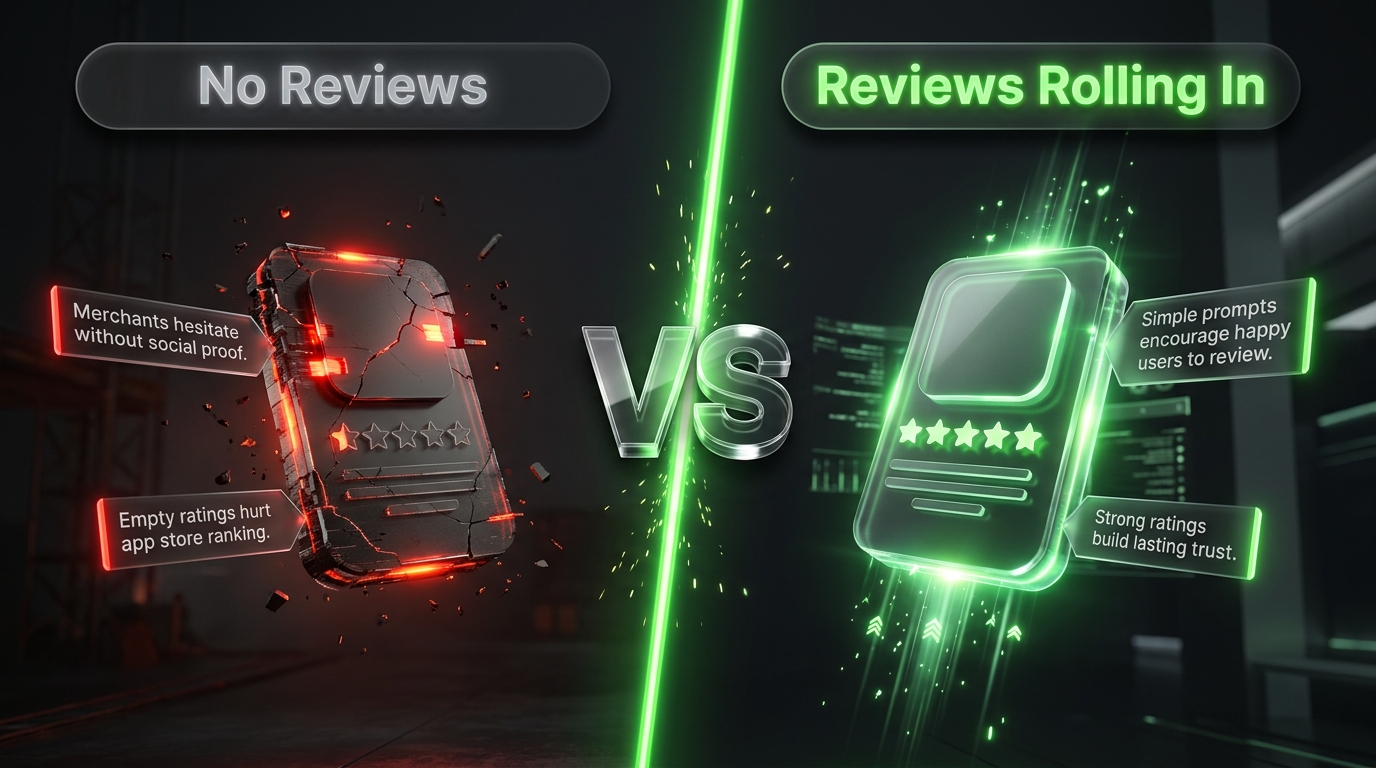
If you’ve built a Shopify app and you’re wondering why it’s not gaining traction despite solving a real problem, the answer is often simpler than you’d think: you don’t have enough reviews. Reviews aren’t just social proof anymore, they’re a direct ranking factor inside the Shopify App Store algorithm. As of 2026, there are close to 18,000 active apps competing for visibility, and the ones winning placement aren’t necessarily the ones with the best code, they’re the ones with the strongest review velocity. If you’re serious about growing your Shopify app, getting more reviews needs to be a core part of your strategy from day one, not something you think about after launch.
Why Shopify App Reviews Matter More Than You Think
Before getting into tactics, it’s worth understanding exactly why reviews carry so much weight. Shopify’s ranking system weighs review velocity, meaning new reviews earned per month, more heavily than your total lifetime review count. That’s a crucial distinction. An app that gains fifty reviews in thirty days will consistently outrank an app that gained fifty reviews over its entire lifetime, even if the older app technically has a longer track record.
This matters even more if you’re chasing a Built for Shopify certification or a featured placement, both of which require strong, ongoing review velocity as part of the criteria, alongside high quality listing assets and a genuinely useful product. New apps specifically need to hit around ten reviews within their first thirty days just to start gaining any real traction. Without that early momentum, your app is essentially invisible to merchants browsing the store, no matter how good it actually is.
1. Time Your Review Requests for Maximum Response
Timing is everything when it comes to asking for a Shopify app review. Ask too early, and the merchant hasn’t used your app enough to have a real opinion. Ask too late, and they’ve either forgotten about you or already moved on. The window that consistently performs best is asking for reviews somewhere between seven and fourteen days after install, giving merchants enough time to actually experience value from your app without letting that initial excitement fade.
This is also the point where you should be checking in on usage data if you can. If a merchant has completed setup and used a core feature at least once or twice, that’s your signal they’ve had a real experience worth reviewing. Asking someone who installed your app and never opened it again is a wasted request at best, and a frustrated one star review at worst.
2. Make the Review Ask Effortless
One of the biggest reasons merchants don’t leave reviews isn’t reluctance, it’s friction. If leaving feedback requires navigating away from what they’re doing, finding your listing manually, and clicking through several screens, most people simply won’t bother, even if they genuinely like your app. Minimizing the steps needed to leave a review, whether through a direct one click link inside an email or a well timed in app prompt, removes that friction and dramatically increases response rates.
Build this directly into your app’s user experience rather than treating it as an external ask. A simple, well placed prompt inside the admin interface itself, triggered after a meaningful action like completing onboarding or hitting a usage milestone, tends to convert far better than a cold email sent days later.
3. Personalize the Request Instead of Sending Generic Emails
A short, friendly, and personal message consistently outperforms a generic automated blast. Merchants can tell the difference between a templated request and one that actually acknowledges what they’ve been doing with your app. Reference something specific, like the feature they set up or the milestone they hit, and keep the tone conversational rather than corporate.
This doesn’t mean every request needs to be manually written. You can absolutely automate this process using merge fields and behavioral triggers, the goal is just making sure the automated version still reads like a real person is asking, not like a mass email dump.
4. Consider a Small, Ethical Incentive
Offering something small in exchange for feedback, like a discount on a future plan upgrade or a small perk, can meaningfully boost response rates. Even a simple thank you gesture after someone leaves a review tends to work well, since it reinforces the behavior without feeling transactional or manipulative.
That said, tread carefully here. Shopify has clear policies around incentivized reviews, and offering rewards specifically for positive reviews (rather than just for leaving a review, positive or negative) crosses into territory that can get your app flagged. Keep any incentive tied to the act of reviewing itself, not the star rating someone leaves.
5. Respond to Every Review, Especially the Negative Ones
It’s tempting to only engage with positive reviews and quietly ignore the critical ones, but that’s a missed opportunity. Responding to reviews within 48 hours, positive or negative, sends a strong signal both to the reviewer and to every future merchant reading your listing that you’re actively present and genuinely invested in the product’s success.
Negative reviews specifically deserve careful, non defensive responses. A thoughtful public reply that acknowledges the issue and explains what you’re doing about it often does more to build trust with prospective users than a wall of five star reviews ever could. Merchants reading your listing aren’t expecting perfection, they’re gauging how you handle problems when they come up.
6. Keep Your Listing Fresh to Support Review Momentum
This one surprises a lot of developers, but listing freshness genuinely affects how your app ranks, and it works hand in hand with your review strategy. Apps that update their listing every thirty to sixty days tend to rank noticeably higher than apps that set up their listing once and never touch it again. Updating screenshots, refining your description based on new features, and keeping your app’s value proposition current all signal to Shopify’s algorithm, and to browsing merchants, that your app is actively maintained.
Pair this with your review push. When you launch a meaningful update or new feature, that’s a natural moment to re engage existing users, remind them why they installed your app in the first place, and prompt happy users to leave a fresh review reflecting the improved experience.
7. Use a Dedicated Reviews Tool to Automate the Heavy Lifting
While this guide focuses on app reviews specifically rather than product reviews, the underlying automation principles are worth borrowing. Automated review request systems that trigger emails after a purchase or milestone, keep messaging short and personal, and minimize friction to leave feedback are proven to work well across ecommerce generally, and the same logic applies directly to app review requests.
If you’re managing this manually right now, sending individual emails or waiting for reviews to trickle in organically, it’s worth setting up a lightweight automated sequence tied to your app’s usage events instead. Even a simple email automation triggered at the fourteen day mark, combined with an in app prompt, will meaningfully outperform hoping merchants remember to review you on their own.
8. Get Built for Shopify Certified If You’re Eligible
Certification isn’t directly a review strategy, but it compounds everything above. Certified apps consistently rank better and get featured more often, and one of the requirements is maintaining strong review velocity alongside quality listing assets. If your app qualifies, going through certification creates a positive feedback loop: certification boosts visibility, visibility drives more installs, more installs create more opportunities for reviews, and stronger review velocity helps you maintain your ranking and certification status long term.
Getting More Reviews from Pakistani Merchants
If a meaningful share of your app’s user base is in Pakistan, a few adjustments to your review request strategy can make a real difference. WhatsApp tends to get far higher engagement than email for this audience, so if you have any way to follow up with merchants through a WhatsApp business number after onboarding, a friendly personal message asking for feedback there will likely outperform a cold email sitting in an inbox.
Timing also matters differently here. Many Pakistani merchants run lean operations and check business communications outside standard working hours, often in the evening after handling order fulfillment and customer queries for the day. Sending your review request email or notification in the evening Pakistan time, rather than during a US or European business day, tends to land better simply because that’s when the merchant is actually paying attention.
Language and tone matter too. Keeping your review request warm, direct, and free of overly corporate phrasing resonates well with this audience, many Pakistani merchants respond better to a message that feels like it’s coming from a real person running a small team, not a faceless SaaS company. If you have the resources, even offering the option to respond in Urdu or a mixed Roman Urdu tone in your support and follow up messages can meaningfully increase how comfortable merchants feel engaging with your review request.
Bringing It All Together
Getting more reviews for your Shopify app isn’t about a single clever trick, it’s about building a consistent system: asking at the right moment, making the process frictionless, personalizing the request, responding to what comes back, and keeping your listing active enough that Shopify’s algorithm keeps noticing you. Review velocity compounds, an app that consistently earns new reviews month over month will keep climbing in rankings, while an app that got a burst of reviews at launch and then went quiet will slowly fade from visibility no matter how good the product still is.
Treat your review strategy as an ongoing part of your product roadmap, not a one-time launch task, and the compounding effect on your app’s ranking, credibility, and installs will show up over time.