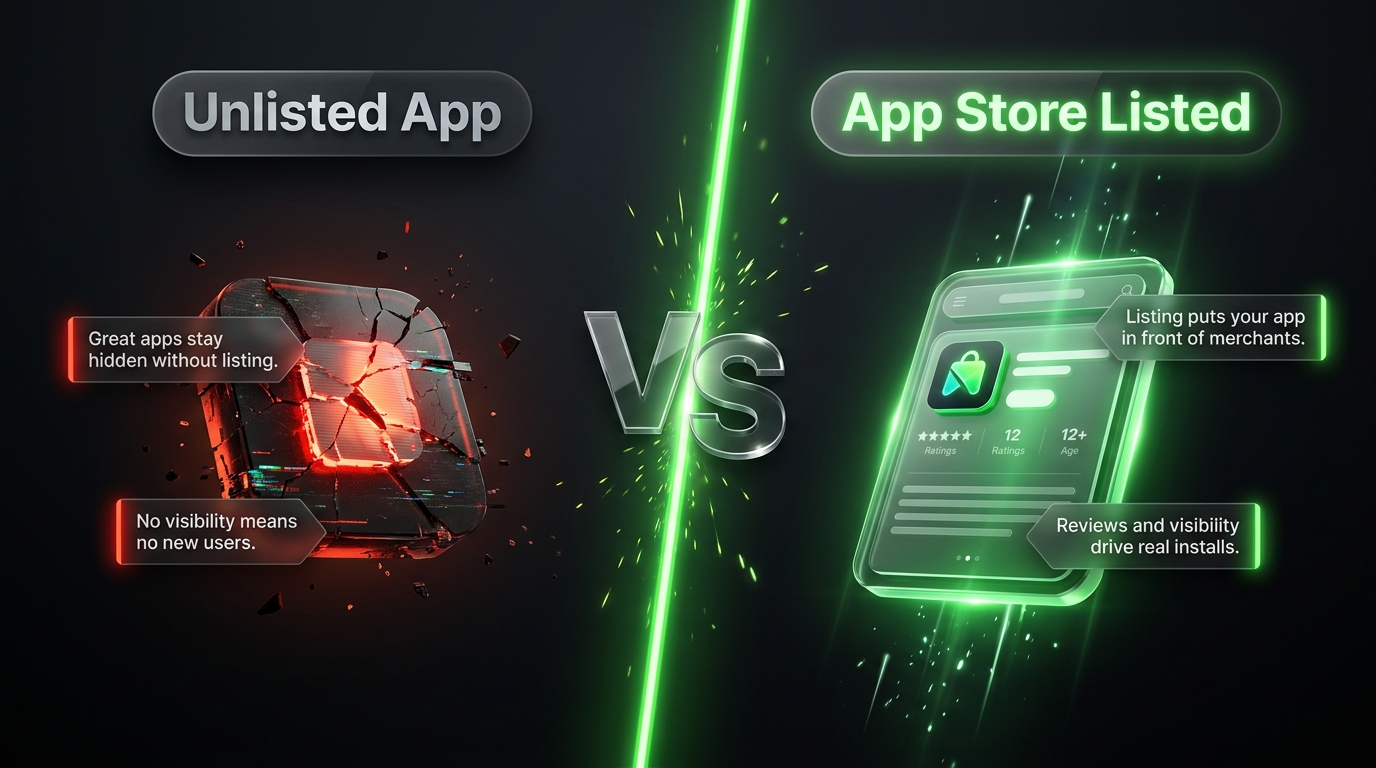
How to List Your App on the Shopify App Store
So you’ve built a Shopify app. It works, it solves a real problem for merchants, and you’re ready to put it in front of the millions of store owners running their businesses on Shopify. But here’s the thing nobody tells you upfront: getting your app listed on the Shopify App Store isn’t just a formality. It’s a structured process with real technical requirements, design standards, and review checkpoints that can make or break your launch timeline.
Whether you’re a solo developer with your first app or an agency building for clients, this guide walks you through exactly what it takes to get your app approved and discoverable on the Shopify App Store in 2026.
Why the Shopify App Store Matters More Than You Think
The Shopify App Store isn’t just a directory. It’s a discovery engine that connects your app with merchants who are actively searching for solutions to specific problems. Every year, Shopify adds hundreds of new apps covering everything from accounting and marketing automation to inventory management and personalization. Getting listed puts you in front of that traffic without spending a rupee, dollar, or dirham on ads.
But because so many developers want in, Shopify has tightened its review process considerably. The days of throwing together a basic app and getting an easy approval are long gone. Today’s requirements touch everything from your API architecture to your onboarding flow to your billing setup.
Step 1: Build Your App to Shopify’s Technical Standards
Before you even think about the listing page, your app itself needs to meet Shopify’s core technical bar. A few things are non-negotiable here.
First, API usage. As of April 2026, Shopify requires all new public apps to be built exclusively on the GraphQL Admin API, with the REST Admin API now treated as legacy infrastructure. If you’re still building on REST, you’ll want to migrate before submission, because this isn’t optional anymore for new listings.
Second, performance. Shopify expects fast, reliable response times, generally under 500 milliseconds for the vast majority of requests, and your app shouldn’t drag down a merchant’s storefront speed. A good benchmark is keeping any Lighthouse performance score drop under 10 percent after installation. If your app slows down checkout or the storefront noticeably, that’s a red flag reviewers will catch.
Third, authentication and security. Your app needs seamless OAuth implementation, mandatory HTTPS with a valid SSL certificate, and if your app touches customer data, GDPR-compliant webhooks are required. Shopify takes data privacy seriously, and merchants are increasingly asking about it too, especially with global privacy regulations tightening every year.
Fourth, embedded experience. If your app runs inside the Shopify admin, you need to use Shopify App Bridge to deliver that embedded, native feeling experience rather than bouncing merchants out to an external interface.
Step 2: Design with Polaris in Mind
Shopify has its own design system called Polaris, and following it isn’t just a suggestion, it’s practically a requirement for approval. Polaris ensures your app’s interface feels consistent with the rest of the Shopify admin, which matters enormously for merchant trust. A jarring, inconsistent UI signals to both reviewers and merchants that your app might be poorly maintained.
Beyond just using Polaris components, test your app thoroughly across devices and themes. Merchants use everything from ten-year-old desktop setups to the latest tablets, and your app needs to hold up across that range. If you’re building admin extensions, UI blocks, actions, or links, these all need to be feature-complete and offer genuinely new functionality rather than duplicating something Shopify already provides natively.
One thing worth flagging: extensions are not allowed to display promotions, advertisements, or review requests within the admin experience. Shopify has cracked down on this specifically, so keep your extensions clean and functional.
Step 3: Get Your Billing Right
This trips up a surprising number of developers. If you’re charging for your app, you must use the Shopify Billing API. You cannot route payments through Stripe, PayPal, or any external payment form embedded inside your app. This isn’t just a preference, it’s a strict requirement, and apps that try to bypass it get rejected quickly.
Your app also needs to operate entirely within Shopify’s platform. That means no offsite checkout flows, no unauthorized payment collection, and no marketplace behavior that hasn’t been explicitly approved. Shopify is protective of the checkout experience in particular, so avoid anything that looks like a deceptive checkout pattern, hidden charges, or manipulated shipping defaults. These are fast track rejection triggers.
Step 4: Prepare Your App Listing Assets
Once your app itself is solid, it’s time to build the actual listing page merchants will see. This is where a lot of developers underestimate the effort required, treating it as an afterthought when it’s really a conversion-focused piece of content in its own right.
You’ll need a high-quality app icon, an app card image, and an app banner. These visuals need to instantly communicate what your app does without looking cluttered or amateurish. Remember, merchants are scrolling through dozens of similar apps, and your visual assets are often the first, and sometimes only, chance you get to make an impression.
Your listing also needs a tagline that’s punchy, clear, and naturally includes relevant keywords merchants might search for. Think about how a merchant searching “abandoned cart recovery” or “product reviews app” would phrase their query, and make sure that language shows up naturally in your tagline and description.
Beyond the tagline, your full app description should walk through what problem your app solves, how it works, and why a merchant should choose it over the dozen competing options. Don’t just list features, explain outcomes. Merchants care less about “real-time sync” and more about “never oversell inventory again.”
Step 5: Nail the Details Shopify Reviewers Check
There are a handful of smaller requirements that catch developers off guard during review.
Your app needs a complete privacy policy explaining what data you collect and how you use it, especially important if your app touches customer information. You’ll also want FAQ content and clear support resources, because Shopify wants to see that merchants who run into trouble have somewhere to turn.
Documentation matters too. Reviewers and merchants alike want to see that your app is stable, well supported, and easy to install without a steep learning curve. If your onboarding flow requires ten confusing steps before a merchant sees value, that’s going to hurt both your approval odds and your retention rates once you’re live.
Also be aware that certain app types face restrictions. Apps built exclusively for Shopify Plus merchants, for example, can’t be listed in the general app store because listed apps must be installable by any merchant on any plan. Similarly, apps designed for a narrow, specific audience segment may be restricted from general listing. Know which category your app falls into before you invest heavily in the submission process.
Step 6: Submit and Prepare for Review
Once everything is in place, you submit your app through the Shopify Partner Dashboard. From there, Shopify’s review team evaluates your submission against three broad pillars: security and trust, user experience, and performance.
Most rejections happen not during review, but because developers submit before doing a proper pre submission audit. Before you hit submit, go back through every requirement above like a checklist. Test your OAuth flow from a fresh merchant account. Confirm your billing runs entirely through Shopify’s API. Check your Lighthouse scores. Review your privacy policy for completeness. A little diligence here saves weeks of back and forth with reviewers.
Keep in mind too that Shopify’s requirements aren’t static. The platform evolves constantly, and what passed review a year ago might not pass today. It’s worth checking Shopify’s official developer documentation close to your submission date, since guidelines do shift, as we saw with the April 2026 GraphQL requirement.
Listing Your App for the Pakistani Market
If you’re building or marketing your app with an eye toward Pakistani merchants specifically, there are a few local realities worth factoring into your positioning and feature set.
Cash on delivery remains the dominant fulfillment preference across Pakistani ecommerce, so if your app touches order management, fraud detection, or fulfillment, make sure it accounts for COD workflows rather than assuming card-first transactions. Similarly, JazzCash and Easypaisa are the payment methods most Pakistani merchants and their customers actually use day to day, so any payment-adjacent app should ideally support integration with these rails or at least not break when they’re in use.
WhatsApp also plays an outsized role in how Pakistani merchants communicate with customers, handle order confirmations, and even close sales. If your app has any customer communication or marketing component, thinking about WhatsApp compatibility, even indirectly, can make your app far more relevant to this market.
On the logistics side, courier partners like Leopards, TCS, and M&P dominate the local fulfillment landscape. Shipping and fulfillment apps that don’t account for these carriers will feel incomplete to Pakistani merchants evaluating your listing.
Positioning your app description to speak directly to these realities, even briefly, can meaningfully improve how relevant your listing feels to merchants browsing from Pakistan, and can be a differentiator against competing apps built with a purely Western merchant base in mind.
Common Mistakes That Delay Approval
A few patterns show up again and again with rejected submissions. Developers submit apps still running on the REST Admin API instead of migrating to GraphQL. Others try to slip in third-party payment processors instead of using the Shopify Billing API. Some skip proper Polaris implementation and end up with an interface that feels bolted on rather than native. And a surprising number simply have incomplete privacy policies or missing support documentation.
The fix for all of these is the same: treat the requirements list as a hard checklist, not general guidance. Shopify’s review team has seen every shortcut, and the apps that sail through review are the ones that took the requirements seriously from the first line of code.
Final Thoughts
Getting your app listed on the Shopify App Store is genuinely one of the best distribution opportunities in ecommerce right now, but it rewards preparation over speed. Build to the technical standards first, design with Polaris from day one, get your billing structure right, and only then turn your attention to crafting a listing page that actually converts browsers into installs.