How to Reduce TTFB in WordPress
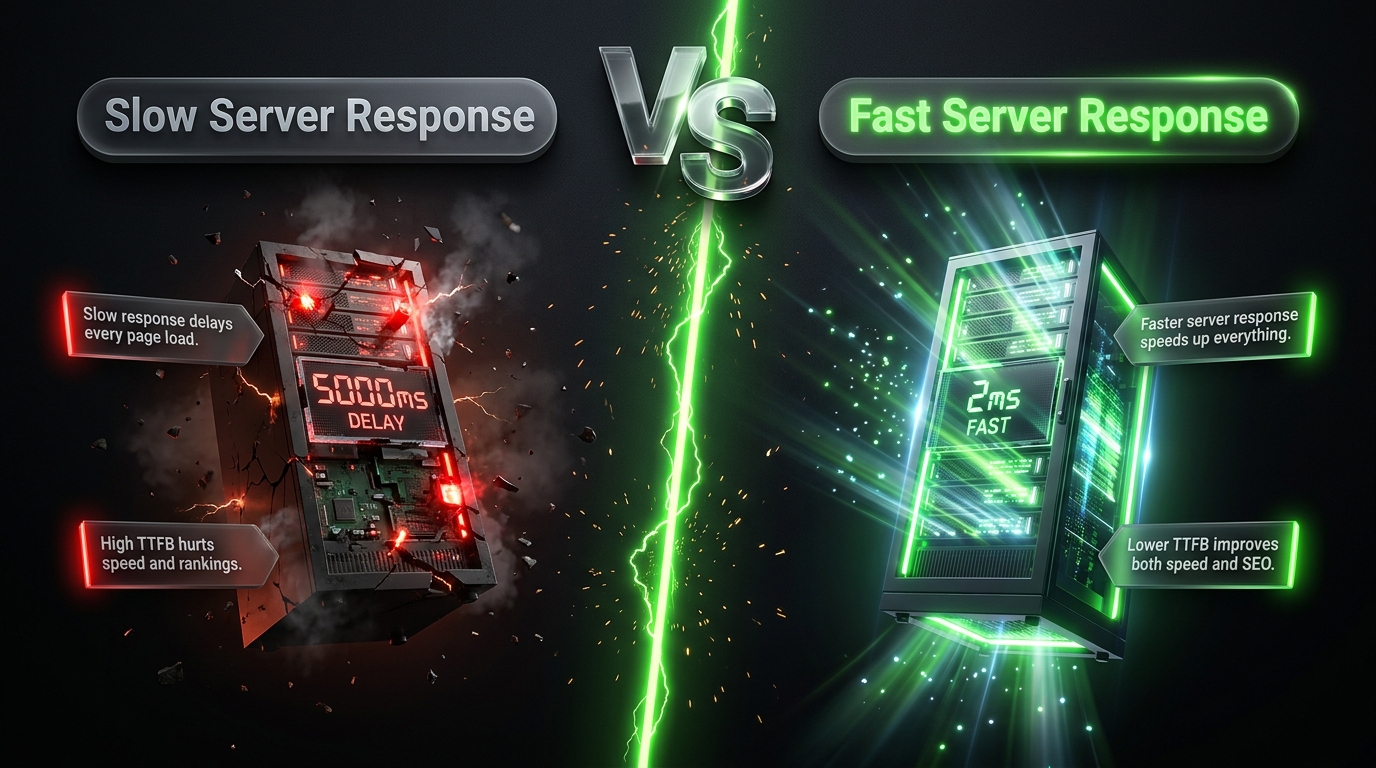
Time to First Byte, or TTFB, is one of the most overlooked speed metrics in WordPress performance work. It measures how long it takes your server to send back the very first byte of a response after a visitor’s browser makes a request. Everything else rendering, images, scripts happens after that first byte arrives. A slow TTFB means every visitor is waiting before your page has even started to load.
Unlike front-end speed issues, TTFB problems live mostly on the server side, which makes them a little less visible and a little more misunderstood. This guide breaks down exactly what causes slow TTFB in WordPress and how to fix it, step by step.
What Exactly Is TTFB?
TTFB measures the time between a browser requesting a page and receiving the first byte of the server’s response. It includes three main phases:
- DNS lookup translating your domain name into a server IP address
- Server processing your server generating the page (this is where most WordPress TTFB issues occur)
- Network latency the physical distance and connection quality between the visitor and your server
A good TTFB is generally considered to be under 200 milliseconds, though anything under 500ms is often acceptable. Anything above that starts to noticeably affect both user experience and search engine performance signals.
Why TTFB Matters
TTFB isn’t just a technical curiosity it has real, measurable effects:
- It delays everything else. No matter how optimized your images or scripts are, nothing can render until the first byte arrives.
- It affects search rankings. Server response time is a factor in how search engines assess page experience.
- It compounds on dynamic sites. Ecommerce stores, membership sites, and anything with heavy database activity are especially prone to slow TTFB.
- It reveals deeper issues. A slow TTFB is often a symptom of a bigger problem bad hosting, bloated code, or an inefficient database worth fixing at the source.
How to Measure Your TTFB
Before making changes, get a clear baseline reading. Useful tools include:
- Google PageSpeed Insights reports TTFB alongside other performance metrics
- GTmetrix provides a detailed waterfall chart showing exactly when the first byte arrives
- WebPageTest offers a deeper breakdown, including separate DNS, connection, and server processing times
Test both your homepage and a dynamic inner page (like a product page or a page with lots of database queries), since TTFB can vary significantly depending on page complexity.
Common Causes of Slow TTFB in WordPress
Poor Quality Hosting
Cheap, overcrowded shared hosting is one of the most common causes of slow TTFB. When your site shares limited server resources with hundreds of other accounts, your server processing time suffers, especially during traffic spikes on other sites sharing that server.
No Server Level Caching
Without caching, WordPress rebuilds each page from scratch on every single request, running multiple database queries and PHP processes each time. This is one of the single biggest contributors to slow TTFB.
Bloated or Inefficient Plugins
Poorly coded plugins, or simply too many active plugins, add processing overhead to every request, directly increasing server response time.
An Unoptimized Database
A cluttered database full of old revisions, spam comments, and orphaned data forces slower queries, which drags down server processing time on every page load.
Outdated PHP Version
Newer PHP versions include substantial performance improvements over older ones. Running an outdated version can meaningfully slow down how quickly your server processes each request.
Distance Between Server and Visitor
If your server is physically far from your visitors, network latency adds to your overall TTFB, even if your server itself responds quickly.
Heavy Theme or Page Builder Code
Some themes and page builders generate a large amount of PHP processing on every page load, particularly ones with many nested elements or dynamic content blocks.
How to Fix Slow TTFB: Step by Step
Step 1: Upgrade to Quality Hosting
This is typically the single biggest lever available. Managed WordPress hosts such as WP Engine, Kinsta, and SiteGround are specifically optimized for WordPress’s server processing needs and often include server level caching by default. If your site has grown since you first chose your hosting plan, this is worth revisiting first.
Step 2: Enable Page Caching
Install a caching plugin like WP Rocket, WP Super Cache, or LiteSpeed Cache, or confirm your host’s built-in caching is active. Cached pages skip the heavy server processing work entirely for repeat requests, dramatically improving TTFB for returning visitors.
Step 3: Add Object Caching
For database-heavy sites, object caching (ideally backed by Redis or Memcached) stores the results of repeated database queries in fast memory, reducing the processing load behind dynamic pages like product listings or membership dashboards.
Step 4: Update to the Latest Supported PHP Version
Check your hosting dashboard for your current PHP version and update it if you’re behind. Newer PHP versions consistently outperform older ones, often significantly, for the exact same code.
Step 5: Clean Up Your Database
Remove excess post revisions, spam comments, and orphaned metadata using a plugin like WP Optimize or WP Sweep, and run a table optimization pass afterward.
Step 6: Audit and Reduce Your Plugin List
Deactivate and remove plugins you’re not actively using, and investigate whether any active plugins are adding unusually heavy processing load using a tool like Query Monitor.
Step 7: Use a CDN
While a CDN primarily helps with static assets rather than server processing itself, some CDNs (like Cloudflare) offer additional features that can reduce the effective distance between visitors and your content, indirectly improving perceived TTFB.
Step 8: Consider a Lighter Theme
If your theme or page builder is contributing significant processing overhead, evaluate whether a lighter, more performance-focused theme could reduce that load, particularly if you’re not using most of its built-in features.
Step 9: Re test and Compare
After making changes, re run your TTFB measurement using the same tool and page you tested initially, so you have an accurate before-and-after comparison.
A Quick Reference Table
| Cause | Fix |
|---|---|
| Cheap shared hosting | Upgrade to managed WordPress hosting |
| No caching | Install a caching plugin or enable host-level caching |
| Heavy database queries | Add object caching (Redis/Memcached) |
| Outdated PHP | Update to the latest supported PHP version |
| Bloated database | Run a database cleanup and optimization pass |
| Too many plugins | Audit and remove unused or heavy plugins |
| Server far from visitors | Use a CDN or choose a closer server region |
| Heavy theme/page builder | Switch to a lighter, performance-focused theme |
How Often Should You Monitor TTFB?
TTFB isn’t a one-time fix it’s worth checking periodically, especially:
- Quarterly, as part of routine performance maintenance
- After a noticeable increase in traffic
- After adding new plugins or features
- After switching hosting providers or plans
Final Thoughts
TTFB is an easy metric to overlook because it happens before anything visible even starts to load, but it sets the pace for everything that follows. Quality hosting, proper caching, a clean database, and an updated PHP version together address the vast majority of TTFB issues on WordPress sites.
Start with hosting and caching, since they typically deliver the biggest improvements, then work through the remaining steps as needed. A fast TTFB means every visitor’s experience starts on the right foot —before a single image or line of text has even appeared on their screen.