How to Secure Your WordPress Site from Hackers
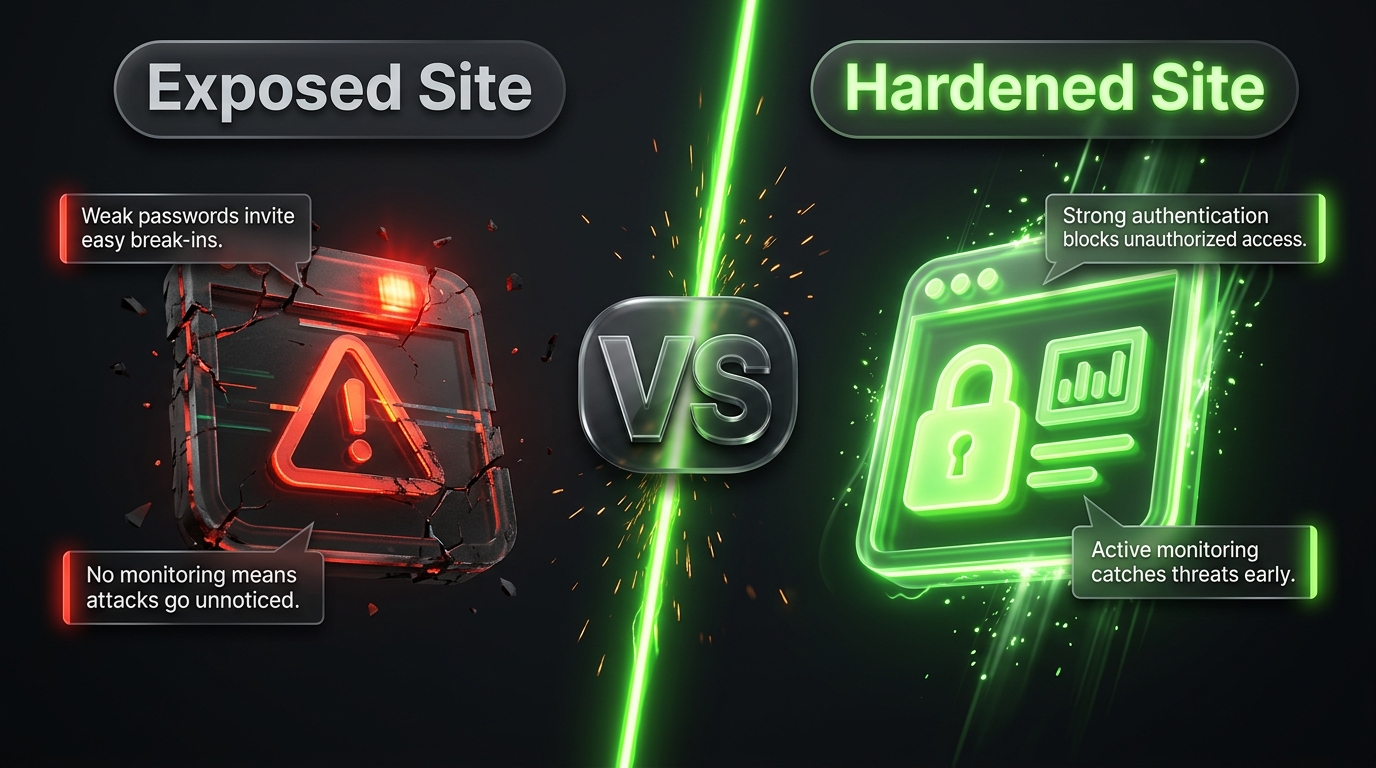
Every day, automated bots scan millions of websites looking for one thing: an easy way in. They don’t care who you are or how small your business is they’re simply looking for outdated software, weak passwords, and known vulnerabilities they can exploit at scale. WordPress, because of how widely it’s used, sits squarely in the crosshairs of this constant background noise of attacks.
The reassuring part is that most WordPress hacks aren’t the result of some brilliant, targeted attack. They happen because basic protections were missing. This guide breaks down exactly how hackers typically get into WordPress sites, and more importantly the specific steps you can take to close each of those doors.
How Hackers Actually Get Into WordPress Sites
Before locking things down, it helps to understand the most common attack methods so you know exactly what you’re defending against.
Brute-force login attacks. Bots repeatedly try username and password combinations against your login page until one works. This is especially effective against sites still using the default “admin” username and weak passwords.
Outdated plugins and themes. Security researchers regularly discover vulnerabilities in WordPress plugins and themes. Once a vulnerability is public, attackers race to exploit it on any site that hasn’t updated yet sometimes within hours of disclosure.
Nulled (pirated) plugins and themes. Free downloads of premium plugins from unofficial sources are one of the most common infection vectors. These files are frequently modified to include hidden backdoors that give attackers ongoing access.
SQL injection. Poorly coded plugins or themes that don’t properly sanitize user input can allow attackers to manipulate your database directly, potentially extracting sensitive data or injecting malicious content.
Cross-site scripting (XSS). Attackers inject malicious scripts into a site often through comment fields, contact forms, or vulnerable plugins — which then execute in visitors’ browsers, sometimes stealing session data or redirecting users to malicious sites.
Phishing. Rather than attacking the site directly, hackers target the humans behind it sending fake WordPress or hosting login pages designed to steal credentials.
Vulnerable file uploads. If your site allows file uploads (through a form, a plugin, or user-generated content) without proper restrictions, attackers can sometimes upload malicious scripts disguised as legitimate files.
Knowing these attack paths makes the defenses below make a lot more sense each one is designed to close off a specific method attackers actually use.
Step 1: Keep Everything Updated, Always
This is the single most effective thing you can do, and it directly counters the “outdated plugins and themes” attack path described above. WordPress core, your active theme, and every installed plugin should be running their latest version at all times.
Most successful WordPress hacks exploit vulnerabilities that were already patched the attacker succeeds simply because the update was never applied. Turn on automatic updates for WordPress core where possible, and check for plugin and theme updates on a regular schedule rather than waiting for something to break.
Step 2: Lock Down Login Access
Since brute-force attacks specifically target your login page, this deserves layered defenses rather than a single fix:
- Use long, unique passwords for every account, and never reuse a password from another site or service.
- Enable two-factor authentication (2FA), so a stolen password alone isn’t enough to gain access.
- Limit login attempts, temporarily locking out an IP address after a set number of failed tries this alone neutralizes most automated brute-force bots.
- Rename the default “admin” username if your site still uses it, since it’s the first username every brute force script tries.
- Move or rename your login page URL away from the default path, cutting off the large volume of bot traffic that targets it specifically.
Step 3: Choose Plugins and Themes Carefully
Since plugin and theme vulnerabilities are one of the most common entry points, be deliberate about what you install:
- Only download from official or verified sources the WordPress.org repository, or directly from a reputable developer’s own site.
- Never use nulled or pirated versions of premium plugins and themes, no matter how tempting the “free” version looks. These are a well-known malware distribution method.
- Check the last update date before installing anything new. A popular plugin that hasn’t been updated in over a year is a growing liability, since it isn’t being patched against newly discovered vulnerabilities.
- Delete anything you’re not using. Deactivating a plugin isn’t enough its code can still sometimes be exploited while it sits dormant on your server. Remove it entirely.
- Keep your plugin count lean. Every additional plugin is another potential point of failure. Periodically review your list and remove anything that isn’t earning its place.
Step 4: Install a Web Application Firewall
A web application firewall (WAF) sits between incoming traffic and your website, filtering out malicious requests before they ever reach WordPress itself blocking known attack signatures, bad bots, and suspicious traffic patterns like SQL injection attempts.
Several WordPress security plugins include a WAF as part of a broader security suite, and some hosting providers also offer one at the server level. Either way, this is one of the more effective single additions you can make, since it stops many attacks before they even have a chance to test your other defenses.
Step 5: Harden Your Hosting Environment
A significant portion of your site’s security depends on the server it lives on, not just WordPress itself.
- Choose hosting that takes security seriously look for providers offering free SSL, automated malware scanning, isolated hosting accounts (especially important on shared hosting), and a track record of prompt security patching.
- Enable HTTPS everywhere. An SSL certificate encrypts data traveling between your visitors and your server, protecting login credentials and any sensitive form data from interception.
- Set correct file permissions. As a general rule, folders should typically be set to 755 and files to 644, and your
wp-config.phpfile which stores your database credentials should be locked down as tightly as your hosting environment allows. - Disable the built in file editor in the WordPress dashboard (found under Plugins/Theme Editor), since it gives anyone with admin access the ability to directly modify your site’s code a serious risk if an attacker ever gains admin level access.
Step 6: Defend Against SQL Injection and XSS
These more technical attacks are harder to fully control as a site owner, but a few practices significantly reduce the risk:
- Keep everything updated (again this is the recurring theme, because it matters that much), since most known SQL injection and XSS vulnerabilities in plugins get patched once discovered.
- Use a security plugin with input sanitization and firewall rules, which can catch many injection attempts before they reach your database.
- Avoid poorly coded or unmaintained plugins, particularly ones that handle forms, comments, or any feature accepting user input these are the most common source of injection vulnerabilities.
- Restrict file upload types and sizes on any form or plugin that accepts uploads, and avoid allowing script-executable file types to be uploaded at all.
Step 7: Watch for Phishing Attempts
Since attackers often target the people rather than the software, train yourself and anyone with site access to be cautious of:
- Unexpected emails claiming to be from WordPress, your hosting provider, or a plugin company asking you to “verify your account” or “update payment information” through a link.
- Login pages that look slightly off wrong URL, unusual formatting, or unexpected redirect chains.
- Urgent language pressuring immediate action, a common manipulation tactic in phishing attempts.
When in doubt, navigate directly to your hosting provider or WordPress dashboard by typing the URL yourself rather than clicking a link in an email.
Step 8: Set Up Monitoring So You Catch Problems Early
Prevention matters most, but detection is what limits the damage if something does get through.
- Install file integrity monitoring, which alerts you if core WordPress files are unexpectedly modified often one of the earliest signs of a compromise.
- Review your user accounts periodically for anything unfamiliar, since attackers sometimes create a hidden admin account to maintain access even after an initial cleanup.
- Check activity logs if your security plugin offers them, looking for unusual login times, IP addresses, or bulk content changes.
- Set up uptime and malware scanning alerts so you’re notified immediately rather than discovering a problem days or weeks later.
Step 9: Back Up Everything, Automatically
No security setup is completely bulletproof, which is why backups are non negotiable. A solid backup strategy should:
- Run automatically on a regular schedule (daily, for most active sites)
- Include both your full database and all your files
- Store copies off site, separate from your hosting account, ideally on cloud storage
- Be tested periodically to confirm the backup can actually be restored when needed
If your site is ever compromised, a clean, verified backup is what turns a potential disaster into a manageable inconvenience.
If You Think You’ve Already Been Hacked
Watch for these warning signs: unexpected redirects to unfamiliar sites, defaced pages, a sudden drop in search rankings, unfamiliar admin accounts, or a warning from your hosting provider or browser about malware.
If you suspect a breach, act quickly:
- Put the site into maintenance mode or take it offline temporarily to limit further damage.
- Change every password WordPress admin, hosting account, database, and FTP/SFTP immediately.
- Restore from a clean, verified backup taken before the compromise, if you have one.
- Run a full malware scan using a reputable security plugin, or bring in a professional cleanup service for a more severe infection.
- Look for and remove unfamiliar admin accounts, files, or scheduled tasks the attacker may have left behind to regain access later.
- Update everything core, theme, and all plugins once you’ve confirmed the site is clean.
- Identify how the breach happened, if you can, and address that specific weakness so it doesn’t happen again.
If customer data or payment information may have been exposed, it’s worth consulting a professional about any legal or regulatory notification requirements that may apply in your situation.
Quick Reference: Hardening Checklist
- [ ] WordPress core, theme, and plugins fully updated
- [ ] Strong, unique passwords enforced for every account
- [ ] Two factor authentication enabled
- [ ] Login attempts limited
- [ ] Default “admin” username removed
- [ ] Login page moved from its default URL
- [ ] Web application firewall installed
- [ ] SSL/HTTPS enabled sitewide
- [ ] Reputable, security conscious hosting
- [ ] Correct file and directory permissions set
- [ ] Only trusted, actively maintained plugins and themes installed
- [ ] Unused plugins and themes deleted, not just deactivated
- [ ] File integrity monitoring in place
- [ ] Automated, tested, off site backups running
Final Thoughts
Hackers targeting WordPress sites are, in most cases, running automated scans looking for the easiest available target not launching a personalized attack against you specifically. That’s actually good news: it means a reasonably well-secured site, with updated software, strong access controls, a firewall, and reliable backups, is usually enough to make attackers move on to an easier target elsewhere.
Security isn’t a one time setup it’s a habit. Set aside time each month to check for updates, review your user accounts and plugin list, and confirm your backups are actually working. That small, recurring investment is far cheaper than recovering from a hacked site, both in terms of cost and the trust you’d otherwise risk losing from your visitors or customers.