How to Use Shopify Chat for Customer Support: A Complete Guide for Shopify Store Owners
Hey! Let’s talk about Shopify Chat and how it can genuinely change the way you handle customer support on your store. I’ll keep this simple, like we’re just chatting over coffee, no jargon overload.
What Exactly Is Shopify Chat?
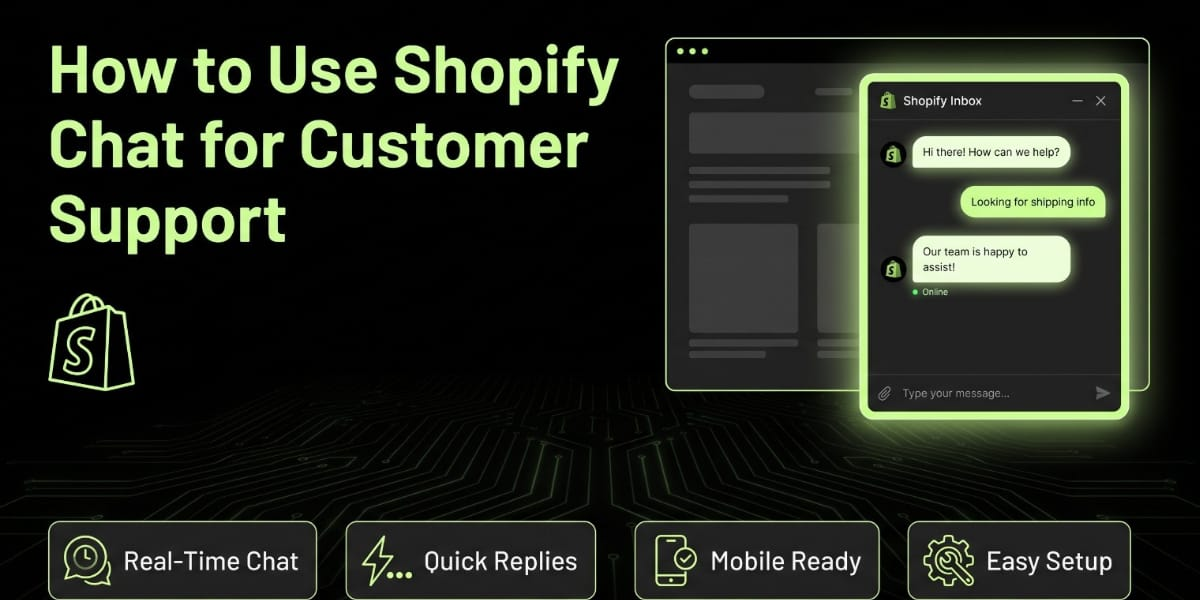
Shopify Chat, sometimes called Shopify Inbox, is a free built in messaging tool that lets you talk to your customers in real time, right from your store. Think of it as a little chat bubble that pops up on your storefront, letting shoppers ask questions before they buy, during checkout, or even after they’ve placed an order.
The best part? It’s not some separate app you have to juggle. It’s baked right into Shopify, and it connects with your Shopify admin so you can see everything about the customer (their cart, their order history, what they’re browsing) while you’re chatting with them.
If you’ve ever lost a sale because someone had a question and left without getting an answer, this is exactly the kind of problem Shopify Chat is built to solve.
Why Customer Support Through Chat Actually Matters
Let’s be honest, most people don’t want to send an email and wait two days for a reply. They want an answer right now, especially when they’re deciding whether to spend their money on your store.
Live chat gives you that instant connection. Someone’s browsing your product page, they’re not sure about sizing or shipping time, and instead of closing the tab, they ask you directly. You reply in seconds, and boom, you just saved a sale that would’ve been lost otherwise.
Customer support through chat isn’t just about answering questions. It’s about building trust. When a shopper sees that a real person (or even a smart automated reply) is ready to help, they feel more confident buying from you, especially if your store is new or not a big recognizable brand yet.
Getting Started with Shopify Chat
Setting this up isn’t complicated at all. Here’s how it works in plain terms.
You go into your Shopify admin, head over to the Apps section, and install Shopify Inbox if it’s not already there. Once it’s installed, you can customize how the chat widget looks on your store, what greeting message shows up, and even set up quick replies for common questions.
You can also connect it to your Shop app, which means you can respond to customers from your phone even when you’re not sitting at your laptop. This is honestly a lifesaver if you’re running your store solo or with a small team, because you don’t need to be tied to a desk to give good support.
Setting Up Automated Replies and FAQs
One thing people love about Shopify Chat is that you don’t have to be online 24/7 to use it effectively. You can set up automated responses for common questions like shipping times, return policies, or product availability.
This means when someone messages you at 2 AM asking “do you ship to Lahore,” they get an instant answer even if you’re asleep. You just type out these saved replies once, and the system handles the rest.
You can also set an away message so customers know you’ll get back to them soon, which keeps them from feeling ignored even outside your working hours.
Using Chat to Recover Abandoned Carts
Here’s something a lot of store owners don’t realize. Shopify Chat can actually help you recover carts that customers left behind without checking out.
If someone added items to their cart but didn’t complete the purchase, you can send them a follow up message through chat asking if they need help finishing their order or if they had any questions. Sometimes people abandon carts simply because they got confused about shipping costs or payment options, and a quick friendly message can bring them right back to complete the purchase.
This is one of those small features that ends up making a real difference to your revenue over time, especially if you’re running paid ads and don’t want to waste that traffic.
Personalizing the Chat Experience
Customers today expect a bit of personal touch, even in something as simple as a chat message. Shopify Chat lets you see details about the person you’re talking to, like what page they’re on, what’s in their cart, and their past order history if they’ve bought from you before.
This means instead of a generic “how can I help you,” you can say something like “hey, I see you’re looking at our leather wallets, want me to suggest a color that pairs well with what you ordered last time?” That level of personalization makes customers feel valued, and valued customers come back.
Managing Chat Alongside Other Support Channels
If you’re already using email or social media for customer support, don’t worry, Shopify Chat doesn’t force you to abandon those. It works alongside your other channels. Many store owners use chat for quick, immediate questions and email for more detailed concerns like refunds or complaints that need documentation.
The trick is to make sure you’re not leaving customers hanging on any one channel. If someone messages you on chat and you can’t get to it right away, at least have that away message set up so they know you’ll respond soon.
Setting Response Time Expectations
Speed matters a lot in chat support. Studies consistently show that customers expect much faster replies through chat compared to email. If you take too long to respond, you lose that instant connection advantage that makes chat so powerful in the first place.
Try to reply within a few minutes if you’re actively managing your store. If you can’t do that consistently, lean more on your automated quick replies to bridge the gap until you can personally respond. Even a simple acknowledgment like “thanks for reaching out, I’ll get back to you in a few minutes” keeps the customer engaged instead of walking away.
Training Your Team on Chat Etiquette
If you’ve got a team helping you with customer support, it’s worth spending a little time making sure everyone chats the same way. You don’t want one team member being super formal and another being overly casual, it creates an inconsistent brand voice.
Set a few simple ground rules. Always greet the customer warmly, always confirm you understood their question before answering, and always end with something like “is there anything else I can help you with.” These small habits make your support feel more professional and consistent no matter who’s answering.
Using Chat Data to Improve Your Store
Here’s something people often overlook. The questions customers ask you through chat are basically free market research. If you keep noticing the same questions coming up again and again, like “do you have cash on delivery” or “how long does shipping take to Karachi,” that’s a sign you need to make that information more visible on your product pages or FAQ section.
Pay attention to patterns in your chat conversations. They’ll tell you exactly what’s confusing customers or what’s stopping them from completing a purchase, and that’s incredibly valuable feedback you can use to improve your store overall.
Shopify Chat for Pakistani Store Owners
Now let’s talk about how this applies specifically if you’re running a Shopify store here in Pakistan.
A huge number of customers here still prefer cash on delivery, and they often have questions about it before they buy, like whether COD is available in their city or if there’s an extra charge for it. Having chat ready to answer these questions instantly can make a big difference in your conversion rate, especially compared to customers who might abandon their cart if they can’t get quick clarity.
Shipping and delivery timelines are another huge concern for local buyers. People want to know if you’re using a courier like Leopards, TCS, or M&P, and how long delivery will actually take to their city, whether that’s Lahore, Islamabad, or a smaller town. Setting up quick reply templates specifically addressing these common Pakistani customer concerns saves you a ton of repetitive typing and gives buyers instant confidence.
Also, a lot of local customers are still getting used to online shopping in general, so they might have very basic questions about how to place an order, how to track it, or how returns work. Being patient and clear in these chats, without making the customer feel silly for asking, goes a long way in building trust with the growing online shopping audience in Pakistan.
Language matters too. While Shopify Chat itself works in whatever language you type, many Pakistani shoppers appreciate being able to switch between English and Roman Urdu depending on their comfort level. Being flexible with this in your responses can make customers feel more at ease and more likely to trust your store.
Common Mistakes to Avoid
Let’s quickly go over a few things that can hurt your chat support instead of helping it.
Leaving the chat widget on but never actually responding is worse than not having it at all. Customers expect a response when they see that chat bubble, and silence feels like being ignored.
Being too robotic with automated replies can also backfire. It’s fine to use quick templates, but always personalize them a little so it doesn’t feel like you’re talking to a machine that doesn’t actually care.
Ignoring chat messages that come in after hours without at least an automated acknowledgment is another mistake. Even a simple “we’ll respond first thing tomorrow morning” keeps the customer from feeling abandoned.
Measuring the Success of Your Chat Support
Once you’ve had Shopify Chat running for a while, it’s worth checking whether it’s actually helping your business. Shopify gives you some basic analytics around your chat conversations, like how many chats you’ve had and how they’re converting.
Keep an eye on whether customers who chat with you before buying actually go on to complete their purchase more often than those who don’t. If you’re seeing a good conversion boost from chat conversations, that’s a clear sign it’s worth investing even more time into refining your responses and quick reply templates.
Bringing It All Together
Shopify Chat is honestly one of the simplest but most powerful tools you can use to boost your customer support game. It’s free, it’s built right into your store, and it gives you a direct line to your customers exactly when they need help the most.
Whether you’re just starting out or you’re running an established store, taking the time to set up your chat properly, with good automated replies, personalized responses, and quick attention to messages, can genuinely turn browsers into buyers and one time buyers into repeat customers.
If you’re running a Shopify store here in Pakistan and want help setting up your chat support, refining your customer experience, or building out your store to convert better overall, that’s exactly the kind of thing we handle over at TheScriptFlow. We work with Shopify stores across Pakistan and internationally to make sure every part of the customer journey, including support, actually works in your favor. Reach out to us at thescriptflow.com and let’s make your store easier to shop from and easier to trust.