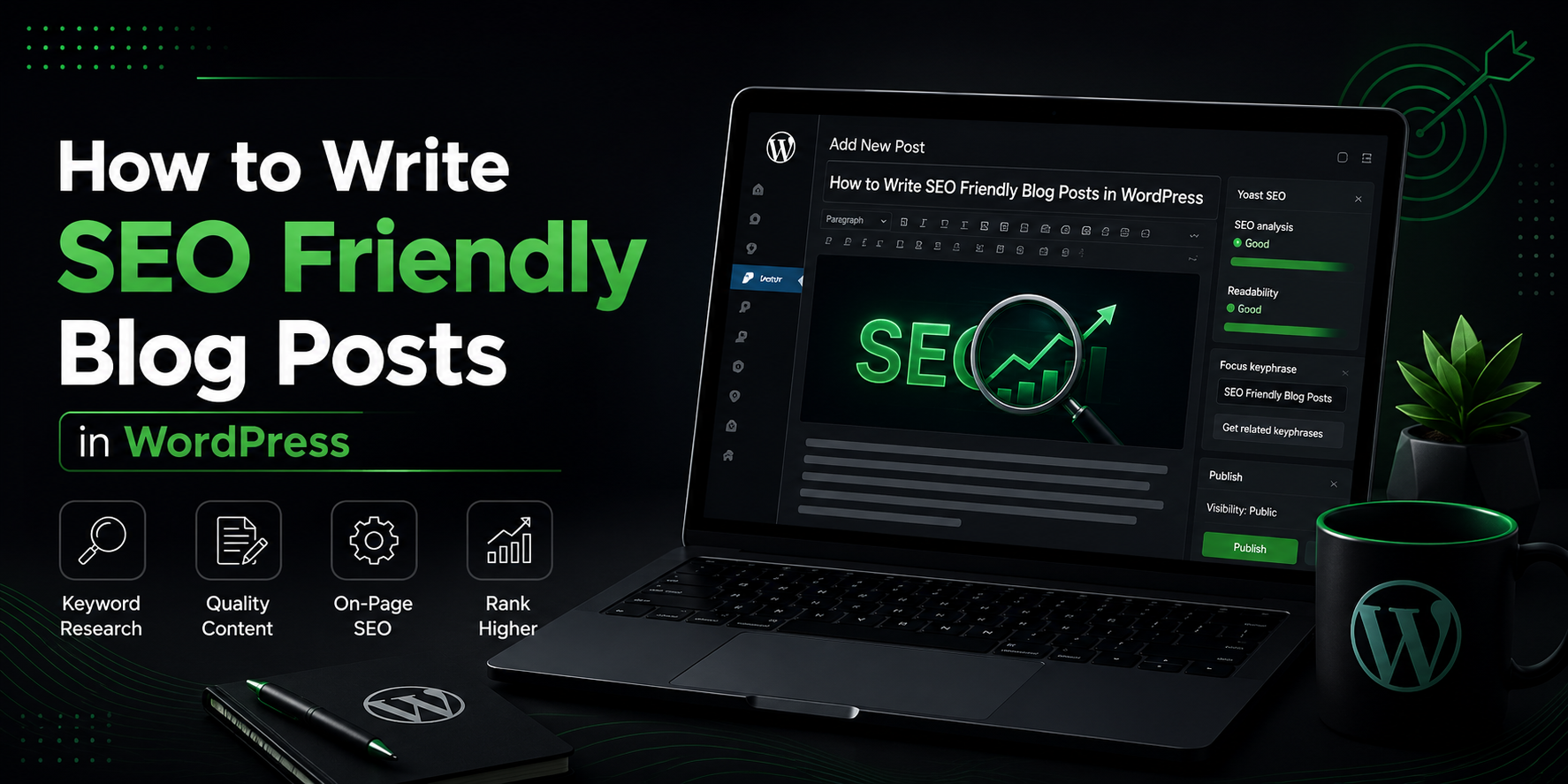
How to Write SEO Friendly Blog Posts in WordPress
Writing a blog post is easy. Writing a blog post that actually ranks in search engines, attracts consistent organic traffic, and keeps readers engaged is an entirely different skill. WordPress powers a huge portion of the web, which means the competition for search visibility is fierce. The good news is that WordPress also gives you an enormous amount of flexibility and control over the technical and content elements that influence search rankings.
This guide walks through a complete process for writing SEO friendly blog posts in WordPress, from the earliest stages of keyword research all the way through publishing and promotion. Whether you are a beginner blogger or someone managing a content heavy business site, these principles apply.
1. Start With Real Keyword Research
Every SEO friendly blog post begins long before you open the WordPress editor. It begins with understanding what your audience is actually searching for. Guessing at topics or writing purely from intuition often leads to content that nobody finds, no matter how well written it is.
Use keyword research tools to identify terms with meaningful search volume and manageable competition. Look beyond obvious, broad terms and dig into long tail phrases, which are longer, more specific queries that tend to convert better because they reflect a clearer intent. For example, instead of targeting a broad term like “blogging tips,” a phrase like “blogging tips for small business owners starting out” might be easier to rank for and more relevant to a specific audience.
Pay close attention to search intent as well. A query can be informational, navigational, commercial, or transactional, and the type of content you create should match what the searcher actually wants. Someone searching “what is a content calendar” wants an explanation, while someone searching “best content calendar tools” wants a comparison or recommendation.
2. Choose a Clear, Keyword Rich Title
Your title is one of the most important elements for both search engines and human readers. It needs to include your target keyword naturally while also being compelling enough to earn a click when it appears in search results.
Aim to keep titles under about sixty characters so they do not get cut off in search listings. Front load the keyword when possible, since search engines and readers alike tend to give more weight to words that appear earlier in a title. A title like “WordPress SEO Guide for Beginners: Everything You Need to Know” places the core keyword phrase right at the start, which helps both relevance and clarity.
Avoid clickbait phrasing that overpromises and underdelivers. Search engines increasingly evaluate user satisfaction signals, such as how quickly someone returns to the search results after clicking a link, and a misleading title can quietly hurt your rankings over time even if it earns clicks initially.
3. Structure Your Content With Proper Headings
WordPress makes it simple to apply heading tags through the block editor, and using them correctly is essential for SEO. Your post should have a single H1 tag, which is usually generated automatically from your post title, followed by a logical hierarchy of H2 and H3 subheadings that break the content into digestible sections.
Search engines use these headings to understand the structure and topics covered within your post. Readers use them too, often scanning a page before committing to read it fully. A well organized post with clear, descriptive subheadings increases the likelihood that both algorithms and humans will recognize your content as thorough and relevant.
Where it makes sense, work secondary keywords and related phrases into your subheadings. This helps you capture additional search queries without needing to write an entirely separate post for every keyword variation.
4. Write for Readers First, Algorithms Second
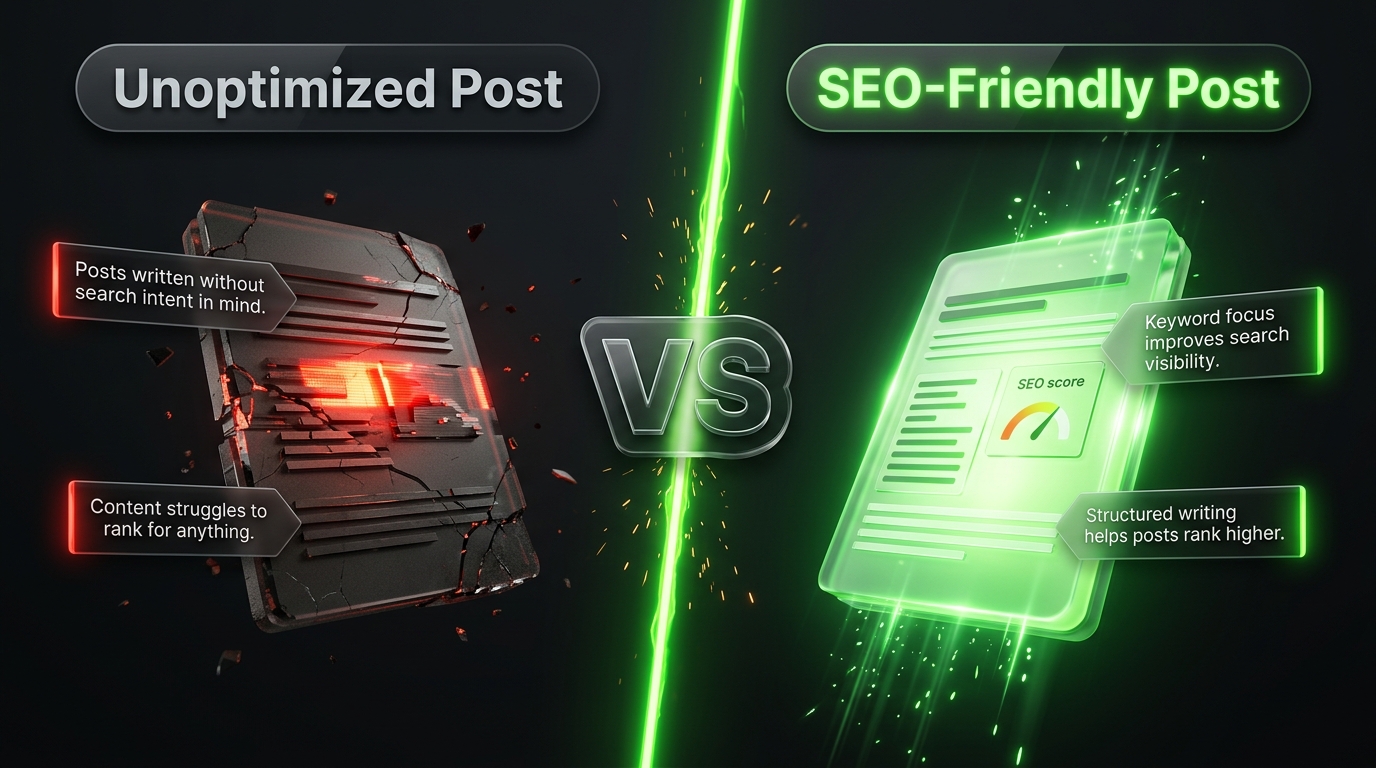
There was a time when stuffing a page full of keywords could trick search engines into ranking it higher. That approach no longer works, and modern algorithms are far better at recognizing genuinely useful, well written content versus content designed purely to manipulate rankings.
Focus on answering the reader’s question as clearly and completely as possible. Use plain language, short paragraphs, and a conversational tone where appropriate. Break up dense information with bullet points, numbered lists, and relevant examples. The easier your content is to read, the longer visitors tend to stay on the page, and longer time on page is generally a positive signal for search performance.
That said, your target keyword and its natural variations should still appear throughout the post, particularly in the introduction, at least one subheading, and the conclusion. The goal is to write naturally while making sure search engines can clearly identify what your post is about.
5. Optimize Your URL Slug
WordPress automatically generates a URL slug based on your post title, but the default version is not always ideal for SEO. Long, complicated URLs filled with unnecessary words can dilute keyword relevance and look messy when shared.
Edit your slug directly in the WordPress editor to keep it short, descriptive, and focused on your primary keyword. Instead of a lengthy slug like “how you can actually write seo friendly blog posts on your wordpress website today,” trim it down to something like “seo friendly blog posts wordpress.” Removing filler words such as “how,” “the,” and “you can” keeps the URL clean without losing meaning.
6. Craft a Strong Meta Description
The meta description is the short snippet of text that appears beneath your title in search results. While it does not directly influence rankings the way content and backlinks do, it plays a major role in click through rate, which can indirectly affect your overall search performance.
Most SEO plugins for WordPress, such as Yoast SEO or Rank Math, provide a dedicated field for writing this description. Keep it under about one hundred sixty characters, include your primary keyword naturally, and write it in a way that clearly communicates the value a reader will get from clicking through. Treat it as a mini advertisement for your content rather than a dry summary.
7. Use Internal and External Links Strategically
Linking is one of the most underused SEO tactics among WordPress bloggers. Internal links, which point to other pages or posts within your own site, help search engines understand the relationship between your content while also keeping visitors engaged longer by guiding them toward related material.
Whenever you publish a new post, look for opportunities to link back to older, relevant content on your site, and update those older posts to link forward to the new one. This creates a web of interconnected content that strengthens your site’s overall structure.
External links to authoritative, relevant sources also add credibility to your writing and can improve trust signals. Linking out does not hurt your rankings, contrary to a common misconception, as long as the sources you reference are reputable and genuinely relevant to the topic.
8. Optimize Images for Speed and Accessibility
Images make blog posts more engaging, but unoptimized images are one of the most common causes of slow loading WordPress sites, which can hurt both user experience and search rankings. Before uploading, compress your images using a plugin or an external tool to reduce file size without sacrificing visible quality.
Always fill in the alt text field for every image you upload. Alt text describes the image for visually impaired readers using screen readers and also gives search engines additional context about your content, since they cannot visually interpret images the way humans can. Use descriptive, natural language rather than stuffing the alt text with keywords.
Choosing a modern image format such as WebP, along with enabling lazy loading through your theme or a plugin, can further improve page speed, which is a confirmed ranking factor for search engines.
9. Improve Site Speed and Mobile Experience
Even the best written blog post will struggle to rank if the underlying WordPress site is slow or difficult to use on mobile devices. Search engines evaluate page experience as part of their ranking criteria, and a large portion of search traffic now comes from mobile users.
Choose a lightweight, well coded theme, minimize the number of plugins you rely on, and use a caching plugin to reduce load times. Regularly test your site using tools that measure core web vitals, which assess loading speed, interactivity, and visual stability, all of which contribute to how search engines evaluate the overall quality of your pages.
Responsive design should be a given with most modern WordPress themes, but it is still worth manually checking how your blog posts render on a phone, ensuring text remains readable and buttons remain easy to tap without excessive zooming or scrolling.
10. Install and Configure an SEO Plugin
Dedicated SEO plugins simplify much of the technical optimization process for WordPress users who may not be comfortable editing code directly. Popular options like Yoast SEO and Rank Math analyze your content in real time, offering suggestions related to keyword usage, readability, meta tags, and structured data.
These plugins also help generate an XML sitemap automatically, which makes it easier for search engines to discover and index your content. They can manage canonical tags to prevent duplicate content issues and allow you to control how individual posts appear when shared on social media through customizable social preview settings.
While these tools provide valuable guidance, remember that their suggestions are not strict rules. A green checkmark from an SEO plugin does not guarantee a top ranking, and a slightly lower score does not mean your content will fail to perform. Use these tools as a helpful checklist rather than an absolute authority.
11. Promote and Update Your Content Regularly
Publishing a blog post is not the finish line. Actively promoting new content through email newsletters, social media channels, and relevant online communities helps generate the initial traffic and engagement that can signal relevance to search engines.
Equally important is revisiting older posts over time. Search algorithms tend to favor fresh, accurate information, so periodically updating statistics, examples, and outdated advice within existing posts can help maintain or even improve their rankings months or years after the original publish date. This practice, often called content refreshing, is one of the most efficient ways to sustain long term organic traffic without constantly producing brand new material.
Bringing It All Together
Writing SEO friendly blog posts in WordPress is not about mastering a single trick or plugin setting. It is a combination of solid keyword research, thoughtful structure, genuinely useful writing, and ongoing technical maintenance. Every element covered in this guide, from title formatting to image optimization to internal linking, works together to create content that search engines can understand and readers actually want to engage with.
The sites that consistently rank well over time are rarely the ones chasing shortcuts. They are the ones that treat SEO as an ongoing discipline built into their regular publishing process rather than an afterthought applied right before hitting publish. By following the steps outlined here, you can build a WordPress blog that steadily earns more visibility, more traffic, and more trust from your audience with every post you publish.
Frequently Asked Questions
How long does it typically take for a new blog post to start ranking on WordPress? Timelines vary widely depending on your site’s existing authority, the competitiveness of your target keyword, and how well the post is optimized. Newer sites might wait several months to see meaningful movement, while established sites with strong domain authority can sometimes see results within weeks. Patience and consistency matter more than expecting instant results.
Do I need a paid SEO plugin to rank well in WordPress? No, free versions of popular SEO plugins offer more than enough functionality for most bloggers, especially those just starting out. Paid upgrades typically add advanced features like deeper keyword tracking or additional schema options, which can be useful later but are not essential for producing well optimized content from the start.
How often should I update older blog posts for SEO purposes? A reasonable approach is to review your top performing and most outdated posts every six to twelve months, checking for stale statistics, broken links, and opportunities to expand thin sections. There is no universal schedule, but neglecting older content entirely often leads to a gradual decline in rankings as competitors publish fresher material.
Is keyword density still an important ranking factor? Not in the rigid way it once was. Modern search engines focus more on relevance, context, and comprehensiveness than on hitting a specific keyword percentage. Writing naturally while covering a topic thoroughly tends to produce better results than artificially repeating a phrase throughout a post.