NEW SHOPIFY STORE SETUP CHECKLIST: THEME, TRUST, PAYMENTS AND POLICIES

Introduction
Starting a Shopify store involves much more than uploading products and choosing a theme.
Before launching, merchants need to prepare their store’s navigation, product information, payment methods, shipping settings, customer policies, and overall shopping experience.
Missing essential details can cause customer confusion and unexpected problems during checkout.
A structured setup checklist helps you prepare your Shopify business more carefully.
Why a Shopify Store Setup Checklist Matters
A new online store needs to appear professional and operate reliably from the moment customers arrive.
Your products must have accurate descriptions, customers must understand payment and delivery conditions, and the checkout process must work correctly.
A launch checklist helps identify missing information before real shoppers encounter it.
What You Need Before Starting a Shopify Store
Before building your store, decide what products you’ll sell, who your target customers are, and how you’ll fulfill orders.
Prepare essential branding elements, product information, pricing, and business policies.
How to Choose the Right Shopify Theme for Your Business
Different themes support different product categories and shopping experiences.
Select a theme based on your catalog structure, navigation requirements, mobile usability, and customization needs.
Essential Shopify Store Pages Every Merchant Needs
Important pages typically include About Us, Contact Us, Shipping Policy, Refund Policy, Privacy Policy, and Terms of Service.
Requirements depend on your location and business model, so review applicable legal obligations.
How to Build Customer Trust Before Your First Sale
New stores may not yet have extensive customer feedback.
Focus on accurate product descriptions, transparent business information, clear policies, and responsive customer support.
Never fabricate reviews or purchase notifications.
How to Prepare Your Shopify Store for Search Engines
Use descriptive product titles, unique page descriptions, appropriate alt text, and clear navigation.
Ensure important pages are accessible to customers and search engines.
What to Test Before Launching Your Shopify Store
Check product availability, pricing, discount rules, shipping options, payment processing, cart functionality, and customer notifications.
Test the complete purchasing journey using supported testing methods.
Shopify Store Launch Mistakes to Avoid
Common mistakes include publishing incomplete product pages, forgetting mobile testing, using misleading trust badges, and launching without reviewing shipping and return policies.
Shopify Store Setup Checklist
1. Choose an Appropriate Shopify Theme
Select a theme that fits your products, brand identity, and content needs.
Prioritize mobile usability, clear navigation, and suitable product-page layouts.
2. Set Up Your Store Branding
Prepare a consistent logo, color palette, typography, and visual style.
Keep the design recognizable across the homepage, product pages, and checkout.
3. Create Essential Store Pages
Most stores should have an About Us page, Contact page, privacy policy, refund policy, shipping information, and terms of service where appropriate.
Make these pages easy to find.
4. Upload Accurate Product Information
Every product should have a descriptive title, clear images, price, variants, and relevant specifications.
Avoid exaggerated claims and misleading product photographs.
5. Configure Payment Methods
Choose the payment providers available to your store and customers.
Shopify’s checkout customization options and payment-related functionality can vary by plan and region. Shopify Help Center
Test payment methods using appropriate test procedures before launch.
6. Configure Shipping and Delivery
Set up relevant shipping zones, shipping rates, delivery methods, and fulfillment locations.
Customers should understand delivery charges and expected timelines.
7. Add Authentic Trust Information
Display real contact details, clear return conditions, and accurate security or payment-related information.
Trust badges can support the presentation of legitimate policies but should never replace the policies themselves.
8. Review Product Photography
Use clear images that accurately represent the product.
Consistent backgrounds and presentation styles help make a catalog easier to browse.
9. Prepare Customer Reviews
If your store has genuine existing customer feedback, display it appropriately.
If you’re starting from scratch, set up a process to request reviews after fulfillment.
Never invent reviews to make a new store look established.
10. Test the Entire Purchase Experience
Check navigation, product selection, cart updates, discount eligibility, delivery settings, and checkout.
Also confirm that confirmation emails and order-related workflows behave correctly.
11. Optimize Basic SEO
Write unique page titles and descriptions, use descriptive image alt text, and review your store’s URL structure.
12. Verify Mobile Performance
Check the homepage, product pages, cart, and checkout on mobile devices.
Make sure buttons, images, and text remain usable.
Common Mistakes New Shopify Merchants Make
Launching without testing checkout, hiding shipping charges, copying product descriptions, displaying unsupported guarantees, and using poor product photography can create unnecessary obstacles.
Focus first on reliability, clarity, and genuine customer confidence.
Frequently Asked Questions
What should I complete before launching a Shopify store?
Product setup, theme design, payments, shipping, policies, navigation, checkout testing, and mobile usability are important starting points.
Do I need paid Shopify apps before launching?
Not necessarily. Start with the functionality your store genuinely needs.
Are trust badges enough to make a store trustworthy?
No. Accurate policies, reliable service, clear information, and genuine business practices matter much more.
Conclusion
A successful Shopify launch begins with careful preparation.
Choose an appropriate theme, provide accurate product details, set up payments and policies, and test the customer journey before inviting shoppers.
A professional store should not only look trustworthy; it should consistently behave in ways that earn trust.
Recommended Shopify Apps for New Stores

SA Trust Badges
Add customizable payment, returns, and assurance-related visual elements that accurately communicate your store’s real policies.Explore SA Trust Badges
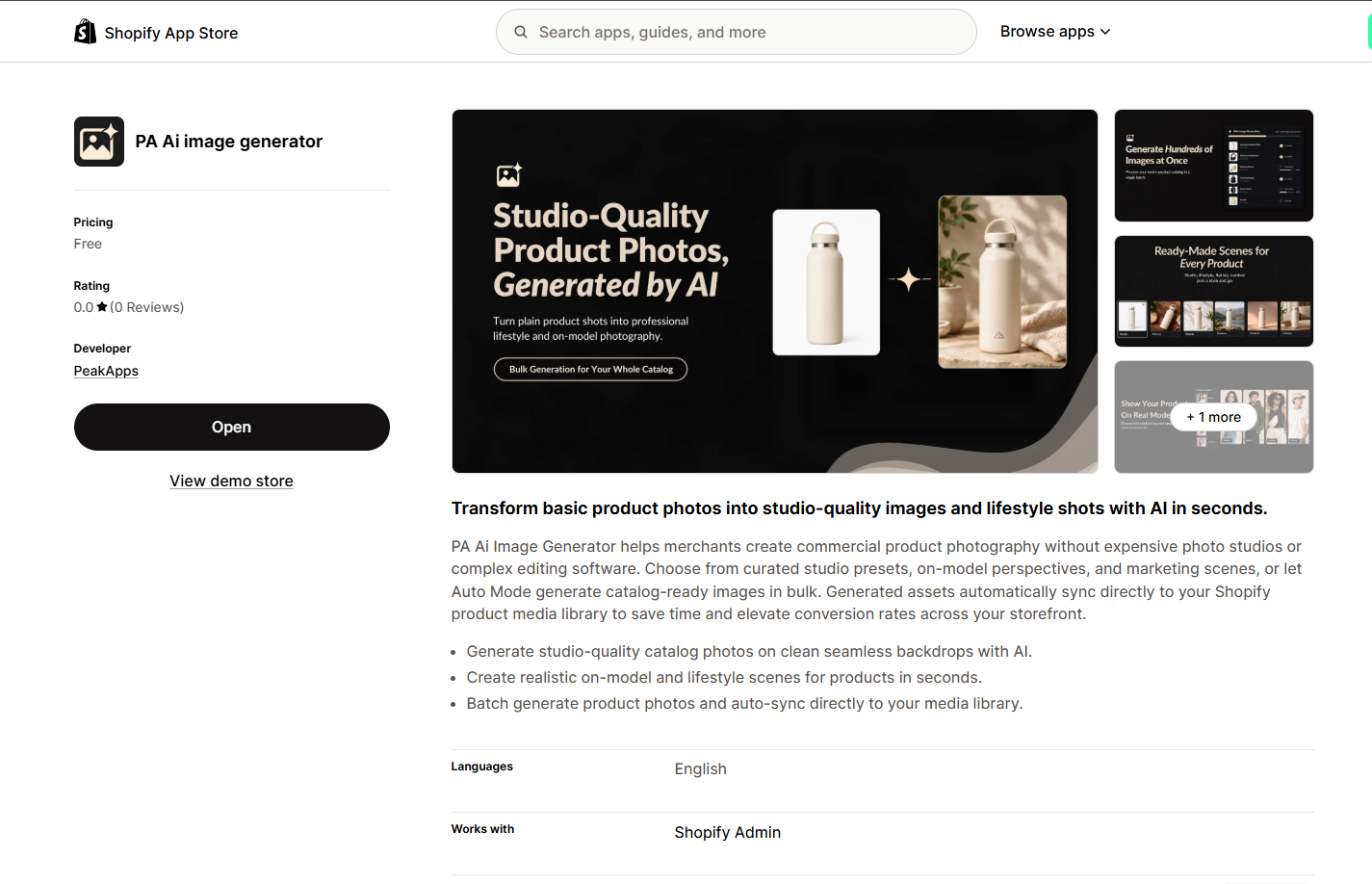
PA AI Image Generator
Create styled studio and lifestyle product images, while keeping product characteristics and claims accurate.Explore PA AI Image Generator
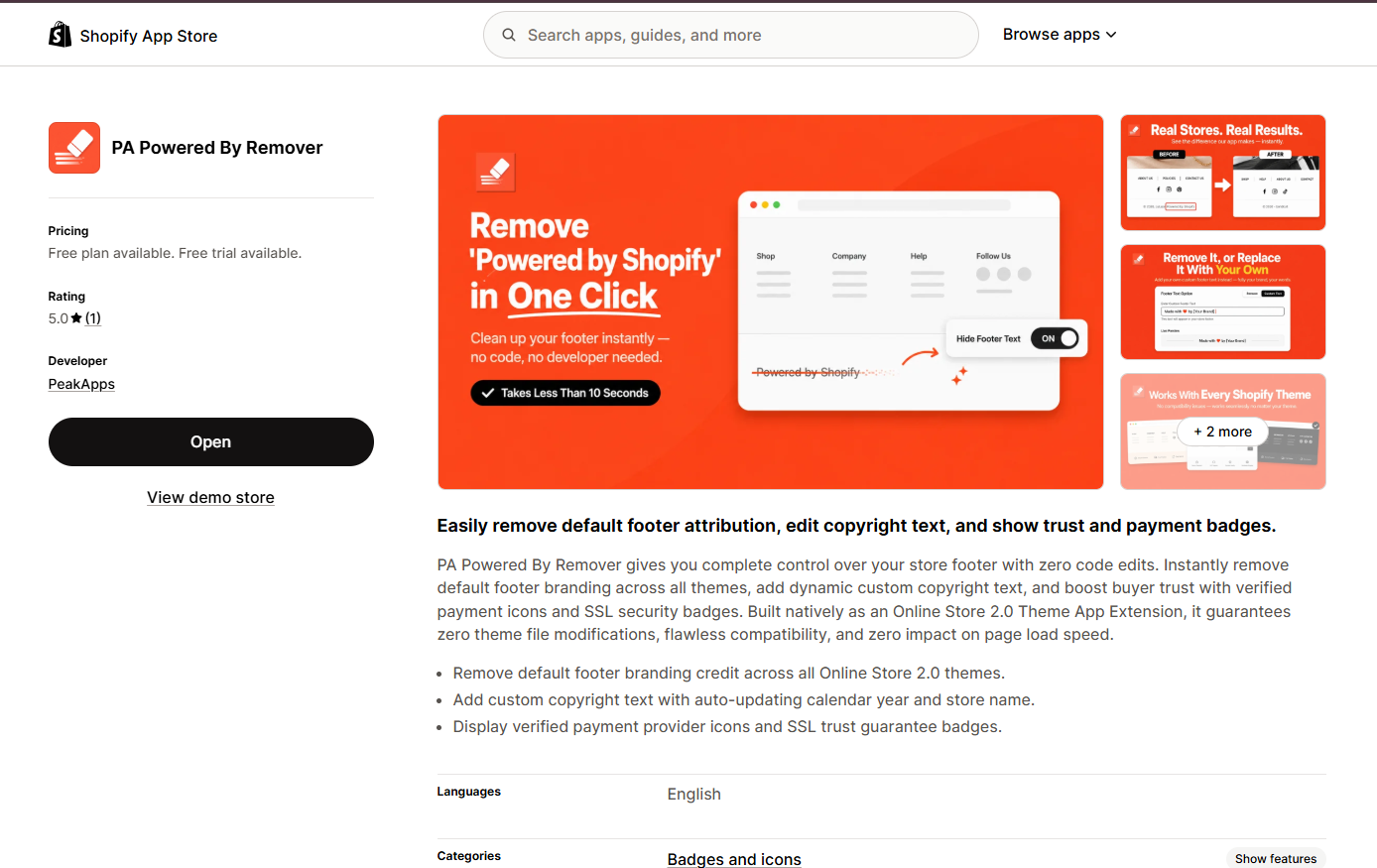
PA Powered By Remover
Customize default footer attribution and copyright information for a more consistent storefront identity.Explore PA Powered By Remover
Other Shopify apps to explore as your store grows:
| App | App Store |
|---|---|
| Section Kit: Theme Sections | Storefront sections |
| AI Theme Code Editor | Theme customization |
| Section Kit Bundles | Bundle offers |
| SA Sticky Add to Cart Drawer | Cart usability |
| SA Product Reviews & UGC | Customer review collection |
| AB Sales Popup | Real sales notifications |
| PA Claude Connector | AI-assisted store operations |
| PA Cart Icons Library | Header icons |
| Custom Cursor | Custom cursor effects |




