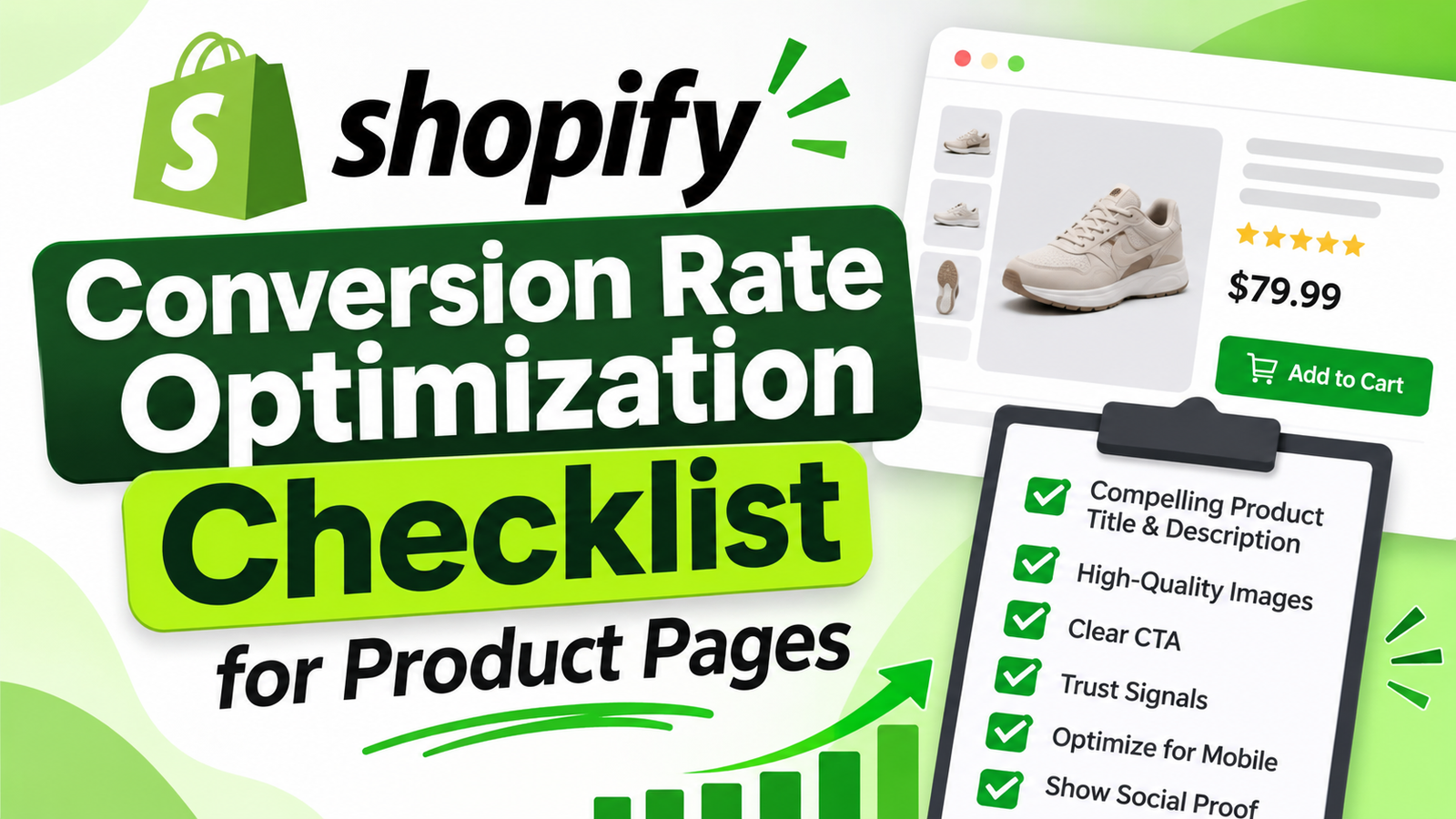
SHOPIFY CONVERSION RATE OPTIMIZATION CHECKLIST FOR PRODUCT PAGES
Introduction
Getting visitors to your Shopify store is only the first part of ecommerce growth.
The next challenge is turning those visits into purchases.
You might receive hundreds or thousands of visitors from social media, Google, or advertising campaigns, but traffic alone doesn’t guarantee revenue.
Your product pages need to help visitors understand products, trust your business, and complete purchases without unnecessary obstacles.
That’s where Shopify conversion rate optimization, or CRO, becomes important.
What Is Shopify Conversion Rate Optimization?
Conversion rate optimization is the process of improving your store to increase the percentage of visitors who complete a desired action.
For ecommerce businesses, that action is often a completed purchase.
The basic calculation is:
\[ \text{Conversion Rate}=\frac{\text{Orders}}{\text{Sessions}}\times100 \]
For example, a store with 100 orders from 5,000 sessions has a 2% session-based conversion rate.
A higher conversion rate is valuable only when it supports profitable, sustainable sales.
Why Product Page CRO Matters
Product pages often receive visitors with a relatively clear interest in purchasing.
However, customers may abandon the journey because of confusing descriptions, unavailable product information, weak trust signals, hidden shipping charges, or difficult cart interactions.
A practical CRO strategy identifies those obstacles and improves the shopping experience.
Shopify Product Page CRO Checklist
1. Make the Product Offer Immediately Clear
Customers should understand what you’re selling within seconds of opening the page.
Use a descriptive title, visible product photography, straightforward pricing, and a concise summary of the product’s benefits.
2. Make the Primary Purchase Action Obvious
Use a clearly labeled Add to Cart button with sufficient contrast against the background.
Avoid placing several competing calls to action beside it.
3. Reduce Unnecessary Scrolling
Long product pages can be useful, but essential information should appear near the main purchase controls.
Use concise descriptions, expandable details, and accessible navigation.
4. Show Genuine Customer Feedback
Authentic reviews can reassure shoppers that other customers have successfully purchased and used the product.
Don’t invent reviews or display misleading average ratings.
5. Build Confidence With Accurate Trust Signals
Trust badges can communicate accepted payment methods, return policies, or other relevant store assurances.
Only show security claims, guarantees, and payment methods that are genuinely supported.
6. Provide Accurate Product Availability
Customers should know whether the selected product variant is available.
When stock is genuinely limited, accurate inventory messages may help shoppers make timely decisions.
Avoid fabricated urgency claims or countdown timers that reset without a real offer deadline.
7. Optimize the Cart Experience
Customers should be able to review cart contents, change quantities, and remove unwanted items easily.
A side cart may make this process more convenient because shoppers can remain on the product page.
8. Optimize Mobile Usability
Check button sizes, product option selectors, page spacing, and fixed elements.
Test the buying process on actual mobile devices.
9. Explain Shipping Costs Early
Unexpected shipping charges can discourage buyers.
Provide transparent delivery information and realistic estimates before checkout.
10. Test One Significant Change at a Time
Compare performance before and after changes or use controlled experiments when possible.
Look beyond conversion rate to evaluate average order value, revenue per session, and customer experience.
Common Shopify CRO Mistakes
Avoid copying competitor layouts without understanding your customers.
Don’t add excessive popups, fake customer activity, misleading countdown timers, or unnecessary animations merely because they appear engaging.
Conversion optimization is about removing friction and increasing clarity, not pressuring visitors into purchases.
Frequently Asked Questions
What is a good Shopify conversion rate?
There isn’t one universal benchmark. Conversion rates differ by product category, audience, pricing, acquisition channel, and customer intent.
Can Shopify apps improve conversions?
Apps can add useful capabilities, but results depend on implementation, store traffic, and customer behavior. Their impact should be measured.
Should every product page display urgency messages?
No. Scarcity messaging should be used only when the underlying availability or deadline is real.
Conclusion
Improving Shopify conversions starts with understanding customer concerns.
A clear product offer, accessible purchase controls, authentic reviews, useful trust signals, transparent information, and reliable performance help create a stronger buying experience.
Review your product pages regularly and prioritize the problems that create the most friction.
Recommended Shopify Apps for Conversion Optimization

AB Sales Popup
Display genuine purchase notifications, visitor counts, sold counters, and stock-related messages to help communicate authentic activity and availability.Explore AB Sales Popup
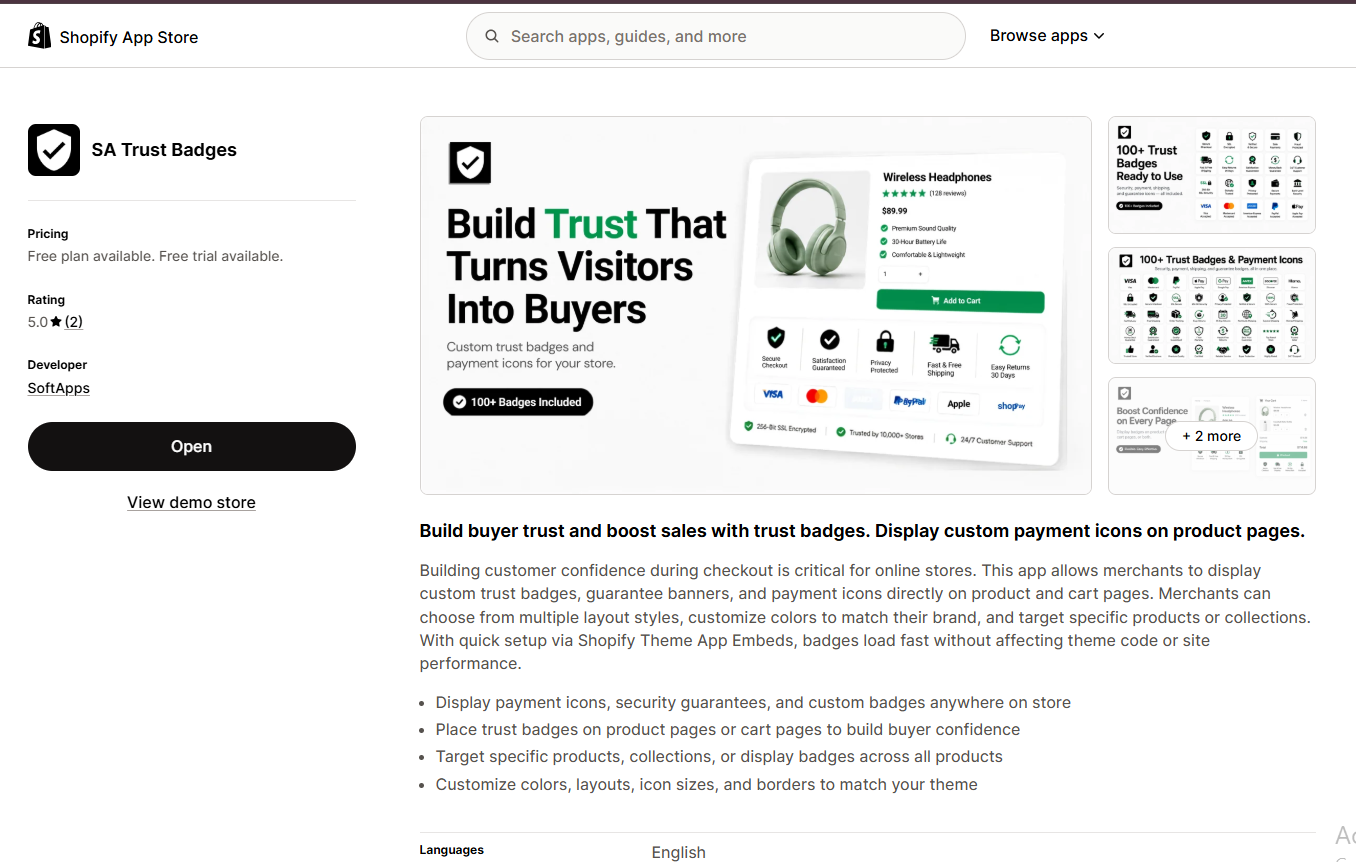
SA Trust Badges
Display customizable payment, policy, and trust-related icons on product and cart pages, ensuring claims match your actual store policies.Explore SA Trust Badges
Section Kit Bundles Shopify app screenshot
Section Kit Bundles

Introduce relevant bundle and quantity-based offers that make complementary purchases more convenient.Explore Section Kit Bundles
Explore the rest of the Shopify app collection:
| App | Shopify App Store |
|---|---|
| Section Kit: Theme Sections | Custom product sections |
| SA Sticky Add to Cart Drawer | Sticky purchasing controls |
| SA Product Reviews & UGC | Authentic customer reviews |
| AI Theme Code Editor | Theme customization |
| PA AI Image Generator | Product imagery |
| PA Claude Connector | AI-assisted store operations |
| PA Cart Icons Library | Cart and search icons |
| PA Powered By Remover | Footer customization |
| Custom Cursor | Storefront cursor styles |




