SHOPIFY PRODUCT PAGE BEST PRACTICES FOR 2026
Shopify Guide | Product Page Optimization | Conversion Rate | Shopify Apps | Ecommerce Growth

Introduction
A Shopify product page is one of the most important pages in your online store. It is where visitors evaluate your products, compare options, check prices, read customer reviews, and decide whether to purchase.
You might have attractive products and successful advertising campaigns, but if your product pages don’t provide the information customers need, you could lose potential sales.
In 2026, shoppers expect more than a product image and an Add to Cart button. They want detailed product information, clear pricing, authentic reviews, easy navigation, fast-loading pages, and a smooth mobile shopping experience.
Shopify’s 2026 product-page guidance emphasizes clear calls to action, original product descriptions, effective imagery, customer reviews, and useful trust signals. Shopify+1
The good news is that you don’t always need to hire a developer or rebuild your theme to improve these elements.
With Shopify applications such as Section Kit: Theme Sections, SK Sticky Add to Cart Drawer, and SA Product Reviews & UGC, merchants can enhance product-page layouts, make purchasing controls more accessible, and display customer feedback.
In this guide, we’ll cover the most important Shopify product page best practices for 2026 and show you how to apply them to your own store.
What Is Shopify Product Page Optimization?
Shopify product page optimization is the process of improving product-page content, design, functionality, and usability to help visitors make informed purchasing decisions.
An optimized product page should clearly answer five questions:
- What is the product?
- How will it benefit me?
- How much does it cost?
- Can I trust this store and product?
- How can I purchase it?
When these questions are answered effectively, customers can move through the buying process with less uncertainty.
Why Shopify Product Page Optimization Matters in 2026
Online shoppers often compare multiple stores before placing an order.
If a product page is confusing, difficult to navigate, or missing essential information, customers may leave and explore competitors.
Product page optimization can help merchants improve product understanding, reduce purchasing friction, support search visibility, and potentially increase conversion rates.
It can also improve the experience for people arriving directly from Google, social media advertisements, and AI-powered shopping discovery.
Why Shopify Product Pages Matter
A product page is much more than a place to display a product image and price.
It acts as your digital salesperson, helping customers understand what they’re purchasing and whether the product meets their needs.
A well-structured product page should communicate product value, remove uncertainty, and guide shoppers toward an informed decision.
10 Shopify Product Page Best Practices
1. Use Clear, High-Quality Product Images
Customers cannot physically inspect products online, so your images need to communicate details accurately.
Show the product from multiple angles, include close-ups of important features, and add lifestyle photos where appropriate.
Images should be sharp, properly sized, and consistent with your store’s branding.
2. Write Benefit-Focused Product Descriptions
A product description should explain what the product does and how it helps the customer.
Instead of writing only “Premium Cotton T-Shirt,” explain its material, fit, comfort, and care requirements.
Keep descriptions informative and easy to scan.
3. Keep the Add to Cart Button Visible
Customers shouldn’t need to search for the purchase button after reading a long product description.
A clear Add to Cart button near the price and product options makes purchasing easier.
For longer pages, a sticky Add to Cart bar can keep the purchasing action accessible while shoppers scroll.
4. Display Authentic Customer Reviews
Genuine reviews can answer questions that product descriptions cannot.
Customer photographs, comments about sizing, and detailed experiences help shoppers assess product quality.
Display reviews prominently without hiding legitimate negative feedback.
5. Organize Product Information Into Sections
Long paragraphs can overwhelm customers.
Consider using product benefit sections, comparison tables, specifications, delivery information, and expandable FAQs.
These elements help customers find the information they need without reading an unnecessarily long page.
6. Make Pricing and Discounts Clear
Display the actual selling price and any genuine discounts.
Avoid confusing price comparisons or unexpected charges.
Customers should understand what they’re paying before entering checkout.
7. Optimize the Mobile Experience
Many visitors will browse your store using smartphones.
Make sure product images display correctly, text remains readable, and purchase buttons are easy to tap.
Avoid oversized popups that obscure essential information.
8. Explain Shipping and Return Policies
Customers often hesitate when delivery times or return policies are unclear.
Provide realistic shipping estimates, transparent charges, and an accessible return policy.
9. Improve Product Page Speed
Use appropriately sized product images and avoid unnecessary scripts, animations, and widgets.
A visually impressive page that responds slowly may create more friction than value.
10. Test Product Page Improvements
Monitor add-to-cart rate, checkout progression, and completed purchases.
Test important changes individually rather than redesigning the entire page at once.
This makes it easier to understand which improvements are useful.
Frequently Asked Questions
What makes a good Shopify product page?
Clear product information, accurate images, visible purchasing controls, authentic reviews, transparent policies, and good mobile usability.
Do product reviews help Shopify stores?
They can help customers evaluate products and reduce uncertainty, especially when reviews contain genuine details.
Can Shopify product pages be customized without coding?
Yes. Shopify’s theme editor supports many design changes, and compatible apps can provide additional sections and functionality.
Conclusion
A high-quality Shopify product page should make shopping easier, not more complicated.
Focus on product clarity, honest information, customer confidence, accessible purchasing controls, and mobile performance.
Small, carefully tested improvements can create a more effective shopping experience over time.
Recommended Shopify Apps for Product Page Optimization
Section Kit Theme Sections original Shopify listing
Section Kit: Theme Sections
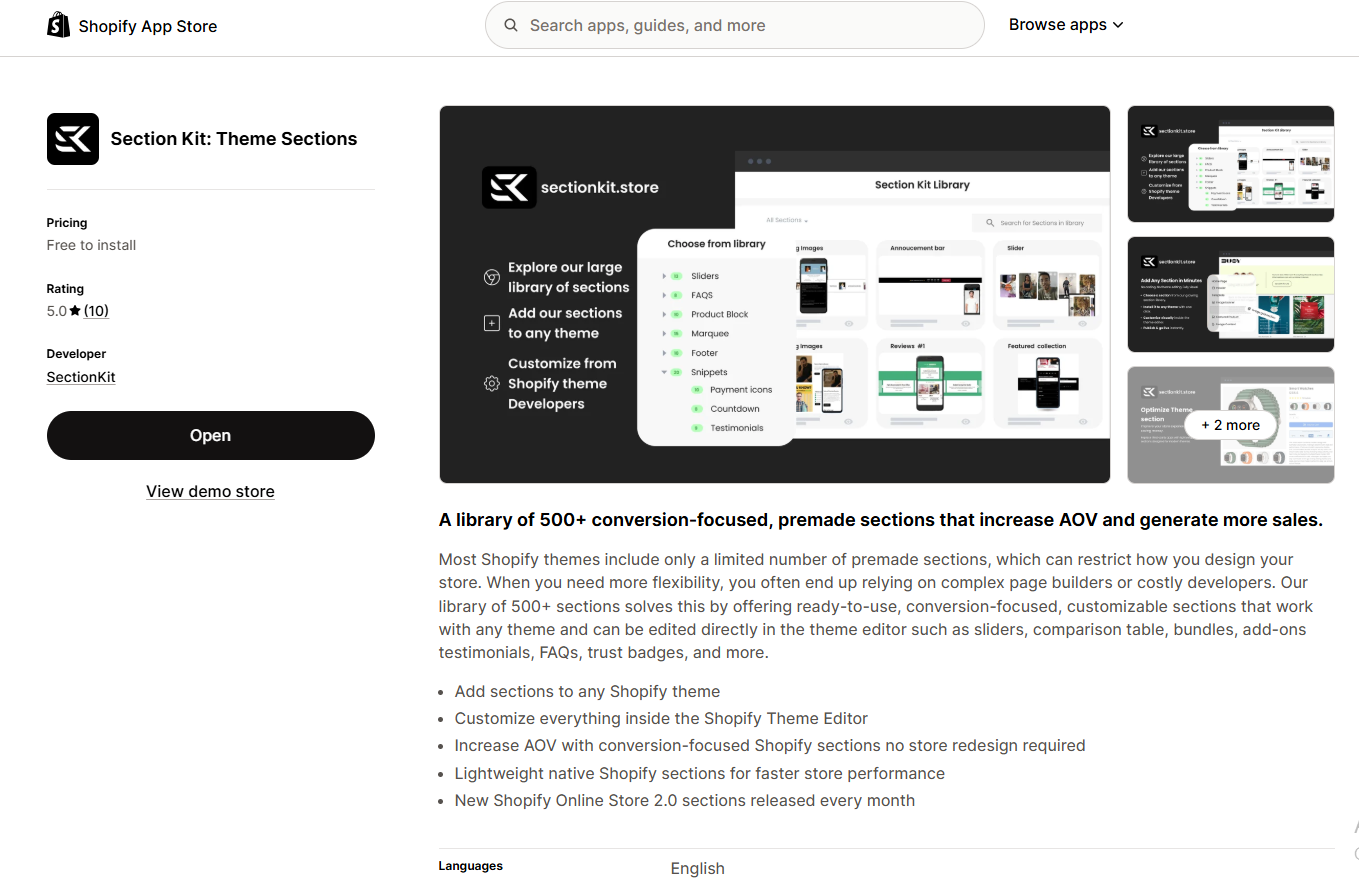
Enhance product pages with customizable comparisons, FAQs, testimonials, and benefit sections.Explore SectionKit
SA Sticky Add to Cart Drawer app listing
SA Sticky Add to Cart Drawer

Keep Add to Cart controls accessible and offer a side cart experience with product recommendations.Explore Sticky Add to Cart
SA Product Reviews and UGC app listing
SA Product Reviews & UGC
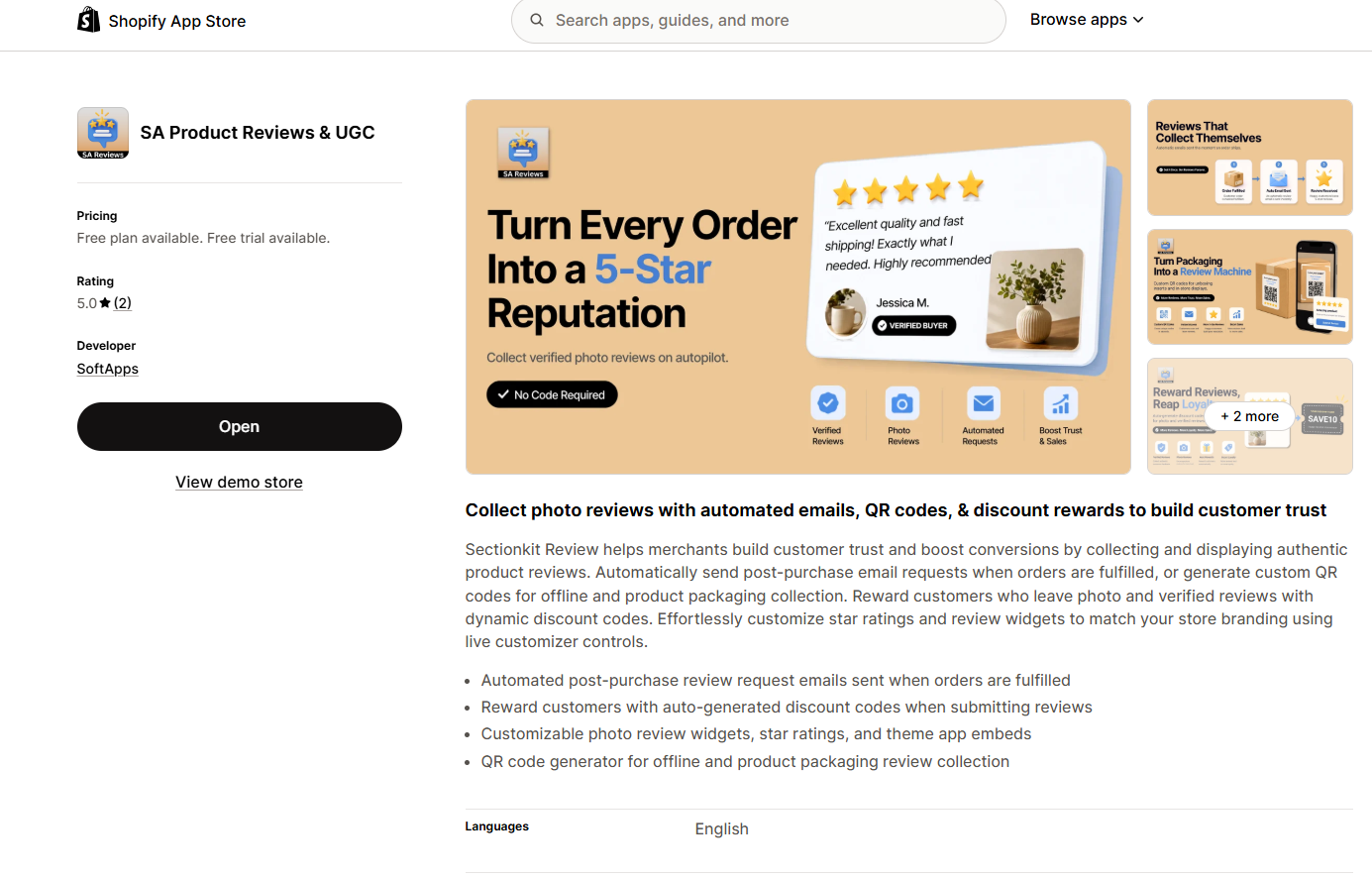
Collect authentic customer reviews, display star ratings, and showcase photo reviews.Explore Product Reviews & UGC
These three apps address the central areas of product page optimization. Your other Shopify apps can also support the experience:
| Additional app | Benefit and App Store link |
|---|---|
| AI Theme Code Editor | AI-assisted theme customization |
| Section Kit Bundles | Bundles and quantity discounts |
| SA Trust Badges | Product and cart trust messaging |
| PA AI Image Generator | Product photography creation |
| AB Sales Popup | Authentic social proof and stock messaging |
| PA Claude Connector | AI-assisted store management |
| PA Cart Icons Library | Header icon customization |
| PA Powered By Remover | Store footer customization |
| Custom Cursor | Desktop cursor personalization |




