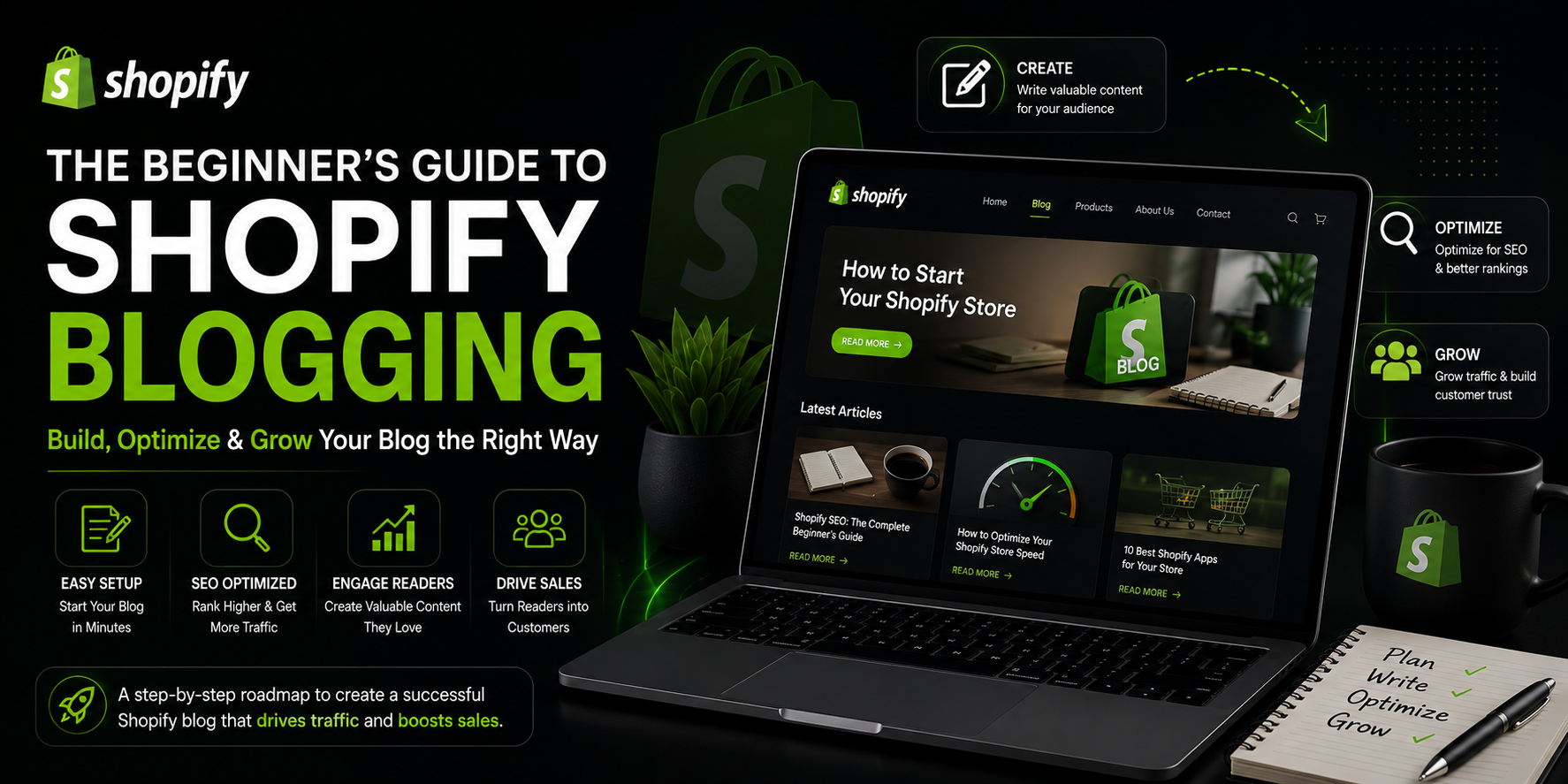
The Beginner’s Guide to Shopify Blogging
Let me ask you something honest.
Do you have a blog on your Shopify store?
If the answer is no, you’re leaving one of the most powerful free marketing tools completely untouched. If the answer is yes but you haven’t posted anything in months, the result is pretty much the same.
Here’s the reality. Most Shopify store owners think of blogging as something extra. Something nice to have. Something they’ll get to eventually when they have more time.
But the stores that are consistently getting free organic traffic from Google without spending a single rupee on ads almost always have one thing in common.
They blog. Regularly. Strategically. With purpose.
A well-run Shopify blog doesn’t just bring in traffic. It builds trust with your customers, establishes your store as an authority in your niche, supports your product pages in ranking higher, and gives people a reason to keep coming back to your store even when they’re not ready to buy yet.
And the best part? You don’t need to be a professional writer. You don’t need a journalism degree. You just need to understand how it works and commit to doing it consistently.
That’s exactly what this guide is for.
Why Blogging Matters for Your Shopify Store
Before we get into the how, let’s talk about the why. Because if you don’t fully believe that blogging is worth your time, you’ll never stick with it long enough to see results.
Here’s what blogging actually does for your store.
It brings in organic traffic from Google. Every blog post you publish is essentially a new page that Google can index and rank. Every new page is another opportunity for someone searching for information related to your products to find your store. Over time, as you publish more posts, you build up a library of content that brings in a steady stream of visitors every single day without you paying for a single click.
It builds trust before someone buys. Most people don’t buy the first time they visit an online store. They browse, they leave, they think about it. But if they found your store through a helpful blog post that actually answered a question they had, they’re going to remember you. That trust makes them far more likely to come back and buy.
It helps your product pages rank better. When you blog about topics related to your products and link from those blog posts back to your product pages, you’re passing SEO value from your blog content to your products. This is called internal linking and it genuinely improves your product pages’ ability to rank on Google.
It sets you apart from competitors. Most Shopify stores in your niche are not blogging well, if at all. Having a genuinely helpful, regularly updated blog makes you look more serious, more knowledgeable, and more trustworthy than stores that just have product listings and nothing else.
It gives you content to share on social media and in email newsletters. Instead of constantly trying to come up with social media posts and email content from scratch, your blog gives you a ready supply of valuable content to share with your audience.
None of these benefits happen overnight. But they compound over time in a way that paid advertising simply doesn’t.
How Shopify’s Built In Blog Feature Works
The good news is that Shopify comes with blogging functionality built in. You don’t need to install a separate platform or pay for extra tools to get started.
To access it, go to your Shopify admin panel and click on Online Store in the left sidebar. Then click Blog Posts. From there you can create new posts, edit existing ones, manage your blog categories, and organize everything.
Shopify allows you to create multiple blogs if you want to organize your content into different sections. For example, if you run a skincare store you might have one blog called Skin Tips and another called Ingredient Guides. Each blog has its own URL and its own set of posts.
For most stores though, one blog is perfectly fine to start with. You can always add more structure later as your content library grows.
When creating a post, you’ll see a fairly straightforward editor. You can add a title, write your content, add images, apply formatting like headings and bold text, and set an author name. You can also add tags to categorize your posts, write a meta title and meta description for SEO, and set a featured image.
One thing worth knowing upfront is that Shopify’s blogging editor is functional but fairly basic compared to dedicated blogging platforms like WordPress. It doesn’t have advanced features like scheduled publishing in all plans, complex content blocks, or built in SEO scoring as you write. But for getting started and building a consistent blogging habit, it’s more than adequate.
What Should You Actually Blog About?
This is the question that stops most store owners before they even start. They sit down to write and immediately think — what on earth do I write about?
The answer is simpler than you think.
You blog about the things your customers are already searching for on Google. Not about your store. Not about your products specifically. About the questions, problems, and topics that are relevant to what you sell.
Let me give you some examples to make this concrete.
If you sell coffee products, your customers are probably searching for things like “how to make a better cup of coffee at home,” “difference between arabica and robusta coffee,” “best grind size for French press,” or “why does my coffee taste bitter.” Blog posts that answer these questions will attract exactly the kind of people who are likely to buy coffee products from you.
If you sell fitness equipment, your customers might be searching for “home workout routine for beginners,” “how to build a home gym on a budget,” “best exercises for lower back pain,” or “how to stay motivated to exercise at home.” Answer those questions in detailed, helpful blog posts and you’ll be bringing in your ideal customers through Google.
If you sell skincare products, your audience is probably searching for “how to build a skincare routine for beginners,” “what ingredients to avoid for sensitive skin,” “how to treat acne naturally,” or “difference between moisturizer and serum.” Cover those topics and you’re putting your store in front of people who are actively interested in skincare.
The pattern is the same regardless of your niche.
Think about the questions your customers ask you. Think about the problems your products solve. Think about what someone would need to know before they’d be ready to buy what you’re selling. Then write blog posts that genuinely help with those things.
This approach works because you’re not just creating content for its own sake. You’re creating content that people are actively searching for, which means Google will send those people to you.
How to Find the Right Topics Using Keyword Research
Thinking about what your customers might search for is a great starting point. But to really dial in your blog topics, you want to back it up with actual keyword research.
Keyword research sounds technical but the basics are genuinely simple.
Start with Google itself. Type a topic related to your products into Google and look at what comes up in the autocomplete suggestions. These are real searches that real people are making. They’re gold for blog topic ideas.
Also scroll to the bottom of any Google search results page and look at the “Related Searches” section. Again, these are real queries that real people are typing.
For more structured research, tools like Ubersuggest, AnswerThePublic, and Google’s free Keyword Planner are all helpful. Type in a broad topic related to your store and these tools will show you dozens or even hundreds of specific questions and phrases people are searching for, along with data on how many people search for each one.
What you’re looking for when choosing blog topics is a combination of two things.
First, relevance. The topic should be closely related to what you sell so that the people who find your post through Google are likely to be interested in your products.
Second, realistic ranking potential. If a keyword is searched for millions of times a month, it’s also going to be extremely competitive. As a newer or smaller store, you’re better off targeting more specific, longer phrases things like “best yoga mat for bad knees” rather than just “yoga mat.” These specific phrases have less competition and are actually easier to rank for.
Make a list of ten to twenty blog topic ideas based on your keyword research. That’s enough to get started and build momentum. You can always add more as you go.
How to Write a Blog Post That Actually Ranks on Google
Okay so you’ve got your topic. Now how do you actually write a post that Google will rank and that readers will enjoy?
Here’s a framework that works.
Start with a strong opening. Don’t begin with “In this post, I will be discussing…” Nobody wants to read that. Start with something that immediately connects with the reader — a question they’re asking, a problem they’re facing, or a surprising fact. Make them want to keep reading from the very first sentence.
Use your target keyword naturally. Whatever phrase you’re trying to rank for should appear in your post title, in the first paragraph, in at least one subheading, and naturally throughout the body of the post. Don’t force it or repeat it awkwardly just make sure it’s there in a natural way.
Break it up with subheadings. Long blocks of text are hard to read on screen. Use clear, descriptive subheadings to break your post into sections. This makes it easier to read and also helps Google understand the structure of your content.
Write in plain, conversational language. You’re not writing an academic paper. Write the way you’d explain something to a friend or customer. Simple sentences. Clear language. No unnecessary jargon.
Aim for genuine depth. Shallow blog posts that cover a topic in 200 or 300 words rarely rank well on Google. The search results for most topics are dominated by comprehensive, genuinely helpful posts that cover the subject in real depth. For most topics, aim for at least 800 to 1500 words. For competitive topics, even longer can work better.
Include relevant images. Images break up the text, make posts more engaging, and give you an opportunity to add alt text for additional SEO value. Even simple images like product photos, infographics, or screenshots add a lot to the reading experience.
End with a clear next step. After someone finishes reading your post, what do you want them to do? Visit a product page? Sign up for your email list? Read another blog post? Make it easy and natural for them to take that next step by including a relevant call to action at the end of your post.
Getting Your Blog Post Structure Right
The way you structure a blog post matters both for readability and for SEO.
Your post title should be clear, specific, and include your target keyword. A title like “10 Things to Know About Coffee” is vague and uninteresting. “How to Make the Perfect Cup of Coffee at Home: A Beginner’s Guide” is specific, helpful, and tells Google exactly what the post is about.
Your first paragraph should hook the reader and naturally include your main keyword. Don’t bury the lede. Tell people what they’re going to learn and why it matters to them.
Use H2 and H3 headings to organize your content into logical sections. In Shopify’s blog editor, you can apply heading styles using the formatting toolbar. These headings help readers navigate your post and help Google understand your content’s structure.
Each section should cover one clear point or topic. Don’t try to squeeze too much into each section. One idea per section, explained clearly, is far more readable than five ideas crammed together without breathing room.
Your conclusion should summarize the key takeaways and include your call to action. Don’t just end abruptly give the reader a satisfying conclusion that reinforces what they’ve learned and points them somewhere useful next.
Optimizing Your Blog Posts for SEO
Writing great content is the most important part. But there are specific SEO steps you need to take for each post to give it the best possible chance of ranking.
Write a compelling meta title and meta description. In Shopify’s blog post editor, scroll down to the Search Engine Listing section and fill in both of these fields. Your meta title should include your keyword and ideally be under 60 characters. Your meta description should be around 150 characters, include your keyword naturally, and give people a compelling reason to click on your result when they see it in Google.
Use your keyword in the URL. Shopify automatically generates a URL based on your post title, which is usually fine. But check it and make sure it’s clean, readable, and includes your main keyword. Remove any unnecessary words to keep it concise.
Add alt text to your images. Every image in your blog post should have descriptive alt text that includes your keyword where it fits naturally. This adds another SEO signal to the page and helps with image search visibility.
Link to your product pages. Wherever it makes natural sense within your blog post, link to relevant products in your store. This passes SEO value from your blog content to your product pages and also creates a natural pathway for readers who are interested in buying.
Link to other blog posts. As your blog grows, link between related posts. This keeps readers engaged longer and helps Google crawl and understand the relationship between your different pieces of content.
Add your post to the right blog category. If you’re using multiple blogs in Shopify or using tags to organize content, make sure each post is categorized correctly. This helps with site structure and makes it easier for both readers and Google to find related content.
How Often Should You Post?
This is one of the most common questions beginners have. And the honest answer is that consistency matters more than frequency.
Posting five times a week for one month and then disappearing for six months is far less effective than posting once a week every single week without fail.
Google rewards consistency. Fresh, regularly updated content tells Google that your site is active and worth crawling frequently. A blog that hasn’t been updated in six months starts to look stale.
For most Shopify store owners who are running a business at the same time, once a week is a realistic and highly effective posting schedule. If that’s too much, once every two weeks is still far better than nothing.
The key is to pick a schedule you can actually stick to and then stick to it. Put it in your calendar. Treat it like any other important business task. Because it is one.
And don’t sacrifice quality for quantity. One genuinely helpful, well researched, well written post per week will do far more for your SEO than five rushed, thin posts that don’t really help anyone.
Promoting Your Blog Posts
Here’s something a lot of beginners miss.
Publishing a blog post is only half the work. The other half is getting people to actually read it.
When you publish a new post, share it everywhere you have an audience. Post about it on your social media channels with a snippet or interesting fact from the post. Include it in your email newsletter. Share it in any Facebook groups or online communities relevant to your niche where it would genuinely be helpful.
The more people read and engage with your content early on, the stronger the signals you send to Google that this content is valuable. That helps it rank faster.
Also look for opportunities to get other websites to link to your blog posts. This is called link building, and it’s one of the most powerful SEO factors there is. When a reputable website in your niche links to your blog post, it’s like a vote of confidence in the eyes of Google. Even a handful of quality backlinks to your blog content can significantly improve how your posts rank.
Some ways to earn backlinks include reaching out to bloggers or content creators in your niche who write about related topics, getting your store mentioned in round-up articles, being featured on industry websites, or contributing guest posts to other blogs that link back to yours.
Measuring Whether Your Blog Is Working
You put in all this effort writing and publishing blog posts. How do you know if it’s actually working?
Google Search Console is your best friend here. It’s free, and it shows you exactly how your blog posts are performing in Google’s search results. You can see which posts are getting impressions, which ones are actually getting clicks, what position they’re ranking in, and which search queries are leading people to your content.
Set up Google Search Console if you haven’t already it’s one of the most valuable free tools available to any website owner and check it regularly. Look for posts that are getting impressions but not many clicks. These are posts where your meta title or meta description might need improvement to be more compelling.
Also look for posts that are ranking on page two of Google, positions eleven to twenty. These are close to page one and often just need some additional optimization or a few more links to push them up into the top ten results.
Google Analytics gives you complementary data about how people behave once they actually arrive on your blog. How long are they staying? Which posts lead to visits to your product pages? Which ones result in actual sales? This data helps you understand what kind of content your audience finds most valuable and what drives real business results.
Check these tools at least once a month. Over time the data will clearly show you what’s working, what’s not, and where to focus your energy next.
Common Blogging Mistakes to Avoid
Now let me save you from some mistakes that trip up a lot of beginners.
Writing only about your products. Your blog is not the place for product descriptions or promotional content. People searching for information on Google don’t want to read a sales pitch. They want helpful information. Write to help first and let the products speak for themselves.
Posting irregularly. Posting five times in one week and then nothing for two months is worse than posting once a week every week. Consistency is everything. Pick a schedule and commit to it.
Writing thin, shallow content. A 200 word blog post that barely scratches the surface of a topic is not going to rank on Google and it’s not going to impress your readers. Take the time to cover topics properly and in real depth.
Ignoring SEO basics. Writing great content without filling in the meta title, meta description, alt text, and internal links is leaving SEO value on the table. These steps take ten minutes and make a real difference.
Giving up too soon. This is the biggest one. Most people expect to see results from blogging within a few weeks. That’s not how it works. SEO takes time. Most new blog posts take three to six months to start ranking well on Google. You have to be patient and keep publishing even when you can’t yet see results.
Copying content from other websites. This should go without saying, but everything on your blog needs to be original. Copying or closely paraphrasing content from other websites creates duplicate content issues that actively harm your SEO.
Using Your Blog to Support Your Entire SEO Strategy
Here’s the bigger picture that I want you to understand.
Your blog doesn’t exist in isolation. It’s part of your store’s overall SEO strategy and it works best when it’s connected to everything else.
Every blog post you write is an opportunity to link to relevant product pages. Every product page you want to rank for can be supported by blog content that covers related topics. Your blog builds the broader topical authority that helps your entire store rank better for product related searches.
Think of it this way. If you sell yoga equipment and you have dozens of blog posts about yoga techniques, yoga for beginners, yoga poses for flexibility, yoga for stress relief, and home yoga routines Google starts to recognize your store as a genuine authority on yoga related topics. And that authority flows from your blog content to your product pages, helping them rank better than they ever could on their own.
This is the compounding power of consistent blogging. Every post you publish adds another brick to a structure that gets more valuable over time. The store that has been blogging consistently for two years has an enormous SEO advantage over one that just started. But the way to get that two year advantage is to start today and keep going.
Final Thoughts
Blogging is not a quick win. It’s not going to transform your store’s traffic overnight.
But it is one of the most powerful long term strategies available to any Shopify store owner. The traffic it generates is free, consistent, and compound it grows over time rather than stopping the moment you stop paying for it.
Start simple. Pick one topic your customers are searching for. Write one genuinely helpful post. Optimize it properly. Publish it. Then do it again next week.
Don’t wait until you have the perfect blogging strategy figured out. Don’t wait until you have more time. Don’t wait until your store is bigger or more established.
Start now with one post. Build the habit. Stay consistent.
The stores that are winning the SEO game six months from now are the ones that started blogging six months ago.
Don’t be the person who wishes they’d started sooner.
Start today.




