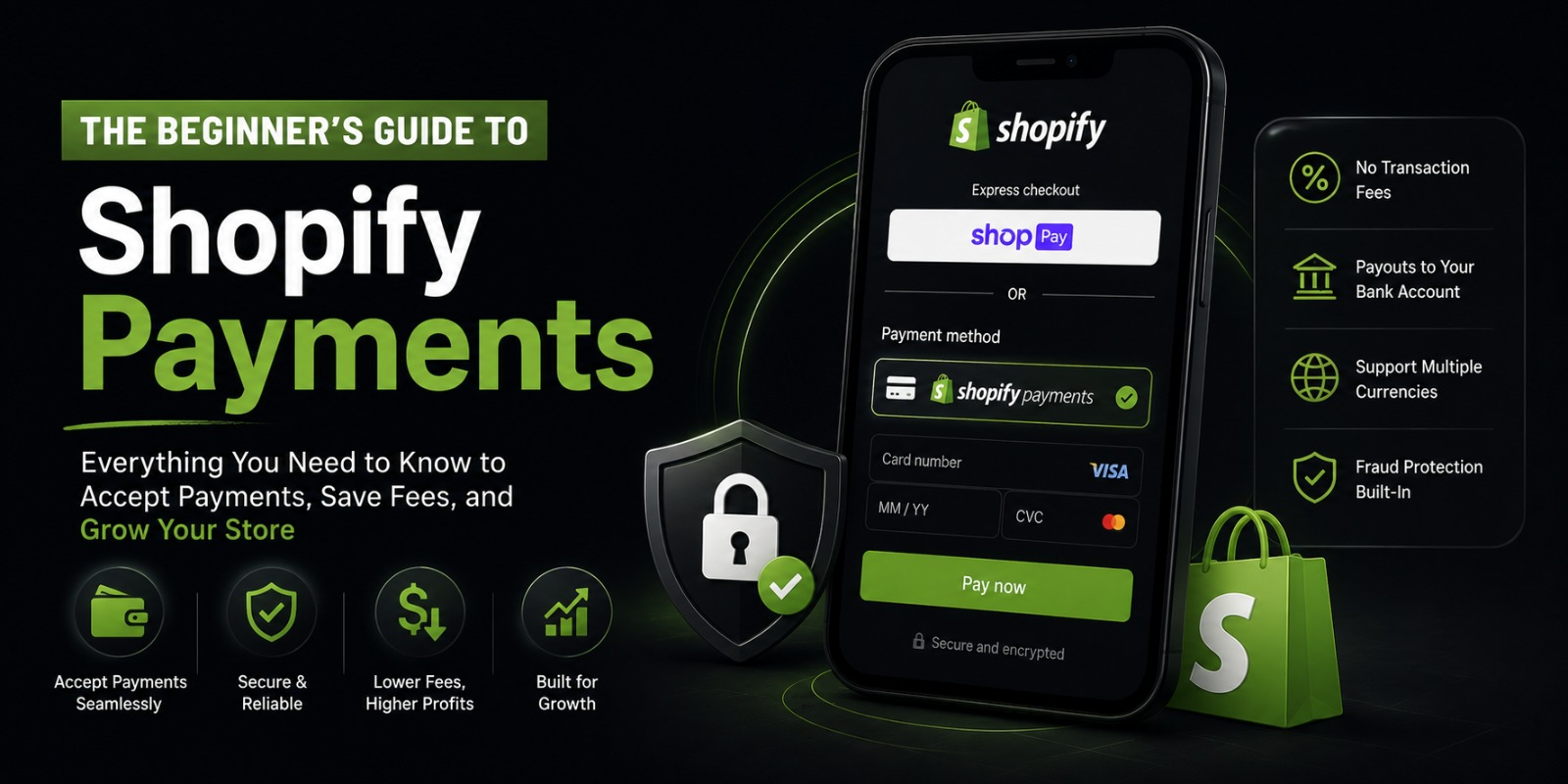
The Beginner’s Guide to Shopify Payments
So you’ve set up your Shopify store. You’ve added your products, picked a theme, and you’re feeling pretty good about things.
But then comes the question that stops almost every new store owner in their tracks.
How do I actually get paid?
That’s exactly what we’re going to talk about today. No complicated finance talk. No confusing tech jargon. Just a simple, clear breakdown of how Shopify Payments works — and how you can start accepting money from customers without pulling your hair out.
Let’s get into it.
What Is Shopify Payments, Anyway?
Shopify Payments is Shopify’s own built in payment system.
Think of it like this. Normally, if you want to accept payments online, you’d have to sign up for a third party payment processor, connect it to your store, and deal with a bunch of extra setup steps. Shopify Payments skips all of that.
It’s already inside your Shopify account. You just turn it on.
When a customer buys something from your store, the money goes through Shopify Payments and lands in your bank account. Simple as that.
And the best part? You don’t need to be a tech genius to set it up.
Why Should You Use Shopify Payments Instead of Something Else?
Great question.
There are other payment options out there. PayPal, Stripe, 2Checkout the list goes on. You can actually connect those to your Shopify store too.
But here’s the thing. When you use a third party payment provider on Shopify, Shopify charges you an extra transaction fee on top of whatever fees that provider already charges you.
That means you’re paying twice.
With Shopify Payments, those extra Shopify transaction fees go away completely. You only pay the standard credit card processing rate. No double fees. No surprises.
Plus, everything lives in one place. Your orders, your payouts, your customer data all of it is right there inside your Shopify dashboard. You don’t have to jump between platforms to figure out what’s going on.
Is Shopify Payments Available in Your Country?
Before you get too excited, you need to check one thing.
Shopify Payments isn’t available everywhere. Right now, it’s available in countries like the United States, United Kingdom, Canada, Australia, Ireland, New Zealand, Singapore, Hong Kong, and a few others.
If you’re running your store from Pakistan or another country that isn’t on the list, you won’t be able to use Shopify Payments directly. In that case, you’ll need to look into third-party payment gateways like PayPal, Stripe (where available), or local payment solutions.
But if you’re selling to customers in supported countries, or if your business is registered in one of those countries, you’re good to go.
How Do You Set Up Shopify Payments?
Setting it up is genuinely easy. Here’s how it goes.
You log into your Shopify admin. Then you go to Settings, and from there you click on Payments. If Shopify Payments is available in your region, you’ll see it right there as an option. You click “Complete account setup,” fill in some details about your business and your bank account, and you’re done.
What kind of details? Things like your legal business name, your address, your banking information so Shopify knows where to send your money, and some personal identification details for verification purposes.
The verification part is standard. It’s the same thing banks ask for. Shopify needs to make sure you’re a real person running a real business before they start sending money your way.
Once you’re verified, you’re live. Your store can start accepting payments.
What Payment Methods Does Shopify Payments Support?
This is one of the best things about it.
Shopify Payments supports all the major credit and debit cards Visa, Mastercard, American Express, Discover. It also supports Shop Pay, which is Shopify’s own accelerated checkout. And depending on where you and your customers are located, it can support Apple Pay, Google Pay, and even Buy Now Pay Later options like Shop Pay Installments.
That last one is huge.
Buy Now Pay Later lets your customers split their purchase into smaller installments. This can seriously increase your conversion rate because people who might hesitate to spend $200 all at once will often feel more comfortable paying $50 four times.
More payment options almost always mean more sales. People like to pay the way they’re comfortable with.
Understanding Shopify Payments Fees
Okay, let’s talk about fees. This is where a lot of beginners get confused, so let’s clear it up properly.
Shopify Payments charges a credit card processing fee on every transaction. The exact percentage depends on which Shopify plan you’re on.
On the Basic Shopify plan, online credit card rates are around 2% plus 30 cents per transaction. On the standard Shopify plan, it drops to 1.7% plus 30 cents. And on the Advanced plan, it goes down further to around 1.5% plus 30 cents.
These are called processing fees. They’re completely normal in ecommerce. Every payment processor in the world charges something similar.
What you want to avoid is paying those fees AND the extra Shopify transaction fee on top. That’s the whole point of using Shopify Payments you dodge that extra charge.
So if you’re on the Basic plan and a customer buys something for $100, Shopify Payments takes about $2.30 and you receive the rest. That’s it.
What Is a Payout and When Do You Get Paid?
A payout is when Shopify transfers your earnings to your bank account.
Shopify doesn’t send you money after every single order. Instead, it collects your sales over a period of time and then sends one transfer to your bank.
How often? It depends on your country. In the US, standard payout timing is every business day. In other countries, it might be every two to three days. You can check your specific payout schedule inside your Shopify Payments settings.
There’s also something called a payout hold period. When you first start, Shopify might hold your first few payouts for a short time. This is normal. It’s just them verifying that everything is legitimate. Once your store builds a little history, payouts usually become more consistent.
You can track all your payouts right inside the Shopify dashboard under the Payments section. You’ll see exactly what was paid out, when, and how much.
What Is Chargeback and How Does It Affect You?
Let’s talk about something that every store owner eventually deals with chargebacks.
A chargeback happens when a customer contacts their bank or credit card company to dispute a transaction. Maybe they say they didn’t receive their order. Maybe they claim they didn’t make the purchase at all.
When that happens, the bank pulls the money back from you while they investigate.
Shopify Payments gives you tools to fight chargebacks. When one comes in, you’ll get a notification and you’ll have the chance to submit evidence like tracking information, order details, or customer communication to show that the transaction was legitimate.
The key to winning chargebacks is keeping good records. Always use tracking numbers. Always communicate clearly with your customers. If there’s ever a dispute, you want to be able to prove that you delivered what you promised.
Chargebacks can also result in a small fee. It varies, but it’s typically around $15. That’s why preventing them in the first place through clear product descriptions, honest shipping timelines, and responsive customer service is always the better strategy.
What Is Fraud Analysis in Shopify Payments?
Here’s a feature that doesn’t get enough attention.
Shopify Payments comes with built in fraud analysis. Every order that comes through gets automatically scanned for signs of fraud.
You’ll see risk indicators right on the order page. Things like whether the billing address matches the card, whether the CVV was entered correctly, whether the IP address seems suspicious.
If an order looks risky, Shopify will flag it and give you the option to review it before fulfilling it. This protects you from processing fraudulent orders and then having to deal with chargebacks later.
It’s not perfect no fraud detection system is. But it’s a solid safety net, especially when you’re just starting out and don’t yet have experience spotting sketchy orders on your own.
Can You Use Multiple Payment Methods at Once?
Yes, absolutely.
Even with Shopify Payments enabled, you can also offer PayPal as an alternative checkout option. Many customers feel more comfortable paying through PayPal, so offering it alongside Shopify Payments can increase the number of people who actually complete their purchase.
Just keep in mind that PayPal has its own fees. And if you’re using Shopify Payments as your primary provider, Shopify won’t charge you the extra transaction fee even when customers choose PayPal.
You can manage all of this inside the Payments section of your settings. It’s easy to turn additional payment options on or off whenever you want.
What About Currencies? Can You Sell in Multiple Currencies?
Yes, and this is one of the things that makes Shopify Payments really powerful for growing stores.
With Shopify Payments, you can enable multi currency selling. That means a customer in the US sees prices in US dollars, a customer in the UK sees prices in British pounds, and a customer in Australia sees Australian dollars.
This is called Shopify Markets when combined with Shopify’s international selling tools. It makes your store feel local to customers in different countries, which builds trust and can increase conversions significantly.
Currency conversion happens automatically. Shopify handles the exchange rates. There may be a small conversion fee depending on your plan, but the experience for your customers is seamless.
What Should You Do If Shopify Payments Isn’t Available in Your Country?
If you’re in a country where Shopify Payments isn’t supported yet, don’t panic. You still have solid options.
PayPal is available almost everywhere and is trusted globally. Setting it up is straightforward you just connect your PayPal business account to your Shopify store.
Stripe is another powerful option if it’s available in your country. It has similar functionality to Shopify Payments and strong developer tools if you ever want to customize your checkout.
There are also local payment gateways specific to certain regions. For example, stores in Pakistan often work with payment solutions like EasyPaisa, JazzCash, or HBL payment integrations depending on their setup.
The transaction fees from third-party gateways on Shopify are the downside here. On the Basic plan, you’ll pay an extra 2% on top of whatever the gateway charges. That adds up. But it’s still manageable when you’re starting out.
Tips for Managing Shopify Payments Like a Pro
Now that you understand how it all works, here are a few practical things to keep in mind as you start accepting payments.
Keep your bank account details updated. If your bank details change and Shopify can’t process your payout, your money just sits there waiting. Make sure everything stays current.
Check your payout reports regularly. Your Shopify dashboard gives you a detailed breakdown of every transaction, every fee, and every payout. Get in the habit of reviewing this at least once a week. It helps you catch issues early and keeps your finances organized.
Respond to chargebacks quickly. When Shopify notifies you of a dispute, you have a limited window to submit your evidence. Don’t ignore these emails. Get in there fast and provide everything you can.
Enable two-factor authentication on your Shopify account. This protects your payment settings from unauthorized access. It only takes two minutes to set up and it could save you a major headache.
Use the fraud analysis tools. Don’t just blindly fulfill every order. Take a look at high risk flags, especially on large orders, and review them before shipping anything.
Wrapping It All Up
Shopify Payments takes what used to be one of the most confusing parts of running an online store and makes it actually manageable.
You get a built-in payment system, no extra transaction fees, automatic fraud detection, detailed payout reports, and support for multiple payment methods and currencies. All of it built right into your store.
If you’re just starting out, getting Shopify Payments set up should be one of the first things you do after your store is ready. It’s the foundation everything else is built on.
And if Shopify Payments isn’t available where you are yet, don’t let that stop you. Set up PayPal, explore your local options, and keep moving forward.
Because none of that fancy product research or beautiful store design means anything if you don’t have a way to actually get paid.
So set up your payments. Get ready to make some sales. You’ve got this.




