The Beginner’s Guide to WordPress SEO
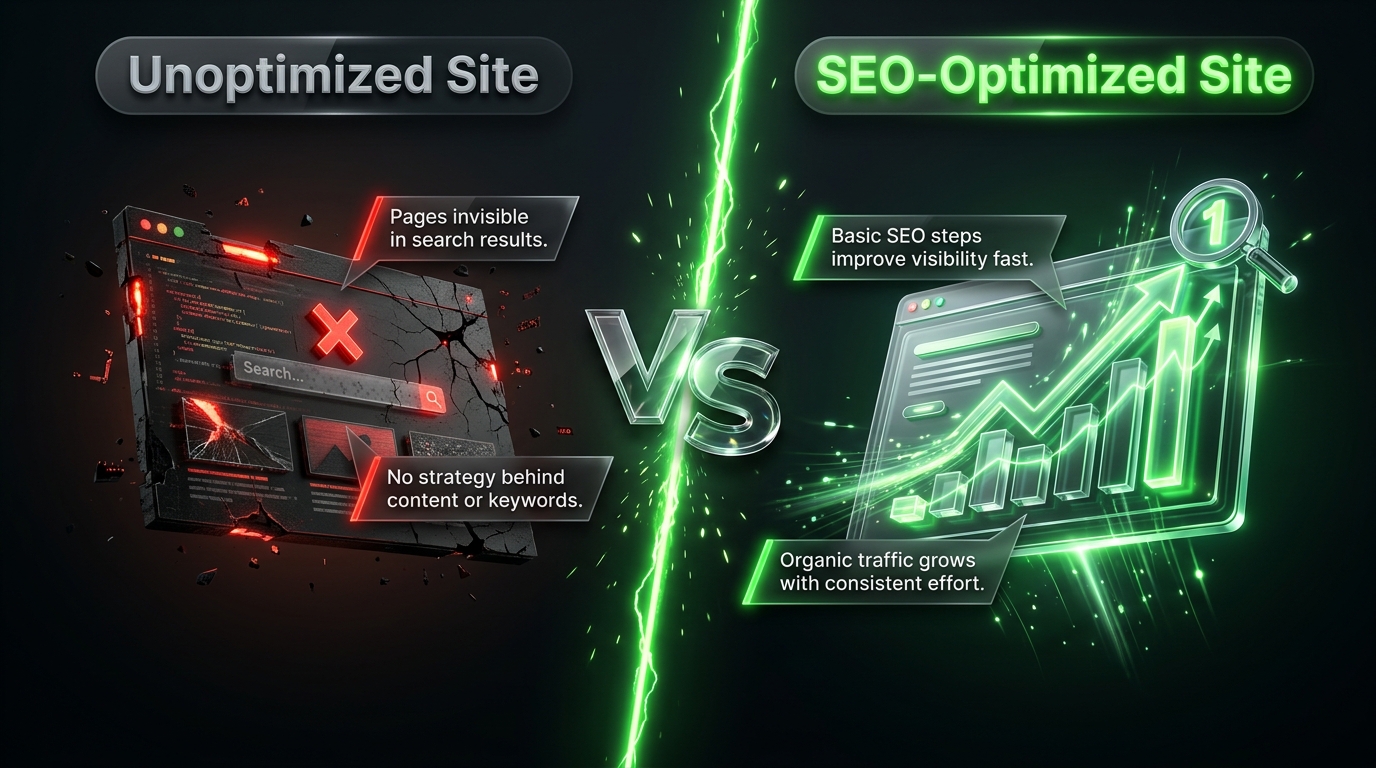
Building a WordPress site is only half the job. If search engines can’t find, understand, and trust your content, it doesn’t matter how good that content is the people searching for it will never see it. That’s what SEO, or search engine optimization, is for: making sure your site is set up in a way that search engines can properly crawl, index, and rank.
The good news is that WordPress is one of the most SEO friendly platforms available, especially with the right plugins and a bit of foundational knowledge. This guide walks through everything a beginner needs to know to get their WordPress site properly optimized for search engines, without requiring any advanced technical skills.
What Is SEO, and Why Does It Matter?
Search engine optimization is the process of improving your website so that it ranks higher in search results for relevant queries. Higher rankings mean more visibility, which typically means more visitors, without paying for ads.
SEO generally breaks down into three main categories:
- On page SEO optimizing individual pieces of content (titles, headings, keywords, images)
- Technical SEO making sure your site is fast, mobile-friendly, and easy for search engines to crawl
- Off page SEO building your site’s reputation through backlinks and mentions from other websites
This guide focuses primarily on the first two, since they’re the areas most directly within your control as a WordPress site owner.
Step 1: Choose the Right SEO Plugin
While WordPress has decent SEO fundamentals built in, a dedicated SEO plugin makes managing everything far easier, handling things like meta descriptions, sitemaps, and schema markup without requiring any code.
Popular Options
- Yoast SEO one of the most widely used SEO plugins, offering content analysis, readability checks, and straightforward meta tag management
- Rank Math a feature alternative with a generous free tier, including built in schema markup options
- All in One SEO a long standing option covering the core SEO essentials with a beginner friendly setup wizard
Any of these will cover the fundamentals well. Pick one, install it, and follow its setup wizard to configure the basics for your site.
Step 2: Set Up Permalinks Properly
Permalinks are the URL structure for your posts and pages. By default, WordPress sometimes uses a structure with unhelpful numbers and question marks, rather than readable words.
Go to Settings → Permalinks in your WordPress dashboard and choose the “Post name” option, which creates clean, readable URLs including your post’s title far more useful for both visitors and search engines than a string of numbers.
Step 3: Optimize Your Titles and Meta Descriptions
Your page title and meta description are what show up directly in search results, and they play a significant role in whether someone clicks through to your site.
- Titles should be clear, include your target keyword naturally, and stay under roughly 60 characters to avoid being cut off in search results.
- Meta descriptions should briefly summarize the page’s content in an inviting way, ideally under about 160 characters.
Your SEO plugin will provide dedicated fields for both of these on every post and page.
Step 4: Use Headings Properly
Search engines use your heading structure to understand how your content is organized. Follow a logical hierarchy:
- One H1 per page usually your main title
- H2s for main sections
- H3s for subsections within those
Beyond helping search engines, clear headings also make your content easier to skim for actual readers, which keeps them on the page longer.
Step 5: Do Basic Keyword Research
Before writing a post, take a few minutes to think about what your target audience is actually searching for. Free tools like Google’s “Keyword Planner” (via Google Ads) or Ubersuggest can give you a sense of search volume and related terms.
Once you have a target keyword or phrase, use it naturally in:
- Your title
- At least one heading
- The opening paragraph
- Your meta description
- Naturally throughout the body content never forced or repeated excessively
Step 6: Optimize Your Images
Images contribute to SEO in two main ways: page speed (covered in more detail in dedicated speed guides) and alt text.
- Compress images before uploading, using a plugin like Smush or ShortPixel, since page speed is a ranking factor.
- Add descriptive alt text to every image, describing what’s actually shown. This helps visually impaired visitors using screen readers and gives search engines useful context, sometimes helping images appear in image search results too.
Step 7: Create an XML Sitemap
An XML sitemap is a file that lists all the important pages on your site, helping search engines discover and crawl your content more efficiently. Most SEO plugins, including Yoast and Rank Math, generate this automatically you’ll typically find it at a URL like yoursite.com/sitemap.xml or similar, depending on your plugin.
Once generated, submit your sitemap to Google Search Console (covered below) so Google is explicitly aware of it.
Step 8: Set Up Google Search Console
Google Search Console is a free tool that shows you how your site is performing in Google’s search results which queries bring in traffic, which pages have errors, and whether search engines are having any trouble crawling your site.
- Create a free account at Google Search Console
- Verify ownership of your site (often through a simple DNS record or HTML tag, sometimes handled automatically by your SEO plugin)
- Submit your XML sitemap
- Check back periodically for crawl errors or performance insights
Step 9: Make Sure Your Site Is Mobile-Friendly
Search engines prioritize mobile friendliness heavily, since a majority of searches now happen on mobile devices. Most modern WordPress themes are responsive by default, but it’s worth double checking your site on an actual phone, or using Google’s Mobile Friendly Test tool, to confirm text is readable and buttons are easy to tap without zooming.
Step 10: Improve Your Site’s Speed
Page speed is a direct ranking factor, particularly for mobile search results. The core basics include:
- Using a quality hosting provider
- Installing a caching plugin
- Compressing images
- Keeping your plugin list lean
These same steps that improve visitor experience also directly support your SEO efforts, since the two goals overlap heavily.
Step 11: Use Internal Linking
Linking between your own related posts and pages helps search engines understand your site’s structure and helps visitors discover more of your content. When you publish a new post, take a moment to link back to relevant older content, and update older posts to link forward to new, related pieces where it makes sense.
Step 12: Focus on Content Quality Over Keyword Stuffing
Older SEO tactics relied heavily on repeating keywords as many times as possible. Modern search engines are far more sophisticated, prioritizing genuinely useful, well-organized content written for real readers rather than content stuffed with repetitive phrases. Write naturally, answer the questions your audience is actually asking, and let keyword usage happen organically as a result.
A Simple Beginner SEO Checklist
- Install a reputable SEO plugin
- Set permalinks to “Post name”
- Write clear titles and meta descriptions for every page
- Use a logical heading structure (H1, H2, H3)
- Do basic keyword research before writing
- Compress images and add alt text
- Generate and submit an XML sitemap
- Set up Google Search Console
- Confirm your site is mobile friendly
- Optimize your site’s speed
- Add internal links between related content
- Prioritize genuinely useful, well written content
Common Beginner Mistakes to Avoid
Ignoring Meta Descriptions
Leaving these blank means search engines will auto generate one, often pulling an awkward snippet from your content rather than a compelling, purpose written summary.
Using Multiple H1 Tags
Stick to one H1 per page your main title and use H2s and H3s for everything else to maintain a clear structure.
Keyword Stuffing
Repeating a keyword unnaturally throughout your content can actually hurt readability and, in some cases, your rankings. Write for people first.
Neglecting Mobile Experience
With mobile search making up the majority of searches, a site that’s hard to use on a phone will struggle in rankings, regardless of how good the content is.
Forgetting About Site Speed
SEO and speed are closely linked. A slow site can undermine even the best-written content.
Final Thoughts
WordPress SEO doesn’t require a technical background to get right it requires a consistent, methodical approach to the fundamentals: clean URLs, clear titles and descriptions, proper heading structure, optimized images, and genuinely useful content. Layer a good SEO plugin and Google Search Console on top, and you have everything you need to start climbing search rankings.
SEO is a long game rather than a quick fix. Apply these fundamentals consistently across your content, and the improvement in visibility builds steadily over time, bringing in more of the right visitors without needing to pay for every single click.SEO is a long game rather than a quick fix. Apply these fundamentals consistently across your content, and the improvement in visibility builds steadily over time, bringing in more of the right visitors without needing to pay for every single click.