The Complete Guide to WooCommerce SEO
Let’s be honest for a second. You could build the most beautiful WooCommerce store in the world, with stunning product photos and a smooth checkout experience, but none of it matters if nobody can find your store in the first place.
That’s where SEO comes in. SEO, or search engine optimization, is basically the process of helping your store show up when people search for things you sell on Google. And the good news is, WooCommerce gives you a lot of flexibility to do this well, way more than most other ecommerce platforms.
So let’s walk through everything you need to know, step by step, in plain simple language.
Why SEO Matters So Much for Ecommerce
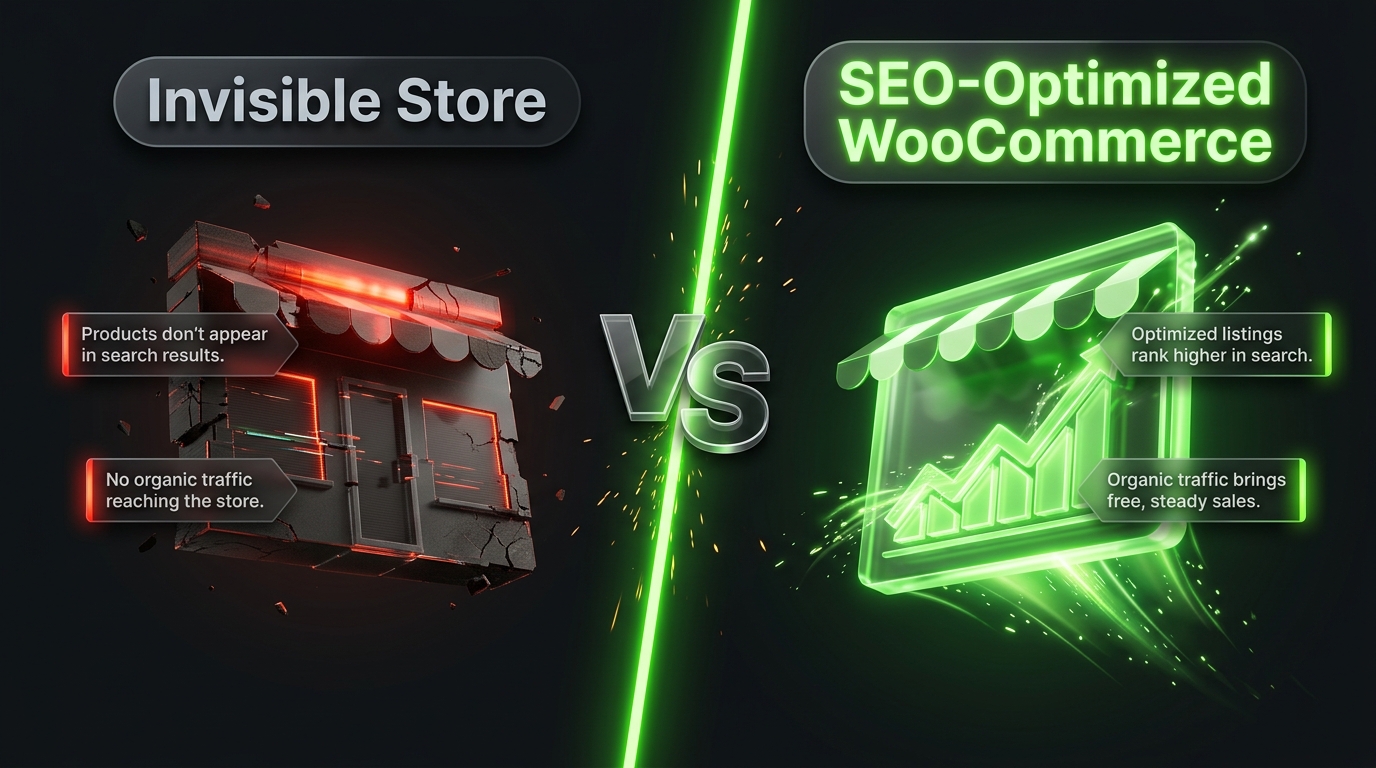
Paid ads can bring in traffic, sure, but the moment you stop paying, that traffic disappears. SEO works differently. It takes more time and effort upfront, but once you start ranking well, you get consistent, free traffic month after month.
For ecommerce specifically, good SEO means:
- More people finding your products through Google search
- Lower reliance on paid advertising over time
- Higher trust, since organic rankings often feel more credible to shoppers
- Long term, compounding growth instead of one time traffic spikes
It’s not an overnight fix, but it’s one of the best long term investments you can make in your store.
Setting the Foundation: Technical SEO Basics
Before worrying about keywords and content, let’s make sure the technical side of your store is solid. This is the foundation everything else builds on.
Use a fast, reliable host. Slow websites hurt your rankings and frustrate visitors. If your hosting isn’t fast, no amount of SEO effort will fully make up for it.
Get an SSL certificate. This gives your site the “https” and padlock icon in the browser. Google favors secure websites, and customers trust them more too.
Choose a clean, simple theme. A cluttered, slow loading theme can hurt both user experience and your search rankings.
Install an SEO plugin. Yoast SEO and Rank Math are the two most popular choices for WordPress and WooCommerce. They help you optimize titles, descriptions, and other technical details without needing to touch any code.
Set up XML sitemaps. This helps search engines understand your site’s structure and find all your pages more easily. Most SEO plugins generate this automatically.
Getting these basics right early on makes everything else you do far more effective.
Keyword Research for Ecommerce
Keywords are simply the words and phrases people type into Google when searching for something. For ecommerce, keyword research usually falls into a few categories.
Product keywords specific to what you’re selling, like “waterproof hiking boots” or “organic cotton baby blanket.”
Category keywords broader terms like “men’s running shoes” or “kitchen appliances.”
Buyer-intent keywords phrases that signal someone is ready to buy, like “buy,” “best,” “cheap,” or “near me.”
Informational keywords used for blog content, like “how to choose running shoes” or “best fabrics for baby blankets.”
Tools like Google Keyword Planner, Ubersuggest, or Ahrefs can help you find keywords with decent search volume and manageable competition. As a beginner, it’s often smarter to target more specific, longer keyword phrases rather than broad, highly competitive ones, since they’re usually easier to rank for.
Optimizing Product Pages
Your product pages are where most of your ecommerce SEO effort should go, since these are the pages that actually drive sales.
Write unique product titles. Instead of something generic like “Blue Shirt,” try something more descriptive like “Men’s Slim Fit Blue Cotton Casual Shirt.” This helps both search engines and shoppers understand exactly what you’re offering.
Avoid duplicate descriptions. If you’re copying manufacturer descriptions word for word, you’re likely competing against dozens of other stores selling the exact same product with the exact same text. Write your own unique descriptions instead.
Focus on benefits, not just features. Don’t just list specs. Explain why they matter. Instead of just saying “moisture wicking fabric,” explain that it “keeps you cool and dry during workouts.”
Optimize your images. Compress images so they load quickly, and always add descriptive alt text, like “men’s blue cotton casual shirt front view” instead of a generic filename.
Include customer reviews. Reviews add fresh, unique content to your pages automatically, and search engines tend to favor pages with genuine user-generated content.
Use clear, keyword-friendly URLs. A URL like yourstore.com/mens-blue-cotton-shirt is far better than something like yourstore.com/product12345.
Optimizing Category Pages
Category pages often get overlooked, but they’re actually great opportunities for ranking on broader search terms.
Add a short, unique description at the top or bottom of each category page, explaining what the category includes and why someone should shop there. This gives search engines more context and adds valuable content beyond just a grid of products.
Also, make sure your categories are organized logically. A clear structure helps both shoppers and search engines navigate your store more easily.
The Role of Site Speed
We touched on this earlier, but it deserves its own section because of how much it matters.
Google directly considers page speed as a ranking factor, and slow pages also hurt conversions. Here’s how to keep your WooCommerce store fast:
- Use a lightweight, ecommerce optimized theme
- Compress and properly size all images before uploading
- Use a caching plugin like WP Rocket
- Choose quality hosting built for WordPress and WooCommerce
- Avoid overloading your site with unnecessary plugins
A faster store isn’t just good for SEO, it directly improves your sales too.
Mobile Optimization
More than half of all online shopping now happens on mobile devices, and Google primarily uses mobile friendliness when ranking websites, a practice known as mobile-first indexing.
Make sure your theme is responsive, meaning it automatically adjusts to look good on any screen size. Test your store regularly on an actual phone, not just by resizing your browser window, since real device testing often reveals issues you wouldn’t otherwise notice.
Building Backlinks for Your Store
Backlinks are links from other websites pointing back to yours. They act like votes of confidence in Google’s eyes, and they can significantly impact your rankings.
A few beginner-friendly ways to build backlinks:
Reach out to bloggers or influencers in your niche and offer them free products in exchange for an honest review with a link back to your store.
Get featured in gift guides. Many blogs and publications create seasonal gift guides and are often open to including relevant products.
Write guest posts on relevant blogs, including a natural link back to your store where appropriate.
Get listed in relevant business directories related to your industry or location.
Avoid buying backlinks or using shady link schemes, since Google can penalize your site for this, undoing any progress you’ve made.
Using Blog Content to Support SEO
Adding a blog to your WooCommerce store might seem unrelated to selling products, but it’s actually one of the most effective SEO strategies available.
Blog posts let you target informational keywords that your product pages simply can’t rank for. For example, a blog post titled “How to Choose the Right Running Shoes for Flat Feet” could bring in readers who later become customers, even though the post itself isn’t directly selling anything.
A few blog content ideas for ecommerce stores:
- Buying guides related to your products
- Comparison posts between different product types
- How-to guides related to using your products
- Industry news or trends relevant to your niche
Over time, this kind of content can bring in a steady stream of visitors who wouldn’t have found you through product searches alone.
Structured Data and Rich Snippets
Structured data is a bit of code that helps search engines understand your content better, and it can lead to enhanced search results, like star ratings, prices, and availability showing up directly in Google search results.
Most good SEO plugins, like Yoast or Rank Math, along with many WooCommerce themes, already include structured data support for products automatically. It’s worth double-checking that this is set up properly, since these rich snippets can significantly improve your click-through rates from search results.
Common WooCommerce SEO Mistakes to Avoid
Using duplicate product descriptions. This hurts your rankings and makes your store blend in rather than stand out.
Ignoring image optimization. Large, uncompressed images slow down your store significantly.
Skipping alt text on images. This is a simple, easy win that many store owners overlook.
Neglecting mobile experience. With most shoppers on mobile, this simply can’t be an afterthought.
Overloading pages with too many plugins. Every extra plugin can add load time, so only keep what you truly need.
Forgetting about internal linking. Link between related products, categories, and blog posts to help both visitors and search engines navigate your site more effectively.
How Long Does SEO Take to Work?
This is probably the most common question people ask, and the honest answer is: it varies, but generally not overnight.
Most stores start seeing meaningful movement in rankings after three to six months of consistent effort, with more significant results often showing up after six months to a year. This isn’t a quick fix, it’s a long-term strategy.
The stores that succeed with SEO are usually the ones that stay consistent, keep improving their content and technical setup, and don’t give up after a few months without instant results.
Final Thoughts
WooCommerce SEO isn’t about one single trick or hack. It’s a combination of solid technical foundations, well-optimized product and category pages, useful content, and patience over time.
Start with the basics: fast hosting, a good SEO plugin, clean product pages, and mobile-friendly design. Then build from there with backlinks, blog content, and ongoing improvements.
It takes time, but unlike paid ads, the traffic you build through SEO keeps working for you long after the effort is put in. Stay consistent, keep learning, and your store’s visibility will keep growing month after month.