The Complete Guide to WordPress Email Marketing
Email remains one of the most reliable channels in digital marketing, consistently outperforming social media and paid advertising when it comes to return on investment. Unlike a social media post that disappears into a crowded feed within minutes, an email sits in someone’s inbox until they choose to read it, giving your message a level of staying power that other channels simply cannot match.
WordPress, powering a massive share of the websites on the internet, offers an enormous ecosystem of tools designed specifically to help site owners build, manage, and grow an email marketing strategy without ever leaving their dashboard. This guide walks through everything involved in setting up effective email marketing on WordPress, from list building fundamentals through automation, segmentation, deliverability, and compliance.
Why Email Marketing Still Matters
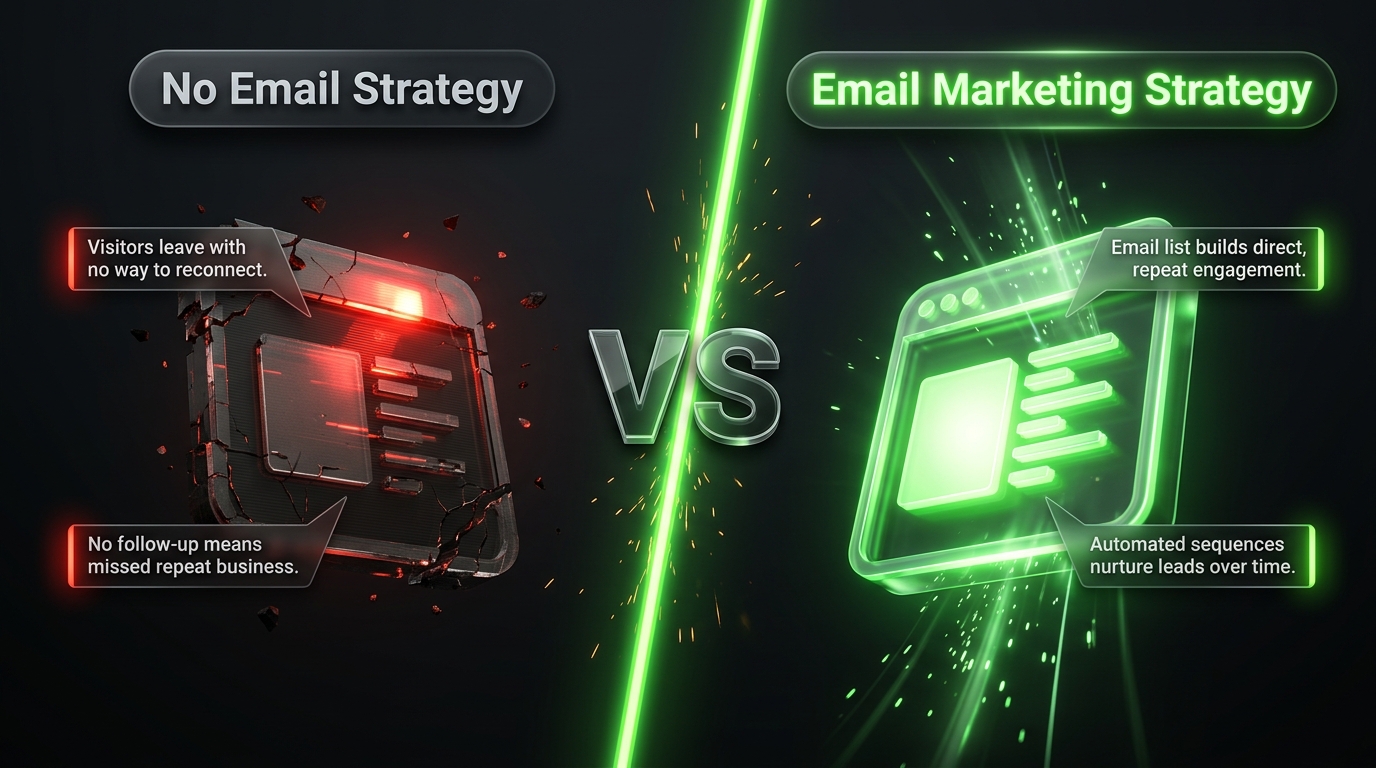
Some newer site owners assume email feels outdated compared to newer channels like social media or messaging apps, but the data consistently tells a different story. Email marketing continues to generate one of the highest returns of any digital channel, largely because it reaches an audience that has explicitly opted in to hear from you, rather than relying on an algorithm to decide whether your content appears in front of anyone at all.
This direct, algorithm free relationship is particularly valuable given how unpredictable social platforms have become. A sudden algorithm change can dramatically reduce the visibility of your content overnight, but your email list remains entirely under your control, unaffected by decisions made by a third party platform you do not own.
Email also supports a level of personalization and segmentation that few other channels can match affordably. You can send entirely different messages to different segments of your audience based on their behavior, interests, or purchase history, creating a far more relevant experience than a single broadcast message sent to everyone at once.
Step One: Choosing an Email Marketing Service
Before installing any WordPress plugin, you need to decide which email marketing service will actually store your subscriber list and send your campaigns. WordPress plugins generally connect to one of these external services rather than handling large scale email delivery entirely on their own, since sending bulk email reliably requires specialized infrastructure most hosting environments are not built to handle.
Several established services integrate smoothly with WordPress. Omnisend has become a particularly strong choice for ecommerce focused sites, combining email, SMS, and push notification campaigns with prebuilt automation flows for abandoned carts, post purchase follow ups, and customer win back sequences. Brevo offers a well rounded combination of email, forms, and automation at accessible pricing, appealing to small and medium sized businesses. MailerLite provides a clean, beginner friendly interface along with paid newsletter subscription support for creators looking to monetize their content directly. ActiveCampaign leans toward more advanced automation suited to business to business companies with complex sales funnels.
When comparing services, consider your audience size, whether you run an online store, and how much automation complexity you actually need. A small blog sending a simple monthly newsletter has very different requirements compared to an ecommerce store running detailed behavioral automation sequences.
Step Two: Building Your Email List With Opt In Forms
Once you have chosen a service, the next priority is actually growing your subscriber list. WordPress offers numerous plugins dedicated to creating attractive, high converting opt in forms that capture visitor emails at the right moment.
OptinMonster remains one of the most popular choices, offering a wide variety of form types including lightbox popups, full screen welcome mats, and slide in boxes, along with advanced targeting technology that can personalize which offer appears based on visitor behavior, such as showing an exit intent popup right as someone is about to leave your site.
WPForms takes a broader approach, functioning as a general purpose form builder that also connects directly to popular email services like Brevo, Mailchimp, and ConvertKit, automatically feeding new subscribers into your list without manual exporting or importing. This makes it a practical choice for site owners who also need contact forms, surveys, or payment forms alongside email signups.
Simpler, more lightweight options like HollerBox focus purely on straightforward opt in boxes, offering flexible shape and size customization along with targeting rules such as showing forms only to new visitors versus returning ones. For sites that want something functional without extensive configuration, this kind of streamlined tool often gets the job done efficiently.
Regardless of which form tool you choose, placement and incentive matter enormously for conversion rates. A generic “subscribe to our newsletter” prompt tends to underperform compared to a specific incentive, such as a free guide, a discount code, or exclusive content offered in exchange for an email address.
Step Three: Ensuring Reliable Email Deliverability
Even the best crafted campaign is worthless if it never reaches the inbox. WordPress’s default email sending method, which relies on the server’s built in mail function, is notoriously unreliable and frequently flagged as spam by major email providers.
This is where a dedicated SMTP plugin becomes essential. Tools like WP Mail SMTP do not send marketing campaigns themselves, but instead reroute all email sent from WordPress through a proper external delivery service such as Gmail SMTP, SendGrid, Mailgun, Amazon SES, or Postmark. This single change dramatically improves the likelihood that your emails, including account notifications, password resets, and any marketing messages sent directly through WordPress, actually land in the inbox rather than getting filtered into spam.
For dedicated email marketing campaigns, your chosen email service, whether Omnisend, Brevo, or another platform, typically handles its own delivery infrastructure separately from WordPress itself, but improving your overall domain reputation through proper SMTP configuration still benefits your sender credibility across the board.
Step Four: Setting Up Automation
Manually sending every single email to every subscriber quickly becomes unsustainable as your list grows. Automation allows you to build sequences that trigger automatically based on specific subscriber actions, running continuously in the background without requiring ongoing manual effort.
A welcome sequence, triggered the moment someone joins your list, is one of the most fundamental automations worth setting up early. This series of emails introduces new subscribers to your brand, highlights your best content or products, and gradually builds the relationship before ever asking for a purchase or major commitment.
For ecommerce sites, abandoned cart sequences represent one of the highest value automations available, automatically reminding visitors who added products to their cart but left without completing checkout. Post purchase sequences, re engagement campaigns targeting inactive subscribers, and birthday or anniversary emails round out the common automation types most email services support directly through their WordPress integration.
Step Five: Segmenting Your Audience
Sending the exact same email to every subscriber regardless of their interests or behavior often results in mediocre engagement. Segmentation solves this by dividing your list into smaller groups based on shared characteristics, allowing you to send more relevant, targeted messages to each group.
Common segmentation strategies include dividing subscribers by how they joined your list, which content categories they engage with most, their purchase history for ecommerce sites, or their overall engagement level, separating highly active readers from those who rarely open your emails. Many WordPress connected email services allow this segmentation to happen automatically based on tracked behavior, requiring no manual list management on your part once the initial rules are configured.
The payoff for proper segmentation tends to be significant, with segmented campaigns typically achieving meaningfully higher open and click rates compared to broad, unsegmented broadcasts sent to an entire list at once.
Step Six: Turning Blog Content Into Newsletters
For content focused WordPress sites, manually rewriting every blog post into a separate newsletter format wastes valuable time. Several plugins address this by automatically converting new posts into a formatted newsletter, either sent immediately upon publishing or compiled into a periodic digest covering multiple recent posts at once.
This approach works particularly well for sites that publish consistently and want to keep subscribers engaged without creating entirely separate email specific content. Templates typically pull in the post title, featured image, and an excerpt, along with a clear link back to the full article on your site, encouraging subscribers to visit and engage further rather than consuming everything passively within the email itself.
Step Seven: Staying Compliant With Email Regulations
Email marketing is subject to legal regulations in most regions, and ignoring these requirements can result in penalties along with damage to your sender reputation. Regulations like the General Data Protection Regulation in Europe and similar laws elsewhere generally require clear consent before adding someone to your list, an easy way to unsubscribe from every email, and transparency about how subscriber data gets used and stored.
Most reputable email marketing services build compliance features directly into their platform, including automatic unsubscribe links and consent tracking. Still, it remains the site owner’s responsibility to configure opt in forms properly, using clear language that accurately describes what subscribers are signing up for rather than vague or misleading wording designed purely to inflate signup numbers.
Measuring Performance and Improving Over Time
Building an email marketing system is not a one time task completed and forgotten. Regularly reviewing performance metrics, including open rates, click through rates, unsubscribe rates, and for ecommerce sites, direct revenue attributed to specific campaigns, helps identify what genuinely resonates with your audience over time.
Testing different subject lines, sending times, and content formats through simple split tests, where two versions of an email go to small segments of your list before the winning version sends to everyone else, provides concrete data rather than relying purely on assumptions about what your audience prefers.
Bringing It All Together
Email marketing on WordPress brings together several distinct pieces, choosing the right sending service, building your list through well placed opt in forms, ensuring reliable deliverability, automating key sequences, and segmenting your audience for more relevant messaging. None of these steps require advanced technical skill thanks to the mature plugin ecosystem available today, but they do require thoughtful setup and ongoing attention rather than a single configuration completed once and ignored afterward.
Sites that treat email as a core part of their overall strategy, rather than an afterthought bolted on after launch, consistently see stronger long term engagement and revenue compared to those relying purely on social media or search traffic alone. Given how directly you control this channel, free from the unpredictability of algorithm changes affecting other platforms, the investment in building a solid email marketing foundation tends to pay off steadily over time.
Frequently Asked Questions
Do I need a paid email marketing service, or can WordPress handle everything for free? Most services offer a free tier suitable for smaller lists, typically covering the essential features needed to get started, including basic automation and opt in forms. Paid plans generally become necessary as your subscriber count grows or if you need more advanced segmentation, automation, and ecommerce specific features.
How often should I send emails to my list without overwhelming subscribers? There is no universal answer, since ideal frequency depends heavily on your specific audience and content type. Many sites find a weekly or biweekly newsletter strikes a reasonable balance, though highly engaged audiences in fast moving niches might tolerate more frequent sends without increased unsubscribe rates.
What is a good open rate to aim for? Average open rates vary significantly by industry, but many sites see rates somewhere between fifteen and twenty five percent as a reasonable benchmark. Highly engaged, well segmented lists often perform noticeably better than this average, while broad, unsegmented lists tend to fall on the lower end.
Can I use my WordPress site’s default email function for marketing campaigns? This is strongly discouraged. The default WordPress mail function is unreliable and frequently flagged as spam by major providers, making it unsuitable for anything beyond occasional transactional notifications. Dedicated email marketing campaigns should always run through a proper email service integrated via a plugin rather than relying on WordPress’s built in sending method.