The Ultimate Guide to WordPress for Ecommerce
So, you want to sell stuff online. Maybe it’s handmade jewelry, maybe it’s t shirts, maybe it’s a digital course you spent months creating. Whatever it is, you’ve probably heard people say “just use WordPress” like it’s the obvious answer to everything.
And honestly? For a lot of people, it is.
But WordPress wasn’t originally built to sell products. It started as a blogging platform. So how did it become one of the most popular ways to run an online store? And more importantly, should you use it for your store?
Let’s talk through all of it, in plain language, no confusing tech jargon.
What Exactly Is WordPress?
Let’s start from the very beginning, because not everyone knows this.
WordPress is what’s called a CMS, which just stands for “Content Management System.” In simple words, it’s software that lets you build and manage a website without needing to know how to code.
You install it, pick a design (called a “theme”), add some plugins (small tools that add features), and you’ve got yourself a website. No writing lines of code, no hiring a developer for every little change.
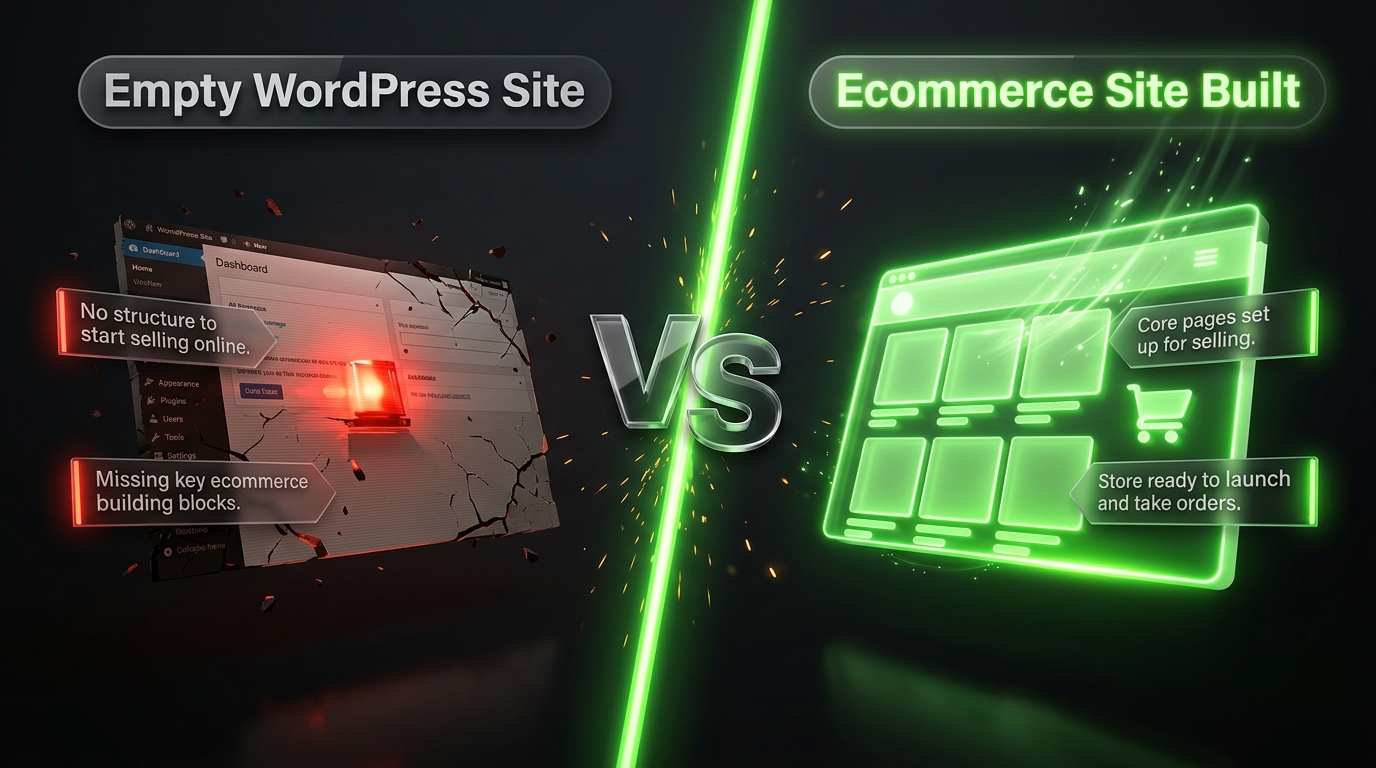
Here’s the thing people often mix up: WordPress by itself does not let you sell products. It’s great for blogs, portfolios, business websites, and informational pages. But if you want an actual online store with a shopping cart, checkout page, and payment options, you need to add something extra.
That “something extra” is usually a plugin called WooCommerce. We’ll get into that in a bit.
Why Do So Many People Choose WordPress for Ecommerce?
Good question. There are tons of ecommerce platforms out there Shopify, BigCommerce, Wix, Squarespace, the list goes on. So why do millions of store owners still pick WordPress?
Here’s why, broken down simply:
It’s flexible. You’re not stuck with a rigid template. You can customize almost everything how your store looks, how it works, what features it has.
It’s affordable to start. WordPress itself is free. You only pay for hosting, a domain name, and maybe a few premium plugins or themes if you want extra features.
You own your store. With some platforms, you’re renting space on someone else’s system. With WordPress, once you have your own hosting, the website is truly yours. Nobody can shut it down or change the rules on you overnight.
Huge community and support. Because so many people use WordPress, there are thousands of tutorials, forums, and freelancers who know how to help if you get stuck.
Endless plugins. Need a live chat box? There’s a plugin. Need to add reviews? Plugin. Need better SEO? Plugin. Whatever feature you can think of, someone has probably already built a tool for it.
Of course, nothing is perfect, and we’ll cover the downsides later too. But this is why WordPress remains such a popular choice for store owners of every size, from someone selling candles from their garage to big brands with thousands of orders a day.
WordPress vs WooCommerce: What’s the Difference?
This confuses a lot of beginners, so let’s clear it up right away.
Think of it like this:
- WordPress is the house.
- WooCommerce is the furniture and shop counter you add inside it to actually sell things.
WordPress gives you the basic structure pages, posts, navigation menus, the overall website. WooCommerce is a free plugin that transforms that basic website into a fully working online store. It adds product pages, a shopping cart, checkout, payment gateways, shipping settings, and order management.
So when people say “I built my store on WordPress,” what they usually mean is “I built my website on WordPress and added WooCommerce to sell things.”
WooCommerce is made by Automattic, the same company behind WordPress.com, so the two work really well together.
Getting Started: What You Actually Need
Before you touch any settings, here’s what you need to have in place:
1. A domain name. This is your website address, like yourstore.com. You’ll register this through a domain registrar, and it usually costs somewhere between $10 to $20 a year.
2. Web hosting. This is the “land” your website sits on. Your host stores all your website’s files and makes them accessible online. Popular options for WordPress ecommerce hosting include SiteGround, Bluehost, Hostinger, and WP Engine.
3. WordPress installed. Most hosting companies now offer one click WordPress installation, so this step is usually painless.
4. WooCommerce plugin. Once WordPress is set up, you install WooCommerce like any other plugin, right from your dashboard.
5. A theme suited for ecommerce. Not every WordPress theme works well for stores. You’ll want one designed with product pages and shopping features in mind.
Once these five pieces are in place, you’re ready to start building your actual store.
Choosing the Right Theme for Your Store
Your theme controls how your store looks and feels. This matters more than people realize because your website’s design directly affects whether visitors trust you enough to buy.
Here’s what to look for in a good ecommerce theme:
Mobile friendly design. More than half of online shopping happens on phones these days. If your theme doesn’t look good on mobile, you’re losing sales.
Fast loading speed. Slow websites lose customers. People don’t wait around for pages to load anymore.
WooCommerce compatibility. Not all themes play nicely with WooCommerce. Always check that the theme is specifically built or tested for it.
Clean, simple layout. Fancy doesn’t always mean better. A clean layout that makes it easy to find products and checkout usually converts better than something overly flashy.
Some popular WooCommerce friendly themes include Astra, OceanWP, Flatsome, and Neve. Many of these have both free and paid versions, so you can start free and upgrade later if needed.
Must Have Plugins for Your WordPress Store
Plugins are what make WordPress so powerful. Think of them as apps for your website. Here are some categories you’ll want to cover:
Security plugins protect your store from hackers and malware. Wordfence and Sucuri are well known names here.
SEO plugins help your store show up on Google. Yoast SEO and Rank Math are the most commonly used.
Speed and caching plugins make your website load faster. WP Rocket and W3 Total Cache are popular picks.
Backup plugins because losing your store’s data would be a nightmare. Updraft Plus is a solid, easy to use option.
Email marketing plugins help you build an email list and send offers. Tools like Mailchimp or Klaviyo can be connected easily.
Review and trust plugins customer reviews boost credibility and sales. WooCommerce has built-in reviews, but you can extend this with tools for photo reviews or verified badges.
You don’t need every plugin on day one. Start with the essentials security, SEO, speed, and backups and add more as your store grows.
Setting Up Payments and Shipping
This part often worries beginners, but it’s simpler than it sounds.
Payments: WooCommerce supports major payment gateways like PayPal, Stripe, and Square right out of the box. You simply connect your account, add your business details, and you’re ready to accept payments.
Shipping: You can set flat-rate shipping, free shipping over a certain order amount, or real-time rates based on the customer’s location. WooCommerce lets you set different shipping zones, so international vs domestic shipping can have different rules.
If you’re selling digital products like ebooks or courses, you don’t even need to worry about shipping at all. WooCommerce handles digital delivery too.
Product Pages That Actually Sell
Here’s something people underestimate: your product page is where the sale actually happens. You could have a beautiful homepage, but if your product pages aren’t convincing, people won’t buy.
A few tips for strong product pages:
- Use clear, high quality photos from multiple angles
- Write descriptions that explain benefits, not just features
- Add customer reviews wherever possible
- Make the “Add to Cart” button impossible to miss
- Keep the checkout process short don’t ask for unnecessary information
Small changes here can lead to noticeably better conversion rates.
SEO Tips for WordPress Ecommerce Stores
One of the biggest advantages WordPress has over some other platforms is SEO flexibility. Search engine optimization simply means making it easier for Google to find and rank your website.
Some quick wins:
Use keyword rich product titles. Instead of “Blue Shirt,” try “Men’s Blue Cotton Casual Shirt.”
Write unique product descriptions. Avoid copying the manufacturer’s description word for word, as this can hurt your rankings.
Optimize images. Compress your images so they load fast, and always add descriptive alt text.
Use categories and tags properly. This helps both visitors and search engines understand your store’s structure.
Build quality backlinks. Getting other reputable websites to link to yours signals trust to search engines.
WordPress makes all of this manageable, especially with plugins like Yoast or Rank Math guiding you along the way.
Common Mistakes to Avoid
Let’s talk about a few things that trip up new store owners:
Choosing too many plugins. Every plugin adds some load time. Stick to what you truly need.
Ignoring mobile experience. Always test your store on a phone before launching.
Skipping backups. Set up automatic backups from day one. Don’t wait for disaster to strike first.
Forgetting about page speed. A slow store loses customers fast, no matter how good your products are.
Not testing the checkout process. Go through your own checkout as a customer would. Fix anything confusing before real customers hit the same snag.
Is WordPress Right for Your Store?
Honestly, it depends on your situation.
WordPress with WooCommerce is a great fit if:
- You want full control and ownership of your website
- You’re comfortable spending a little time learning the basics
- You want flexibility to grow and customize as your business scales
- You’re budget-conscious and want to avoid ongoing high fees
It might not be the best fit if:
- You want the absolute simplest, most hands-off setup possible
- You’d rather pay more monthly for an all-in-one hosted solution with zero technical involvement
- You don’t want to deal with plugin updates or occasional technical hiccups
Platforms like Shopify handle a lot of the technical side for you, but that convenience comes with monthly fees and less flexibility. WordPress asks a bit more from you upfront, but rewards you with more control and often lower long term costs.
Final Thoughts
Building an ecommerce store on WordPress isn’t as scary as it might seem at first. Yes, there’s a small learning curve, but once your store is set up, running it day to day becomes pretty manageable.
Start simple. Get your domain, hosting, WordPress, and WooCommerce set up. Choose a clean theme. Add the essential plugins. Set up your payments and shipping. Then focus on writing good product pages and slowly improving your SEO over time.
Millions of store owners have built successful businesses this way, and there’s no reason yours can’t be next.
Take it one step at a time, and don’t be afraid to learn as you go. That’s really how every successful store owner got started.