The Ultimate Guide to WordPress Social Media Integration
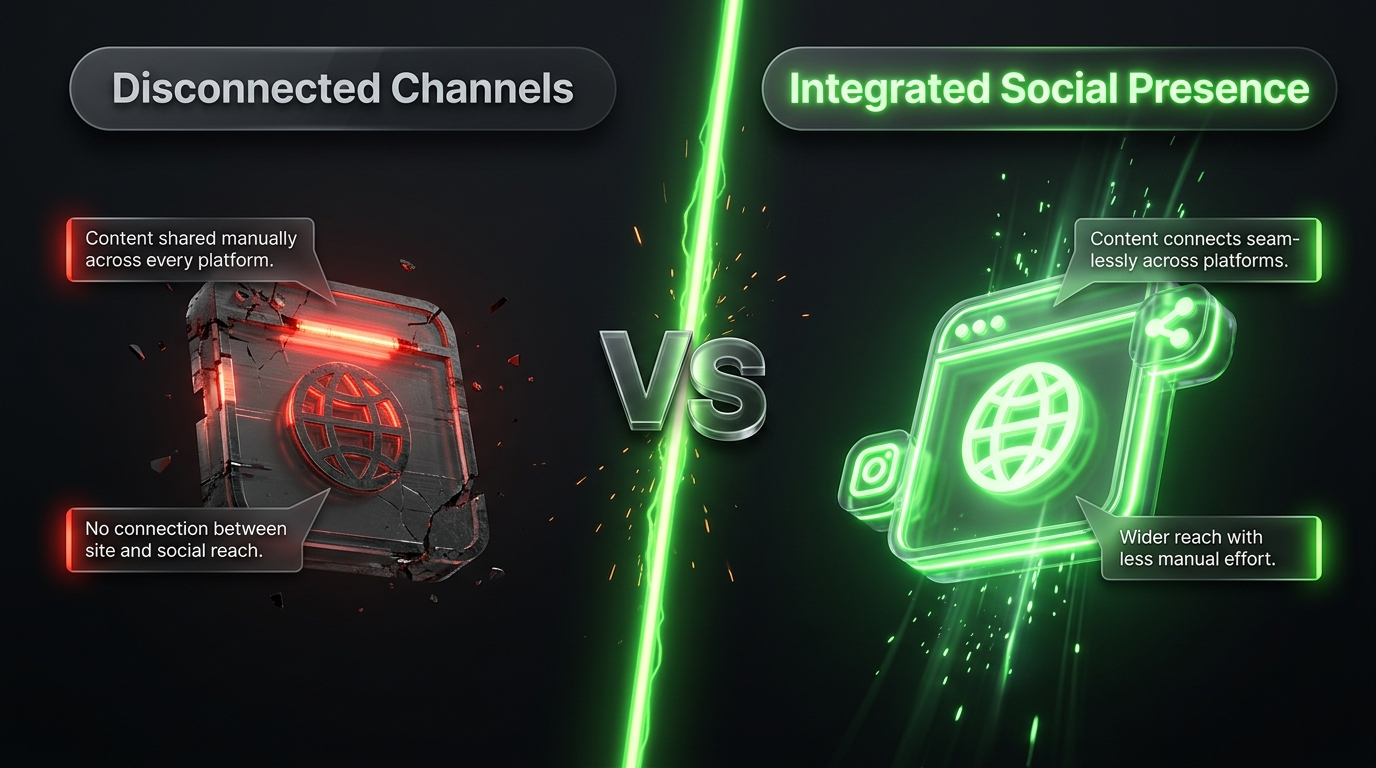
Social media and blogging have become deeply connected. A great blog post buried on a website with no social presence will struggle to reach its full audience, while a strong social strategy without a solid content hub often lacks the depth needed to convert casual followers into loyal readers or customers. WordPress sits right at the center of this relationship, offering countless ways to connect your site with the platforms your audience already spends time on.
This guide covers everything you need to know about integrating social media with WordPress, from simple sharing buttons to advanced automation, live feeds, and social login options. Whether you run a personal blog, a business site, or an online store, these strategies can help you build a more connected, more discoverable, and more engaging web presence.
Why Social Media Integration Matters for WordPress Sites
Before diving into the how, it helps to understand the why. Social media integration serves several distinct purposes for a website. It increases content visibility by making it easy for readers to share your posts with their own networks. It builds trust through social proof, since visitors often feel more confident engaging with a brand or blogger who has an active, visible following. It also improves user experience by allowing visitors to log in, comment, or interact using accounts they already have, removing friction from the process.
Beyond these direct benefits, social signals, while not a confirmed direct ranking factor for search engines, often correlate with increased traffic, more backlinks, and greater overall brand awareness, all of which indirectly support long term search performance.
Adding Social Sharing Buttons
The most basic and widely used form of social integration is the humble share button. These small icons, typically placed at the top, bottom, or side of a blog post, allow readers to instantly share content to platforms like Facebook, Twitter, LinkedIn, and Pinterest without needing to copy and paste a link manually.
WordPress offers numerous plugins dedicated to this feature, ranging from lightweight, simple options to more robust tools with detailed analytics. When choosing a plugin, prioritize speed and simplicity. Overly bulky sharing plugins loaded with unnecessary features can slow down your site, which ultimately works against the very goal of increasing engagement.
Placement matters as much as functionality. Floating sidebar buttons that follow the reader as they scroll tend to perform well on desktop, while sticky bottom bars are often more effective on mobile devices where screen space is limited. Testing different placements and monitoring click rates can help you find what resonates best with your specific audience.
Embedding Live Social Media Feeds
Displaying a live feed from your Instagram, Twitter, or Facebook account directly on your WordPress site is a powerful way to show visitors that your brand is active and engaged, without requiring them to leave your website. These feeds update automatically as you post new content on the connected platform, keeping your site fresh with minimal ongoing effort.
Most WordPress themes support feed embedding through either a plugin or a simple widget, often placed in the sidebar, footer, or on a dedicated page. Instagram feeds in particular have become popular additions to business and portfolio sites, since they offer a visually appealing way to showcase products, behind the scenes content, or lifestyle imagery.
When embedding feeds, be mindful of loading performance. Poorly optimized feed plugins can introduce delays as they pull content from external servers, so choosing a well reviewed, actively maintained plugin is important for keeping your site fast and reliable.
Enabling Social Login
Social login allows visitors to register or sign in to your WordPress site using an existing account from a platform like Google, Facebook, or Apple, rather than creating a brand new username and password. This feature significantly reduces friction during account creation, which can be especially valuable for membership sites, online stores, or blogs with comment systems requiring registration.
From a user experience standpoint, social login removes one of the biggest barriers to engagement, the tedious process of filling out a registration form. From a data standpoint, it can also provide useful demographic insights, since users often share basic profile information during the login process, depending on their privacy settings and the permissions your plugin requests.
Implementing social login on WordPress typically involves installing a dedicated plugin and creating developer credentials through each social platform you want to support. While the setup process requires a bit of technical configuration, most modern plugins guide users through this step by step, making it accessible even for those without coding experience.
Automating Social Media Posting
Manually sharing every new blog post across multiple platforms is time consuming and easy to forget, especially for busy site owners managing content on top of everything else. Automation tools solve this problem by automatically publishing a link, along with a customizable caption and image, to your connected social accounts the moment a new post goes live on WordPress.
Many of these automation plugins allow scheduling as well, meaning you can queue up multiple posts to share the same piece of content across different platforms at optimal times throughout the day or week, rather than posting everything simultaneously the instant it publishes. This staggered approach often results in better overall reach, since it avoids flooding a single platform with repeated links in a short window.
Beyond simple link sharing, more advanced automation tools support creating custom formatted posts for each platform, recognizing that a caption style suited for Twitter rarely works well when copied directly onto LinkedIn or Instagram. Tailoring the tone and format for each platform, even when automating the process, tends to produce noticeably better engagement.
Adding Open Graph and Twitter Card Metadata
When a link to your blog post is shared on social media, the platform generates a preview card showing a title, description, and image. Without proper configuration, this preview can pull inaccurate or unattractive information, undermining the professionalism of your shared content.
Open Graph tags, originally developed by Facebook but now widely adopted across most platforms, control exactly how your content appears when shared. Twitter uses a similar but slightly distinct system called Twitter Cards. Fortunately, most SEO plugins for WordPress, including popular options like Yoast SEO and Rank Math, include built in support for customizing these previews directly within the post editor.
Taking a few extra minutes to set a compelling custom image, title, and description for social sharing can significantly increase click through rates whenever your content gets shared, since an eye catching, well formatted preview naturally stands out more in a crowded social feed compared to a generic or broken looking link card.
Integrating Social Proof Widgets
Beyond direct sharing and login features, many WordPress sites benefit from displaying social proof widgets, such as follower counts, testimonial carousels pulled from social platforms, or embedded reviews. These elements reassure new visitors that other people already trust and engage with your brand, which can meaningfully influence their own decision to explore further or make a purchase.
Common examples include displaying a running counter of social media followers near a call to action, embedding a curated selection of positive tweets or reviews, or showcasing user generated content submitted through a branded hashtag. For ecommerce sites built on WordPress through platforms like WooCommerce, integrating verified customer reviews from social channels can be particularly effective at boosting conversion rates.
Connecting Comments With Social Platforms
Traditional WordPress comment sections can sometimes struggle with low engagement, partly because visitors are often reluctant to create yet another account just to leave a comment. Integrating social comment systems, which allow visitors to comment using their existing Facebook or other social credentials, can lower this barrier significantly.
These systems also often include built in moderation tools and spam filtering that surpass the default WordPress comment system, since they leverage the broader platform’s existing user verification and reporting infrastructure. Additionally, comments posted through certain integrations can automatically appear on the commenter’s own social profile, extending the visibility of your content even further through organic word of mouth sharing.
Measuring Social Media Performance From WordPress
Integration is not just about connecting platforms, it also involves tracking how well that connection is actually performing. Many social sharing and analytics plugins provide detailed reporting directly within the WordPress dashboard, showing which posts get shared most often, which platforms drive the most referral traffic, and how engagement trends shift over time.
Pairing this data with a broader analytics tool allows you to see the complete picture, from the initial share on social media all the way through to conversions or goal completions on your website. Regularly reviewing this data helps identify which types of content resonate most strongly on each platform, allowing you to refine your content and promotion strategy based on real evidence rather than guesswork.
Best Practices for a Smooth Integration
While the individual features covered in this guide each bring their own benefits, combining too many at once without a clear strategy can clutter your site and slow down performance. A cleaner, more intentional approach tends to produce better results than installing every available social plugin simultaneously.
Start by identifying which platforms your specific audience actually uses most, rather than assuming you need a presence everywhere. A site aimed at business professionals might prioritize LinkedIn integration, while a visually driven lifestyle blog might lean heavily into Instagram feeds and Pinterest sharing buttons instead.
Regularly audit your installed plugins as well, removing anything outdated, rarely used, or redundant with another tool already handling the same function. This keeps your site lean, fast, and easier to maintain over time, all of which contribute to a better overall experience for your visitors.
Finally, remember that social media integration should complement strong content, not replace it. No amount of sharing buttons, live feeds, or automated posting will compensate for weak, low value content. Focus first on creating material genuinely worth sharing, then use the tools covered in this guide to amplify its reach as effectively as possible.
Bringing It All Together
WordPress offers an incredibly flexible foundation for connecting your website with the broader social media landscape your audience already inhabits. From simple sharing buttons to sophisticated automation and social login systems, each integration serves a specific purpose in building a more connected, engaging, and discoverable online presence.
The most successful sites tend to approach social integration thoughtfully, choosing tools based on genuine audience behavior rather than chasing every trending feature. By combining strong, valuable content with the right mix of social features covered throughout this guide, you can turn your WordPress site into a central hub that amplifies your reach across every platform your audience cares about.
Frequently Asked Questions
Do I need a paid plugin to add social sharing buttons to WordPress? No, several free plugins offer reliable, lightweight social sharing functionality suitable for most blogs and small business sites. Paid versions typically add advanced analytics or additional customization options, which can be worthwhile for larger sites but are not necessary for getting started.
Will adding too many social media plugins slow down my WordPress site? Yes, this is a common issue. Each additional plugin adds some amount of loading overhead, so it is important to choose well coded, actively maintained tools and periodically remove anything you are no longer actively using to keep your site running smoothly.
Is social login safe for WordPress users? Generally yes, when implemented through a reputable, well reviewed plugin. Social login relies on secure authentication protocols managed by the platform itself, such as Google or Facebook, meaning your site never directly handles the user’s original password.
How can I tell which social platform is driving the most traffic to my WordPress site? Connecting your site to an analytics tool alongside your social sharing plugins allows you to track referral traffic by source. This data reveals exactly which platforms send the most visitors, helping you focus future efforts on the channels delivering the strongest results.