10 Pinterest Marketing Strategies for Shopify Stores
When most Shopify store owners think about social media marketing, they think about Instagram, TikTok, and Facebook.
Pinterest usually gets ignored.
That’s a mistake and honestly, it’s an opportunity for you.
Pinterest is one of the most underutilized platforms in e-commerce marketing right now. While everyone else is fighting for attention on Instagram and TikTok, Pinterest sits quietly in the background driving consistent, long-term traffic to stores that know how to use it.
And here’s what makes Pinterest truly different from every other platform. On Instagram or TikTok, a post has a lifespan of maybe 24 to 48 hours before it disappears into the feed forever. On Pinterest, a single pin can drive traffic to your Shopify store for months sometimes years after you posted it.
That’s the kind of marketing leverage that compounds over time.
In this post we’re going to cover ten Pinterest marketing strategies that actually work for Shopify stores. Whether you’re starting from scratch or trying to get more out of an account you already have, these strategies will help you turn Pinterest into a real traffic and sales channel for your business.
First, Let’s Talk About Why Pinterest Works So Well for E Commerce
Pinterest is fundamentally different from other social platforms in one important way.
People don’t go on Pinterest to see what their friends are doing. They go on Pinterest with intent. They’re planning something a home renovation, a wardrobe update, a birthday party, a fitness transformation, a recipe for dinner. They’re actively searching for ideas, products, and inspiration.
That intent-driven behavior is what makes Pinterest users so valuable to e commerce stores. They’re not passively scrolling. They’re actively looking for things to buy and use.
Pinterest also has a uniquely long content lifespan. The platform functions more like a search engine than a social media feed. Pins get discovered through search, through related pin recommendations, and through boards and that discovery can happen weeks, months, or even years after the original pin was posted.
This means that every pin you create is a long-term asset. You do the work once and it keeps paying off indefinitely.
Pinterest’s user base is also worth understanding. The platform has over 500 million monthly active users. A significant portion of those users have high purchasing intent research consistently shows that Pinterest users have higher average order values and stronger purchase intent than users on most other social platforms.
For Shopify stores selling products in categories like home décor, fashion, beauty, food, fitness, weddings, parenting, or DIY, Pinterest is essentially a curated audience of your ideal customers all in one place.
Now let’s get into the strategies.
Strategy 1: Set Up a Pinterest Business Account and Connect It to Shopify
Everything starts here. If you haven’t done this yet, it’s the single most important step you can take before anything else.
Go to Pinterest and switch your account to a Business Account or create a new one at business.pinterest.com. A Business Account is free and gives you access to Pinterest Analytics, Pinterest Ads, the ability to claim your website, and Rich Pins all of which are essential for running a serious Shopify store on the platform.
Once your Business Account is set up, claim your Shopify store’s website. This is a verification step that tells Pinterest your website belongs to you. Go to your Pinterest settings, find the Claim section, and follow the instructions to add a verification code to your Shopify store. Once verified, your website URL will appear on every pin that links to your store, which adds credibility and improves distribution.
Next, install the Pinterest app from the Shopify App Store. This app connects your Shopify catalog to Pinterest and does several important things automatically. It installs the Pinterest Tag on your store Pinterest’s equivalent of the Facebook Pixel, which tracks visitor behavior and powers your ad campaigns. It syncs your product catalog so your products are available as Product Pins. And it keeps your product information prices, availability, descriptions updated automatically.
Finally, set up Rich Pins. Rich Pins are a type of pin that automatically pulls real-time information from your website product name, price, availability, description. When someone finds a Rich Pin of your product, they see current pricing and stock status right on the pin. If the price changes or the product sells out, the pin updates automatically.
Rich Pins improve click through rates and make your product pins significantly more useful and professional. Enable them through Pinterest’s Rich Pin validator it’s a quick process and absolutely worth doing.
This foundation Business Account, claimed website, Shopify catalog sync, Pinterest Tag, Rich Pins is what everything else is built on. Get it right before you move to any other strategy.
Strategy 2: Optimize Your Pinterest Profile for Search
Pinterest is a search engine as much as it is a social platform. People type keywords into the search bar looking for ideas and products. Your goal is to make sure your profile, boards, and pins show up when your ideal customers are searching for what you sell.
Start with your profile. Your display name should include your brand name and a relevant keyword. If you sell handmade candles, your display name might be “Brand Name Handmade Soy Candles.” That keyword in your name helps you show up in relevant searches.
Your bio the short description under your profile photo should clearly explain what you sell and who you serve. Include your most important keywords naturally in this description. Don’t keyword stuff it. Write it for a human reader but make sure the key terms are there.
Your boards need the same treatment. Board names and descriptions are indexed by Pinterest’s search algorithm. Use clear, descriptive board names that include relevant keywords. Instead of “My Products,” name your board “Handmade Soy Candles for Home” or “Minimalist Home Décor Ideas.” Instead of “Things I Like,” name it “Living Room Décor Inspiration.”
Write board descriptions that explain what the board contains and naturally include related keywords. Pinterest uses these descriptions to understand what your board is about and when to show it in search results.
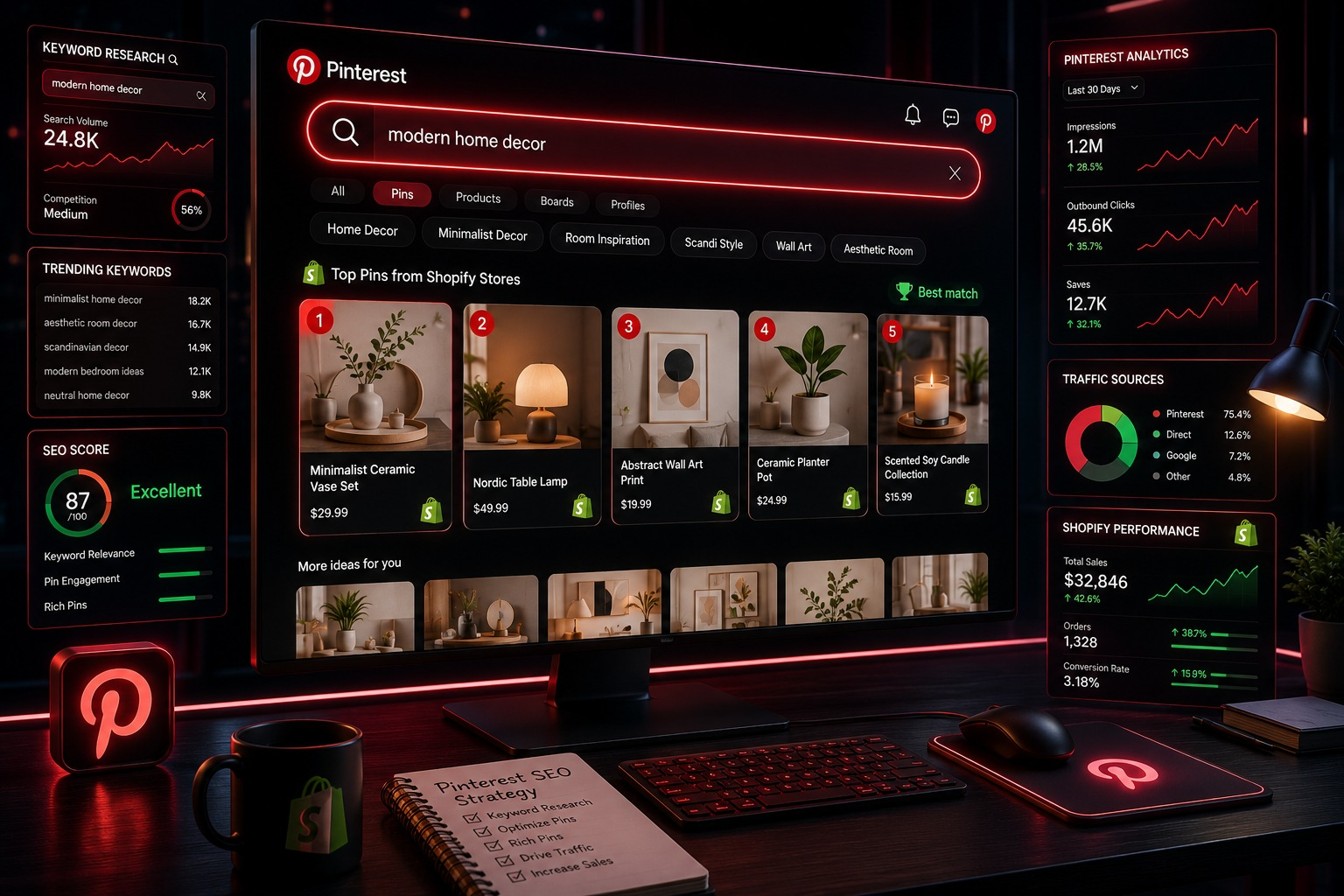
Keyword research for Pinterest is simpler than you might think. The best tool is Pinterest’s own search bar. Start typing a term related to your product and watch the autocomplete suggestions appear. These suggestions are based on what real Pinterest users are actually searching for. Use those terms in your profile, board names, and pin descriptions.
Also look at the keyword bubbles that appear at the top of search results pages these are related terms that Pinterest suggests for that search. These are valuable keywords to incorporate into your content.
Strategy 3: Create Pins That Stop the Scroll
Pinterest is a visual platform. Your pins need to be beautiful, clear, and immediately compelling. If your pins don’t visually stand out in a crowded feed, nothing else matters.
Here are the design principles that make Pinterest pins perform.
Use vertical images. Pinterest’s feed is optimized for vertical content. The ideal aspect ratio is 2:3 for example, 1000 x 1500 pixels. Vertical pins take up more screen real estate in the feed, which means more visibility. Never use horizontal or square images as your primary pin format.
Use bright, clean visuals. Pinterest users respond to light, bright, aspirational imagery. Clean backgrounds, good lighting, and uncluttered compositions tend to perform better than dark or busy visuals. Lifestyle imagery showing your product in a real-life context often outperforms plain product on white background shots because it helps the viewer imagine the product in their own life.
Include text overlays. Adding a short, clear text overlay to your pin a headline, a key benefit, or a call to action dramatically increases its effectiveness. Text overlays make it immediately clear what the pin is about even before someone reads the description. Keep text large enough to read on mobile and limit it to one key message.
Stay on brand. Use consistent colors, fonts, and visual styles across all your pins. When someone sees your pins in their feed, they should be instantly recognizable as yours. Consistent branding builds familiarity and trust over time.
Create multiple pin versions for each product. This is something most store owners don’t do but absolutely should. For each product or blog post, create three to five different pin designs different images, different text overlays, different color schemes. Pin each version at different times. Some will perform better than others and you won’t know which until you test.
Use tools like Canva to create professional-looking pins quickly. Canva has Pinterest-specific templates that are already the right size and optimized for the platform.
Strategy 4: Build Boards That Serve Your Ideal Customer
Your Pinterest boards are not just storage containers for your pins. They are curated collections of content that serve your ideal customer’s interests and they’re a significant part of how Pinterest’s algorithm understands and distributes your content.
The key principle here is to think beyond just your products.
Yes, you should have boards dedicated to your product categories. If you sell home décor, have boards for Living Room Décor, Bedroom Inspiration, Kitchen Ideas, and so on. These boards showcase your products directly.
But you should also have boards that serve your customer’s broader interests. Someone shopping for home décor is also interested in interior design tips, organization ideas, color palette inspiration, DIY projects, and seasonal styling. Create boards for those topics too. Save a mix of your own pins and high-quality content from other pinners into these boards.
This broader content strategy does two things. It makes your profile more valuable and follow-worthy to your ideal customer they follow you not just because you sell great products but because your boards are genuinely useful and inspiring. And it signals to Pinterest’s algorithm what topics your account is relevant to, which improves how your content gets distributed.
Organize your boards with your most important ones at the top of your profile. Pinterest lets you drag and reorder boards put your product focused boards and your highest traffic boards in the most visible positions.
Keep your boards active. Pinterest’s algorithm favors accounts that are consistently adding new content. Aim to add new pins to each active board at least a few times per week.
Strategy 5: Pin Consistently Using a Scheduling Tool
Consistency is one of the most important factors in Pinterest growth. The algorithm rewards accounts that pin regularly and penalizes accounts that post in bursts and then go quiet.
But pinning consistently doesn’t mean you have to log in multiple times a day. That’s where scheduling tools come in.
Tailwind is the most popular and powerful Pinterest scheduling tool available. It lets you create pins in bulk, schedule them to go out at optimal times, and manage your entire Pinterest content calendar from one dashboard. Tailwind’s SmartSchedule feature automatically identifies the times when your specific audience is most active and schedules your pins for those windows.
Pinterest’s own native scheduler also lets you schedule pins up to two weeks in advance directly within the platform.
How often should you pin? For most Shopify stores, pinning between 10 and 25 times per day is a commonly cited range among Pinterest marketers. That sounds like a lot but the majority of those pins can be repins of other people’s high quality content relevant to your niche you don’t have to create all of that content yourself.
For your own original content, aim to create and publish new pins consistently at minimum a few new original pins per week, ideally daily if you can manage it.
The key is spreading your pins out throughout the day rather than posting them all at once. Pinning 20 things in an hour looks spammy to the algorithm. Pinning 20 things spread across a day looks like natural, active use of the platform.
Strategy 6: Use Pinterest SEO to Drive Long Term Organic Traffic
We touched on this in the profile optimization strategy, but Pinterest SEO deserves its own dedicated focus because it’s the engine that drives long term organic traffic.
Pinterest operates as a visual search engine. When someone searches for “minimalist bedroom ideas” or “gifts for coffee lovers” or “easy meal prep recipes,” Pinterest returns results based on keyword relevance, pin quality, engagement history, and account authority.
Your goal is to rank for the keywords your ideal customers are searching for.
Every pin you create needs to be optimized for search. This means your pin title should include your primary keyword clearly and naturally. Your pin description should be written in full sentences not just a list of keywords and should naturally incorporate your primary keyword and several related secondary keywords. Aim for descriptions of 100 to 200 words that genuinely describe what the pin is about and provide value to the reader.
Board names and descriptions, as mentioned, should also be keyword optimized.
Here’s a practical approach to Pinterest keyword research. Go to Pinterest’s search bar and type in a term related to your product. Look at the autocomplete suggestions these are your primary keywords. Click on one and look at the keyword bubbles that appear at the top of the results these are your secondary keywords and related terms.
Build a master keyword list for your niche. Group keywords by topic and match them to your boards and your pin content. Use these keywords consistently across everything you publish.
One often-overlooked aspect of Pinterest SEO is the alt text on your pin images. When you upload an image to Pinterest, there’s an alt text field. Fill this in with a keyword-rich description of the image. This helps Pinterest understand the visual content of your pin and improves search relevance.
The payoff for good Pinterest SEO is long-term, compounding traffic. A well-optimized pin created today can show up in search results and drive clicks to your store for the next two or three years. That’s the kind of marketing asset that keeps working long after you’ve moved on to creating other content.
Strategy 7: Run Pinterest Ads to Accelerate Your Results
Organic Pinterest is a long game. It takes time to build authority and see consistent organic traffic. Pinterest Ads let you accelerate that process by getting your pins in front of targeted audiences right now.
Pinterest’s advertising platform is called Pinterest Ads Manager. You access it through your Business Account.
Promoted Pins are the most straightforward ad format. You take one of your existing pins and pay to have it shown to a targeted audience beyond your followers. Promoted pins look almost identical to organic pins they’re labeled “Promoted” but they blend naturally into the feed. This is a significant advantage over more intrusive ad formats.
Shopping Ads are product focused ads that pull directly from your Shopify catalog. They show your product image, name, and price. When someone clicks, they go straight to your product page. These work especially well for e commerce because they’re targeting people who are already in a shopping mindset on Pinterest.
Carousel Ads let you include multiple images in a single ad unit that users can swipe through. These are excellent for showcasing product collections, telling a visual story about your brand, or showing a product from multiple angles.
Video Ads autoplay in the feed and tend to capture more attention than static pins. They work well for product demonstrations, before-and-after reveals, and brand storytelling.
For targeting, Pinterest gives you interest based targeting, keyword targeting, and audience targeting. For Shopify stores, a combination of keyword targeting targeting people searching for specific terms and interest targeting works well for cold traffic. Retargeting audiences built from your Pinterest Tag data people who visited your store, viewed specific products, or added to cart tend to have the best conversion rates.
Start with a small daily budget $10 to $20 per day on your best performing organic pins. The fact that they already perform organically is evidence they resonate with your audience. Use ads to amplify what’s already working.
Strategy 8: Leverage Pinterest Shopping Features
Pinterest has invested heavily in shopping features over the past few years and in 2026 these tools are more powerful than ever for Shopify stores.
Product Pins enabled through your catalog sync display real time pricing, availability, and product descriptions directly on the pin. When someone saves your Product Pin to their own board, all of that information comes with it. This is essentially free product advertising every time someone saves your pin.
Collections Pins let you feature a hero image with multiple related products tagged beneath it. A lifestyle image of a fully styled living room can have pins for the sofa, the cushions, the lamp, and the rug all tagged in one pin. This curated shopping experience is very effective for home décor, fashion, and lifestyle brands.
The Pinterest Shop Tab on your profile shows all your shoppable products in one place. People who discover your account can browse your entire product catalog right on Pinterest without going to your website first. Keep this organized and up to date.
Try On — Pinterest’s augmented reality feature available for beauty and fashion products lets users virtually try on products like lipstick shades, eyeshadow, and glasses directly through the Pinterest camera. If your products are in eligible categories, enabling this feature can significantly boost engagement and purchase confidence.
Shop the Look Pins let you tag specific products within a lifestyle image. When someone views the pin, they see dots overlaid on the image that they can tap to see the product details. This turns every styled lifestyle photo into an interactive shopping experience.
Make sure all your shoppable content is properly set up and your catalog is kept current. A pin leading to an out-of-stock product or a changed price creates a frustrating experience that damages trust.
Strategy 9: Use Pinterest Analytics to Refine Your Strategy
Data is what separates a Pinterest strategy that grows and improves over time from one that stagnates.
Pinterest Analytics available through your Business Account gives you detailed information about how your content is performing, who your audience is, and what’s driving traffic and conversions to your store.
Here’s what to pay attention to.
Impressions tell you how many times your pins were shown. This is your reach metric. If your impressions are growing over time, your content is being distributed more widely. If they’re flat or declining, your content quality or posting frequency might need work.
Saves are one of the most valuable engagement signals on Pinterest. When someone saves your pin to their board, they’re essentially bookmarking it for later — and often that “later” involves purchasing. High save rates indicate that your content is genuinely useful and desirable. Track which of your pins get the most saves and create more content in that style.
Clicks and click-through rate tell you how many people are clicking from your pin to your Shopify store. This is a direct traffic metric. Compare the click-through rates of different pin styles, products, and topics to understand what’s actually driving people to your store.
Conversions tracked through your Pinterest Tag tell you what people do after they arrive on your store. How many of your Pinterest visitors add to cart? How many complete a purchase? What’s your average order value from Pinterest traffic?
Audience Insights shows you the demographics, interests, and behaviors of your Pinterest audience. Use this to refine your content strategy create more content around the topics your audience is most interested in and make sure your products align with what they’re looking for.
Check your analytics at least once a week. Look for patterns. Double down on what’s working. Experiment with what isn’t. Pinterest rewards accounts that consistently improve and evolve.
Strategy 10: Combine Pinterest with Your Overall Shopify Marketing Strategy
Pinterest doesn’t exist in isolation. The most effective way to use it is as part of a connected, multi channel marketing strategy that compounds across everything you do.
Here’s how Pinterest integrates with your other marketing channels.
Pinterest and Email Marketing. Add a Pinterest follow button to your email campaigns and your post purchase email sequence. Invite your email subscribers to follow your Pinterest boards. These are already your most engaged customers getting them on Pinterest means more people saving and repinning your products, which expands your organic reach.
Pinterest and Blogging. Every blog post you publish on your Shopify store is Pinterest content waiting to happen. Create a beautiful vertical pin for each blog post with a compelling headline and a relevant image and pin it to the appropriate board. Blog content performs exceptionally well on Pinterest because it’s inherently useful and shareable. “10 Ways to Style a Minimalist Bedroom” pinned to a home décor board can drive consistent traffic to that blog post and from there to your products for years.
Pinterest and Instagram. Your best Instagram content can be repurposed as Pinterest pins. Take your top performing Instagram posts especially lifestyle imagery and product shots and create Pinterest optimized versions. Vertical crops, text overlays, keyword rich descriptions. The content is already created. You’re just putting it on a platform where it can have a much longer lifespan.
Pinterest and Seasonal Campaigns. Pinterest users plan ahead. Research shows that people start searching for Christmas ideas in October, summer content in March, and back to school content in June. Create seasonal content for your store at least 45 to 60 days before the season or holiday actually arrives. This gives your pins time to gain traction and start ranking in search results before the peak shopping window hits.
Pinterest and Influencer Marketing. Collaborate with Pinterest creators sometimes called Pinfluencers who have large, engaged boards in your niche. Ask them to create pins featuring your products and save them to their boards. A single pin saved to a board with 100,000 followers can generate significant traffic and sales. Because Pinterest content has such a long lifespan, the impact of these collaborations continues long after the collaboration itself ends.
Building a Pinterest Content Calendar. Tie all of these channels and strategies together with a content calendar that plans your Pinterest activity in advance. Know what you’re pinning each week, which products you’re featuring, which seasonal themes you’re covering, and which blog posts you’re promoting. Planning ahead keeps you consistent and ensures you’re always staying ahead of seasonal trends rather than reacting to them.
Final Thoughts
Pinterest is not a quick-win platform. If you start today, you’re not going to see explosive results next week.
But that’s actually the point.
Pinterest rewards patience, consistency, and quality. Every pin you create is a long-term asset. Every board you build grows in authority over time. Every keyword you rank for drives compounding traffic month after month.
The Shopify stores that are getting consistent, reliable, long-term traffic from Pinterest right now are the ones that started building six months ago, a year ago, two years ago — and kept going even when the early results were slow.
Start now. Set up your Business Account. Connect your Shopify store. Optimize your profile for search. Create beautiful pins. Build boards that serve your ideal customer. Pin consistently. Use analytics to improve.
Do those things consistently and Pinterest will become one of your most valuable, most dependable marketing channels — the one that keeps driving traffic and sales long after your Instagram posts have faded and your TikToks have disappeared from the feed.
That’s the power of Pinterest done right. And it’s available to every Shopify store owner willing to put in the work.