How to Optimize Your Shopify Product Pages for SEO
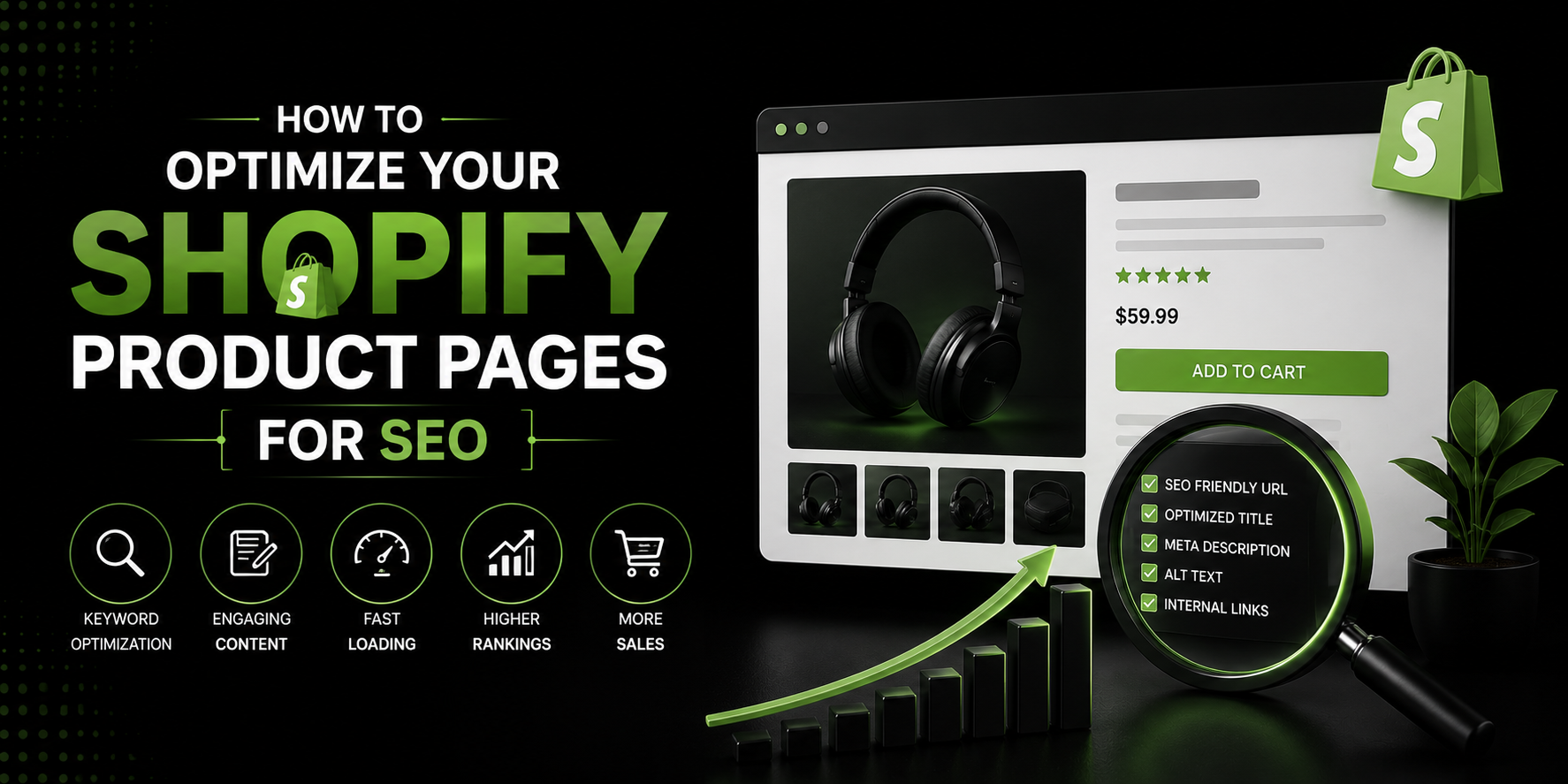
Let’s get straight to the point.
You have a Shopify store. You have products. You’ve put time and effort into making everything look good. But when someone goes on Google and types in exactly what you’re selling, your store is nowhere to be found.
Sound familiar?
The problem, more often than not, is your product pages. They’re the most important pages on your entire store, and yet they’re also the most neglected when it comes to SEO. Most store owners spend hours on their homepage design and almost zero time making sure their product pages are optimized for search engines.
That needs to change.
In this blog, I’m going to walk you through exactly how to optimize your Shopify product pages for SEO in a way that actually makes sense no confusing jargon, no overwhelming technical stuff. Just clear, practical steps you can start using today.
Why Product Pages Matter So Much for SEO
Before we get into the how, let’s talk about the why.
Your homepage is great, but most people don’t find online stores by searching for the store’s name. They find stores by searching for specific products. They type things like “wireless noise cancelling headphones under 5000 rupees” or “organic face wash for oily skin” or “handmade leather wallet for men.”
When they type those things into Google, they want to land directly on a product page. Not a homepage. Not a blog post. A product page that shows them exactly what they’re looking for and lets them buy it right then and there.
So if your product pages aren’t optimized, you’re missing out on all of that search traffic. And that’s a lot of traffic to miss out on.
The good news is that optimizing product pages is very doable. You don’t need to be a technical genius. You just need to know what to focus on and do it consistently.
Let’s get into it.
Start With Keyword Research This Is Everything
I know keyword research sounds boring. But please don’t skip this part, because everything else you do depends on it.
Keyword research is simply figuring out what words and phrases your potential customers are actually typing into Google when they’re looking for products like yours. And I want to stress the word “actually” here, because what you think people are searching for and what they’re actually searching for are often very different things.
For example, you might be calling your product a “leather bifold wallet.” But maybe most of your customers are searching for “slim leather wallet for men” or “genuine leather card holder wallet.” If you’re optimizing for the wrong keyword, all your work goes to waste.
So how do you do keyword research? There are several tools that can help. Google’s own Keyword Planner is free if you have a Google Ads account. Ubersuggest has a free version. Ahrefs and SEMrush are more powerful paid options. Even just typing your product into Google and looking at the autocomplete suggestions can give you great ideas.
What you’re looking for is a keyword that has a decent number of people searching for it every month, but isn’t so competitive that you have no chance of ranking. For a newer or smaller store, going after very specific, longer phrases what people call long-tail keywords is usually the smarter move.
Once you have your keyword, that single phrase becomes the foundation of your entire product page optimization. Everything you do from here is built around it.
Write a Product Title That Humans and Google Both Love
Your product title is one of the most important places to use your keyword.
A lot of Shopify store owners write product titles that are either too vague or too creative. “The Classic” or “Summer Vibes Tee” might sound cool, but Google has no idea what those things are. And more importantly, your customers aren’t searching for those names either.
A good product title is clear, descriptive, and includes your main keyword naturally. So instead of “The Classic,” it becomes “Men’s Slim Fit White Cotton T-Shirt.” Instead of “Summer Vibes Tee,” it becomes “Women’s Floral Print Short Sleeve T-Shirt.”
See the difference? The second versions tell both Google and your customer exactly what the product is. That clarity is what gets you ranked and what gets people to click.
You don’t have to make your titles robotic or stuff them with keywords. Just be descriptive and natural. Include the most important details what the product is, who it’s for, what it’s made of if that’s relevant and you’re already doing better than most stores.
Your Product Description Is Where the Real SEO Magic Happens
This is the part most store owners get wrong, and honestly, it’s the biggest opportunity on your entire product page.
Most Shopify product descriptions are either copied directly from the supplier, way too short, or just a bullet list of features that reads like a spec sheet. None of these approaches work well for SEO.
Here’s what you want to do instead.
Write a real description. A proper one. Use your main keyword in the first paragraph, but don’t force it in just make sure it appears naturally early on. Then write about the product like you’re talking to your ideal customer. What problem does it solve? Who is it perfect for? What makes it different from every other similar product out there?
Aim for at least 200 to 300 words for each product description. Longer descriptions give Google more content to work with and more signals to understand what your page is about. If you have premium or high-ticket products, even longer descriptions of 500 words or more can work really well.
Use your main keyword a few times throughout the description, but also use related words and phrases. If your keyword is “organic green tea,” also use words like “natural,” “antioxidants,” “loose leaf,” “herbal,” “wellness” these related terms help Google understand your page more deeply.
And please, whatever you do, do not copy your product descriptions from your supplier’s website or from any other store. Duplicate content is one of the worst things you can do for your SEO. Google wants to see original, unique content on every page.
The Meta Title and Meta Description Don’t Ignore These
Every product page on your Shopify store has a meta title and meta description. These are the lines of text that show up in Google’s search results. They’re what people see before they decide to click on your page.
And yet most store owners never touch them.
By default, Shopify usually just uses your product title as your meta title. That’s okay, but it’s not optimized. And the meta description is often left completely blank, which means Google just picks a random chunk of text from your page to show which almost never looks great.
Here’s how to do it properly.
Your meta title should include your main keyword, ideally toward the beginning. It should be between 50 and 60 characters long so it doesn’t get cut off in search results. And it should clearly tell the searcher what the page is about.
Your meta description should be around 150 to 160 characters. It won’t directly affect your ranking, but it affects whether people click on your result. Think of it as a tiny advertisement for your page. Make it compelling. Tell the person what they’ll find on the page and give them a reason to click. Include your keyword naturally if you can.
In Shopify, you can edit these by scrolling to the bottom of any product page in your admin panel. There’s a section called “Search engine listing preview” that’s where you make these changes.
It takes about two minutes per product page. There’s really no excuse for not doing this.
Image Optimization The Step Everyone Skips
Images are a huge part of any product page. They’re often what makes or breaks a sale. But from an SEO perspective, they’re also an opportunity that most people completely ignore.
Here’s the thing about images Google can’t actually see them the way you and I do. Google reads the information around the image to understand what it’s showing. So if you’re not giving Google that information, you’re missing out.
There are two main things you need to do for image SEO on your product pages.
First, rename your image files before you upload them. Most people upload images with names like “IMG 4832.jpg” or “photo 01.png.” These names mean nothing to Google. Instead, name your files something descriptive and keyword relevant, like “mens slim leather wallet brown.jpg.” Do this before you upload. Once it’s uploaded to Shopify, changing the filename gets complicated.
Second, add alt text to every image. Alt text is a short description of what the image shows. In Shopify, you can add alt text by clicking on any image in your product page and finding the alt text field. Write a clear, natural description that includes your keyword if it fits naturally. Something like “Brown slim leather bifold wallet for men” is perfect. Don’t stuff it with keywords just describe the image honestly.
These two things take very little time and they contribute to both your regular search rankings and your chances of showing up in Google Image Search, which is another source of free traffic most people overlook.
URL Structure Matters More Than You Think
Shopify automatically generates a URL for every product based on the product title. So if your product is called “Handmade Ceramic Coffee Mug Blue,” your URL might end up as something like yourstore.com/products/handmade ceramic coffee mug blue.
That’s actually pretty decent. But sometimes Shopify generates messy URLs, especially if you’ve changed your product title a few times or if the original title was vague.
A good product page URL should be short, clean, and include your main keyword. It should not have random numbers, extra words, or unnecessary characters in it.
In Shopify, you can edit the URL of any product page by going to the product in your admin panel and scrolling down to the “Search engine listing preview” section. There you’ll see the URL handle, which you can edit.
One important warning if you change the URL of a product page that already has traffic or backlinks pointing to it, make sure you set up a redirect from the old URL to the new one. Shopify makes this fairly easy. If you don’t set up the redirect, anyone who tries to visit the old URL will hit a dead end, and you’ll lose whatever SEO value that page had built up.
Use Customer Reviews to Add Fresh Content
Here’s a tip that not enough people talk about.
Customer reviews are gold for SEO.
When customers leave reviews on your product pages, they’re adding fresh, unique content to those pages automatically. And the beautiful thing is, customers naturally use the same words and phrases that other customers search for. They describe products in the language of real buyers, not marketers.
So if you’re selling a yoga mat and customers are writing reviews saying things like “great non slip surface,” “perfect for hot yoga,” “easy to roll up and carry,” and “best mat I’ve used in a home gym” all of those phrases are naturally being added to your product page. Some of them might be exact phrases that other people are searching for.
This is why enabling reviews on your product pages is not just good for social proof it’s good for SEO too.
Make it easy for customers to leave reviews. Follow up after purchase with a simple email asking for feedback. The more reviews you collect, the more content your product pages have, and the more signals you’re sending to Google that this page is active, relevant, and worth ranking.
Internal Linking Connect Your Store Together
Internal links are links that go from one page on your store to another page on your store. They’re one of the most underused SEO tactics in Shopify stores.
Think about it this way. When someone lands on your product page, they might not buy immediately. They might want to browse a bit more. If you have links on that page pointing to related products or collections, you’re keeping them on your store longer and helping them find what they’re looking for.
But from an SEO perspective, internal links also help Google discover and understand more of your pages. They pass what SEO people call “link juice” from one page to another, helping your entire store rank better overall.
On your product pages, look for natural opportunities to link to related products. “You might also like” sections are a classic example. You can also link to relevant collections or even mention a related blog post if it adds value.
The more connected your store is internally, the easier it is for both Google and your customers to navigate it.
Page Speed Is Non Negotiable
This one doesn’t get talked about enough in the context of product page SEO, but it’s critically important.
Google officially uses page speed as a ranking factor. If your product pages load slowly, you will rank lower. It’s as simple as that.
And the bar Google is using isn’t desktop speed on a fast connection it’s mobile speed. Most of your customers are browsing on their phones. If your product pages take five or six seconds to load on mobile, you have a problem.
The most common cause of slow product pages on Shopify is heavy images. High resolution photos are important for showing your products well, but they need to be compressed before you upload them. Use a free tool like TinyPNG or Squoosh to compress your images without losing visible quality.
Other common causes of slow Shopify stores include too many apps running scripts in the background and heavy themes with lots of animations. Do a regular speed check on your product pages using Google’s free PageSpeed Insights tool. It will tell you exactly what’s slowing your pages down and give you specific recommendations for fixing it.
A faster store is a better ranked store. And a better ranked store sells more. It really is that connected.
Don’t Forget Schema Markup
This one is a bit more technical, but it’s worth mentioning because it can give your product pages a real edge in search results.
Schema markup is a type of code that you add to your product pages to give Google extra information about what’s on the page. For product pages, schema markup can tell Google things like the product’s name, price, availability, and star rating.
When Google reads this information, it can display what are called “rich snippets” in the search results those little extras you sometimes see under a search result that show a star rating, a price, or whether something is in stock. These rich snippets make your result stand out visually and can significantly increase the number of people who click on it.
Many Shopify themes already include basic product schema markup automatically. But not all themes do it correctly, and not all of them include everything. You can check if your product pages have schema markup by using Google’s Rich Results Test tool just paste in your URL and it’ll tell you what’s there.
If your theme isn’t handling schema well, there are Shopify apps that can add or improve your product schema markup without you having to touch any code.
Putting It All Together
Okay, let’s bring this all together because I know it’s a lot of information.
Optimizing your Shopify product pages for SEO comes down to a handful of core things: knowing the right keywords to target, writing original and detailed product descriptions that use those keywords naturally, making sure your meta titles and meta descriptions are filled in and compelling, optimizing your images with proper file names and alt text, keeping your URLs clean and keyword-rich, collecting customer reviews, linking to related products, making sure your pages load fast, and adding schema markup so Google can understand your pages fully.
None of these things are incredibly difficult on their own. But most store owners are doing none of them, or only one or two. The stores that do all of them consistently are the ones that end up dominating the search results in their niches.
The Honest Truth About SEO Timelines
I want to be straight with you about something before you close this blog.
SEO takes time. If you go through your entire store today and optimize every product page following everything in this blog, you probably won’t see dramatic changes next week. SEO is not a switch you flip it’s more like a garden you tend.
Most SEO changes take anywhere from a few weeks to a few months to show up in the rankings. And that can be frustrating when you’re used to the instant feedback of paid ads.
But here’s the other side of that. When you do start ranking, that traffic keeps coming. You’re not paying for it. You don’t have to keep feeding it with a budget. A well-optimized product page can sit on the first page of Google for months or years and keep bringing you customers without you spending another cent.
That’s the real power of SEO. It’s slow to start, but it builds something lasting.
Final Thoughts
Your product pages are the heart of your Shopify store. They’re where decisions get made, where money changes hands, and where first impressions either stick or fall apart.
Making sure those pages are optimized for SEO is one of the highest leverage things you can do for your business. It doesn’t require a huge budget. It doesn’t require you to be a technical expert. It just requires you to be intentional, consistent, and willing to put in the work.
Start with one product page. Apply everything from this blog. Then move on to the next one. Over time, those small improvements add up to something significant.
Your customers are out there searching for exactly what you’re selling. The only question is whether they find you or they find someone else.
Make sure they find you.