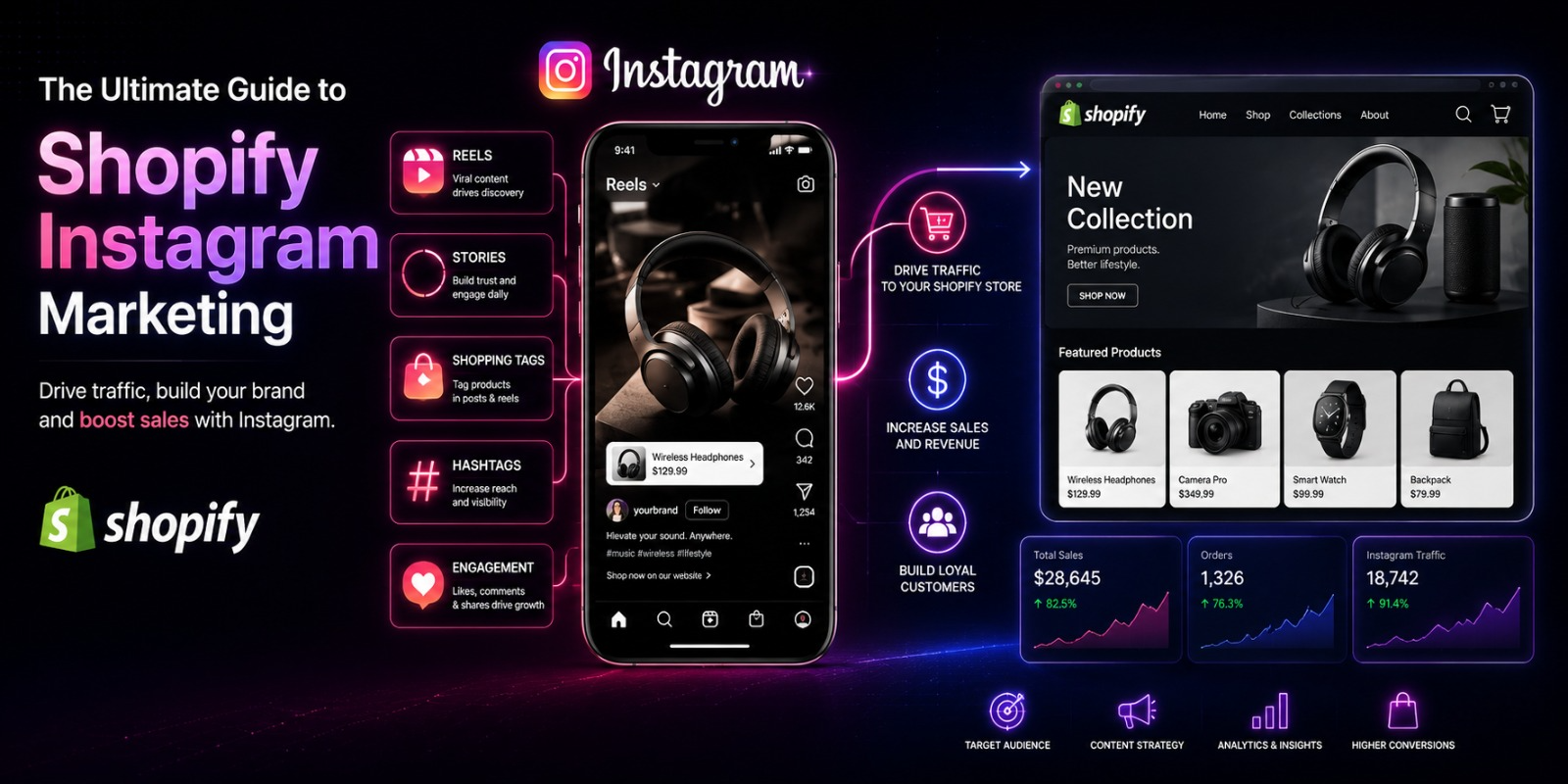
The Ultimate Guide to Shopify Instagram Marketing
If there’s one platform that was practically built for e commerce, it’s Instagram.
Think about it. Instagram is visual. E-commerce is visual. People go on Instagram to discover new things, get inspired, and yes buy products they didn’t even know they needed ten minutes ago.
For Shopify store owners, Instagram isn’t just a social media platform. It’s a sales channel, a brand-building tool, a customer service touchpoint, and a product discovery engine all rolled into one.
But here’s the thing. A lot of Shopify store owners have an Instagram account. Very few of them are using it in a way that actually drives consistent traffic and sales.
This guide is going to change that.
We’re going to cover everything setting up your Instagram the right way, creating content that builds an audience, using Instagram Shopping to make your products buyable, working with influencers, running ads, and tracking what’s actually working.
Let’s get into it.
Why Instagram Is So Powerful for Shopify Stores
Before we get tactical, it’s worth understanding what makes Instagram uniquely valuable for e commerce.
Instagram has over two billion monthly active users. A significant portion of those users actively use the platform to discover and research products before buying. According to Meta’s own data, more than 70% of shoppers turn to Instagram to discover new products.
That’s not just people scrolling mindlessly. That’s people in a buying mindset, open to discovering something new.
Instagram also has a younger, highly engaged demographic. If your products appeal to anyone between the ages of 18 and 45, there’s a strong chance a large chunk of your ideal customers are on Instagram every single day.
And with Instagram Shopping which connects directly to your Shopify catalog you can turn every post, Story, and Reel into a direct path to purchase. Someone sees your product in their feed, taps the tag, and they’re on your product page in seconds.
The combination of discovery, engagement, and shopping functionality makes Instagram one of the highest ROI platforms available to Shopify store owners who use it well.
Part One: Setting Up Your Instagram for Success
Everything starts with your foundation. If your Instagram profile isn’t set up correctly, no amount of great content will save it.
Switch to a Business or Creator Account
If you’re still on a personal account, switch immediately. Go to your profile settings and select “Switch to Professional Account.” Choose Business if you’re running a store.
A Business account unlocks Instagram Insights so you can see exactly how your content is performing. It gives you access to Instagram Shopping. It lets you run ads. And it lets you add contact buttons email, phone, directions directly on your profile.
There is no good reason to run a Shopify store on a personal Instagram account. Switch today.
Optimize Your Profile
Your profile is your first impression. When someone lands on your page for the first time, they decide within seconds whether to follow you or leave. Make every element count.
Your profile photo should be your logo, clean and recognizable. At a small size it needs to be instantly identifiable avoid anything with small text or too much detail.
Your name field the bold text at the top should include your brand name and ideally a keyword that describes what you sell. This field is searchable, so including something like “Organic Skincare” or “Handmade Jewelry” alongside your brand name can help you show up in searches.
Your bio has 150 characters to tell someone exactly who you are, what you sell, and why they should follow you. Lead with your value proposition. What makes your brand different? What’s in it for the customer? Keep it punchy and clear.
Include a call to action in your bio. Tell people where to go and what to do. “Shop the link below” or “New arrivals every week — shop now” gives people a next step.
Your link in bio is prime real estate. Use a link tool like Linktree, Later, or Shopify’s built-in link page to give visitors multiple destinations — new arrivals, bestsellers, your blog, your sale page. Update it regularly and reference it in your content.
Connect Instagram to Your Shopify Store
Go to your Shopify admin, open Sales Channels, and add Facebook and Instagram. Follow the setup flow to connect your Instagram Business account to your Facebook Page and your Shopify catalog.
Once approved, you’ll be able to tag products directly in your posts, Stories, and Reels. This is Instagram Shopping, and it’s one of the most valuable tools available to you. We’ll cover it in detail shortly.
Part Two: Building a Content Strategy That Actually Works
Having an Instagram account means nothing without consistent, quality content. This is where most store owners either win or lose.
Know Exactly Who You’re Creating For
Before you create a single post, you need to be crystal clear on who your ideal customer is.
How old are they? What do they care about? What are their aspirations? What problems do they have that your product solves? What other brands do they follow? What type of content stops their scroll?
The more specifically you can answer these questions, the better your content will perform. You’re not creating content for everyone. You’re creating it for one specific type of person. When that person scrolls past your post and thinks “this is made for me,” that’s when the magic happens.
The Content Mix That Builds Audiences and Drives Sales
The biggest mistake brands make on Instagram is posting too much promotional content. Nobody follows a brand to be sold to constantly. They follow brands because those brands make them feel something or give them something inspiration, education, entertainment, connection.
A healthy content mix looks something like this.
About 40% of your content should be lifestyle and inspirational showing your product in real life situations, creating aspirational imagery, telling visual stories that your audience connects with emotionally.
About 30% should be educational and valuable tips, how ttos, tutorials, behind the scenes looks, ingredient breakdowns, care guides, styling advice. Content that gives your audience something useful.
About 20% should be community focused reposting customer photos, sharing reviews, featuring real people using your products, celebrating your community.
About 10% can be direct promotional sales, new product launches, limited offers, clear calls to action to shop.
That ratio might feel counterintuitive. You might wonder why you’re only directly promoting 10% of the time. But the brands that build real Instagram followings and drive consistent sales understand that trust and relationship come first. The sales are a natural byproduct of that.
Content Types You Should Be Using
Instagram gives you multiple formats to work with. Each one has its own strengths and its own place in your strategy.
Feed Posts are your permanent content they live on your profile grid and represent your brand visually. They should be high quality, on-brand, and cohesive. Think of your grid as a visual portfolio. When someone visits your profile and scrolls through, what impression do they get?
Reels are short form videos Instagram’s answer to TikTok. They are the single highest reach content format on Instagram right now. Reels get pushed to non-followers through the Explore page and the Reels tab, making them your best tool for reaching new audiences and growing your following. Post Reels regularly. They don’t need to be perfectly produced authentic, personality driven Reels often outperform polished ones.
Stories are 24 hour content that lives at the top of the feed. Stories are ideal for behind the scenes content, quick updates, polls and questions, countdown timers for launches, and daily engagement. People who watch your Stories regularly are your most engaged followers they’ve opted in to see your content every day. Treat them like an inner circle.
Carousels are multi image or multi video posts that people swipe through. They tend to get higher engagement than single image posts because the swiping action increases time spent on the post, which the algorithm rewards. Use carousels for tutorials, before and after transformations, product collections, or educational content that takes more than one slide to tell.
Lives let you broadcast in real time. Product launches, Q&A sessions, demonstrations, and behind the scenes tours all work well in Live format. Lives create urgency it’s happening right now and people know they’ll miss it if they don’t tune in. They’re also a powerful trust-builder because there’s no editing, no filters, no polish. Just you, real and genuine.
Part Three: Instagram Shopping for Shopify
This is the feature that turns Instagram from a brand-building platform into a direct revenue channel.
What Instagram Shopping Does
Instagram Shopping lets you tag your products directly in your posts, Stories, and Reels. When someone taps a product tag, they see the product name, price, and description and a link that takes them straight to that product page on your Shopify store.
No typing a URL. No searching for the product. One tap and they’re there.
This dramatically reduces friction in the buying journey. The less effort someone has to make to go from “I love this” to “I bought this,” the higher your conversion rate.
How to Set It Up
As mentioned earlier, you set up Instagram Shopping through your Shopify admin by adding Facebook and Instagram as Sales Channels. Once your catalog is connected and your account is approved for shopping features, you can start tagging products.
Approval typically takes a few days. Instagram reviews your account to make sure it meets their commerce eligibility requirements you need to be selling physical products, comply with their commerce policies, and have a connected Facebook Page.
Once approved, every time you create a new post, Story, or Reel, you’ll see an option to tag products. Tap it, search for the product from your catalog, and place the tag.
Making the Most of Product Tags
Tag products in every piece of content where they appear. If your Reel shows someone using your skincare product, tag it. If your carousel features three products from your new collection, tag all three.
In Stories, you can add product stickers that show the product name and price directly on the story frame. These are highly clickable they stand out visually and they make it incredibly easy for interested viewers to tap and learn more.
Don’t just tag products in promotional posts. Tag them in lifestyle content, customer reposts, educational content. The more touchpoints you create between your audience and your products, the more opportunities for someone to discover something they want to buy.
The Instagram Shop Tab
Once your shopping features are set up, your profile gets a Shop tab. This is a dedicated storefront on your Instagram profile where all your tagged products are displayed.
Treat it like a curated window display. Organize your featured products thoughtfully put your bestsellers and new arrivals front and center. Keep it updated as your catalog changes.
Some customers who discover you on Instagram will browse your Shop tab before ever clicking through to your actual website. Make sure what they see there represents your store well.
Part Four: Growing Your Instagram Following
Posting great content consistently is the foundation of growth. But there are specific strategies that accelerate it.
Use Hashtags Strategically
Hashtags are how people who don’t follow you discover your content. When you use a hashtag, your post appears in that hashtag’s feed and search results.
The key is using the right mix of hashtags not just the biggest ones.
A post tagged with #fashion has hundreds of millions of posts competing for attention. Your content will be buried in seconds. But a post tagged with #sustainablefashionbrand or #slowfashionstyle is in a much smaller, more specific pool where your content can actually be seen.
Use a mix of large, medium, and small niche hashtags. Large hashtags for broad visibility. Medium hashtags for targeted reach. Small niche hashtags where your content stands out and reaches a highly specific audience.
Research hashtags your ideal customer actually follows and uses. Those are the ones worth targeting.
Instagram currently recommends using three to five targeted hashtags rather than stuffing 30 generic ones. Quality and relevance matter more than quantity.
Engage Genuinely and Consistently
The algorithm rewards accounts that create genuine engagement. And genuine engagement starts with you engaging with others.
Reply to every comment on your posts especially in the first hour after posting. That early engagement signals to the algorithm that your content is worth showing to more people.
Go into the comments sections of accounts your ideal customers follow not to spam, but to add genuine value to conversations. Thoughtful comments on popular posts in your niche get seen by that account’s audience.
Respond to DMs. Reply to Story replies. Ask questions in your captions and engage with the answers. The more two-way conversation you create, the more the algorithm treats your account as active and engaging.
Collaborate with Other Brands
Find complementary brands not direct competitors, but brands that serve the same customer you do.
If you sell fitness apparel, collaborate with a supplement brand or a fitness equipment store. If you sell artisan candles, collaborate with a home décor brand or a wellness brand.
Instagram’s Collab feature lets two accounts co-author a post that appears on both profiles simultaneously. Both accounts’ audiences see the content. It’s one of the fastest ways to get your brand in front of warm, relevant audiences that don’t know you yet.
Post Consistently Without Burning Out
Consistency beats frequency. It’s better to post three times a week every week than to post every day for two weeks and then disappear for a month.
Create a content calendar. Plan your posts a week or two in advance. Batch your content creation shoot photos and videos in one session and schedule them out across the week. Tools like Later, Buffer, and Hootsuite let you schedule Instagram posts so you’re not scrambling every day.
Find a rhythm that’s sustainable for you and stick to it. The algorithm and your audience both reward consistency.
Part Five: Working with Influencers
Influencer marketing on Instagram can be incredibly effective for Shopify stores when done right.
Why Micro-Influencers Work Better for Most Stores
You don’t need to partner with mega influencers who have millions of followers. In fact, for most Shopify stores, micro influencers creators with between 5,000 and 100,000 followers deliver better results.
Here’s why. Micro-influencers have smaller but far more engaged audiences. Their followers actually trust their recommendations because the relationship feels personal and genuine, not transactional. Engagement rates on micro-influencer content are consistently higher than on content from large influencers.
They’re also more accessible and more affordable. Many are happy to partner in exchange for free product, especially if you approach them thoughtfully.
How to Find the Right Influencers
Search hashtags related to your product and your niche. Look for creators who already make content about topics your product fits naturally into. If you sell natural skincare, look for creators who post about clean beauty, wellness routines, and natural living.
Check their engagement rate not just their follower count. An account with 20,000 followers and 1,500 likes and 80 comments per post has real engagement. An account with 50,000 followers and 200 likes and 5 comments is mostly ghost followers.
Look at the quality of their comments. Are they real, thoughtful responses from engaged people? Or just emoji chains and generic comments that suggest bot activity?
Also look at whether the creator’s aesthetic and values align with your brand. A partnership only works if it feels authentic to their audience.
Reaching Out and Building Relationships
Send a genuine, personalized message. Don’t copy and paste the same template to fifty creators. Reference specific content they’ve created. Tell them why you think their audience would genuinely love your product. Make it easy for them explain what you’re offering, what you’d love them to create, and what they get in return.
If budget allows, paid partnerships are more reliable than gifting-only arrangements. When creators are compensated fairly, they invest more effort in the content.
Always ask for usage rights so you can repurpose their content in your own feed and in paid ads. Creator content used in ads sometimes called UGC ads consistently outperforms brand produced ad creative.
Part Six: Instagram Ads for Shopify
Organic Instagram growth is essential for long-term brand building. But if you want to scale faster and drive predictable revenue, Instagram Ads are the accelerant.
How Instagram Ads Work
Instagram Ads run through Meta Ads Manager the same platform you use for Facebook Ads. Your Instagram account needs to be connected to your Facebook Business Page to run ads.
You can run ads in the Instagram feed, Stories, Reels, the Explore page, and the Shop tab. Each placement has its own strengths.
Feed ads blend in with organic content and work well for product showcases and brand storytelling. Stories ads are full screen and immersive great for promotions with urgency. Reels ads reach users in discovery mode and work well for new audience acquisition. Explore ads reach people actively searching for new content.
The Three Campaign Types Every Shopify Store Should Run
Cold traffic campaigns target people who don’t know you yet — new audiences based on interests, demographics, or Lookalike Audiences built from your existing customers. These campaigns build awareness and drive new visitors to your store.
Retargeting campaigns target people who have already interacted with you website visitors, product viewers, cart abandoners, past customers. These audiences are warm and convert at a much higher rate than cold audiences. They’re where you’ll usually see your best ROAS.
Dynamic product ads automatically show each person the specific products they viewed or added to their cart on your store. Because your Shopify catalog is synced to Meta, these ads are set up once and run automatically no need to create individual ads for each product.
Creative That Works on Instagram
Instagram is a visual platform. Your ad creative needs to stop the scroll.
Video ads consistently outperform static images especially in the Reels placement. Short, punchy videos that show your product in action, demonstrate results, or tell a quick compelling story work extremely well.
For Stories ads, make your key message visible in the first three seconds. Many people watch Stories with the sound off, so use text overlays to carry your message visually.
For feed ads, high quality lifestyle imagery that shows your product in a real context tends to outperform plain product on white background shots. Show people the life they could be living with your product.
Social proof works exceptionally well in Instagram ads. Customer review screenshots, before and after photos, and testimonial videos all build instant credibility and can dramatically improve conversion rates.
Part Seven: Measuring What’s Working
All of this effort only compounds if you’re measuring results and making decisions based on data.
Instagram Insights
Instagram’s built-in analytics show you reach, impressions, profile visits, website clicks, and detailed performance data for each post. Check these regularly — at least weekly.
Pay attention to which content types get the most reach. Which posts drive the most profile visits? Which ones generate the most website clicks? Use that data to do more of what works and less of what doesn’t.
Shopify Analytics
Inside your Shopify admin, check your traffic sources to see how much traffic is coming from Instagram. Go to Analytics, then Sessions by referrer. This shows you whether your Instagram activity is actually translating into store visits.
Look at the conversion rate of Instagram traffic specifically. Are Instagram visitors buying at a reasonable rate, or are they arriving and immediately leaving? If they’re leaving, your landing page or product page experience might need work.
UTM Parameters
For even more detailed tracking, add UTM parameters to your link in bio and any links you share in Stories. UTM parameters are small tags you add to URLs that tell Google Analytics exactly where a visitor came from and what they clicked on.
This lets you track not just that someone came from Instagram, but which specific post or campaign they came from. It gives you granular data to work with when deciding where to focus your effort.
Putting It All Together
Instagram marketing for your Shopify store isn’t a one time setup. It’s an ongoing practice.
You build your profile. You create consistently valuable content. You use Instagram Shopping to turn every post into a potential sale. You grow your audience through Reels, hashtags, collaborations, and engagement. You work with influencers who genuinely connect with your ideal customer. You run ads to accelerate what’s already working organically. And you measure everything so your decisions are based on data, not guesses.
None of it is complicated. But all of it takes consistency.
The stores that build real Instagram audiences and drive real revenue from the platform aren’t doing anything magical. They show up consistently. They create content their audience loves. They make it easy for people to buy. And they keep learning and improving over time.
Start with your profile. Get it right. Connect your Shopify catalog. Post valuable content this week. Tag your products. Engage with your audience.
Build the habit first. The results follow the habit.
Your customers are on Instagram right now, discovering brands just like yours. The only question is whether yours is one of them.